
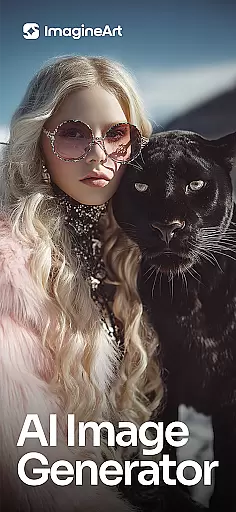
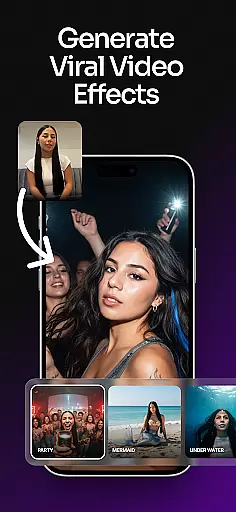
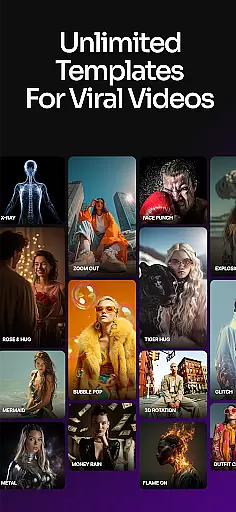
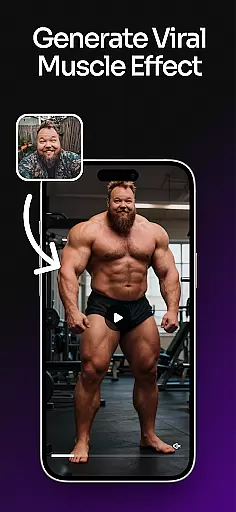
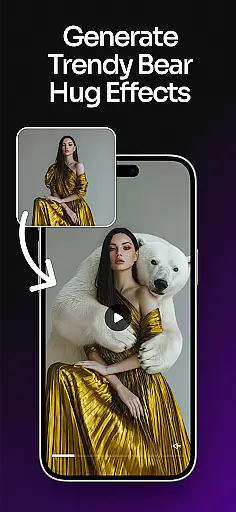
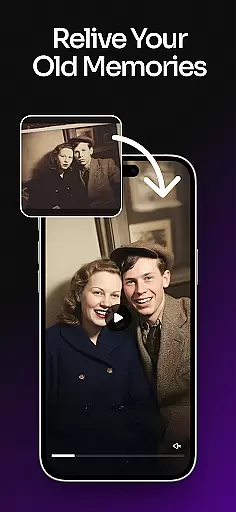
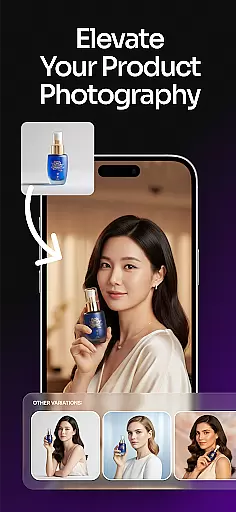
ImagineArt is an all-in-one AI-powered art design studio that allows users to create stunning visuals across multiple categories. From logos and posters to social media posts and custom illustrations, this app leverages generative AI to bring creative ideas to life. Users can generate professional-quality designs by simply typing prompts, making it accessible for both personal and business use.
The app offers over 100 AI templates tailored for specific needs such as event flyers, personalized stickers, and brand logos. Its intuitive interface supports instant customization of styles, sizes, colors, and effects, ensuring high-quality results every time. Whether you're designing marketing materials or experimenting with artistic concepts, ImagineArt provides the tools necessary to achieve polished and realistic visuals.
One key scenario where ImagineArt excels is in rapid prototyping for businesses. Entrepreneurs can quickly produce promotional materials like banners and logos without needing extensive design experience. This saves time and resources while delivering professional-grade outputs, making it a valuable asset for startups and creatives alike.
ImagineArt stands out with its robust set of AI-powered features designed to streamline the creative process. The app includes advanced text editing capabilities, allowing users to add, edit, or replace text on any design effortlessly. Additionally, the Generative Fill feature enables seamless insertion or removal of objects within designs, enhancing flexibility and precision.
Another notable feature is the ability to upscale images to 4K or 8K resolution without losing detail, ensuring that every creation maintains exceptional quality. The AI Photo Editor provides a suite of tools for refining visuals, including filters, effects, adjustments, and cropping options. These functionalities empower users to personalize their projects down to the smallest detail.
ImagineArt also offers specialized tools like the Flyer Maker and Poster Maker, which simplify the creation of customized promotional materials. With these features, users can resize images, apply various fonts and shapes, and incorporate unique elements into their designs. Such comprehensive functionality makes ImagineArt a versatile choice for anyone looking to elevate their creative projects.
In the realm of digital art and design, having a comprehensive suite of creative tools is essential for bringing visions to life. ImagineArt stands out by offering an extensive array of features that cater to both amateur enthusiasts and professional designers. The application includes powerful AI-driven functionalities such as text editing, generative fill, image resizing, and upscaling to 4K or 8K quality, ensuring that users can enhance their projects without losing detail.
Moreover, ImagineArt's capabilities extend to practical design needs with dedicated tools for creating flyers, posters, logos, and more. Users can experiment with different layouts, fonts, and effects to craft unique brand identities or eye-catching promotional materials. With its AI logo generator, the app simplifies the process of logo creation, allowing for quick adjustments and customizations that align with individual branding requirements.
The true value of ImagineArt lies in its ability to transform simple ideas into complex artworks effortlessly. By providing intuitive controls and seamless integration of various artistic elements like shapes and stickers, it empowers users to personalize their designs extensively. This complete toolkit not only streamlines the design process but also significantly enhances the quality and professionalism of the output, making it an indispensable asset for anyone involved in art and design.
Flexibility in canvas and format options is crucial for designers who need to adapt their work across various mediums and platforms. ImagineArt addresses this need by offering unparalleled versatility in its design editor. Users can easily adjust their projects to fit specific dimensions required for banners, wallpapers, social media posts, or print materials, ensuring consistency and high-quality presentation regardless of the final output destination.
ImagineArt further supports creativity by enabling users to upscale images to resolutions as high as 4K or 8K without compromising on clarity or detail. This feature is particularly beneficial for professionals who require pristine image quality for large-scale printing or high-definition digital displays. Additionally, the ability to resize and modify designs on-the-fly allows for rapid iteration and experimentation, fostering a more dynamic and responsive design process.
By integrating advanced AI photo editing tools, ImagineArt ensures that all alterations, whether resizing or applying effects, maintain the integrity of the original artwork. This level of adaptability not only meets but exceeds the expectations of modern designers, granting them the freedom to explore diverse creative avenues while maintaining professional standards. Ultimately, ImagineArt's flexible canvas and format options empower users to produce versatile and impactful visual content efficiently.
User-friendly interface
Extensive template library
High-quality image upscaling
Versatile design tools
Instant sharing options
Limited offline functionality
Premium features require subscription
Occasional rendering delays
Learning curve for beginners
Dependent on internet connection

Your Essential Color Theory Guide: Red, Yellow, Blue (RYB)
 4.5
4.5
Photo blender app to create overlay photos & double exposure.
4.40
Draw beautiful mandala's very easily
4.60
Create stunning video, photo & magic from text with FlixAI GPT video generator.
3.10
Experience next-gen icons with a modern liquid glass look.
3.60
Unleash the artist in you with our AR drawing and tracing tool for photo drawing
4.10
Video AI: Revolutionize Your Content Creation with Advanced Video Generation
4.50
Kling AI is an image and video generation and editing studio powered by AI.
4.50
Explore future self face age filter & remove background image for a unique look.
3.50
Logo Generator powered by AI: Create stunning logos effortlessly!
4.70
Turn your drawings into flipbook-style animations with simple creative tools
4.60
Everything you need to create hand drawn animation, anywhere you go!
4.40
Remove Background, Magic Eraser, Photo Enhancer, Story Templates, Collage Maker
4.30
Custom Character Creator & PFP Maker!
4.20
Text to Image, Image to Video & AI Chat
4.20
Digital Drawing: Draw & Paint
4.10
AR Anime Drawing: How to draw anime with AR drawing & sketching apps!
4.00
Design unique, funny and adorable cat stickers that reflect your own style!
3.80
AI Face Swap, Video Effects Editor, Realtime Morph, Funny Video FX,AI Filters
3.70


User Reviews