
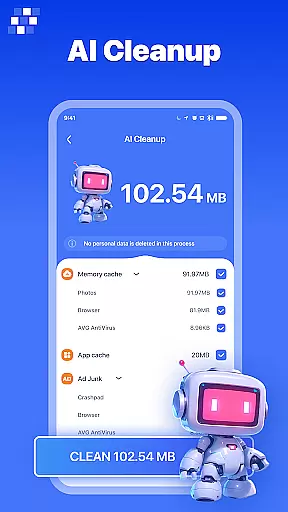
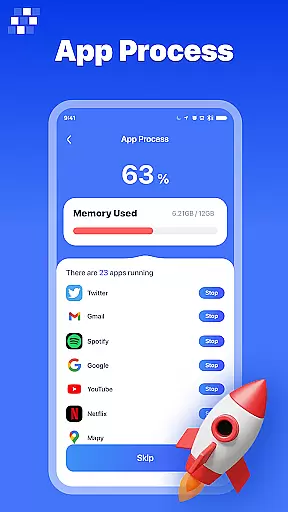
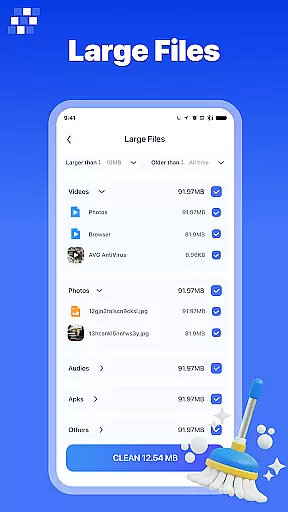
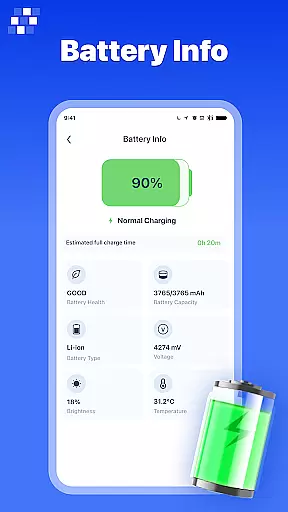
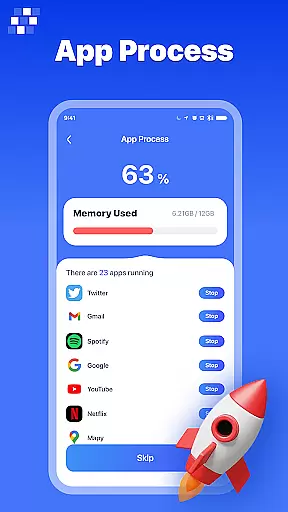
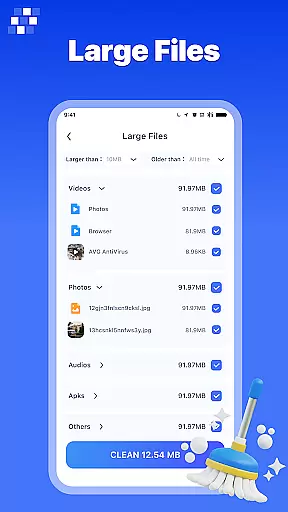
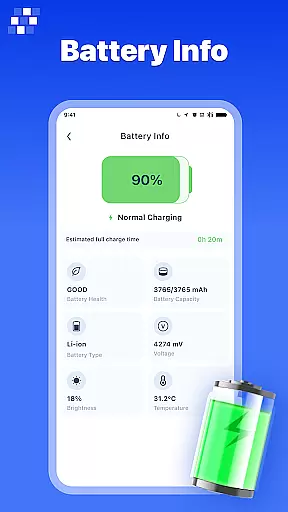
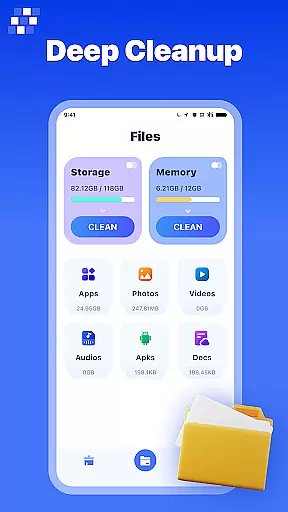
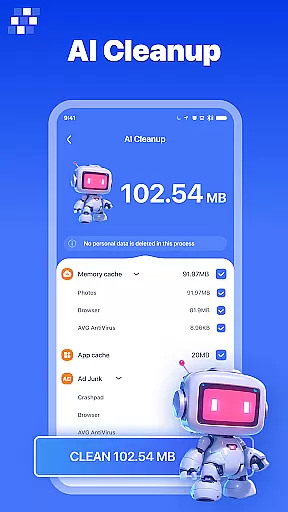
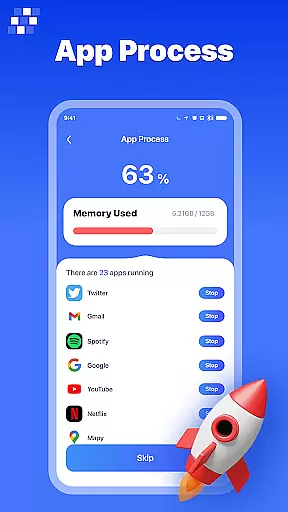
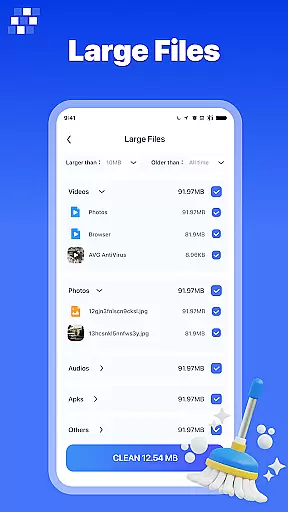
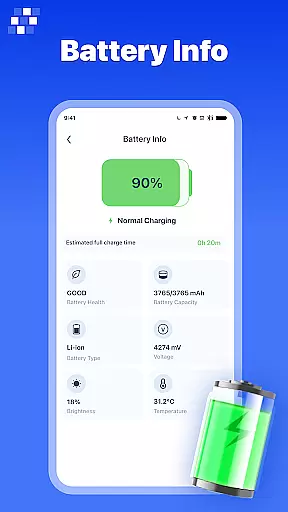
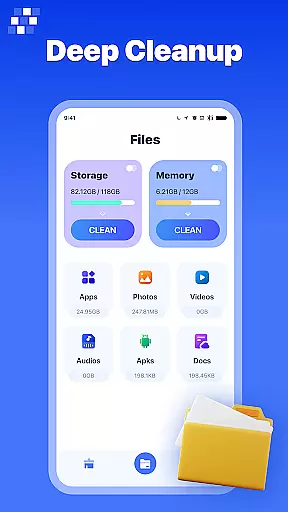
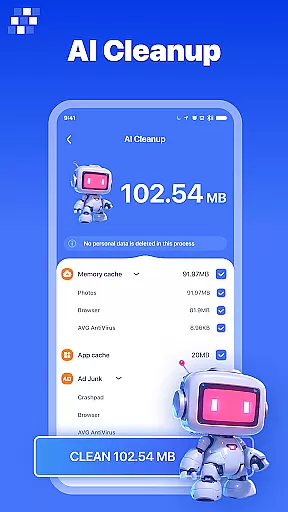
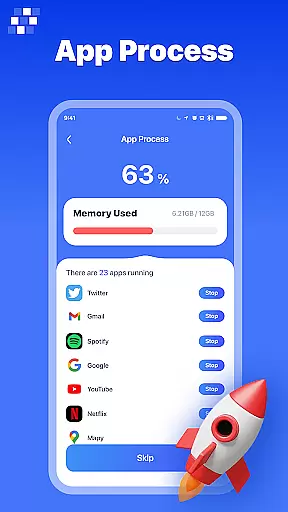
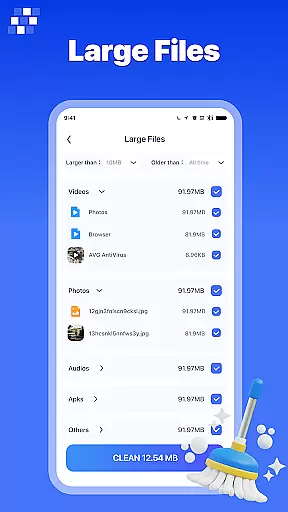
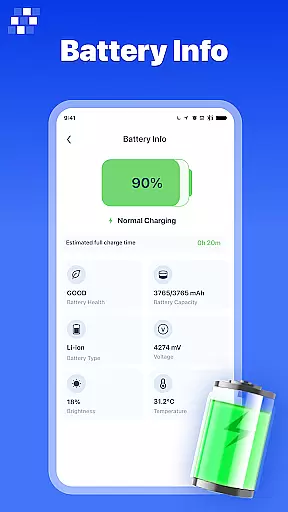
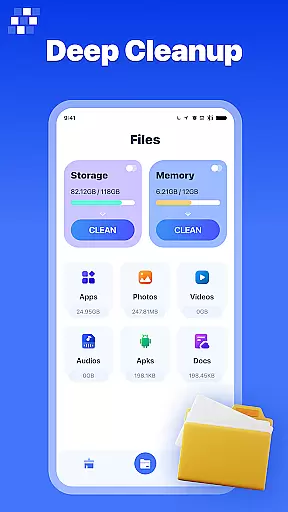
PureClean AI is a comprehensive Android phone cleaning app designed to optimize device performance and free up valuable storage space. The app's core functionality revolves around its advanced AI-powered cleaning capabilities, which can intelligently identify and remove various types of unnecessary files.
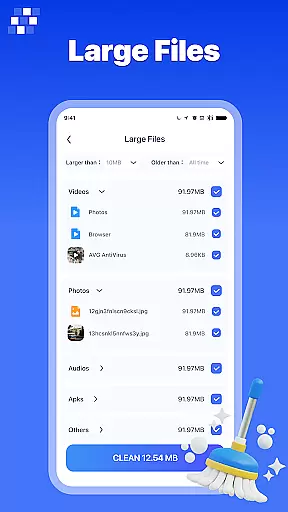
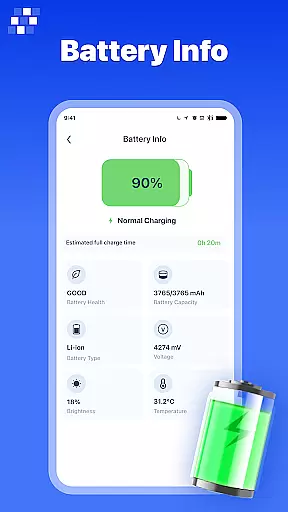
Key features include the AI One-Click Cleaner for quick junk file removal, Large File Cleaner for managing bulky files, and Duplicate Image Cleaner to eliminate redundant photos. Additionally, the app provides detailed device information and a robust File Manager suite that allows users to organize and manage different file types efficiently.
This tool is particularly useful for users who want to maintain optimal phone performance and reclaim storage space by easily identifying and removing unwanted files. Its intuitive interface and powerful cleaning algorithms make it an essential utility for Android device owners.
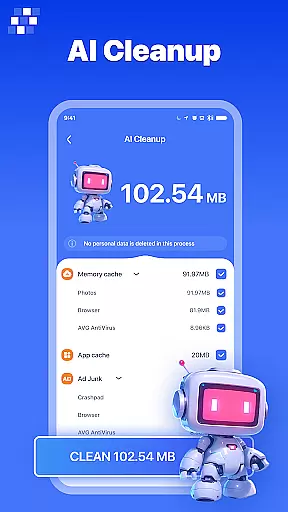
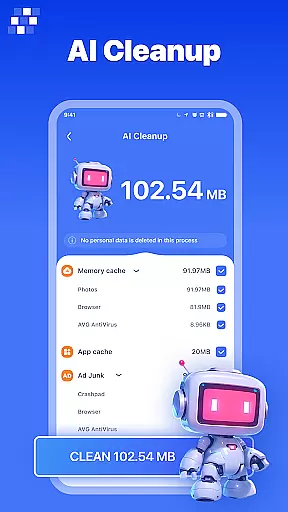
PureClean AI stands out with its diverse range of specialized cleaning tools and management features. The app's AI One-Click Cleaner uses sophisticated algorithms to scan and remove junk, residual, and temporary files with a single tap, providing users with a quick and effective way to free up space.
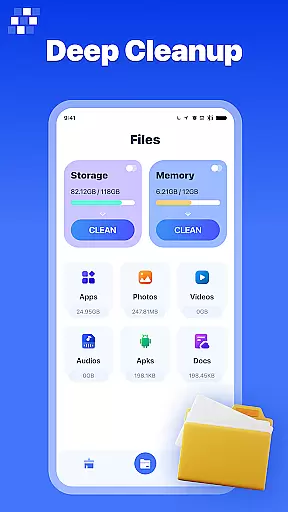
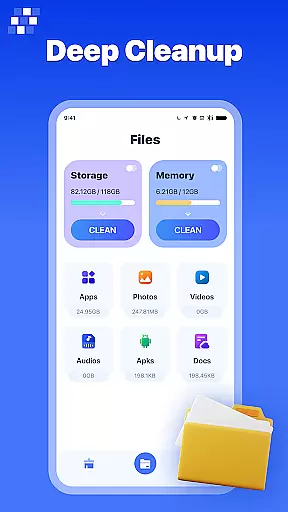
The File Manager component offers multiple specialized tools including App Manager for uninstalling unnecessary applications, Picture Manager for organizing image files, Audio Manager for managing music files, Video Manager for handling large video files, Document Manager for document organization, and APK Manager for controlling installation packages.
These features work together to provide users with complete control over their device's storage and file organization. The combination of automated AI cleaning with manual file management options creates a powerful toolset that helps maintain optimal device performance while offering flexibility in how users manage their content.
PureClean AI stands out in the Tools category by offering highly accurate and effective core functionalities that cater to Android users' device maintenance needs. The app employs advanced AI algorithms to ensure precise identification and management of various file types, enhancing overall device performance.
The AI One-Click Cleaner feature exemplifies this accuracy by swiftly detecting junk, residual, and temporary files that can be safely removed. This targeted cleaning approach prevents accidental deletion of important data while maximizing storage optimization. Similarly, the Large File Cleaner and Duplicate Image Cleaner provide specialized scanning capabilities that precisely target space-consuming files.
Users benefit from these features through improved device speed and increased available storage. The app's effectiveness is further demonstrated in its comprehensive file management system, which includes dedicated managers for apps, pictures, audio, video, documents, and APK files. Each manager is designed to handle specific file types with precision.
This level of functional accuracy translates to tangible value for users, as they can maintain optimal device performance without requiring technical expertise. The combination of automated AI-powered cleaning and detailed manual management options creates a powerful toolset for maintaining an efficient Android device.
PureClean AI demonstrates exceptional interface design within the Tools category, focusing on simplicity and intuitive navigation that enhances user experience. The developers have carefully crafted an interface that balances comprehensive functionality with ease of use, making device maintenance accessible to users of all technical skill levels.
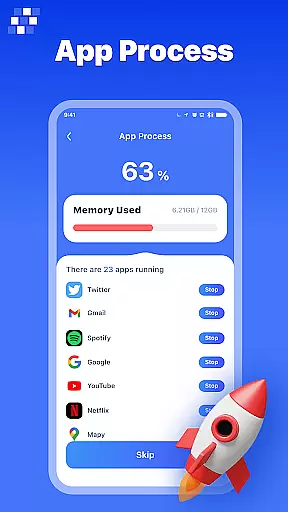
The main dashboard presents cleaning options in a clear, organized manner, with distinct icons and labels for each feature. Users can easily identify and access different cleaning tools, from the AI One-Click Cleaner to specialized managers for various file types. This logical arrangement ensures that even first-time users can navigate the app without confusion.
Particular attention has been paid to streamlining complex tasks. For instance, the file management section uses a tabbed interface that separates different file types into dedicated managers, each following consistent design patterns. This uniformity helps users quickly become familiar with the app's various functions.
The intuitive nature of PureClean AI extends to its operation flow, where actions follow predictable patterns and require minimal steps to complete. Important functions are readily accessible, while advanced options remain available for more experienced users. This thoughtful design approach ensures that regular maintenance tasks can be completed efficiently without compromising on functionality depth.
Powerful AI cleaning
Comprehensive file manager
User-friendly interface
Effective storage optimization
Detailed device analytics
Premium features locked
Occasional false positives
Basic version limited
Ads in free version
Learning curve present
Transfer Files, APK from Phone to Watch & Install.
 4.5
4.5
FV File Manager Pro, Fast and powerful file manager for Android
4.60
Universal TV remote control all TVs, Roku, LG, Samsung, Fire, Vizio, Sony, TCL.
4.40
Canon PRINT is a companion app for your Canon printer.
4.60
Forza Tuning Calculator App for Forza Horizon 5, Motorsport and Earlier Titles
4.40
Detect hidden spy camera with advanced scanning {{ Premium version }}
4.00
View detailed information about your Nissan Leaf the dealer never shows you.
4.10
Clean up large files and similar photos, fast and easy to use
4.40
Enhance your Beats
3.70
Enjoy smooth gameplay with Game Booster
4.90
Excellent scientific calculator with symbolic algebra, integrals, derivatives
4.80
Monitor car performance in real time and troubleshoot malfunctions.
4.80
Bedrock Together: Join any bedrock server on Xbox/PS
4.80
Remote Play with FSR upscaling, low latency & full controller support
4.80
Small and simple app to Verify Root Access and BusyBox Install!
4.70 4.50
4.50
An easy-to-use calculator designed to save time calculating and bending conduit
4.30
Create your own live wallpaper or check out thousands already made presets
3.90
PDF Reader - Document Viewer: Read, Manage & Organize Your Documents
3.10


User Reviews