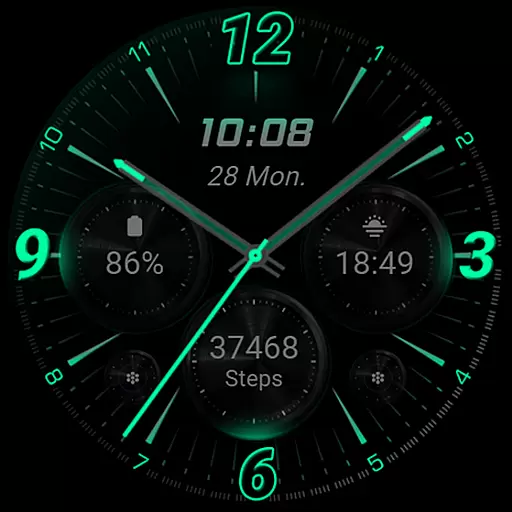
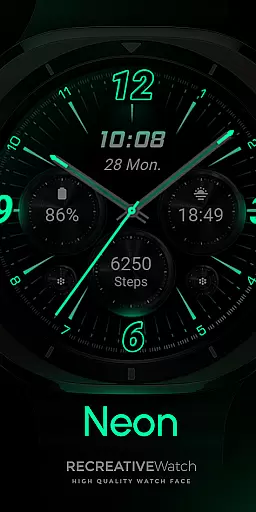
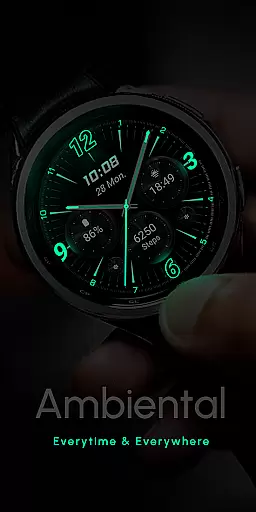
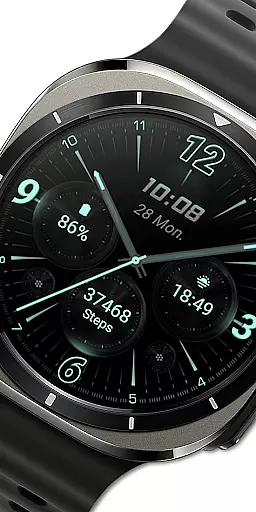
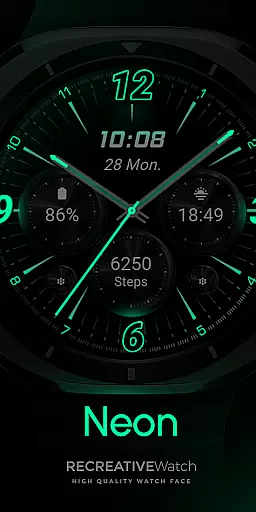
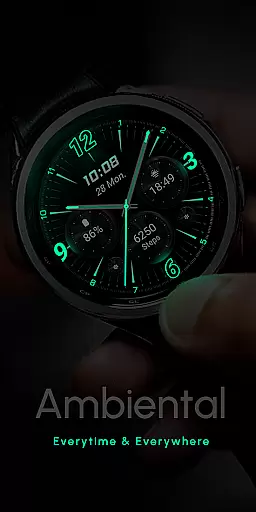
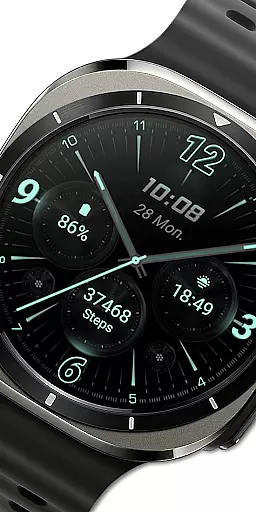
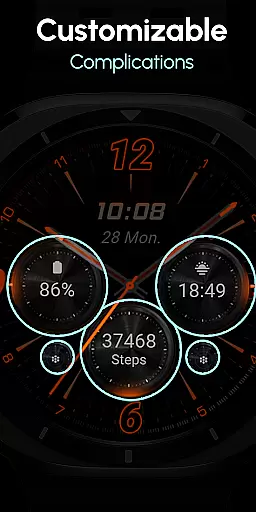
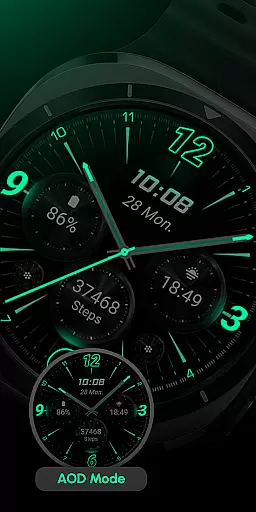
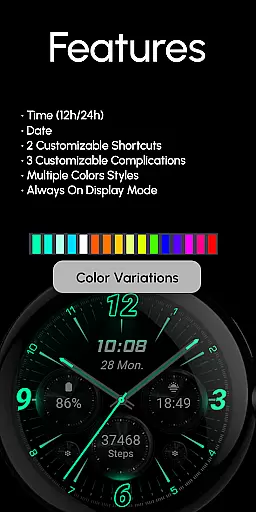
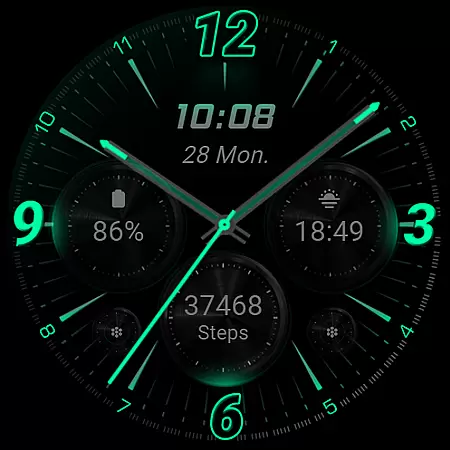
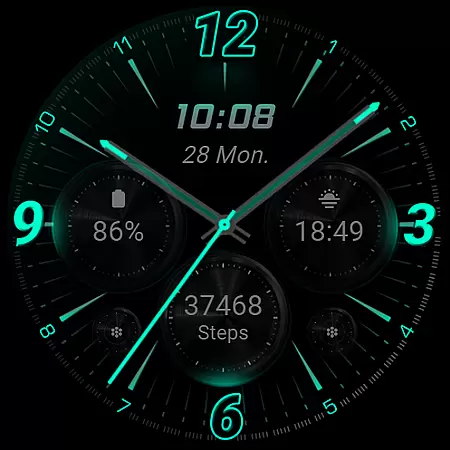
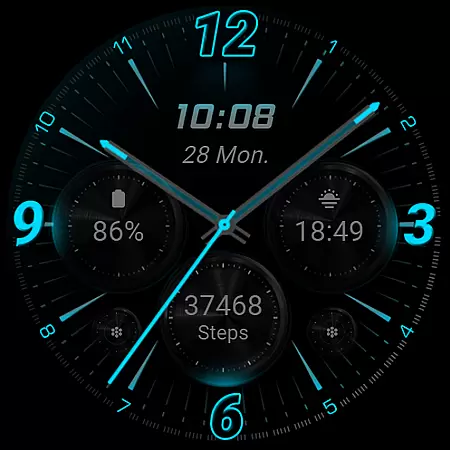
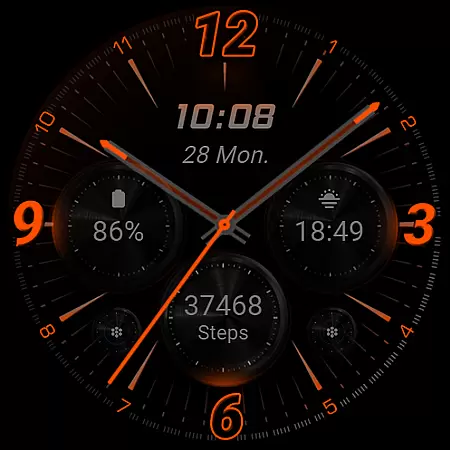
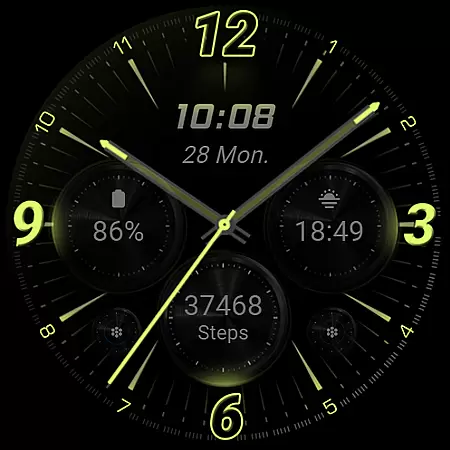
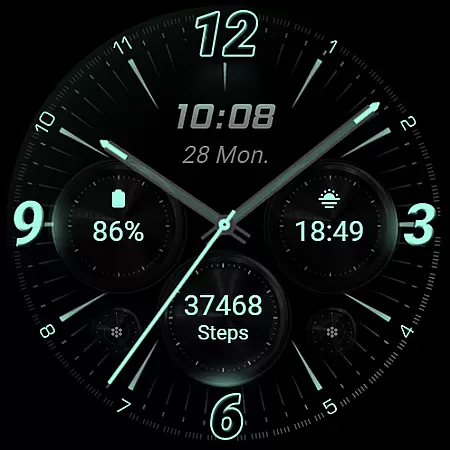
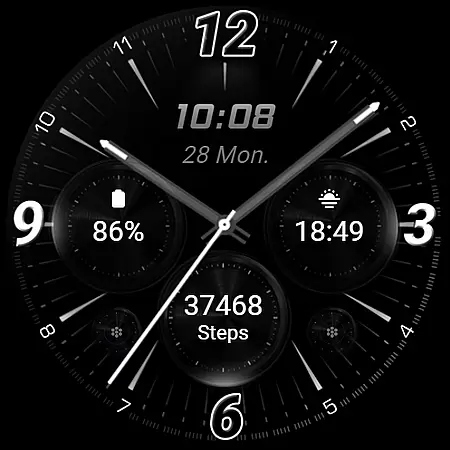
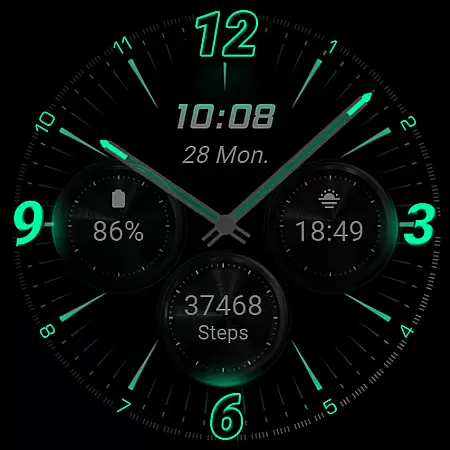
RE59 is a neon-inspired watch face designed specifically for Wear OS devices, offering users a sleek and modern aesthetic with realistic effects. The true black background makes the neon elements stand out vividly on your wrist, creating an eye-catching appearance.
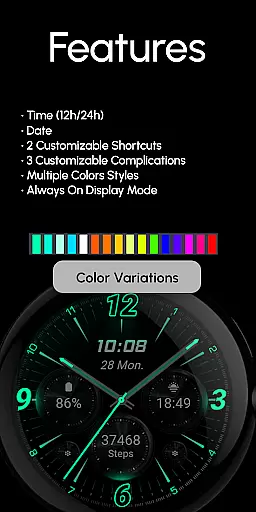
The watch face comes with several customization options including 12/24hr digital time display, two customizable shortcuts, and three complications that can be personalized to suit individual preferences. With Always ON Display and various color variations, it ensures both functionality and style. Compatible with API level 33+ devices such as Google Pixel watches and Samsung Galaxy Watch series, this application enhances user experience by combining aesthetics with practicality.
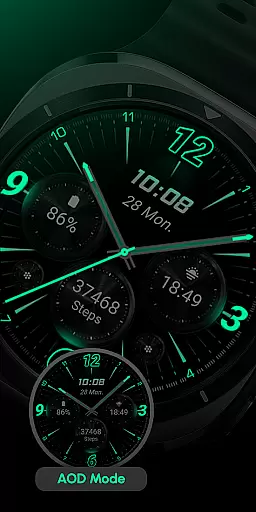
RE59 offers a range of features that cater to both style and usability. The phone app facilitates easy installation and helps locate the watch face on your Wear OS device but contains ads. On the watch itself, you'll find advanced functionalities like Always ON Display, which keeps the time visible at all times without significant battery drain when managed properly.
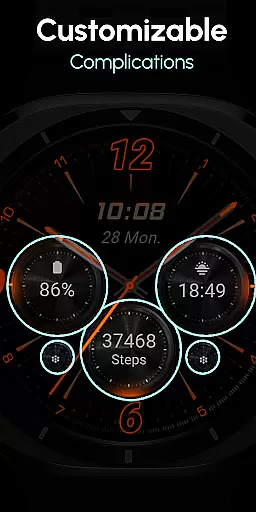
Customization is key with RE59; users can personalize their experience by setting up two shortcuts and three complications using any data they prefer. To customize, simply touch and hold the display then tap on the 'Customize' option or enter customization mode for complications. For optimal battery performance, disabling Always ON Display is recommended. This feature-rich watch face supports API level 33+ devices ensuring compatibility across popular models while delivering a visually appealing and functional interface.
Companion app integration is essential for a seamless experience between a smartphone and a wearable device. The RE59 watch face, designed for Wear OS, leverages its companion app to facilitate the installation process and help users locate the watch face on their smartwatch. This ensures that users can effortlessly set up and start using the neon-inspired design that makes the elements pop on their wrist.
The phone app acts as a bridge, simplifying the initial setup while also serving as a hub for additional features. Although the mobile app contains ads, it enhances user engagement by providing easy access to customization options and settings. Users can personalize shortcuts and complications, ensuring that the watch face not only looks good but also meets their functional needs.
By integrating with the companion app, RE59 offers an intuitive way for users to manage their watch face settings directly from their phone. This includes options like 12/24hr digital time display, customizable shortcuts, and complications. Such integration allows users to tailor their experience without needing to interact directly with the watch interface, streamlining the customization process.
Compatibility with Wear OS and various devices is crucial for ensuring that users can enjoy the full benefits of the RE59 watch face. Designed specifically for Wear OS, this neon-inspired watch face supports API level 33+ devices, including Google Pixel, Galaxy Watch 4, 5, 6, and other Wear OS models. This wide compatibility ensures that a broad range of users can take advantage of its sleek, modern look and realistic effects.
The true black background and vibrant neon elements are optimized for high performance on compatible devices, offering an impressive visual experience. By adhering to the latest API standards, RE59 guarantees that users benefit from the most recent advancements in wearable technology. This commitment to compatibility ensures that the watch face runs smoothly, with minimal impact on battery life.
For users concerned about battery performance, RE59 recommends disabling the Always-On Display mode. This feature, while visually appealing, can consume more power. By following this advice, users can enjoy extended battery life without sacrificing the aesthetic appeal and functionality of their watch face. Overall, the thoughtful design and broad device compatibility make RE59 a versatile choice for Wear OS users.
Stylish neon design
Highly customizable
Always ON Display
Vivid color options
Wide device compatibility
Phone app has ads
Limited to Wear OS
Battery usage concerns
No automatic application
Installation not intuitive
Diet tracker for weight loss - track calories, food and macros. Simple and easy!
 4.70
4.70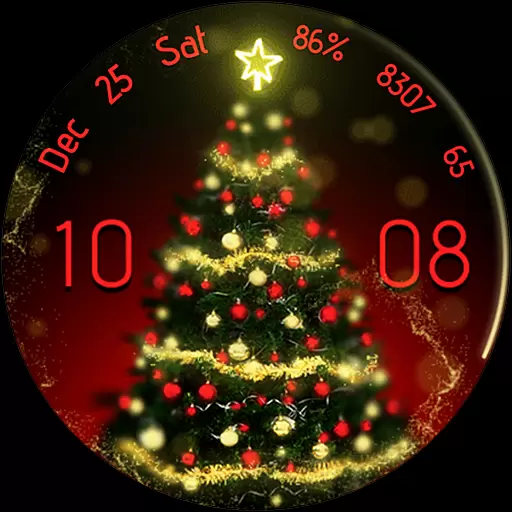
Embrace the holiday spirit with this magical animated watch face!
4.40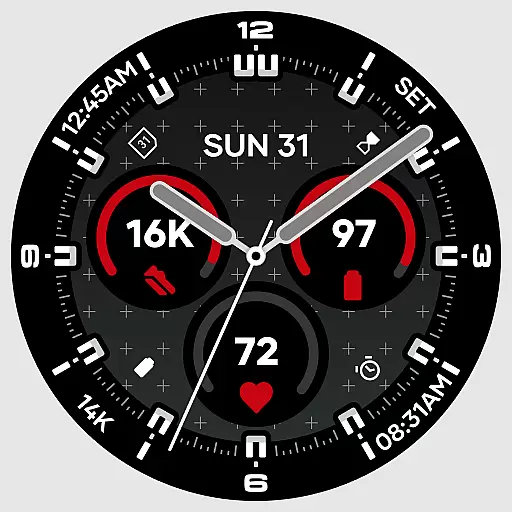
Precision analog watch face with 7 complications and style options
4.1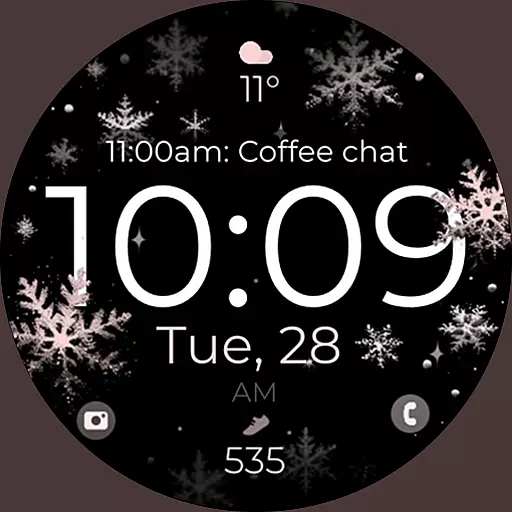
Snowflake Rose Gold Watch Face - Digital, modern, & sleek with GYRO effect.
4.10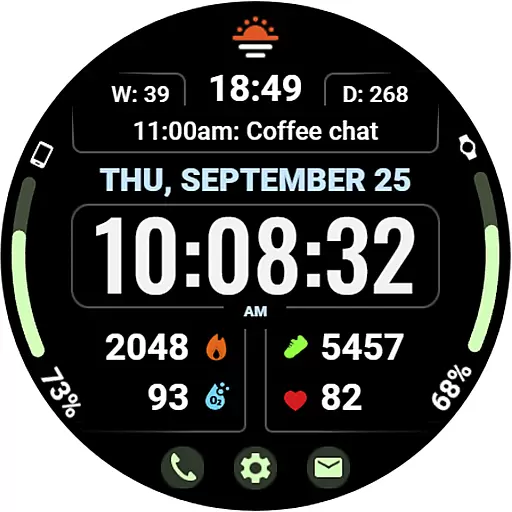
Beautiful, colorful and practical watch face. For Wear OS devices.
5.00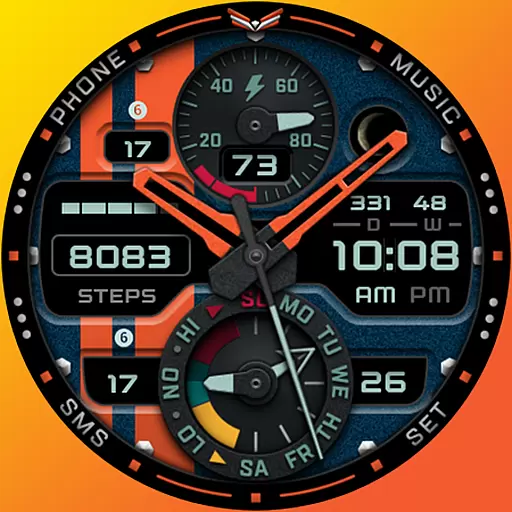
A modern premium sporty hybrid watch face for Wear OS by Ballozi
4.70
sleep, alarm, snoring, stress, healing, focus, sound therapy, circadian rhythm
4.10
The Chevron App allows you to pay for fuel from the comfort of your car!
4.80
Simple, helpful messaging by Google
4.60
Christmas Theme Watch Face for Wear Os
5.00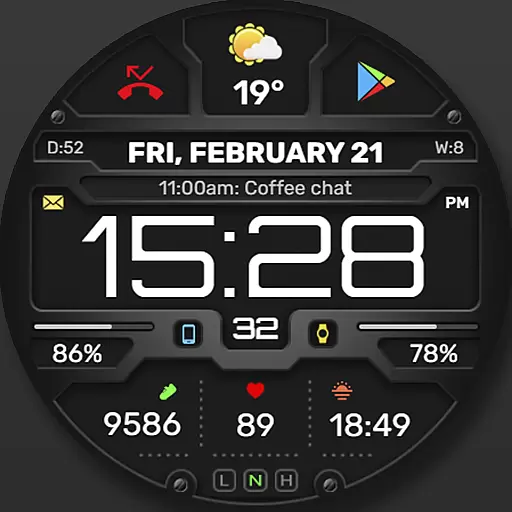
Digital, flexibly customizable watch face. For Wear OS 5.0, API 34+ and later.
5.00
Real-time results, stats, schedules and player profiles for all leagues
4.60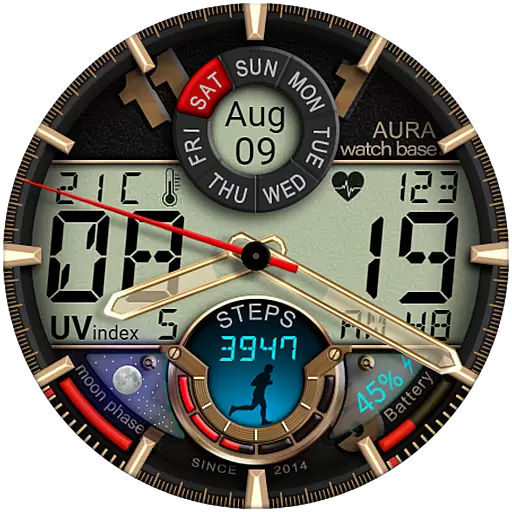
Bold, Modern Hybrid Watch Face for Wear OS. 10 Colors, Rich Info Display.
4.30
Locate your family members by GPS phone location tracker everywhere and anytime
4.30
A full-featured Amazon Alexa voice assistant that can show you things.
3.70
Stay in touch with your friends and family using LINE!
3.40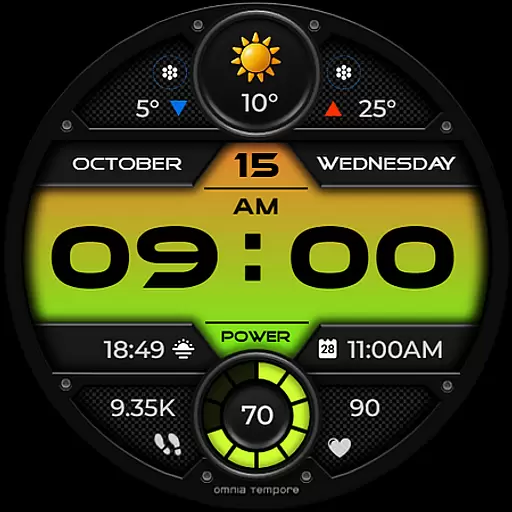
Stylish digital watch face for Wear OS devices with customizable features
4.1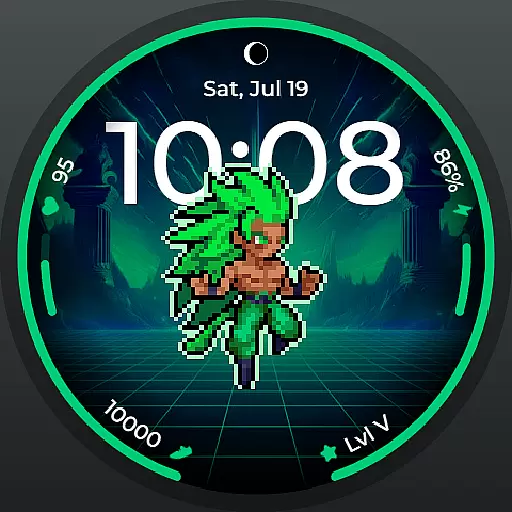
Fitness interactive virtual pet super fighter boy watch face
4.1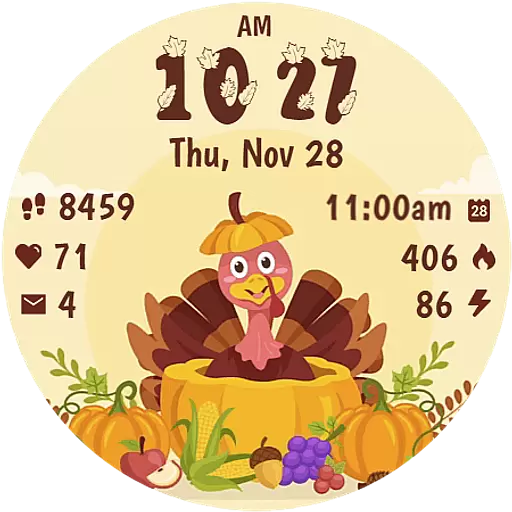
Funny animated watch face for Thanksgiving
4.2


User Reviews