
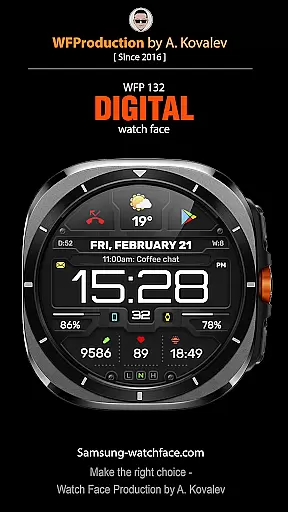
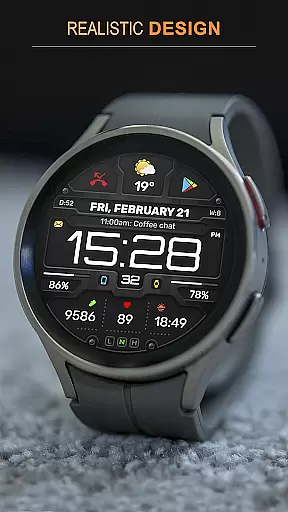
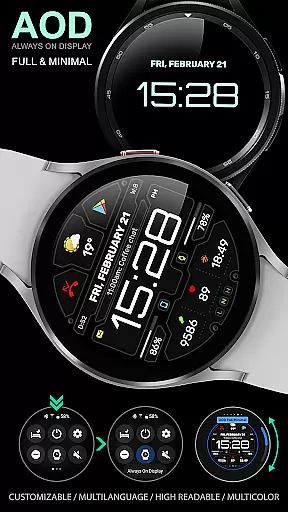
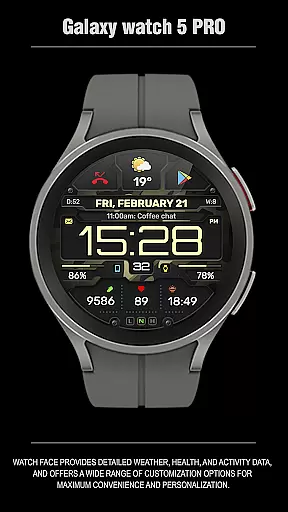
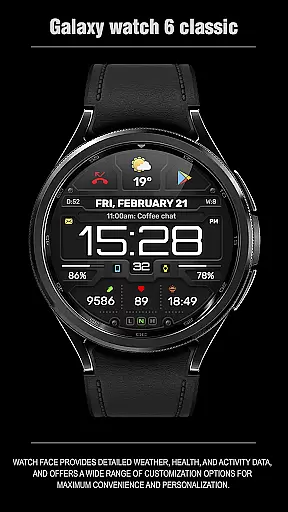
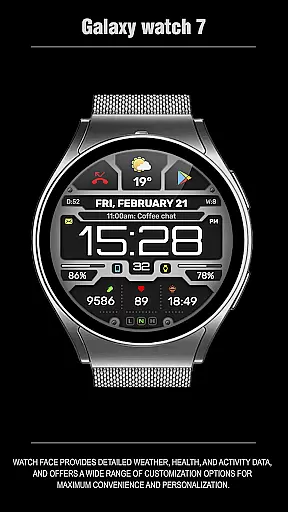
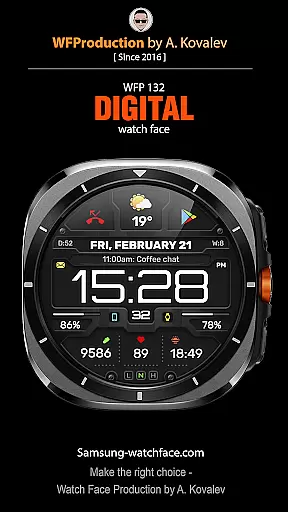
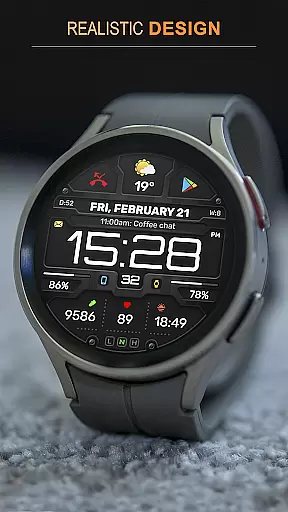
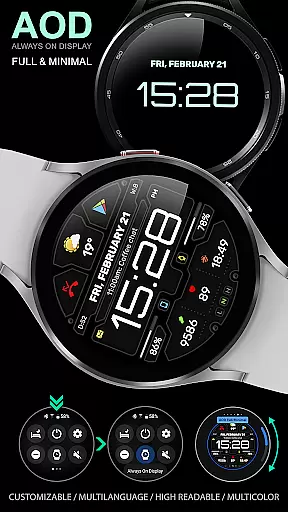
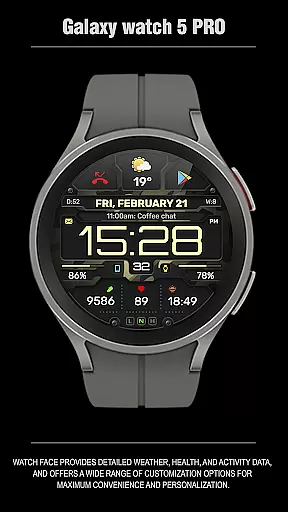
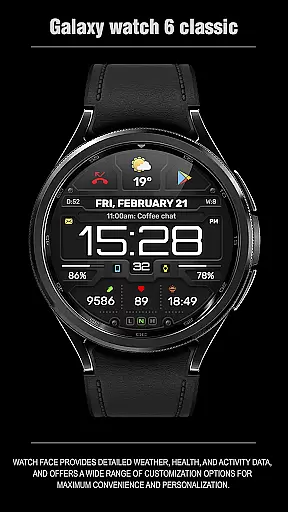
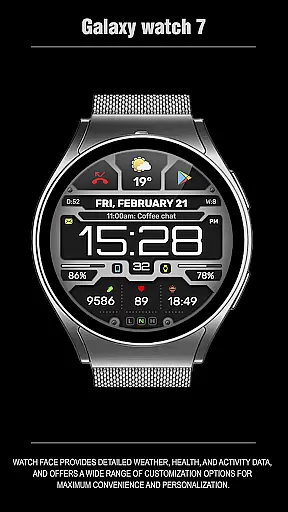
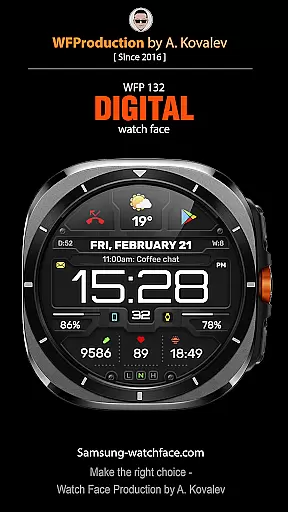
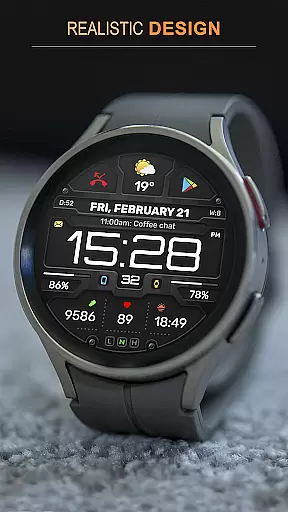
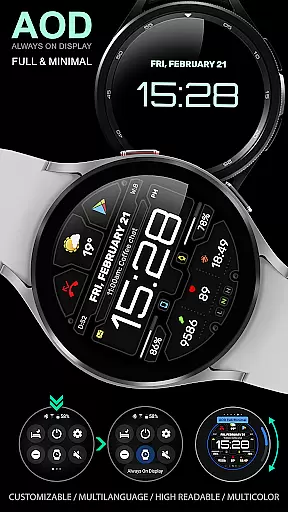
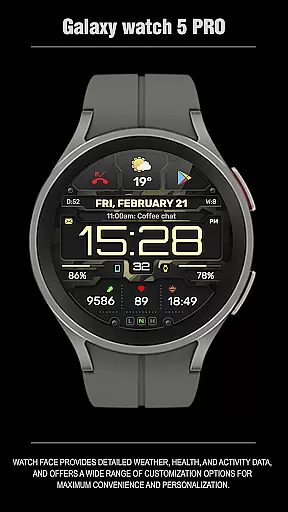
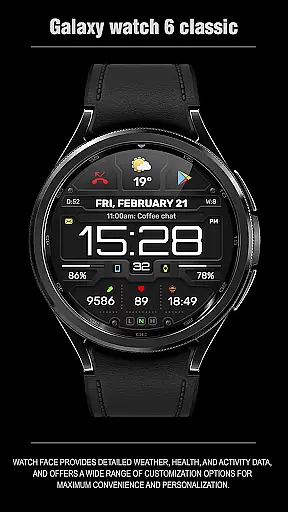
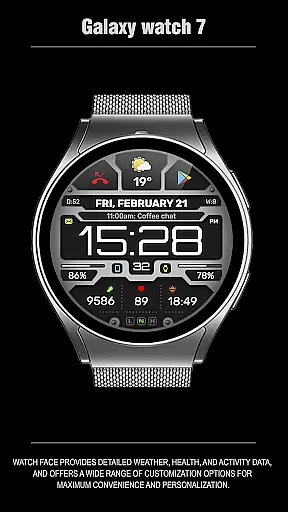
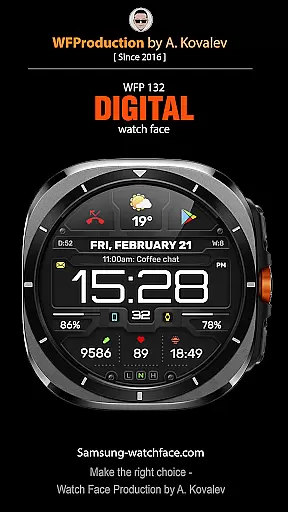
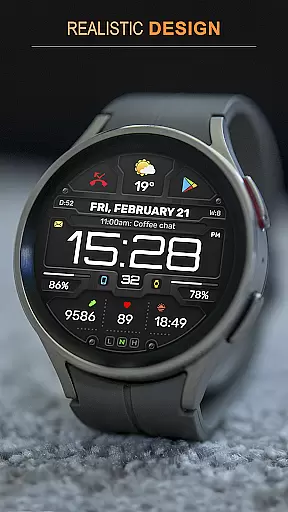
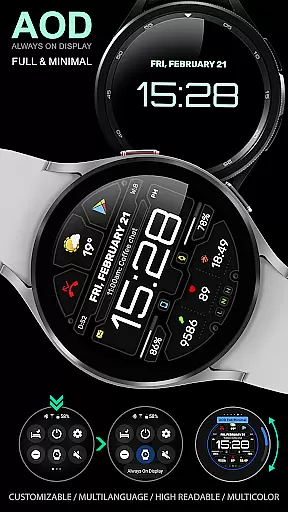
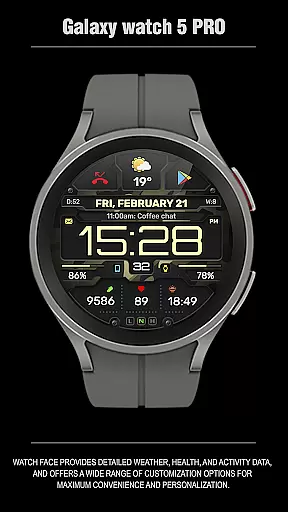
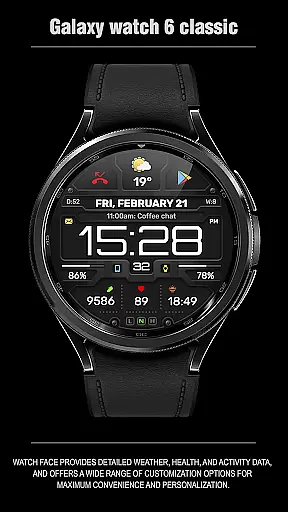
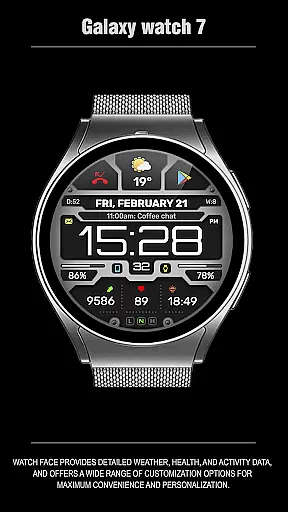
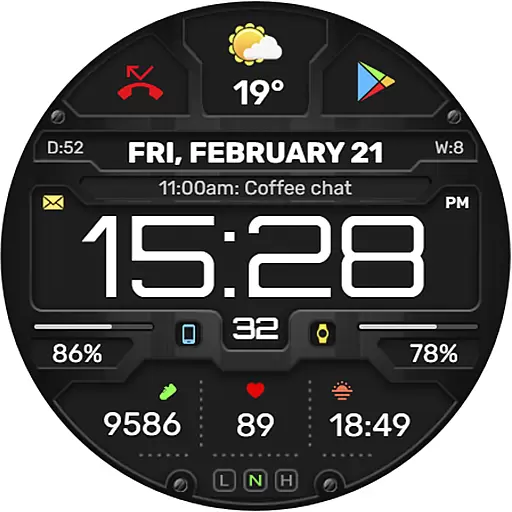
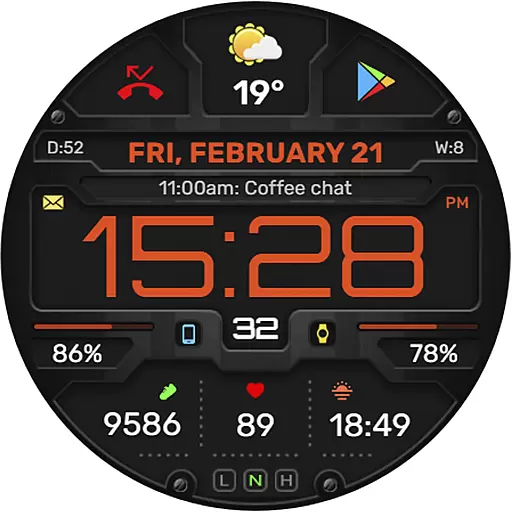
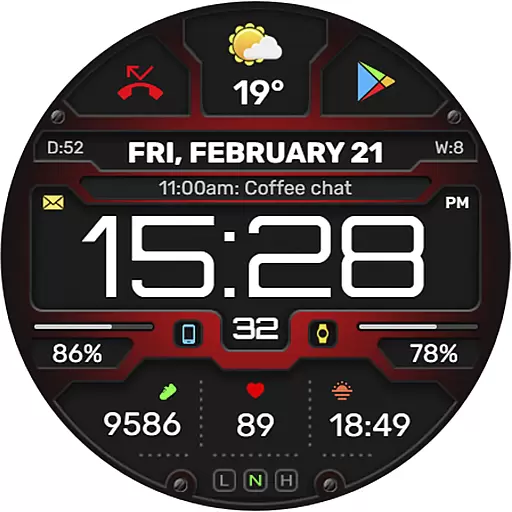
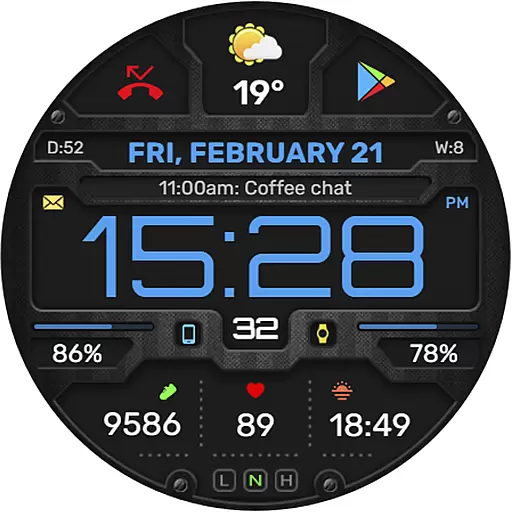
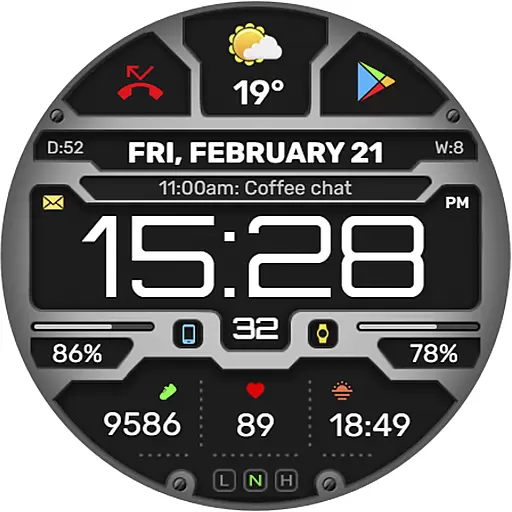
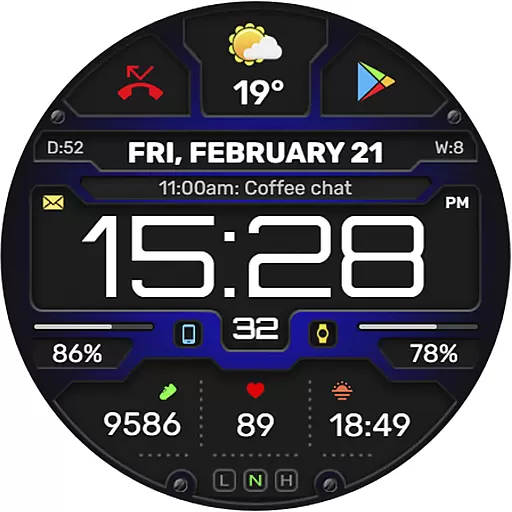
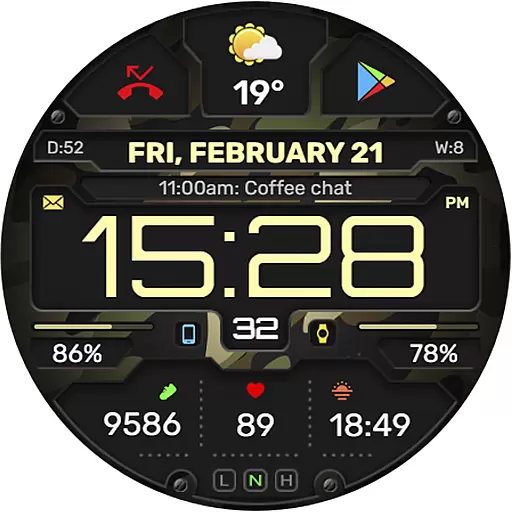
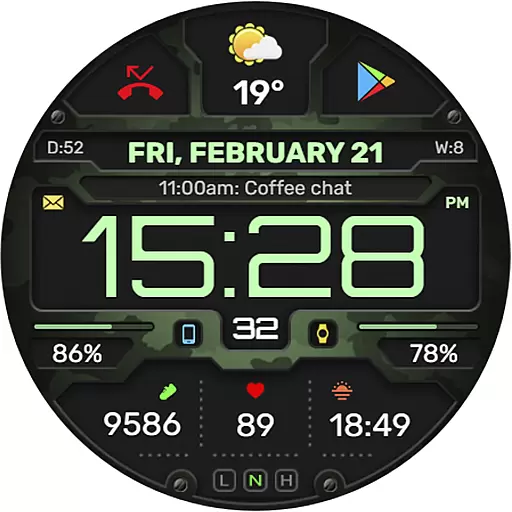
The WFP 132 Digital watch face is a stylish and functional accessory for your smartwatch, offering detailed weather forecasts, health tracking, and activity monitoring. Compatible with devices running API 34+ (version 5.0 and later), this digital watch face provides users with an array of customization options to tailor their experience.
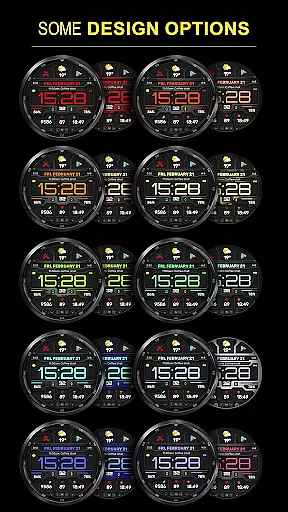
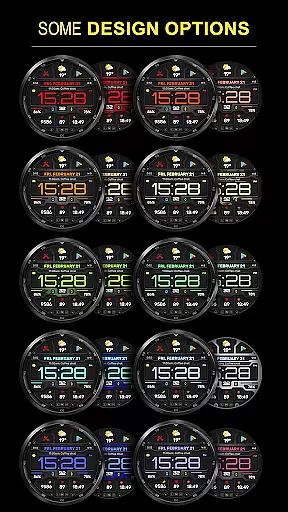
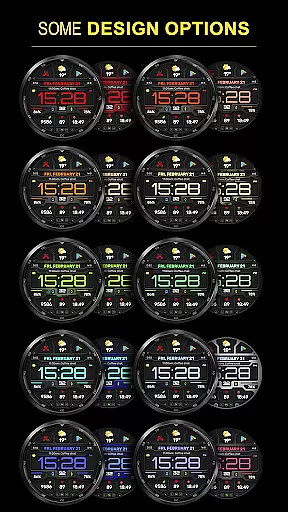
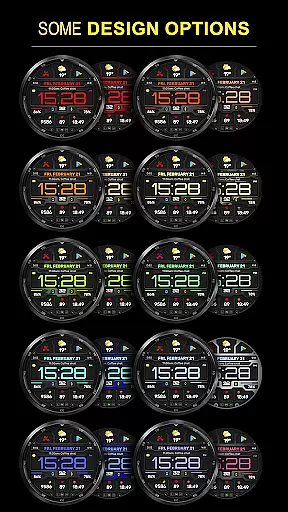
With its high resolution and optimization, the WFP 132 ensures clarity and efficiency while maintaining low battery consumption. Users can personalize their watch faces with various color combinations, changeable backgrounds, and multilingual support, making it both versatile and user-friendly.
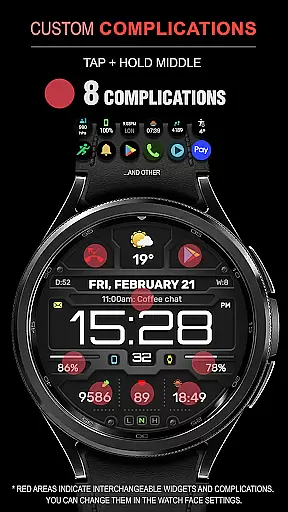
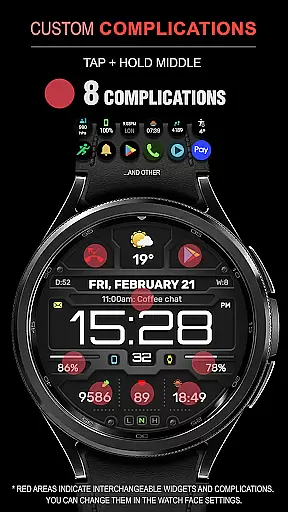
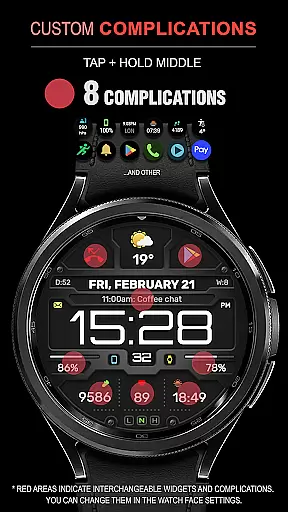
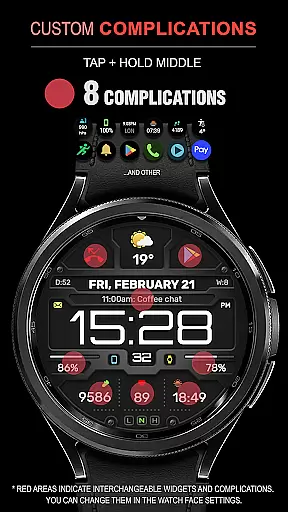
The WFP 132 Digital watch face stands out with its comprehensive feature set designed to enhance user interaction and convenience. It includes eight complications and widgets that display essential information such as weather forecasts, phone charge status, calories burned, and floors climbed.
Customization is at the heart of this watch face, allowing users to modify their Always-On Display (AOD) mode in full or minimal settings. The ability to switch between Fahrenheit and Celsius for weather readings adds to its global appeal. High optimization ensures smooth performance without draining the battery quickly.
Companion app integration is essential for a seamless wearable experience. The WFP 132 Digital watch face excels in this area by offering users the ability to sync and interact with their smartphone effortlessly.
This functionality allows for real-time updates of weather, health metrics, and notifications directly on the user's wrist. By connecting to the companion app, users can customize their watch face with ease, selecting from a variety of widgets and complications that suit their lifestyle.
The synchronization process is straightforward, ensuring that all personal preferences are accurately reflected on the wearable device. This includes detailed activity tracking data which is crucial for maintaining an active and healthy lifestyle.
Ultimately, the WFP 132 Digital watch face provides a harmonious blend of style and utility through its companion app integration, enhancing user engagement and satisfaction by delivering personalized content and controls right at their fingertips.
Device compatibility is a cornerstone of any successful smartwatch application. The WFP 132 Digital watch face boasts broad compatibility with Wear OS devices, supporting systems running API 34+ and later versions.
This wide-reaching compatibility ensures that users across different devices can enjoy the stylish and functional design of the WFP 132. It offers high resolution displays and optimized performance tailored to various screen sizes and specifications.
Moreover, the watch face supports multilingual interfaces, catering to a global audience and providing localized experiences. Users can also choose between Fahrenheit or Celsius for weather information, further personalizing their interaction with the device.
By prioritizing extensive Wear OS/device compatibility, the WFP 132 Digital watch face guarantees an inclusive, versatile, and user-friendly experience for all adopters of advanced wearable technology.
Highly customizable
Low battery usage
Multiple widget options
Weather forecasting
Multilingual support
Requires newer OS
Complex setup
Limited free features
Premium cost
Advanced tech needed

"PER27 Galaxy Digital" is a digital Wear OS watch face designed by PERSONA
 4.10
4.10
Diet tracker for weight loss - track calories, food and macros. Simple and easy!
4.70
Elegant animated Christmas tree with multiple customization options
4.20
Stylish digital watch face for Wear OS devices with customizable features
4.4
sleep, alarm, snoring, stress, healing, focus, sound therapy, circadian rhythm
4.10
Connect to your Bluelink equipped Hyundai vehicle from your smartphone.
4.50
Locate your family members by GPS phone location tracker everywhere and anytime
4.30
A realistic hybrid watch face with many customization options.
4.60
Daily Weather forecast with 15 weather images for Day & Night plus Big Bold time
4.10
Christmas - Festive - Christmas Village - Winter - Christmas lights
5.00
The Chevron App allows you to pay for fuel from the comfort of your car!
4.80
The most customizable minimal watch face. For Wear OS 5.0, API 34+ and later
4.70
Digital watch face. For Wear OS devices.
4.40
Find EV charging stations
4.30
Wear Os Watch Face - Animated Snow Effect & Magic Spark - 6 Scenes
4.10
Professional weather radar and more
3.90
an Analog Watch Face for winter season with freeze winter background for Wear OS
4.5
Simple Analog-Digital Watchface For Wear OS 3.0 and Up Smartwatches
4.3
Funny animated watch face for Thanksgiving
4.0


User Reviews