
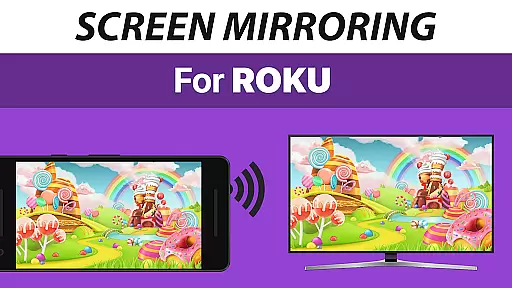
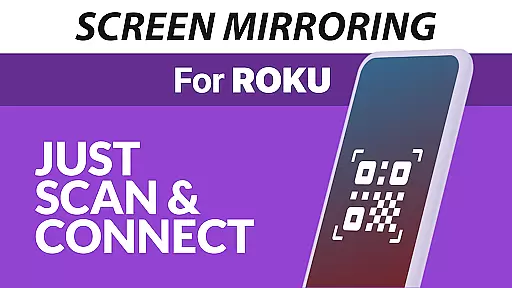
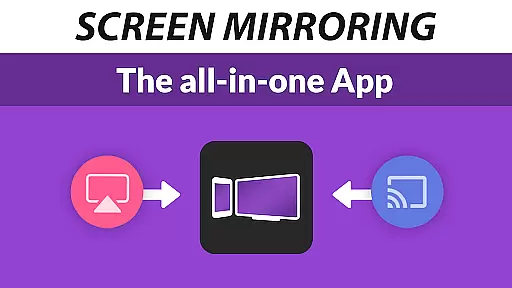
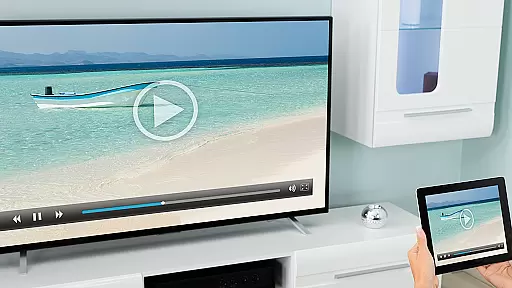
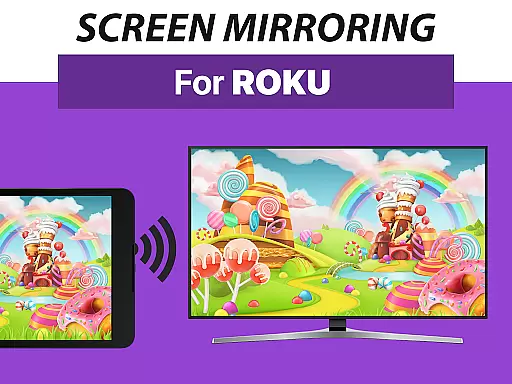
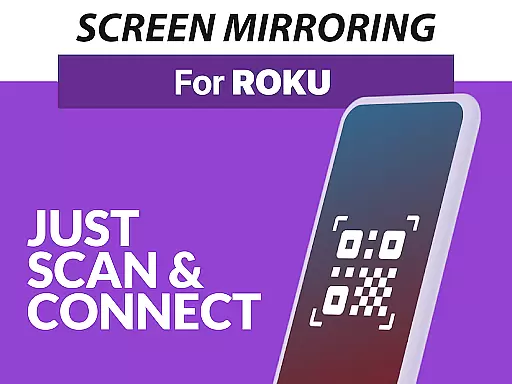
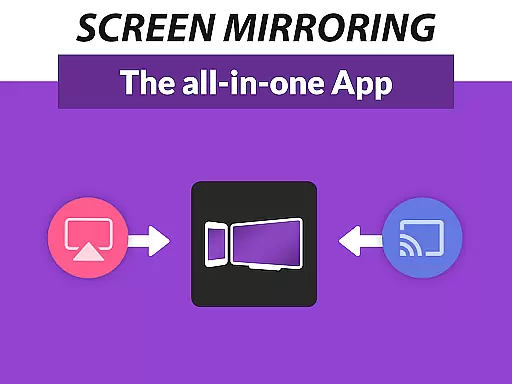
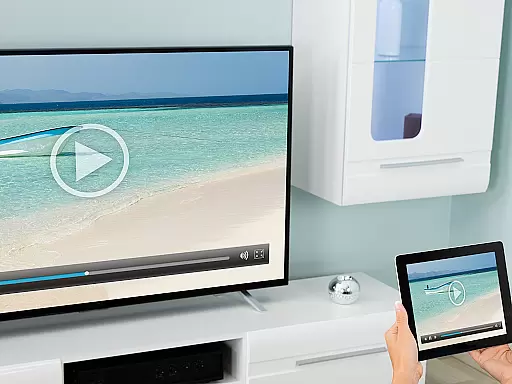
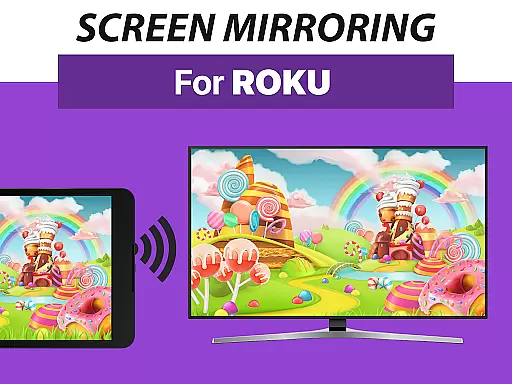
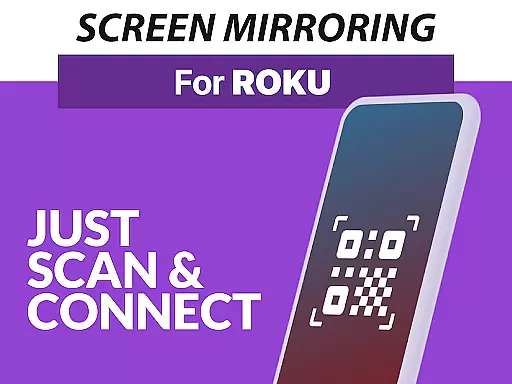
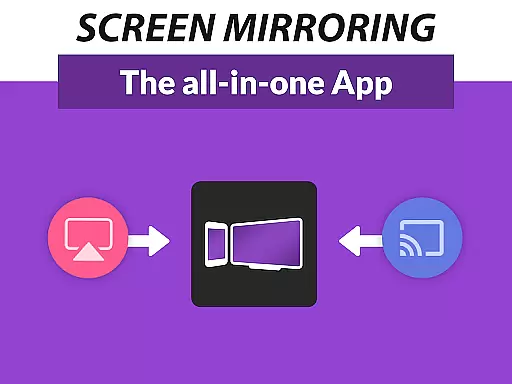
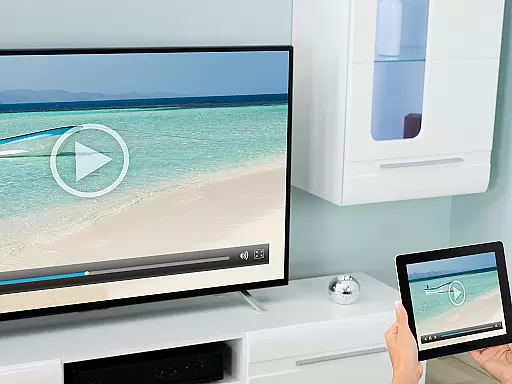
Screen Mirroring Pro for Roku is a powerful tool designed to mirror your screen to any Roku device, including Roku Sticks, Boxes, and TVs. This application allows users to share their photos, videos, games, websites, apps, presentations, and documents in HD quality without the need for wires. The app stands out with its easy setup process and unified support across all Android devices running Android 5.0 or higher.
One of the key advantages of Screen Mirroring Pro for Roku is its superior device compatibility compared to the built-in Roku Screen Mirroring based on Miracast. It ensures optimal performance when connected to a 5GHz Wi-Fi network, providing users with a seamless streaming experience. Whether you're sharing content with family at home or presenting to colleagues in a meeting, this app offers a reliable and high-quality solution for all your screen mirroring needs.
Screen Mirroring Pro for Roku boasts several standout features that enhance the user experience. Firstly, it supports all Android devices with Android 5.0+ and all Roku devices, ensuring broad compatibility. The app simplifies the setup process by eliminating the need to change Android settings or Wi-Fi options, making it accessible even to non-tech-savvy users.
Another notable feature is the requirement for both the Android device and Roku to be connected to the same Wi-Fi network, avoiding complications from VPNs, proxies, VLANs, and subnets. For optimal performance, a 5GHz Wi-Fi network is recommended. Additionally, users can reach out for support or feedback via email, ensuring they receive timely assistance. These features collectively make Screen Mirroring Pro for Roku an indispensable tool for anyone looking to share content effortlessly and efficiently.
Screen Mirroring Pro for Roku excels in delivering accurate and effective screen mirroring functionality. This app allows users to mirror their Android devices to any Roku-enabled screen, including Roku Sticks, Boxes, and TVs, ensuring that content such as photos, videos, games, and presentations is shared seamlessly.
The app supports all Android devices running version 5.0 and above, providing a broad compatibility range. Its performance shines when connected to a robust Wi-Fi network, particularly those operating on the 5GHz band, which ensures high-definition streaming without lag or interruptions.
One of the standout features is its ease of setup. Unlike other screen mirroring solutions, this app does not require changes to Android settings or Wi-Fi configurations, offering a unified and straightforward setup process across all supported devices. This simplicity enhances user experience by reducing technical barriers.
By focusing on these core aspects, Screen Mirroring Pro for Roku delivers a reliable tool for both personal and professional use, making it easy to share content with friends, family, and colleagues without the need for wires or complex configurations.
The interface of Screen Mirroring Pro for Roku is designed with simplicity and intuitiveness in mind, ensuring that users can easily navigate and utilize its features. The app's user-friendly design makes it accessible even to those who may not be tech-savvy, allowing them to start sharing content with minimal effort.
Upon launching the app, users are greeted with clear instructions and an uncomplicated layout. This approach eliminates confusion and reduces the learning curve typically associated with new applications. Users can quickly connect their Android devices to their Roku screens without needing to delve into complex settings or options.
Another advantage is the app's ability to maintain a consistent connection as long as both devices are on the same Wi-Fi network. By avoiding the use of VPNs, proxies, VLANs, and subnets, the app ensures a stable and uninterrupted mirroring experience. This straightforward requirement further simplifies the user journey.
Overall, the intuitive interface and streamlined functionality make Screen Mirroring Pro for Roku a top choice for anyone looking to share their screen effortlessly and efficiently.
User-friendly interface
Wide device compatibility
Seamless Wi-Fi integration
HD quality streaming
Reliable customer support
Requires stable Wi-Fi
Limited to Roku devices
No offline functionality
Premium version costs
Occasional connectivity issues

Change your GPS location instantly. Simulate routes anywhere in the world.
 4.90
4.90
Fluid navigation gestures for all of us!
4.30
card-reader app
2.20
PC precision for mobile gaming: dominate with keyboard and mouse!
4.30
Mirror your screen to Fire TV - Super fast and simple
4.40
Game Booster, GFX Tool is now compatible with newer game update
4.50
A clean app.
4.50
Fast VPN USA for any country. Super secure VPN for calls, streaming, games, TV.
4.40
Enhance your Beats
3.70
The Ultimate Flex Drivers Utility App - Convenient Tapping & Block Filters
4.70
Planner and Tracker for Stardew Valley
4.60 4.50
4.50 4.50
4.50
Just swipe the edge to do something!
4.40
An easy-to-use calculator designed to save time calculating and bending conduit
4.30
Effortlessly run ADB commands directly on your device without a PC.
4.20
Introducing Smart Printer, your ultimate destination for printing solutions!
4.00
Unleash gamepad precision for ultimate mobile gaming dominance.
3.90
Unlock your Essential Key. Create custom shortcuts to your favorite apps!
4.3


User Reviews