
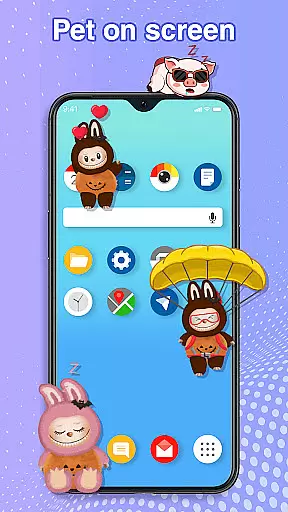
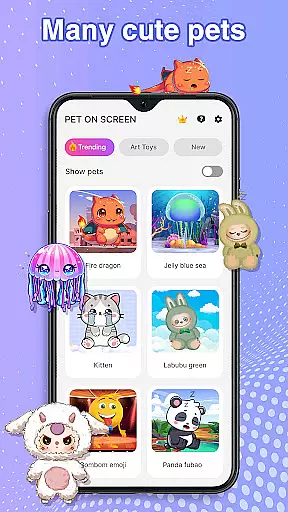
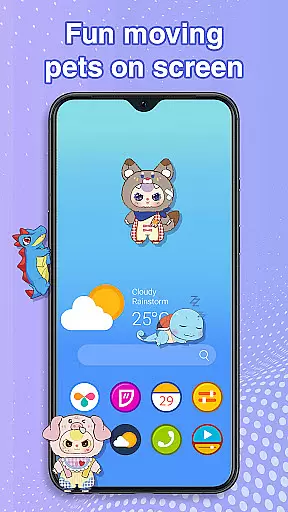
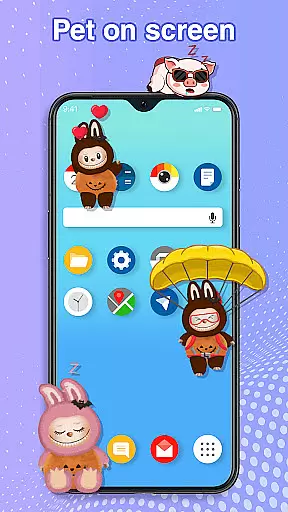
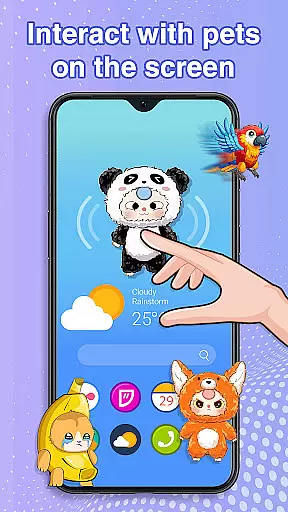
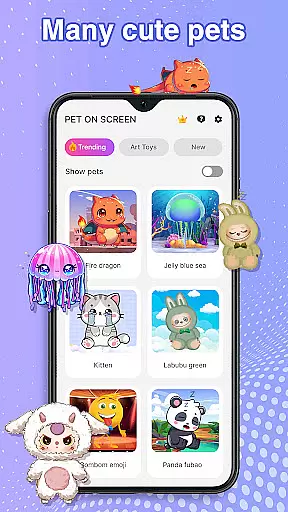
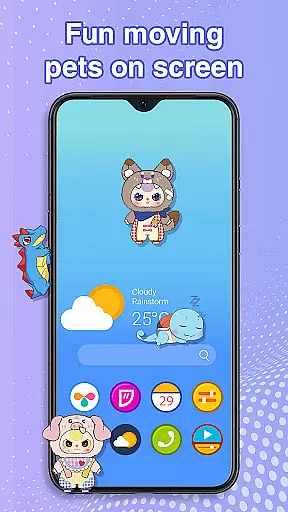
Pet On Screen - Desktop Pet is a delightful personalization app that brings charming virtual pets to your mobile screen. With an extensive collection of unique and colorful creatures, this app allows users to customize their phone experience by adding interactive companions such as Jellyfish, Fire Dragon, Labubu, Panda, Turtle, and Parrot.
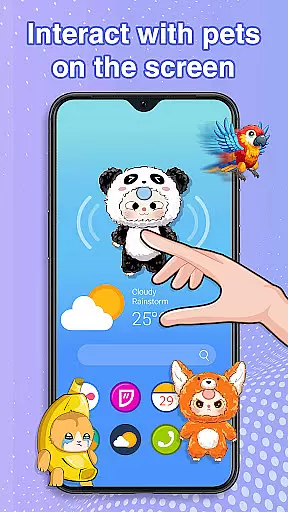
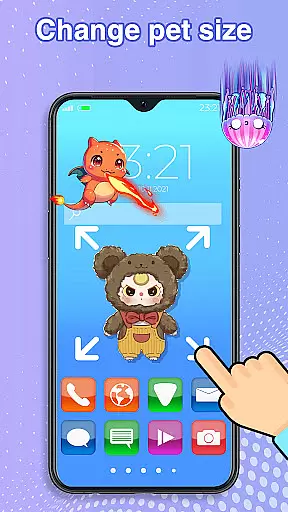
These digital pets not only float or move around the screen but also respond to touch interactions, creating a lively and engaging environment. The app offers customization options for size and movement speed, ensuring seamless integration with your daily activities without interrupting work or entertainment.
Perfect for those seeking moments of joy and relaxation, Pet On Screen - Desktop Pet provides a playful escape from routine tasks, making it an ideal choice for personalizing your device while enjoying the company of adorable virtual pets.
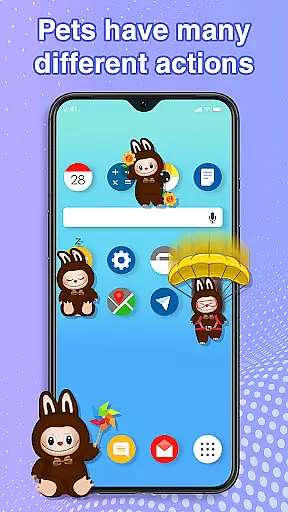
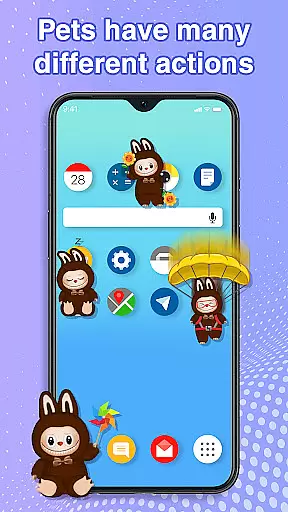
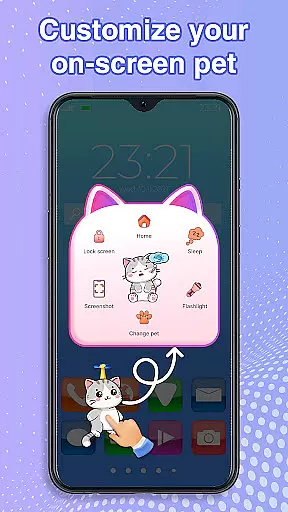
The standout feature of Pet On Screen - Desktop Pet is its diverse range of interactive pets, each with unique animations and behaviors. Users can freely drag and drop these pets anywhere on their screen, tap them to trigger cute responses, and even manage their activity levels by putting them to sleep or waking them up as needed.
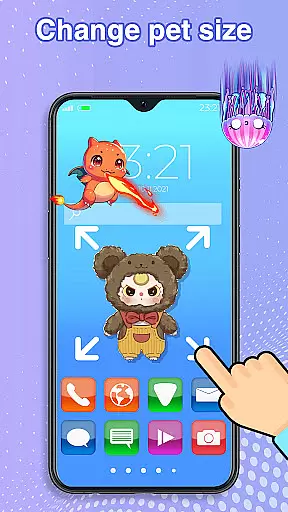
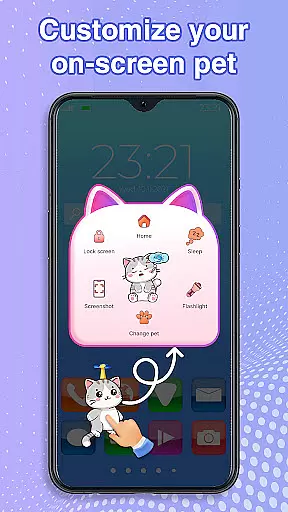
Customization is key in this app; you can adjust the size and movement speed of your chosen pet, switch between different species effortlessly, and enjoy random movements that keep the screen dynamic and entertaining. The smooth performance ensures that these features do not hinder your regular phone usage.
Additionally, the app requires accessibility permission to function correctly, allowing it to draw over other apps and home screens. This permission is solely used for enabling the drawing functionality and does not involve data collection or sharing, maintaining user privacy and security.
Customization is at the heart of Pet On Screen - Desktop Pet, allowing users to tailor their experience with a diverse range of options. The app provides an extensive selection of pets, each with unique characteristics and animations, ensuring there's a perfect companion for every user.
Users can adjust various attributes of their on-screen pets, such as size and movement speed, offering a personalized touch to their mobile environment. This flexibility in customizing pet behaviors and appearances greatly enhances user engagement and satisfaction.
Beyond selecting pets, the app enables free movement across the screen through drag-and-drop functionality. This interactive element adds another layer of personalization, letting users position their digital companions exactly where they desire.
The ability to switch between pets effortlessly ensures that the novelty never wears off. Users can explore different pets whenever they wish, keeping the experience fresh and engaging over time.
Pet On Screen - Desktop Pet excels in theme compatibility, integrating seamlessly with users' preferred aesthetics on their mobile devices. The pets are designed to complement various themes without clashing visually, maintaining a cohesive look across different interfaces.
This compatibility extends beyond mere visual appeal; it encompasses performance too. Regardless of the device's current theme or wallpaper, the app maintains smooth operation, ensuring pets move naturally without disrupting the user's workflow or entertainment.
Accessibility features further enhance this compatibility. By granting necessary permissions, users enable the app to function optimally within their chosen themes, drawing on home screens and status bars without interference.
Ultimately, this harmonious integration enriches the overall user experience. Whether using a vibrant or subdued theme, Pet On Screen - Desktop Pet adapts beautifully, providing delightful interactions while respecting individual style preferences.
User-friendly interface
Wide variety of pets
Highly customizable settings
Interactive and responsive pets
Enhances device personalization
Requires accessibility permission
Potential battery consumption
Limited advanced features
No multiplayer interaction
Pets may distract some users

Classic analogue watch face. For wear os devices.
 4.60
4.60
Interactive Miniature Painting Catalogue
3.30 4.10
4.10 3.50
3.50
Customize your home screen with stunning themes, blur, widgets & icons.
4.60
Organize and manage your photos and videos effortlessly with Photo Gallery
4.20
Icons made of colorful linear lines
4.60
Choose your keyboard with RGB colors effect, themes, fonts, emojis.
4.60
Create unique, fun emojis with Funny Emoji Maker! Unlimited creativity!
4.00
One 8 icons glass color version
4.80
Nothing Icon pack with more than 3750+ highly crafted icons.
4.70
Want to make your phone more special than ever?
4.60
Turn text & photos into stunning AI videos, art, and creative visual stories.
4.50 4.50
4.50
Art & Emoji Keyboard with Cool Fonts, Cute Themes and Custom Designs.
4.40
Adaptive Dot Style IconPack with Light & Dark Theme.
3.70
Adorable pets roam and play right on your phone screen!
3.30
Turn your lock screen into fun with smile live wallpapers & animated wallpapers!
2.50
Custom edge gestures for volume control, brightness, apps, and shortcuts.
4.4


User Reviews