
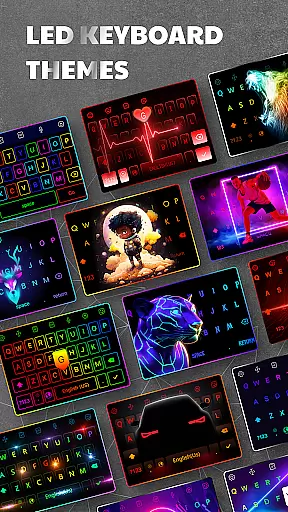
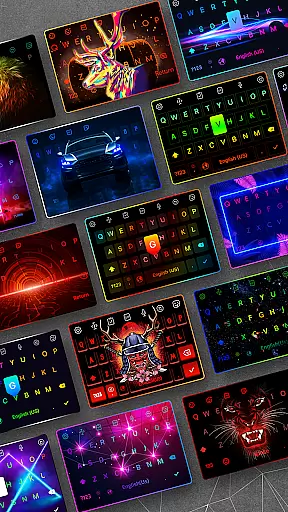
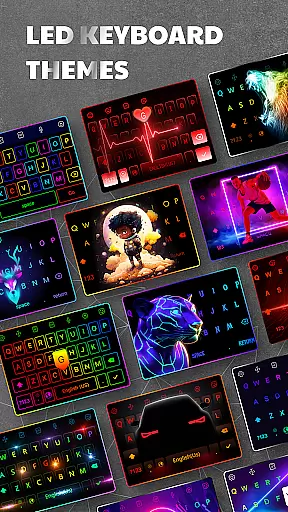
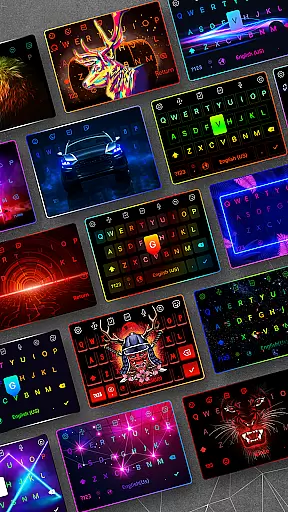
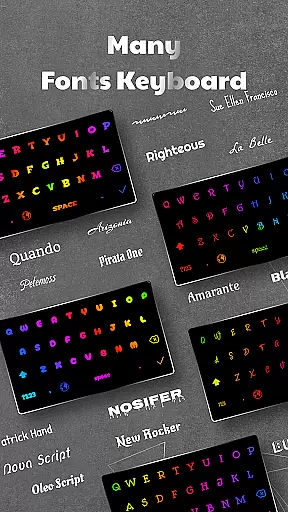
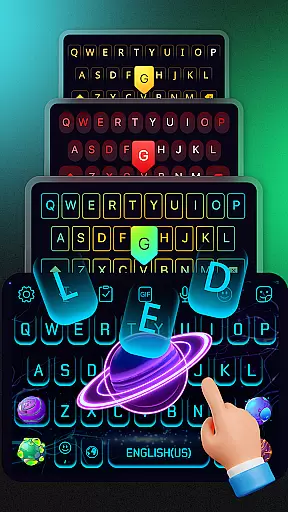
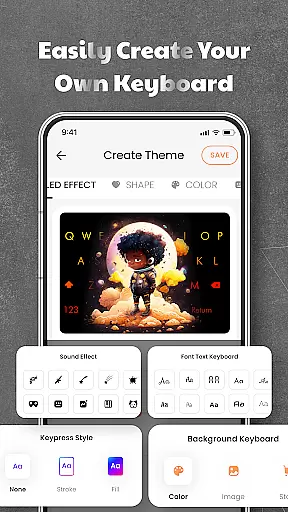

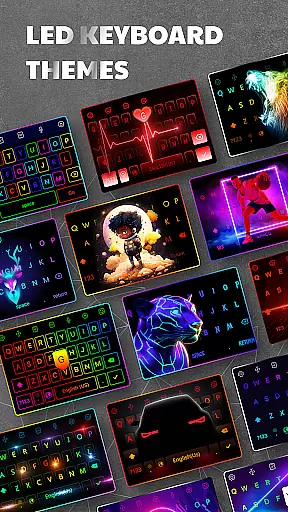
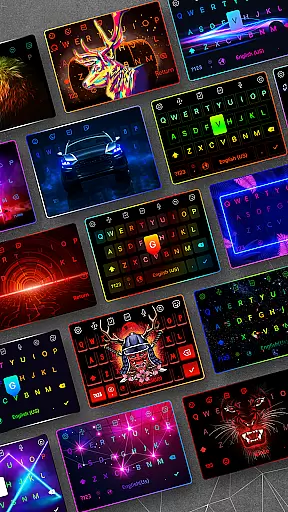
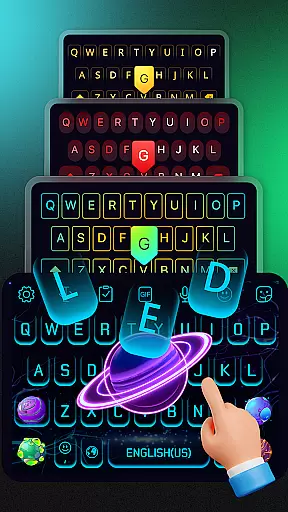
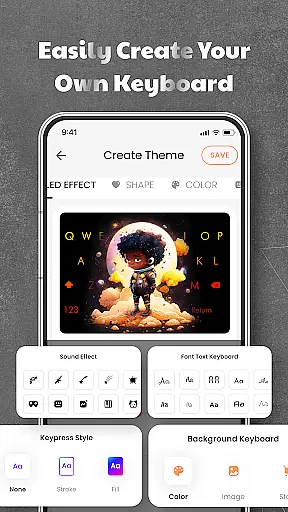
LED Keyboard is a feature-rich personalization app that transforms your Android typing experience with customizable RGB lighting and advanced keyboard functionalities. The app offers over 500 themes, allowing users to create unique keyboard backgrounds using photos or pre-designed options. With support for RGB, neon, gradient, and live typing animation effects, it brings a dynamic visual appeal to everyday typing.
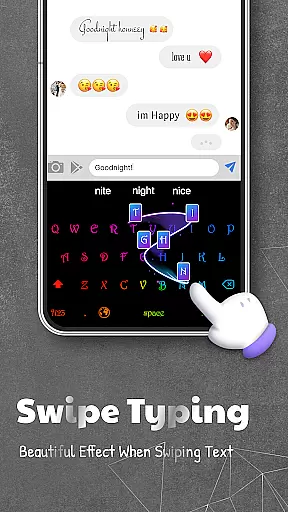
Beyond aesthetics, LED Keyboard enhances productivity through smart typing features like swipe typing, voice input, auto-correction, and word suggestions. It supports multiple keyboard layouts including QWERTY, AZERTY, and QWERTZ, along with multi-language dictionaries for seamless language switching. Whether you're texting, working, or engaging on social media, this app ensures both style and efficiency.
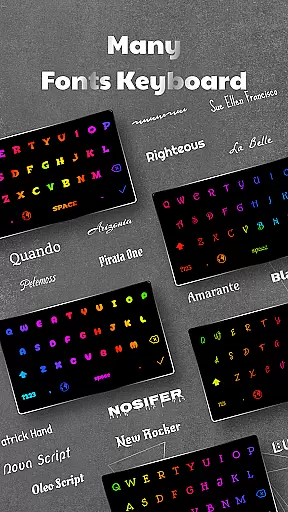
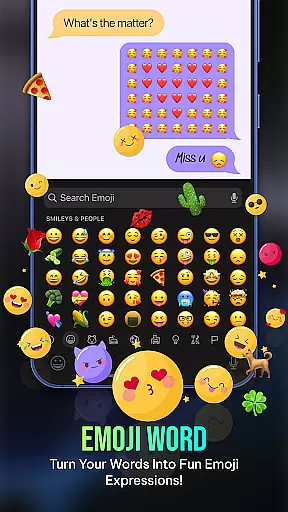
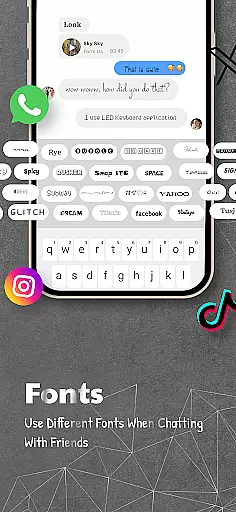
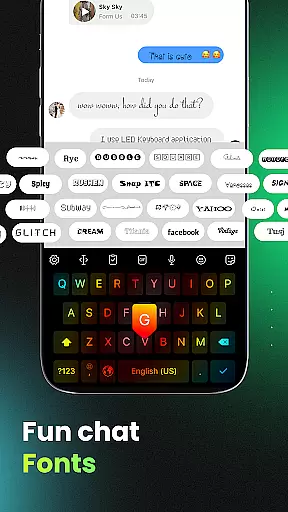
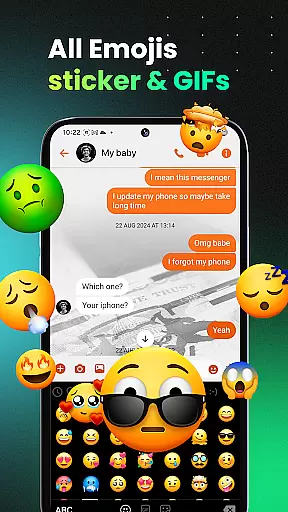
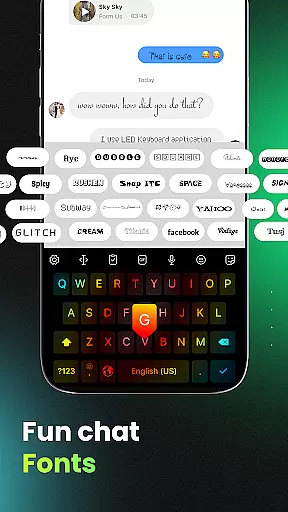
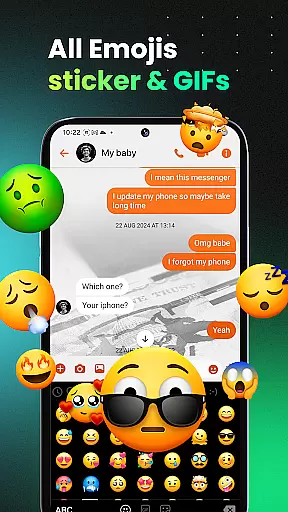
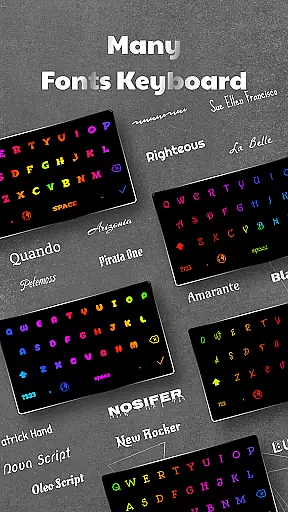
The app also integrates fun elements such as emojis, stickers, GIFs, and stylish fonts, making it ideal for creative expression on platforms like WhatsApp, TikTok, and Instagram. Its privacy-conscious design ensures no sensitive data is collected, providing a secure and personalized typing environment for diverse user needs.
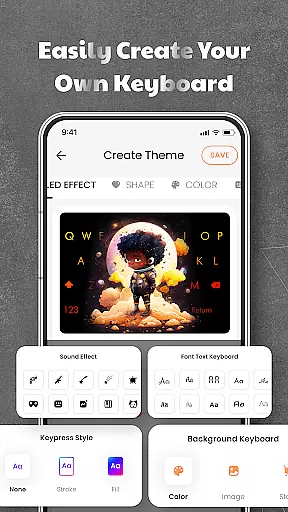
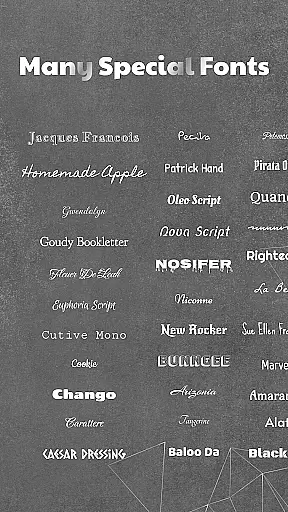
LED Keyboard stands out with its extensive customization capabilities. Users can personalize their typing experience by selecting from over 3000 emojis, numerous fonts, and unique themes. The app's RGB lighting effects include neon and gradient animations, complemented by customizable typing sounds such as mechanical keyboard clicks, piano notes, and water droplets.
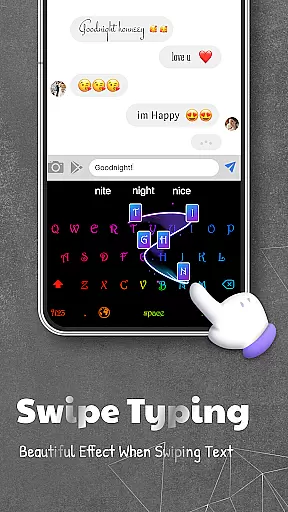
Smart typing tools further enhance usability. Features like swipe typing, voice typing, and auto-correction ensure faster and more accurate text input. The app also includes clipboard management for copying, pasting, and storing frequently used text snippets. These innovations cater to both casual and professional typists seeking efficiency and flair.
Multi-language support adds another layer of versatility. Users can switch between different keyboard layouts and dictionaries effortlessly, ensuring compatibility across global languages. Adjustable keyboard size and position make it adaptable to various devices and user preferences. This combination of aesthetics, functionality, and adaptability makes LED Keyboard a top choice for personalized typing solutions.
LED Keyboard offers an extensive range of customization options that allow users to tailor their typing experience according to personal preferences. With over 500 themes available, the app provides a diverse selection of keyboard backgrounds, including photos and dynamic designs.
The app stands out with its RGB lighting effects, neon colors, gradients, and live typing animations. These features not only enhance visual appeal but also make typing more engaging and enjoyable. Users can choose from various lighting effects that suit their mood or environment.
In addition to aesthetic customizations, LED Keyboard supports multiple typing sound options such as mechanical keyboard sounds, piano notes, and water droplets. This auditory personalization adds another layer of uniqueness to each user's interaction with their device.
By offering these comprehensive customization features, LED Keyboard ensures that every aspect of the typing experience can be personalized, providing both functional and aesthetic benefits to its users.
Theme compatibility is a crucial feature of LED Keyboard, ensuring that all selected themes display correctly across different devices and screen sizes. The app's design prioritizes seamless integration with Android systems, maintaining visual consistency regardless of the chosen theme.
Users can select from hundreds of pre-designed themes or create their own using personal photos. Each theme undergoes optimization to maintain high-quality visuals and proper element alignment. This attention to detail guarantees that icons, emojis, and text remain clear and properly positioned.
The app's compatibility extends beyond static themes to include dynamic elements like animated backgrounds and typing effects. These features adapt smoothly to various screen resolutions without compromising performance or visual quality.
By maintaining strong theme compatibility, LED Keyboard provides users with reliable and visually appealing customization options that work consistently across different Android devices, enhancing both functionality and aesthetic appeal.
Highly customizable
Vibrant RGB effects
Multi-language support
Privacy-focused design
Fun emoji integration
Occasional lags
Ads in free version
Limited premium themes
Heavy on storage
Complex settings

Stunningly Different look with Line Icons and Neon Colors
 4.60
4.60
Wear Os Watch Face - Seasonal - Animated Snow Effect - 9 Animals
4.20
3D, live, and moving wallpapers & themes in 4K and HD for your device.
4.50
Make your phone look simple & luxury, like iDevice
4.60
Personalize your phone with stunning HD and 4K wallpapers!
4.70
Nothing Icon pack with more than 3750+ highly crafted icons.
4.70
set a new experience for the Android mobile phone
4.20
Fast SMS & group chat - use GIFs and emojis from your home screen launcher.
4.50
Transform your phone with stylish zipper lock themes and 4D live wallpaper
4.10
One 8 icons glass color version
4.80
Enjoy a variety of amazing live wallpapers and colorful EDGE lighting borders!
4.80
Shimeji adds cute animated characters to your screen, lively and fun.
4.70
Bring adorable pets to life on your screen. Playful, interactive and full of fun
4.60
Add cute Shimeji pets to screen, interact with them and relax with cute motions
4.60
Stylish Pink Cute Hippo keyboard with 10000+ customized keyboard themes!
4.60
Try creating your own keyboard with "Keyboard theme for android" app now!
4.50 4.50
4.50
More than 3000+ themes and 9000+ wallpapers for everybody!
4.10
Interactive Miniature Painting Catalogue
3.30


User Reviews