
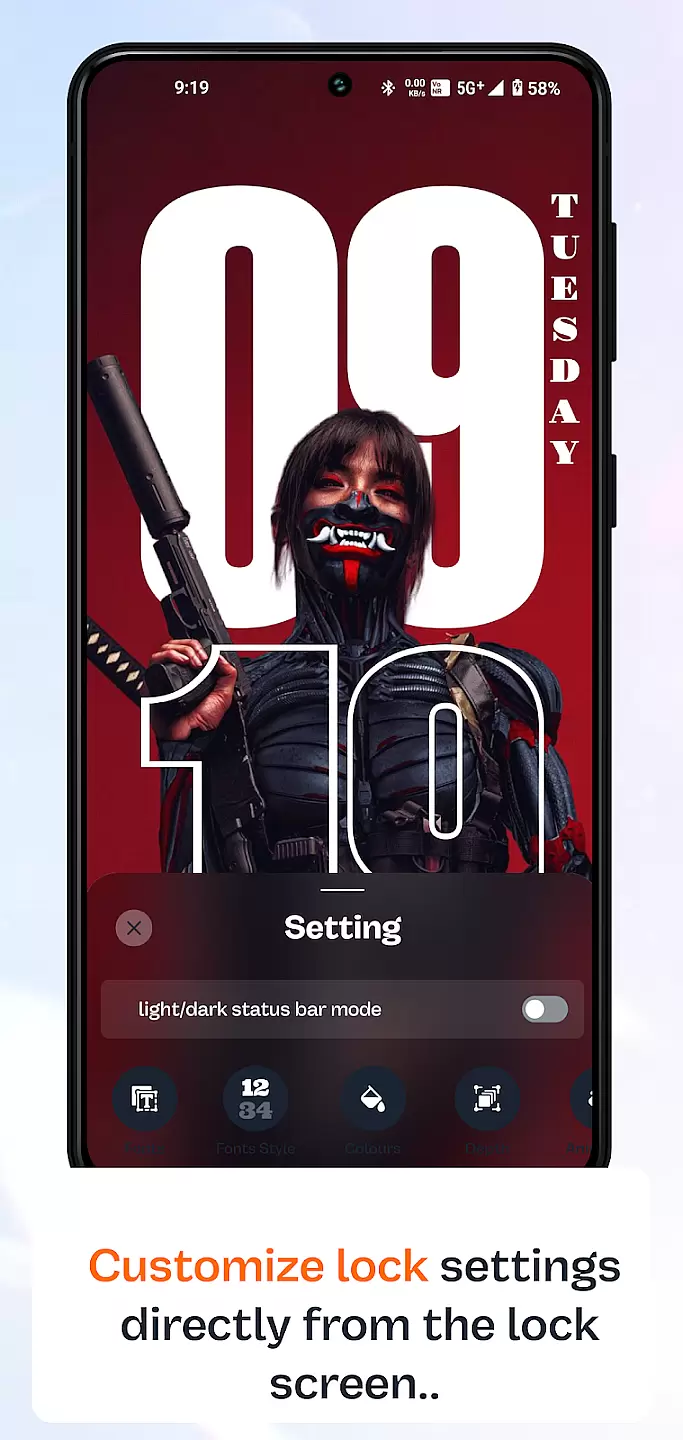
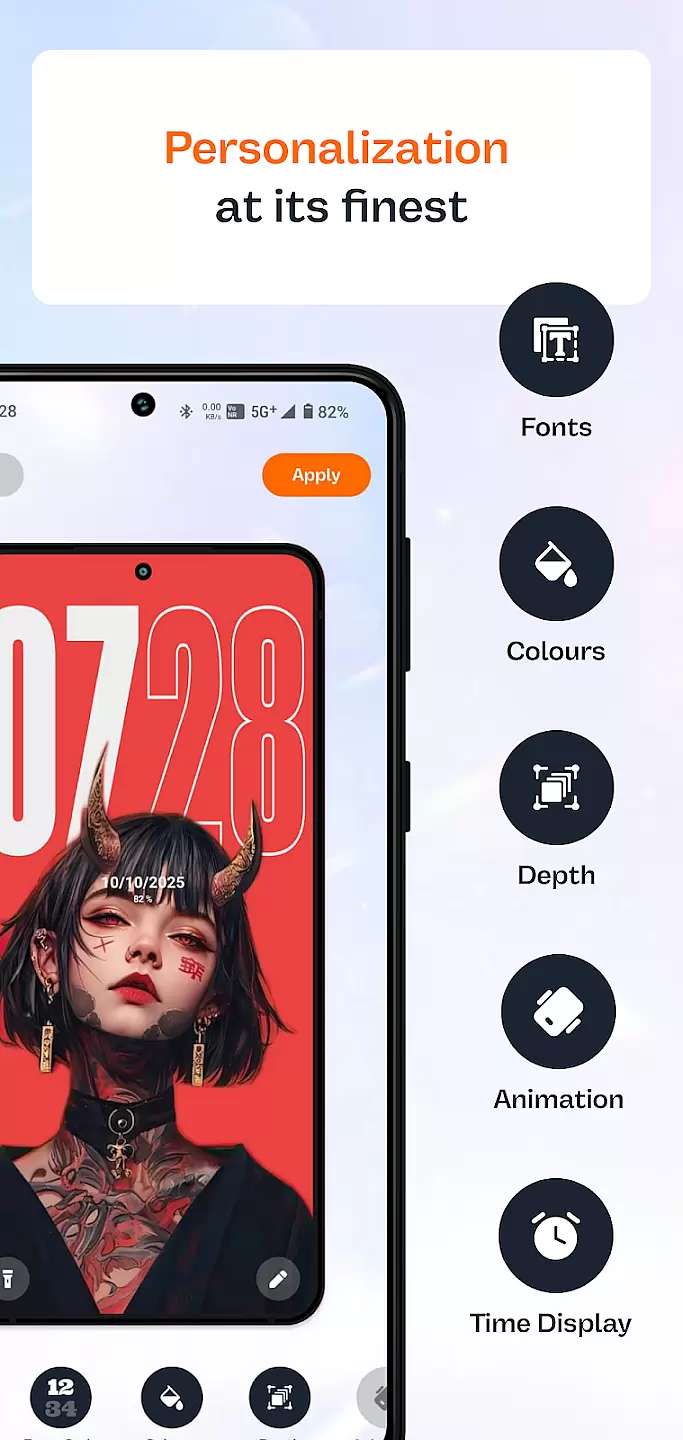
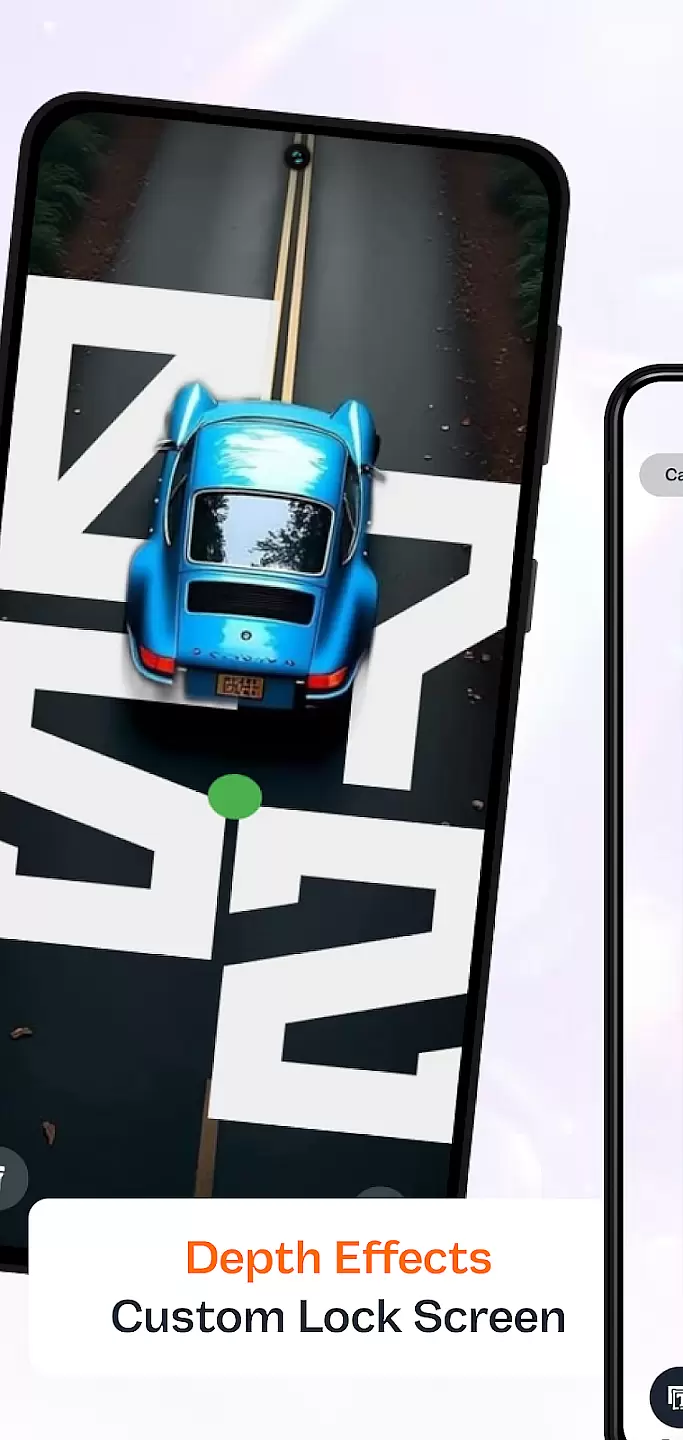
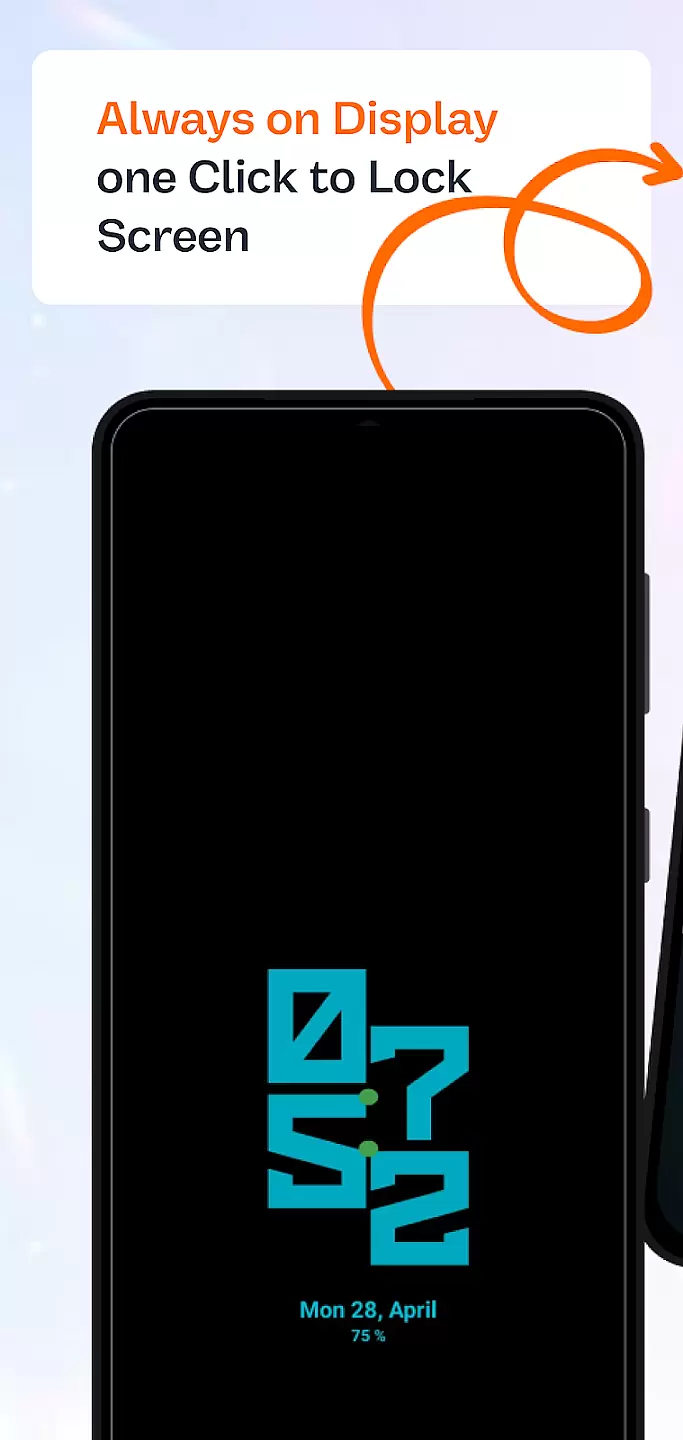
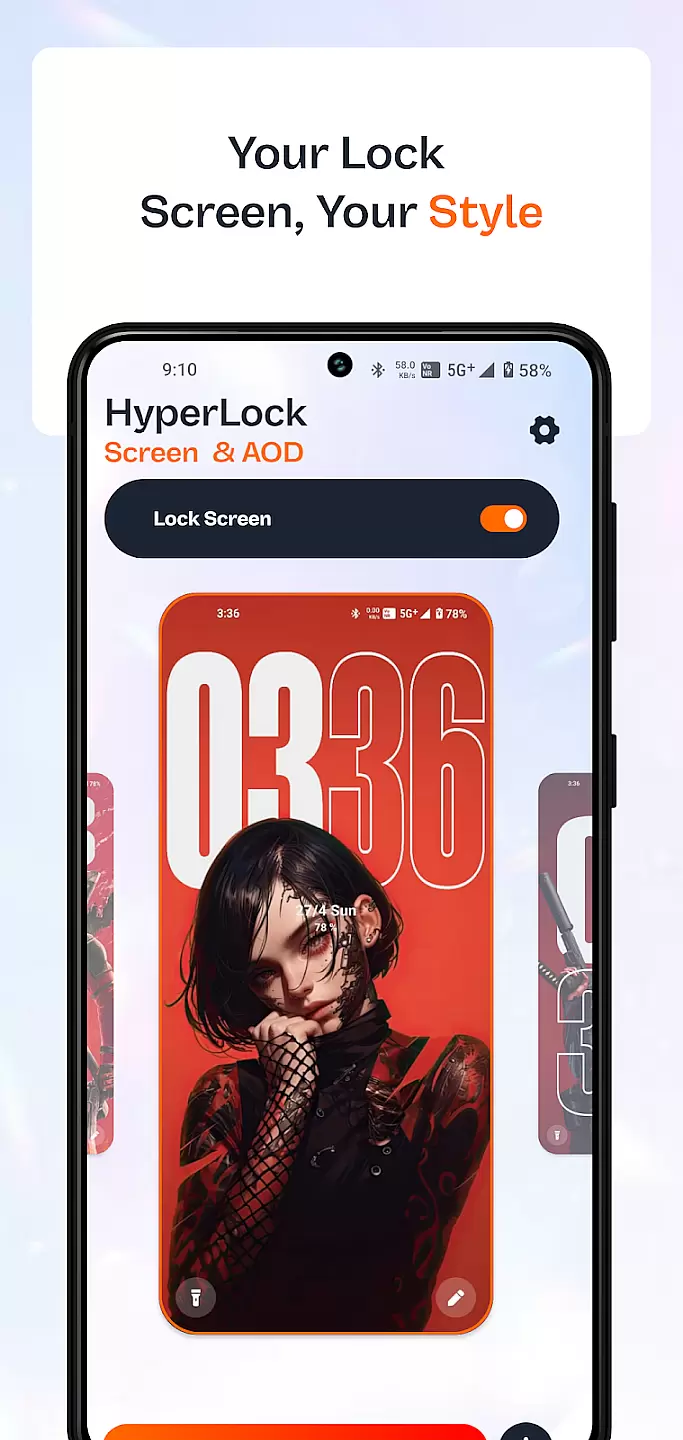
HyperLock Screen & AOD is a personalization app designed to enhance your device's lock screen and always-on display. It offers a variety of customization options, allowing users to personalize their device's appearance with unique designs and themes. The app supports features like clock styles, notifications, and widgets, making it both functional and visually appealing.
This application is ideal for users who want to make their smartphone truly unique while maintaining essential functionality. With regular updates and a user-friendly interface, HyperLock ensures that your device remains both stylish and practical.
HyperLock Screen & AOD provides an extensive range of features to customize your device's lock screen. Users can choose from various clock styles, including digital, analog, and artistic designs. The app also allows you to display notifications in a personalized manner, ensuring you stay informed without compromising privacy.
Additionally, the always-on display feature lets you view important information at a glance, even when the screen is off. With support for widgets and interactive elements, HyperLock combines aesthetics with utility, offering a comprehensive personalization solution for your smartphone.
Customization is at the heart of personalizing your device to truly make it yours. HyperLock Screen & AOD offers a wide array of customization options that allow users to tailor their lock screen and always-on display to match their personal style.
This application provides an extensive selection of themes, fonts, and color schemes. Users can choose from a vast library of designs ranging from minimalist to vibrant, ensuring that their device's appearance is a reflection of their individuality. The ability to adjust these elements with just a few taps makes personalization both accessible and enjoyable.
By leveraging HyperLock Screen & AOD, users benefit from an enhanced user experience that goes beyond mere aesthetics. The app ensures that vital information is displayed in a way that is both visually appealing and highly functional, improving the way users interact with their devices on a daily basis.
Theme compatibility is crucial for ensuring that the visual modifications applied to your device work seamlessly across different interfaces and functionalities. HyperLock Screen & AOD excels in providing themes that are compatible not only with the lock screen but also with the always-on display feature.
The app guarantees that all chosen themes will maintain their design integrity whether the device is actively in use or in standby mode. This consistency in theme presentation enhances the overall user experience by providing a cohesive look and feel throughout the deviceu2019s various states.
With HyperLock Screen & AOD, users can be confident that their selected themes will not only be visually stunning but also fully integrated into every aspect of their device's operation. This harmonious blend of form and function elevates the customization potential to new heights, offering a refined and uninterrupted user journey.
Highly customizable
User-friendly interface
Regular updates
Privacy-focused
Variety of themes
May drain battery
Limited free options
Some features complex
Requires setup time
Premium cost

Only for Wear OS devices!
 4.90
4.90
Fingerprint Lock Screen & Live Animations with 4K Wallpapers as Live Wallpaper
4.40
Make your phone look simple & luxury, like iDevice
4.60
Dark icon pack based on One 8
4.80
Unique Fonts, typefaces and stylish text. Fonts for Instagram, Whatsapp & others
4.20
Transfer your live wallpapers from Windows to Android using Wallpaper Engine!
4.00 4.50
4.50
Fast SMS & group chat - use GIFs and emojis from your home screen launcher.
4.50
Custom ringtones songs, music ringtones for Android phones
4.60
Wallpaper HD 4K Live - Thousands of high-quality Anime backgrounds for you.
4.80
A launcher for Samsung Good Lock and Good Guardians modules without ads
4.70
Customize your home screen with stunning themes, blur, widgets & icons.
4.60
3D, live, and moving wallpapers & themes in 4K and HD for your device.
4.50
Vibrant Adaptive Icons with Material You and Enhanced Monet Colors.
4.50
Romantic Kiss Stickers App. Start romantic messaging now!
4.30
Your home screen, just the way you like it.
4.30
Customizable flower power digital watch face for Wear OS watches.
4.00
Ultimate widget creator. Design custom widgets for a truly unique home screen!
3.90
Struggling to find apps? Use this app to locate and open any app on your phone!
2.20


User Reviews