
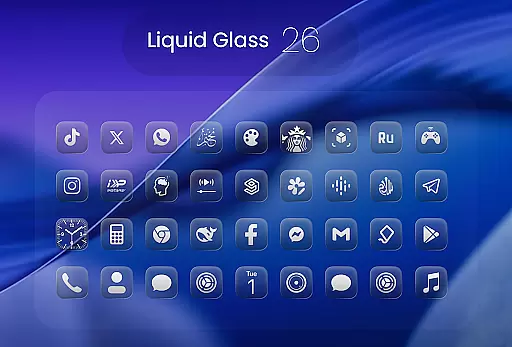
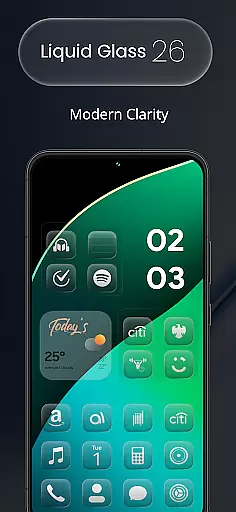
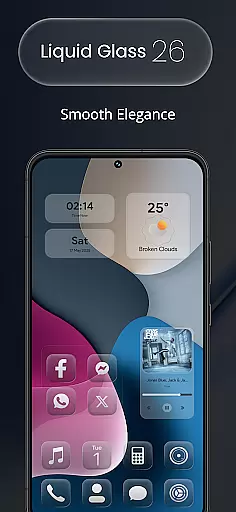
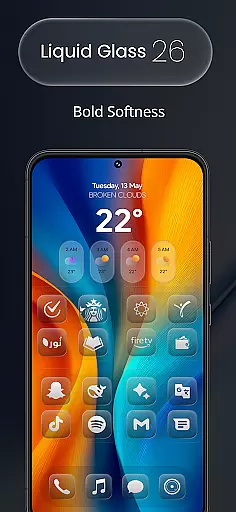
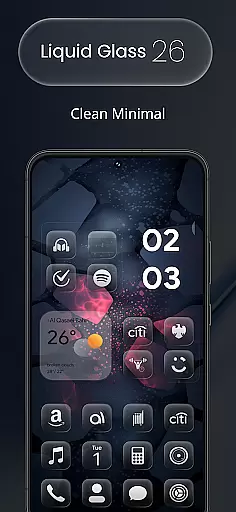
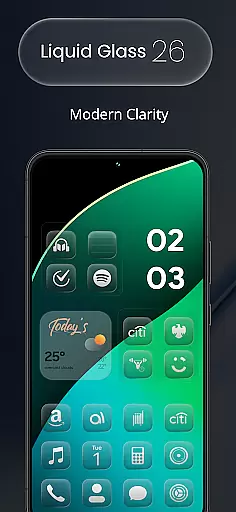
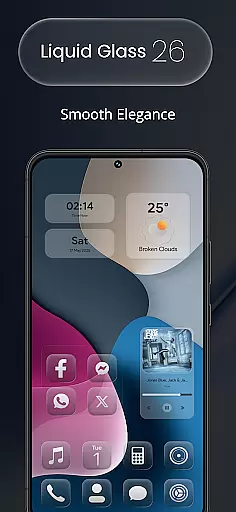
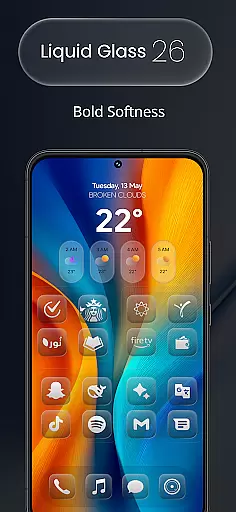
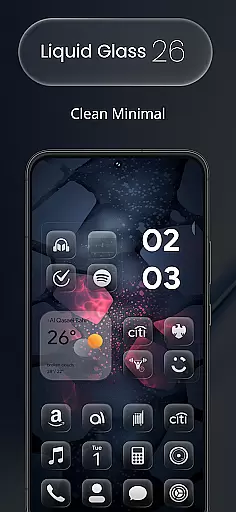
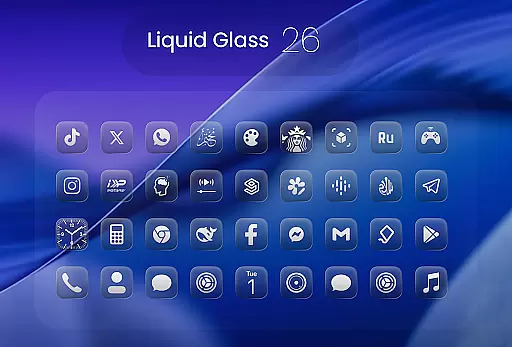
Liquid Glass 26 Icon Pack is a premium customization tool designed for users seeking a sleek, futuristic aesthetic on their devices. Inspired by the translucent elegance of iOS 26, this pack offers over 2500 handcrafted icons that blend glassmorphism with minimalistic design.
Each icon is meticulously crafted to provide a fresh and vibrant look, making it adaptable to various launcher preferences such as Nova, Smart, and Lawnchair. With dynamic calendar support and multiple alternate icons for popular apps, Liquid Glass 26 ensures your home screen stands out while maintaining usability.
Whether you're aiming for a professional or playful layout, this icon pack transforms your device into a personalized work of art, offering both beauty and functionality in one comprehensive package.
Liquid Glass 26 Icon Pack boasts an array of features that cater to customization enthusiasts. With over 2500 high-quality icons included in the initial release, the collection continues to grow, ensuring users have access to new designs regularly.
The pack supports all major launchers, including Nova, Smart, and Lawnchair, providing seamless integration across platforms. Additionally, its dynamic calendar support allows for real-time updates, enhancing user experience by keeping information current without manual adjustments.
For those missing specific app icons, the in-app request tool simplifies the process of suggesting additions for future updates. This feature underscores the pack's commitment to user satisfaction and continuous improvement, ensuring every user finds value in their purchase.
Creative tools are essential for users who want to customize their device's appearance with precision and style. Liquid Glass 26 Icon Pack offers a comprehensive suite of creative options, ensuring that every user can achieve the look they desire.
With over 2500 handcrafted icons included in the initial release, this icon pack provides an extensive range of design choices. Each icon is crafted with attention to detail, blending glassmorphism and minimal design principles inspired by iOS 26u2019s Liquid Glass aesthetic.
The inclusion of multiple alternate icons for popular apps adds another layer of customization. Users can select from different styles for their favorite applications, allowing them to tailor their home screens even further.
Moreover, support for all major launchers such as Nova, Smart, Lawnchair ensures compatibility across various devices and setups. This wide-ranging compatibility makes it easier than ever for users to apply these high-quality icons without worrying about technical limitations.
Flexibility in canvas and format options is crucial for a seamless customization experience. Liquid Glass 26 Icon Pack excels in providing adaptable solutions that cater to diverse user needs.
Each icon within the pack supports dynamic calendar functionality, which means users can enjoy live updates directly on their home screens. This feature not only enhances visual appeal but also improves usability by keeping important information readily accessible.
In cases where specific icons might be missing from the current collection, Liquid Glass 26 offers an in-app request tool. This innovative solution empowers users to suggest new icons, which will then be added in future updates, ensuring continuous improvement based on community feedback.
Furthermore, the ability to follow updates through social channels keeps users informed about upcoming designs and themes. By staying connected, users can anticipate fresh content releases that align with evolving trends and preferences, making sure their devices always reflect cutting-edge aesthetics.
High-quality design
Wide launcher support
Dynamic calendar integration
Regular updates
User-friendly interface
Initial learning curve
Limited free options
Paid upgrades required
Device compatibility issues
Occasional update delays

Vidu is an AI video generator made for creators and aspiring makers.
 3.30
3.30
Sketch, trace and master AR drawing with awesome anime art!
3.30
Remove Background, Magic Eraser, Photo Enhancer, Story Templates, Collage Maker
4.30
Your Essential Color Theory Guide: Red, Yellow, Blue (RYB)
4.4
Digital, Abstract, Classic - all types of color wheels in one app!
4.60
AR Anime Drawing: How to draw anime with AR drawing & sketching apps!
4.00
Painting, drawing, & sketching
4.50
A luxurious gold watch face for an elegant and refined look.
4.1
Sketch and paint on your device with the feel and freedom of drawing on paper
4.00
Novices can also easily complete diamond painting masters
4.70
Draw on screen: FP sDraw is a simple and lightweight drawing app
4.70
Draw anime & manga drawing, art with templates to create stunning picture!
4.50
Draw Trace image sketch by, AR art projector app, Easy to trace any image.
4.50
Video AI: Revolutionize Your Content Creation with Advanced Video Generation
4.50
Everything you need to create hand drawn animation, anywhere you go!
4.40
Text to Image, Image to Video & AI Chat
4.20
Digital Drawing: Draw & Paint
4.10
Pose and morph realistic male and female models! 3D poser app
3.00
Android 14 style widgets and wallpapers app.
4.3


User Reviews