
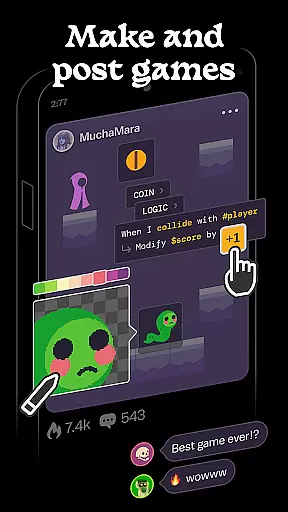
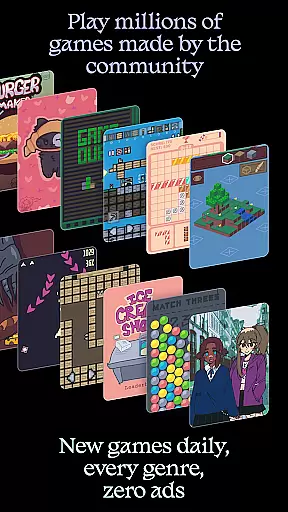
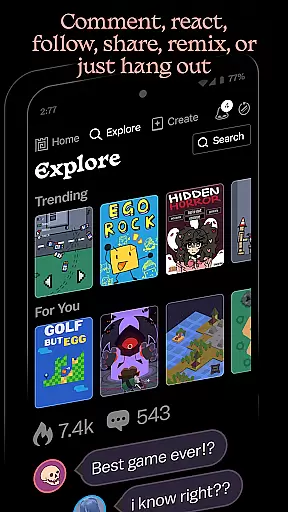
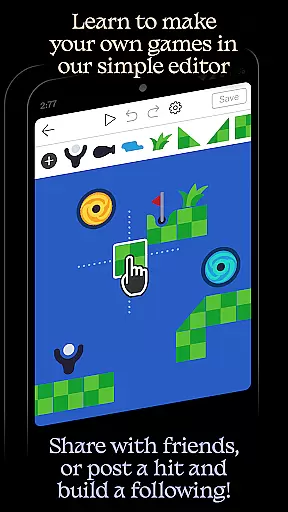
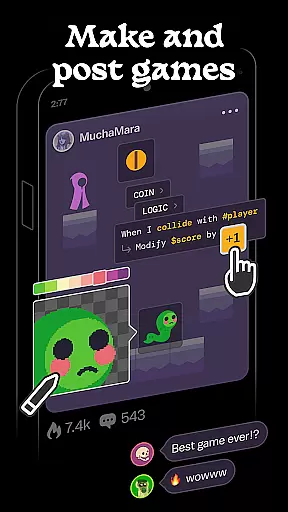
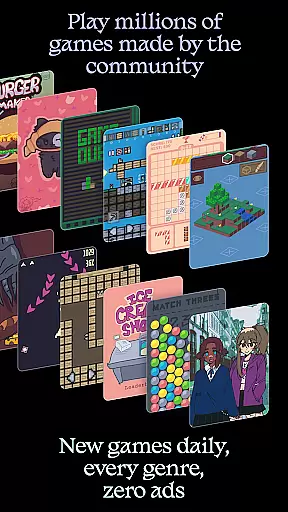
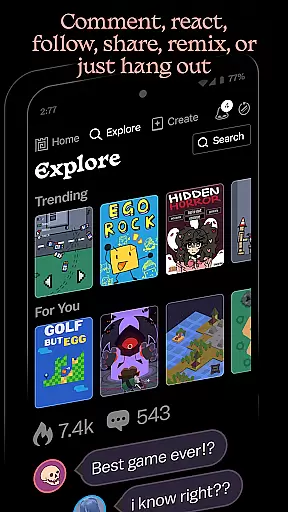
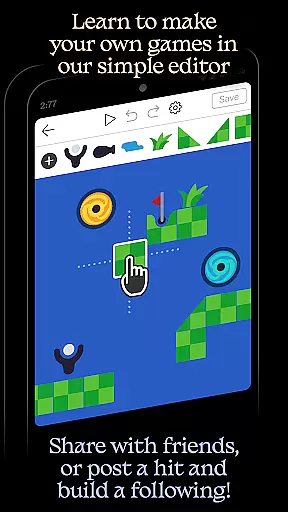
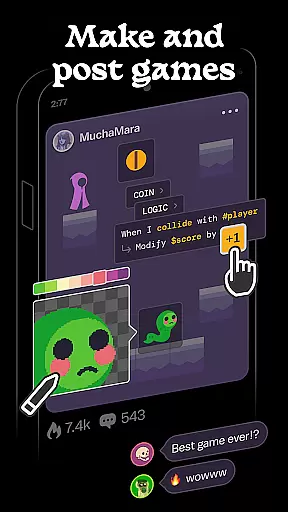
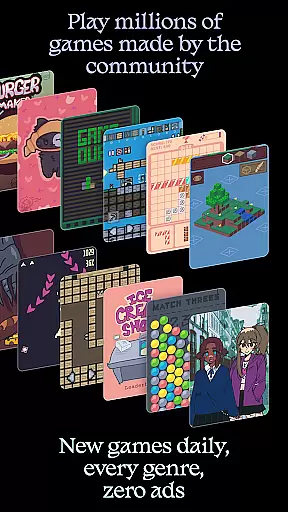
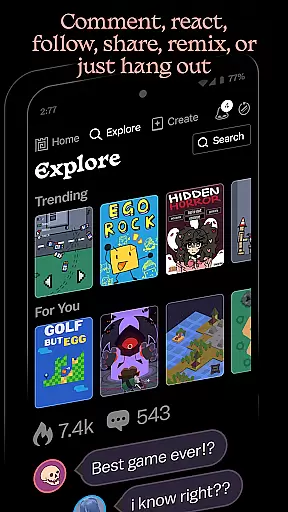
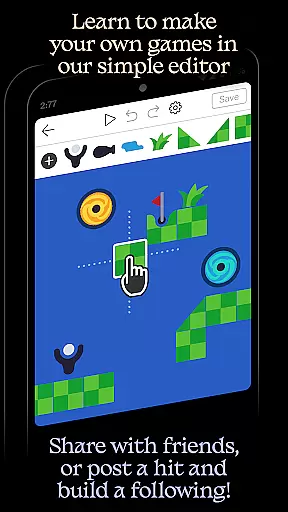
Castle is a dynamic social media platform designed specifically for game creation and interactive entertainment. This app empowers users to design their own games using an intuitive editor, share them with a vibrant community, and explore a vast library of user-generated content. With features supporting art, physics, logic, music, and sound design, Castle offers a comprehensive toolkit for creative expression.
The platform stands out through its ad-free environment and diverse content library, where millions of games, animations, and drawings are available across every genre. Users can engage socially by posting comments, following creators, competing for high scores, and collecting achievements. Whether you're a beginner or an experienced creator, Castle provides templates and remixing tools to bring ideas to life while fostering creativity and skill development.
Castle boasts a robust set of features tailored for both game creation and community interaction. Its powerful yet simple editor allows users to craft games with customizable art, physics, and logic systems. The inclusion of music and sound tools ensures that creators can produce fully immersive experiences. Additionally, the ability to remix existing games and incorporate elements from a library of millions of objects makes innovation seamless and accessible.
Beyond creation, Castle emphasizes social engagement. Users can follow their favorite creators, participate in leaderboards, and build a following by sharing their work with the community. The absence of ads enhances user experience, while daily updates ensure fresh content. Some advanced promotional features, such as boosting games to reach larger audiences, are available via in-app purchases, though core functionalities remain free, making it an inclusive platform for all types of creators.
In the realm of digital creativity, having a comprehensive suite of tools is essential for bringing ideas to life. Castle delivers an impressive array of features tailored for game creation and design. The app includes specialized editor tools for art, physics simulations, logic structuring, music composition, and sound design.
Users can leverage these tools to deepen their creative skills while developing games that are limited only by their imagination. With access to millions of game objects, creators have the resources needed to construct unique gaming experiences. This extensive library ensures that users will find everything required to manifest their visions into playable realities.
The availability of simple templates provides an excellent starting point for beginners who may feel overwhelmed by the prospect of starting from scratch. These templates not only simplify the initial stages of game development but also allow users to learn best practices in design and coding through hands-on experience.
Flexibility in canvas and format options is crucial for designers who wish to customize their projects according to specific needs or preferences. Castle offers remarkable adaptability when it comes to project dimensions and formats, accommodating various creative visions without imposing restrictive limitations.
Designers using Castle can modify their canvases with ease, adjusting sizes and layouts as needed throughout the creative process. This malleability empowers creators to experiment freely with different visual styles and gameplay mechanics without being confined by predefined settings or parameters.
Moreover, this flexibility extends beyond mere aesthetics; it encompasses functional aspects such as incorporating custom logic structures or integrating complex physics simulations within games. By providing such versatile formatting capabilities, Castle ensures that every creator has the freedom necessary to produce truly distinctive works.
User-friendly interface
Vibrant creative community
Comprehensive editor tools
No ads in the platform
Diverse content library
Limited advanced features without purchase
Steep learning curve for beginners
Highly competitive environment
Occasional bugs in editor
Dependent on community activity

Floor Plan Creator lets you create, edit and share floor plans.
 4.00
4.00
Sketch, trace and master AR drawing with awesome anime art!
3.30
Create stylish invitation cards using templates for weddings, birthdays & RSVP.
4.20
Unleash your drawing and painting potential
4.50
See Color, Paint Color
4.90
Draw anime easily with AR guidance, sketch templates & trace tools!
3.10
Draw glowing spinners, relax, and spin your creative art
4.60
Get creative and make art with your Sesame Friends!
4.00
Inky runs Inkscape on Android devices and Chromebooks
2.90
Turn your drawings into flipbook-style animations with simple creative tools
4.60
Just trace a projected picture on paper and color! Draw & Paint with AR drawing
4.40
Trace, draw, and create art with AR - from memes to masterpieces!
4.30
Nano Banana AI Image Generator, Anime Filter, AI Portrait, AI Photo Generator
4.30
800+ Drawing, Painting Lessons App to Practice, Sketch & Paint Art.
4.30
Bring One UI 8.5 Icons to life -elegant dark icons with a modern, premium touch.
4.30
Art of Combination Wear OS Watch faces (for Wear OS 5+ devices)
3.90
AI Face Swap, Video Effects Editor, Realtime Morph, Funny Video FX,AI Filters
3.70
Your homescreen as an elegant glass with customized blur, lighting, and visuals.
3.70
Art of Combination Wear OS Watch faces
4.1


User Reviews