
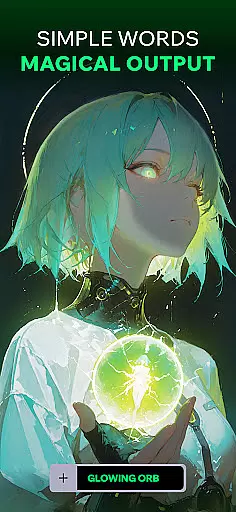
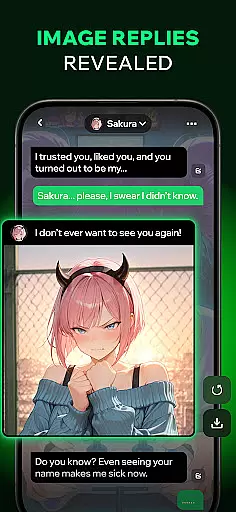
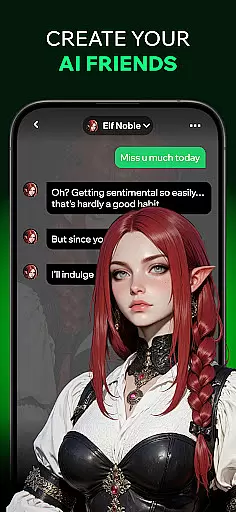
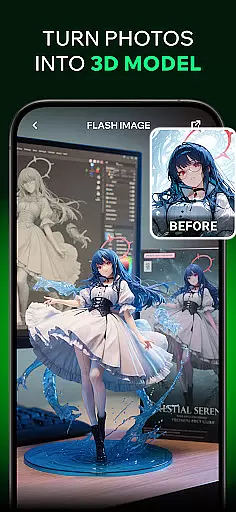

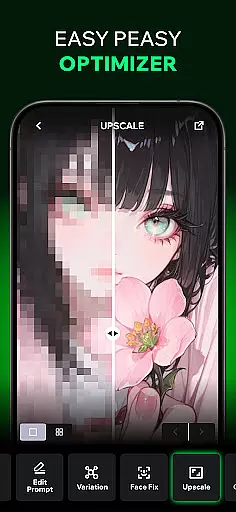
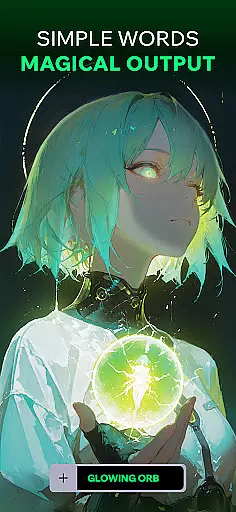
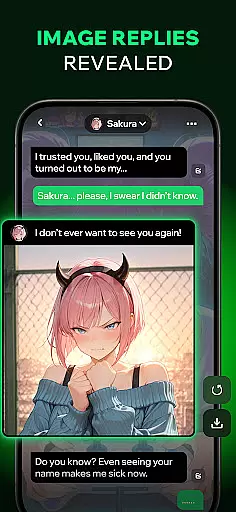
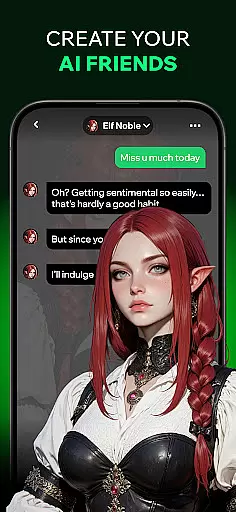
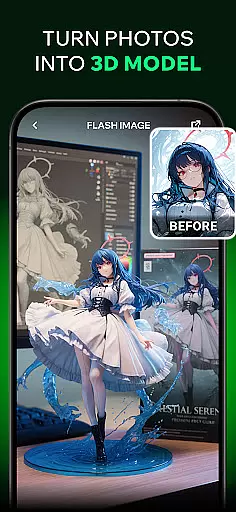
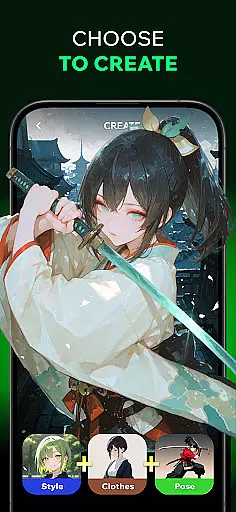
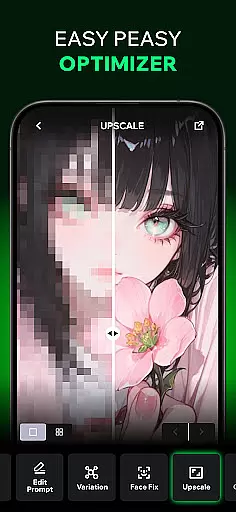
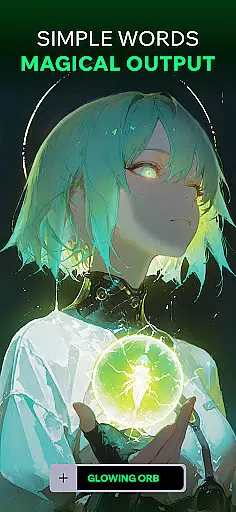
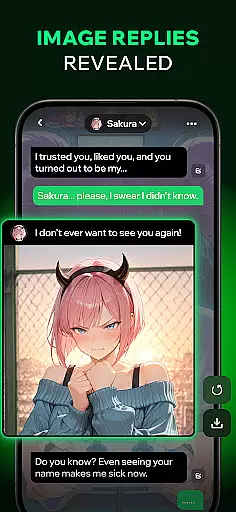
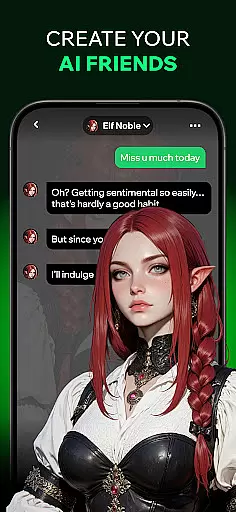
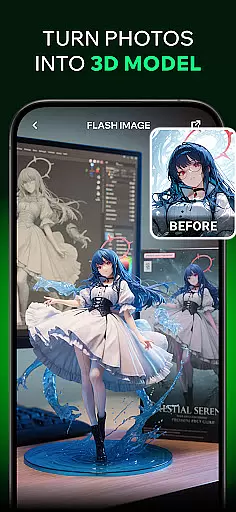
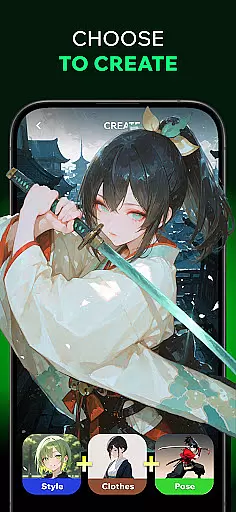
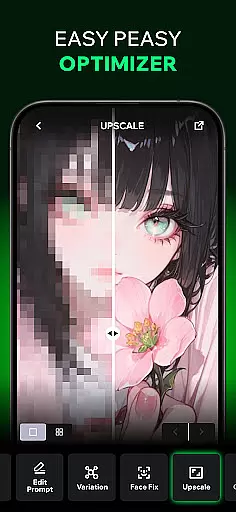
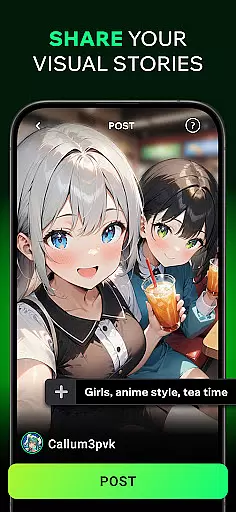
Spellai is an innovative app in the Art & Design category that allows users to effortlessly transform text into captivating photos and drawings. With its AI-powered features, users can create stunning images through simple conversations with AI friends. The app also offers advanced image editing capabilities powered by Google DeepMind's Gemini 2.5 Flash Image technology (codename 'Nano Banana'), making it a powerful tool for designers, content creators, and developers.
In addition to its core image generation features, Spellai enables users to turn images into videos, chat with AI characters, and share creations within a vibrant community. Whether you're looking to generate anime-inspired artwork, lifelike portraits, or custom wallpapers, Spellai provides endless creative possibilities while maintaining user-friendly accessibility.
Spellai stands out with its diverse range of creative tools designed to enhance artistic expression. The Text-to-AI-Art feature lets users convert written descriptions into visually appealing images without requiring any prior design skills. Its Chat Edit Feature, developed in collaboration with Google DeepMind, introduces multimodal understanding and conversational interaction, allowing users to refine their creations through natural dialogue.
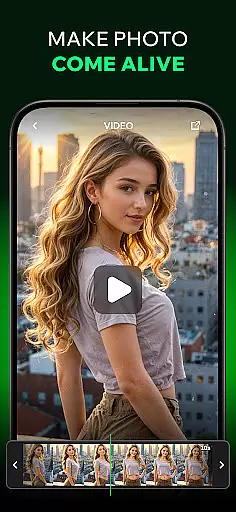
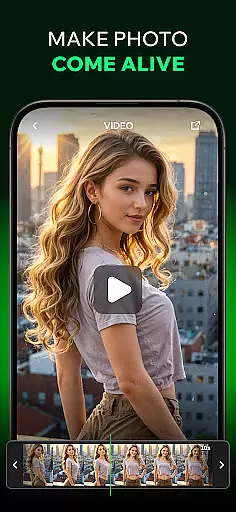
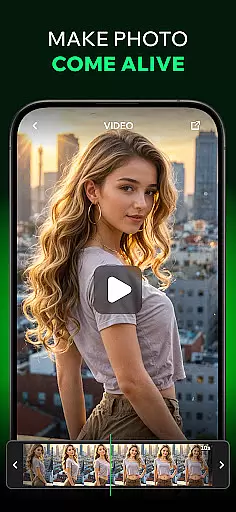
The app also includes a unique 'Turn Images into Video' function, which uses AI to generate dynamic videos from static images. Additionally, the AI Chat feature offers engaging conversations with customizable characters, providing both entertainment and creative inspiration. These robust features make Spellai not just an art tool but also a comprehensive platform for unleashing creativity across various formats.
In the realm of digital artistry, having a comprehensive suite of creative tools is essential. Spellai rises to the occasion by offering an extensive array of features that cater to both novice and professional artists alike. The app includes an advanced AI editor capable of transforming simple text into unique artworks, ranging from anime-inspired illustrations to lifelike photographs.
One standout feature is the collaboration with Google DeepMind, introducing the Nano Banana tool. This innovation leverages multimodal understanding and conversational interaction to facilitate unprecedented levels of creation and control. Designers, content creators, and developers will find their workflows significantly enhanced through this cutting-edge technology.
Moreover, Spellai enables users to turn images into videos, adding another dimension to creative expression. By simply inputting images, the AI generates captivating videos that bring visions to life. These capabilities ensure that every user can explore new horizons in art and design without needing prior experience or specialized skills.
The inclusion of pre-made prompts and customizable avatars further enriches the creative process. Users can effortlessly experiment with different styles and formats, ensuring that their artistic vision is fully realized. With Spellai, the possibilities for creative exploration are virtually limitless.
Flexibility in canvas and format options is crucial for artists seeking to express their creativity without constraints. Spellai addresses this need by providing a versatile platform where users can create artworks in various dimensions and resolutions. Whether crafting detailed illustrations or designing wallpapers, the app supports diverse project requirements.
The app's AI-driven engine ensures high-quality output regardless of the chosen format. From vibrant portraits to dreamy landscapes, Spellai maintains exceptional image fidelity across all creations. This adaptability allows users to seamlessly transition between different types of projects without compromising on quality.
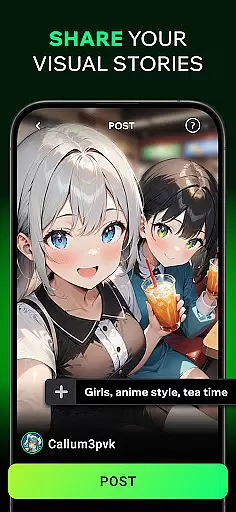
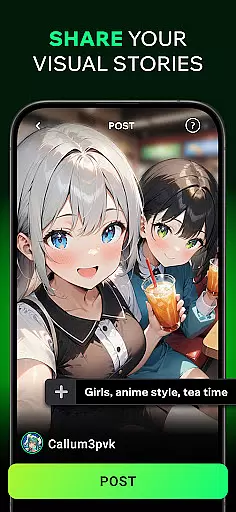
Additionally, Spellai offers community sharing features that enable users to showcase their work within a supportive environment. By posting their creations, users can receive feedback and inspire others while building a portfolio. This interactive aspect fosters a sense of belonging among text-to-image enthusiasts and designers alike.
With robust privacy protections and dedicated customer support, Spellai guarantees a secure and enjoyable experience. Users can confidently explore their artistic potential knowing that their personal data is safeguarded. Join the AI revolution today and discover the boundless opportunities Spellai provides for unleashing your creativity.
User-friendly interface
Advanced AI capabilities
Versatile creation options
Active community sharing
Realistic chatbot interactions
Limited free features
Subscription costs may apply
Occasional processing delays
Steep learning curve for beginners
Dependent on internet connectivity

Learn how to draw with step-by-step tutorials, fun lessons & multiplayer drawing
 4.70
4.70
Meet the magic aı 3d photo generator and smart AI video generator app.
3.20
Digital Drawing: Draw & Paint
4.10
See Color, Paint Color
4.90
Convert image to JPG PNG HEIC PDF, support almost all kinds of image formats
4.70
Powerful home decoration & house design that allows you to design dream home.
3.80
Android 14 style widgets and wallpapers app.
4.4
Draw, make movies & animate cartoons easily with our 2D animation maker app
4.40
Create amazing pictures and unleash your creative genius with AR Drawing Sketch
4.40
Make your phone cooler and have a fantastic experience
4.80
Draw beautiful mandala's very easily
4.60
Draw glowing spinners, relax, and spin your creative art
4.60
Unleash your drawing and painting potential
4.50
Remove Background, Magic Eraser, Photo Enhancer, Story Templates, Collage Maker
4.30
Create Logos, Tattoos, AI Art & more with our AI Photo Generator & Design Editor
4.20
Art of Combination Wear OS Watch faces (for Wear OS 5+ devices)
3.90
Paint with oils and sketch with natural tools on a realistic virtual canvas.
3.80
Draw anime easily with AR guidance, sketch templates & trace tools!
3.10
Inky runs Inkscape on Android devices and Chromebooks
2.90


User Reviews