
Calming & relaxing sounds for sleeping and stress relief. Stay focused all day!
 4.20
4.20
A full-featured Amazon Alexa voice assistant that can show you things.
3.70
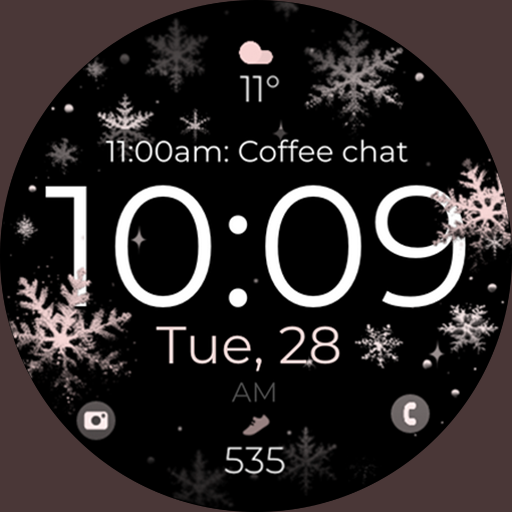
Watch face designed for Thanksgiving Day. 7 Background Styles included.
3.20
Digital, flexibly customizable watch face. For Wear OS 5.0, API 34+ and later.
5.00
Digital watch face with big numbers and many customization for Wear OS devices
4.40
Hyperlocal rain alerts by MyRadar using patent-pending technology, radar & more
4.80
Reliable phone calls with spam protection, caller ID and more helpful features
4.40
Premium hybrid watch face with many customizations for Wear OS devices.
4.40
Spam call blocker and caller ID for automatic call protection!
4.40
Period, ovulation & pregnancy tracker. Fertility insights & menstrual calendar.
4.90
Be an elegant and classy secret agent, with this carefully detailed watch face
4.70
Gym & home workout plans with strength training, exercise tracking, HIIT & more.
4.60
Retro digital watch face with customizable colors and a unique lighting effect
4.60
Fast and smart typing with Emojis, GIFs, and more
4.50
Elegant animated Christmas tree with multiple customization options
4.20
Embrace the festive spirit with our Christmas Countdown watchface for Wear OS
4.10
Analog watch face with 8 complications and expedition styling
4.2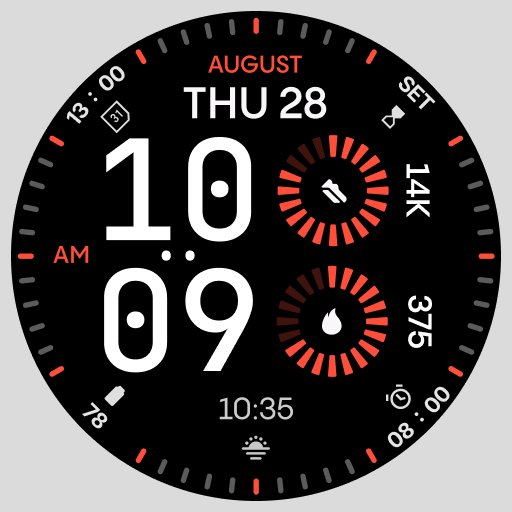
Stunning modern digital watch face with 7 complications and strong contrast
4.3
Sleek, highly customizable watch face inspired by Galaxy Watch Circle Dashboard.
4.1


