
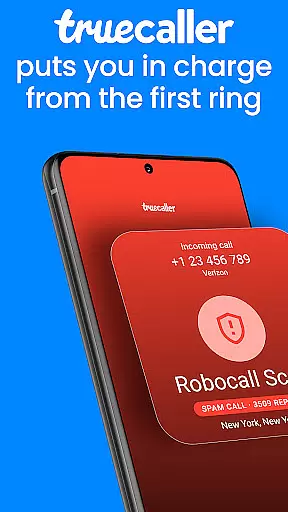



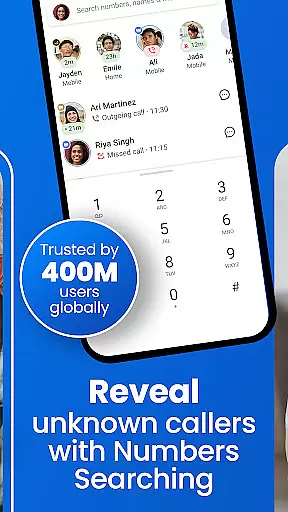
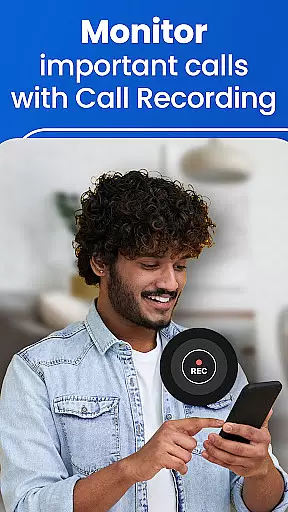

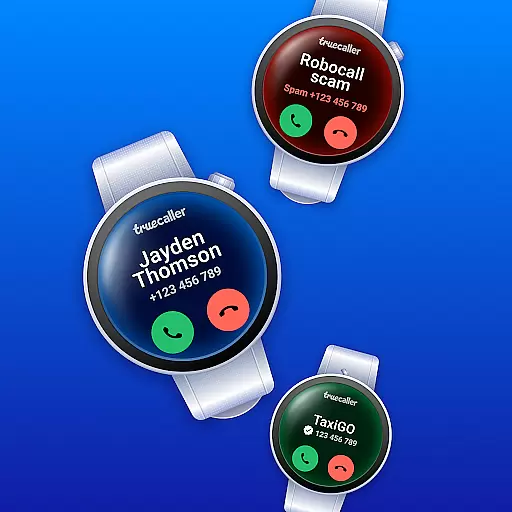
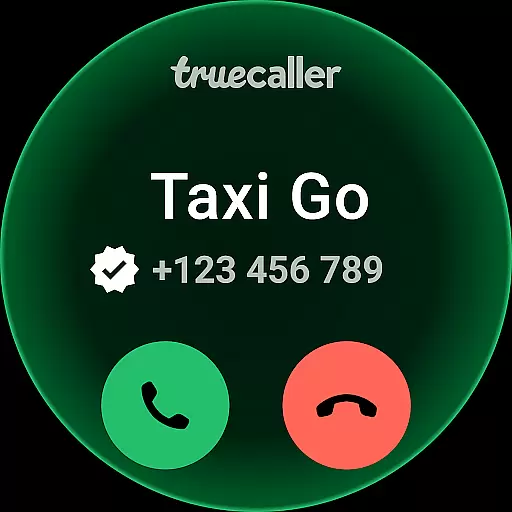


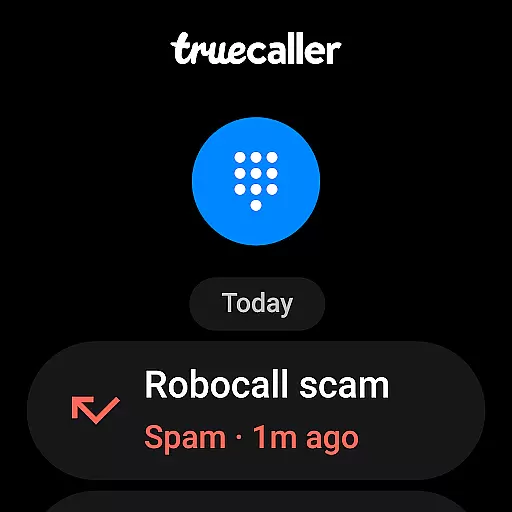
Truecaller is a comprehensive communication app designed for Android Wear, offering advanced Caller ID and call-blocking features. The app instantly identifies incoming calls, empowering users to block spam, scam, and unwanted calls with ease. With built-in tools like reverse number lookup and call recording, Truecaller ensures you are always in control of your phone experience.
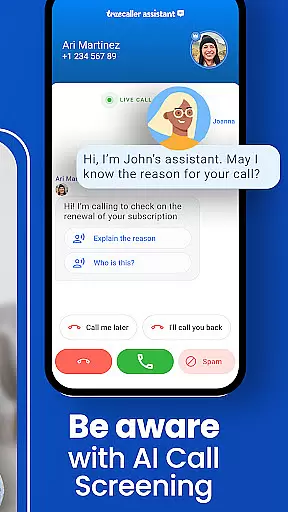
The app includes AI Call Scanner, which uses artificial intelligence to differentiate between human and AI-synthesized voices, protecting you from potential scams. Additionally, the Truecaller Assistant serves as a smart call screening tool that uses machine learning to determine the intent of callers, ensuring only relevant calls get through. These features make Truecaller an essential tool for anyone looking to enhance their communication security on wearable devices.
Truecaller stands out with its world-class spam call blocker and detector, capable of blocking telemarketers, robocallers, and suspicious numbers automatically. The app's Caller ID feature identifies unknown numbers and labels them as business or spam, while the reverse number lookup allows users to find the person's name associated with a number.
For productivity enhancement, Truecaller offers a Call Recorder that generates AI-based call subjects and summaries, providing written transcripts for easy reference. Users can also enjoy free VOIP calling and Video Caller ID, adding a personal touch to communications. The messaging feature organizes SMS into tabs, making it simple to manage important conversations while filtering out spam messages.
Truecaller offers seamless companion app integration, ensuring that your wearable devices stay connected with your smartphone. This feature allows users to receive real-time call notifications and identify callers directly on their Android Wear devices.
The synchronization between the Truecaller mobile app and its wearable counterpart is automatic and reliable. Users can enjoy core functionalities such as spam detection, call blocking, and caller identification without needing to reach for their phones.
This integration enhances convenience by providing instant access to essential features. Whether you're in a meeting or engaged in physical activity, you remain informed about incoming calls and messages while minimizing distractions.
By extending its advanced call management capabilities to Android Wear, Truecaller ensures that users experience consistent functionality across all their devices. This comprehensive connectivity empowers users to maintain control over their communications effortlessly.
Truecaller excels in Wear OS and device compatibility, offering a versatile solution for various smartwatches running on this platform. The application is optimized to deliver smooth performance regardless of the specific hardware specifications of your wearable device.
Users benefit from an intuitive interface tailored specifically for smaller screens, ensuring ease of use without compromising functionality. Key features like caller ID, spam blocking, and message notifications are accessible through simple interactions, enhancing user engagement.
This broad compatibility ensures that whether you own a popular brand or a lesser-known model within the Wear OS ecosystem, Truecaller adapts seamlessly to provide optimal service quality. Such adaptability underscores Truecaller's commitment to accessibility and user-centric design principles.
Ultimately, Truecalleru2019s dedication to supporting diverse devices amplifies its utility as a comprehensive communication tool. By prioritizing cross-device operability, it guarantees that every user enjoys uninterrupted access to vital communication management tools right from their wrist.
Advanced spam detection
AI-powered call analysis
Free VOIP calling
Comprehensive call blocking
Video caller ID
Premium subscription required
Limited free features
Occasional false positives
Privacy concerns
Resource intensive

A customizable Christmas watch face for Wear OS with a countdown.
 4.20
4.20
Christmas Theme Watch Face for Wear Os
5.00
Beautiful artistic animated digital watch face, with a customizable layout!
4.40
Simple Analog-Digital Watchface For Wear OS 3.0 and Up Smartwatches
4.2
A modern premium sporty hybrid watch face for Wear OS by Ballozi
4.70
3 Complications. All shadow on/off. 30 Themes color palette...
4.5
Kia Access makes getting your vehicle information easier than ever
4.60
The ultimate destination for kids ages 3-8 to explore the Marvel Universe!
4.30
Premium hybrid watch face with many customizations for Wear OS devices.
4.40
Christmas - Festive - Christmas Village - Winter - Christmas lights
5.00
To-Do List: daily schedule planner, task organizer, to do reminder app, calendar
4.60
Retro digital watch face with customizable colors and a unique lighting effect
4.60
"PER27 Galaxy Digital" is a digital Wear OS watch face designed by PERSONA
4.10
A digital watch face that celebrates Christmas.
4.00
Viewer for Wyze/Yi/Eufy/Arlo/ONVIF/RTSP/P2P IP cams w/ adv. features & DIY DVR
4.00
Structured watch face with seven complications and modular UI elements
3.90
A full-featured Amazon Alexa voice assistant that can show you things.
3.70
A Wintery Snow Globe on Your Wrist; now celebrating Christmas!
4.4
Stunning modern digital watch face with 7 complications and strong contrast
4.3


User Reviews