
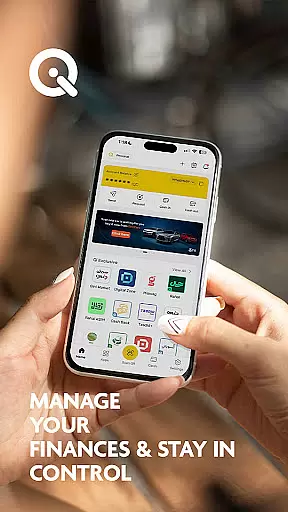
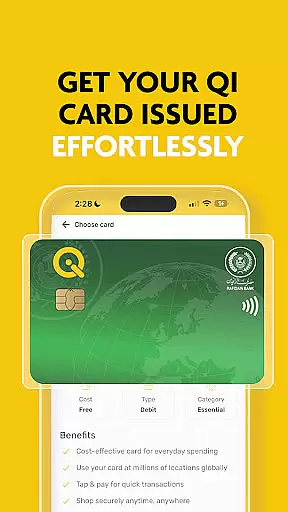
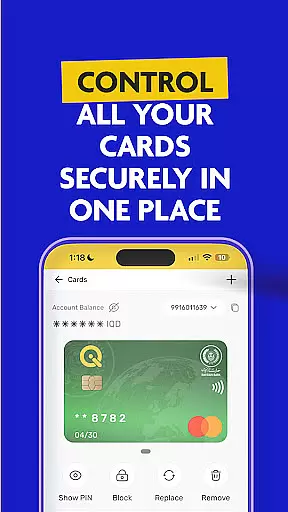
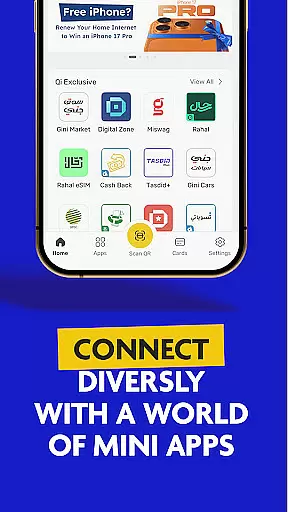

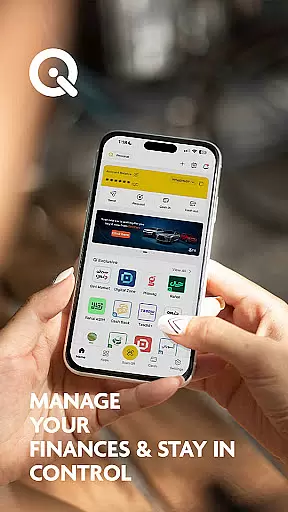
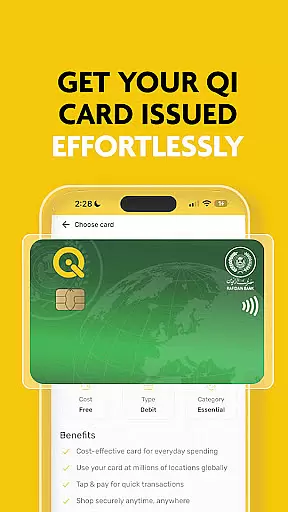
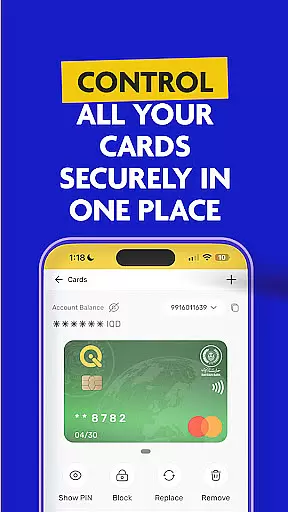

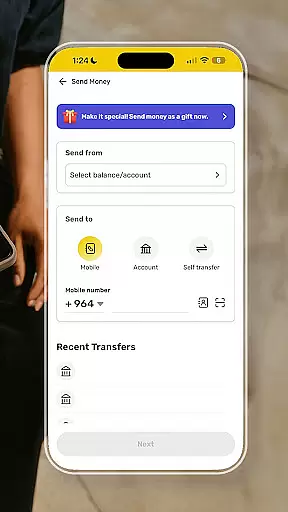
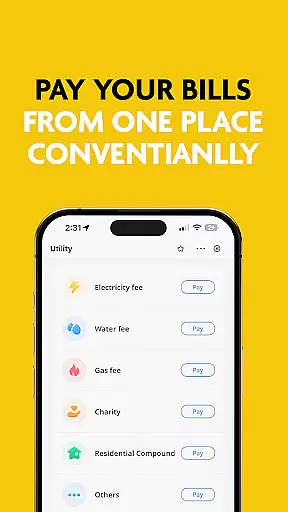
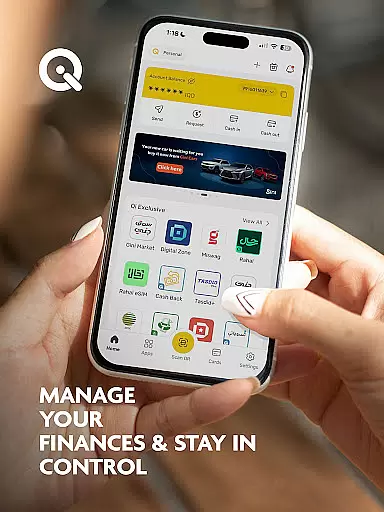
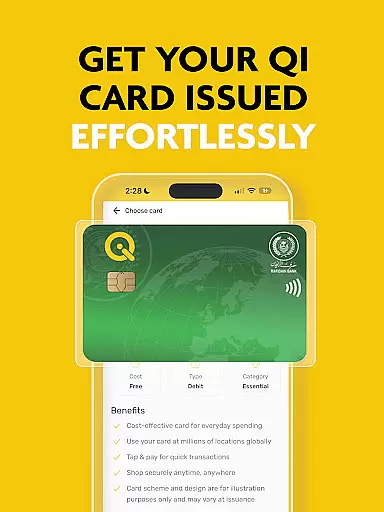
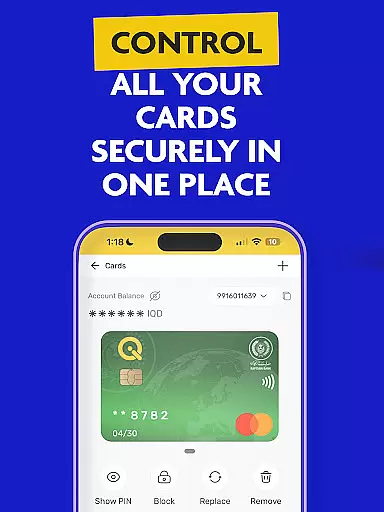

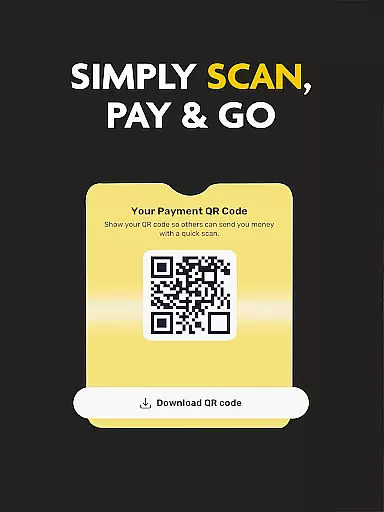
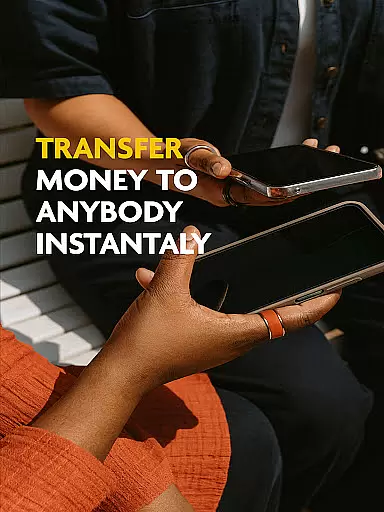
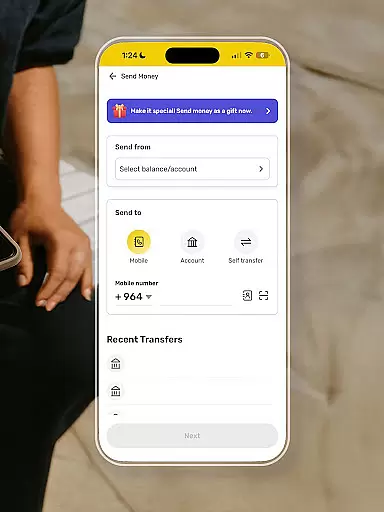
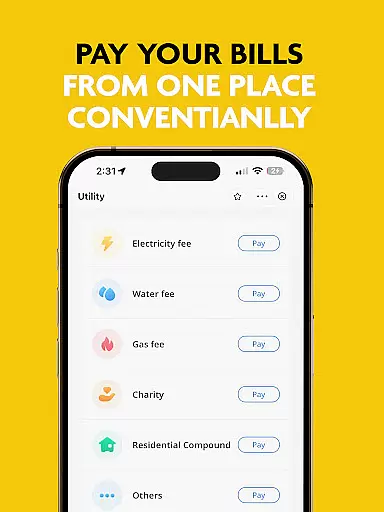
SuperQi is a comprehensive financial super-app designed specifically for the Iraqi market, offering users a complete digital wallet solution. The app enables seamless cashless transactions across Iraq and internationally through features like money transfers, bill payments, mobile recharges, and e-commerce integrations.
With advanced security protocols, SuperQi ensures safe transactions while providing convenient access to Qi Bank accounts. Users can enjoy innovative functionalities including QR code payments, one-tap bill payments, and integration with MasterCard/Visa systems. The app's mini-app ecosystem creates a unified platform for managing various aspects of daily life.
This all-in-one solution is particularly valuable for individuals seeking to streamline their financial activities and access multiple services through a single interface. From basic transactions to loan applications and installment plans, SuperQi serves as a complete lifestyle management tool.
SuperQi distinguishes itself through its robust feature set tailored for modern digital finance. The app implements enterprise-grade security measures that protect user transactions while maintaining ease of use. Its integration with Qi Bank accounts allows for real-time account management and monitoring.
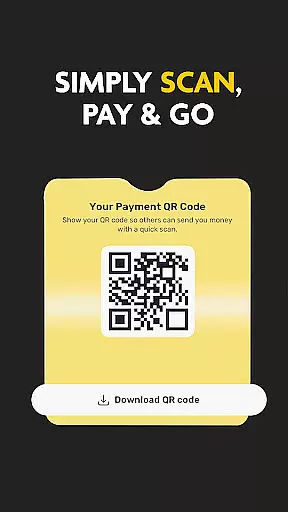
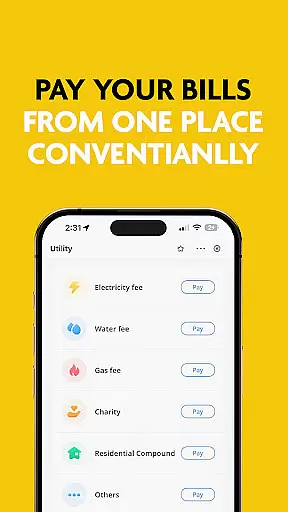
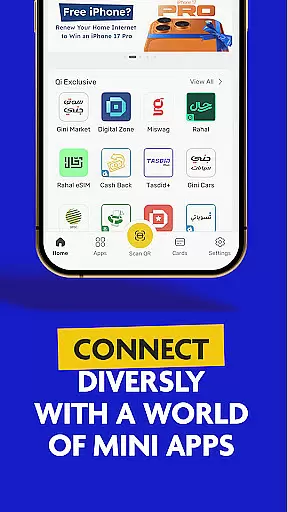
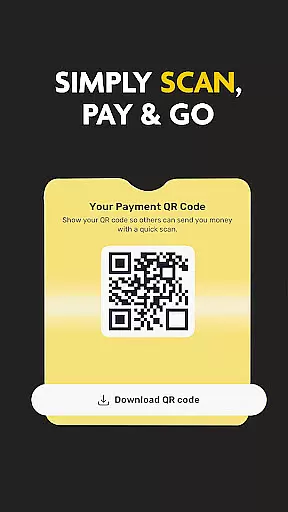
The mini-app architecture provides specialized tools for different financial activities, from merchant payments to utility bill settlements. The QR payment system enables instant transactions at participating merchants nationwide. With support for both local and international payment networks, users can conduct transactions globally.
Additional capabilities include Western Union money transfers, Rafidain Bank loan applications, and installment service management. These features collectively create a comprehensive financial ecosystem that addresses various user needs from basic transactions to complex financial planning.
In the realm of digital finance, security stands as a paramount concern for users. SuperQi addresses this by implementing advanced security protocols to protect every transaction made through the app. The app ensures that all financial operations, from money transfers to bill payments, are safeguarded against unauthorized access.
SuperQi employs state-of-the-art encryption methods and secure authentication processes. This means that whether you're managing Qi bank accounts or using the scan-to-pay feature, your data remains confidential and secure. Such measures provide peace of mind, assuring users that their funds and personal information are protected at all times.
The benefit to users is significant; with SuperQi's robust security framework, they can perform cashless transactions across Iraq and globally without worry. This protection extends to interactions with the wide network of merchants available in the app, ensuring comprehensive security coverage.
Ultimately, SuperQi's commitment to account and fund security empowers users to embrace a digital lifestyle confidently. By prioritizing safety in every financial interaction, the app becomes a reliable partner in managing daily essentials seamlessly and securely.
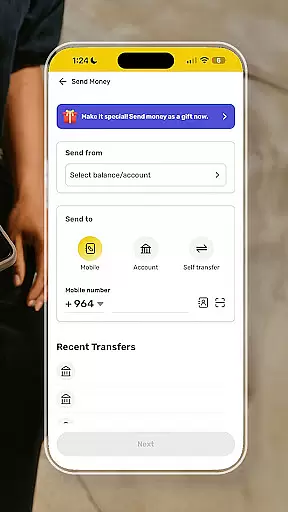
A seamless transaction experience is crucial for any financial application, and SuperQi excels in providing just that. The app offers an intuitive interface where users can easily transfer money between cards or accounts, pay bills with one tap, and even use QR codes for swift payments. These features collectively ensure that all transactions are not only secure but also remarkably efficient.
SuperQi enhances user convenience by integrating MasterCard and Visa services, functioning effectively as a digital wallet. Users can access services like Western Union money transfers, Rafidain Bank loans, and installment plans effortlessly within the app. This integration simplifies complex financial tasks into straightforward actions that save time and reduce hassle.
For users, this translates into an ability to manage finances anytime, anywhere, with minimal friction. Whether it's handling e-commerce purchases, mobile recharges, or organizing daily expenses, SuperQi streamlines these activities significantly. The result is an enhanced quality of life through simplified financial management.
By focusing on delivering a smooth and responsive transaction experience, SuperQi positions itself as an indispensable tool for modern living. Its emphasis on accessibility and ease-of-use makes it a standout choice for those seeking efficiency in their day-to-day financial dealings.
Comprehensive financial services
Advanced security features
Wide merchant network
Seamless bank integration
User-friendly interface
Limited international features
Occasional connectivity issues
Requires stable internet
Some fees apply
New user learning curve

Currency Converter, Exchange Rates, Widgets
 4.90
4.90
Manage your prepaid cards and add to Google or Samsung Wallet.
4.60
Money transfer made easy. Send money to friends and family with great rates.
4.70
Payday cash advance & Instant cash advance: Borrow money instantly, Get cash now
4.60
Banking, Budgeting & Investing
4.60
“Money Manager” is an optimized application for personal asset management.
4.70
Military retirement pay estimation calculator
4.70
Wells Fargo Mobile allows you to access your investment and bank accounts.
4.80
Pay, bank & build credit.
4.70
BA Financial Calculator PRO – Perfect for CFA/FRM/CPA and finance professionals
4.90
Secure, simple money transfer app. Send money to Mexico and worldwide fast.
4.80
Managing your money just got easier. Get the new Mobile app.
4.70
Powerful Money Manager, Expense & Savings Tracker, Budget Planner - Pro Version
4.70
Access State Farm accounts, policies, ID cards and more
4.60 4.50
4.50
Mine Bitcoin in the cloud! Earn BTC daily with high-speed mining power.
4.30
Earn money as a tester with Testerup, get cash testing apps and games
4.20
NFC mobile payment app Use your phone as a contactless bank card
4.00
Bill Manager is a simple app to help you keep track of your upcoming bills.
4.4


User Reviews