
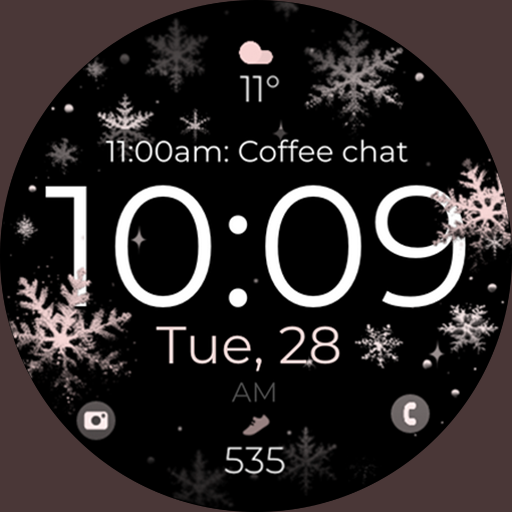
Snowflake Rose Gold Watch Face - Digital, modern, & sleek with GYRO effect.
 4.10
4.10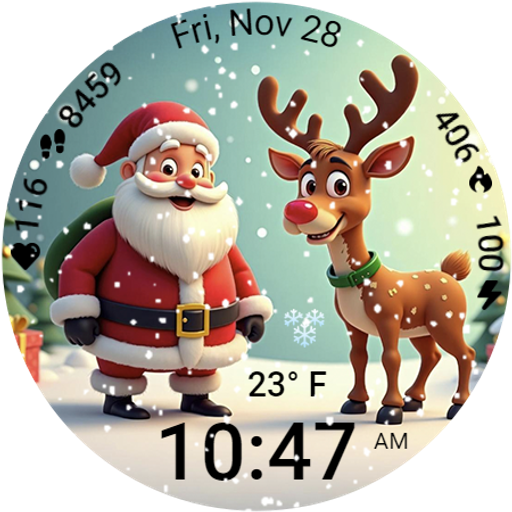
A heartwarming Christmas scene featuring a cute image of Santa and Rudolf
4.0
Watch face for Wear OS.
4.20
Bold, Modern Hybrid Watch Face for Wear OS. 10 Colors, Rich Info Display.
4.30
Hyperlocal rain alerts by MyRadar using patent-pending technology, radar & more
4.80
Gym & home workout plans with strength training, exercise tracking, HIIT & more.
4.60
Reliable phone calls with spam protection, caller ID and more helpful features
4.40
Fitbit is dedicated to helping people lead healthier, more active lives.
4.10
Spam call blocker and caller ID for automatic call protection!
4.40
Hybrid watch face for Wear OS with customizable complications by Matteo Dini MD
4.70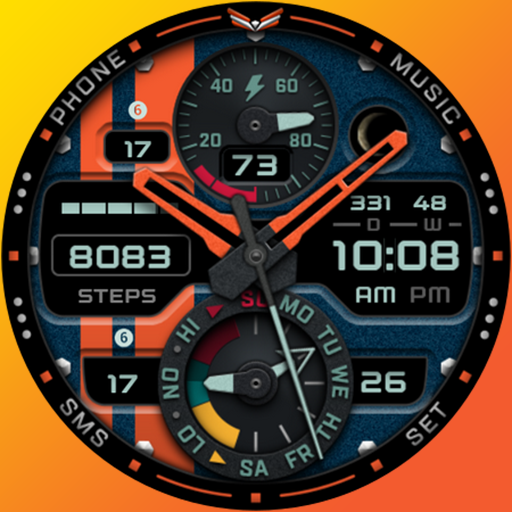
A modern premium sporty hybrid watch face for Wear OS by Ballozi
4.70
Rose gold watch face with festive lights & customizable features.
4.60
Real-time results, stats, schedules and player profiles for all leagues
4.60
Embrace the holiday spirit with this magical animated watch face!
4.40
Current temperature, weather hourly, weather radar by the weather forecast app
4.40
Your music, your playlists, and more—offline and unlimited.
4.20
Embrace the festive spirit with our Christmas Countdown watchface for Wear OS
4.10
The #1 source of faces for your smartwatch!
4.00
Wear Os Watch Face - Animated Snow - Sesonal for Christmas & Winter
4.4


