
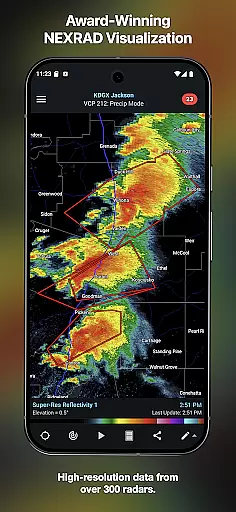
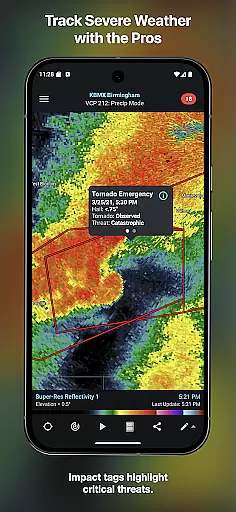
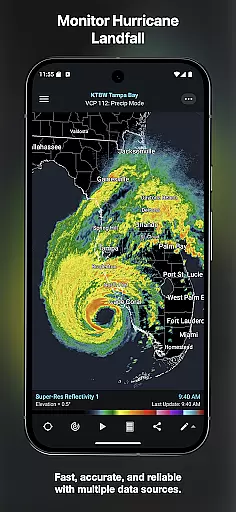
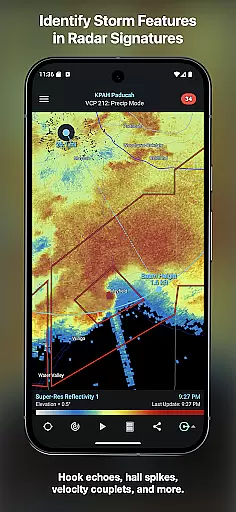
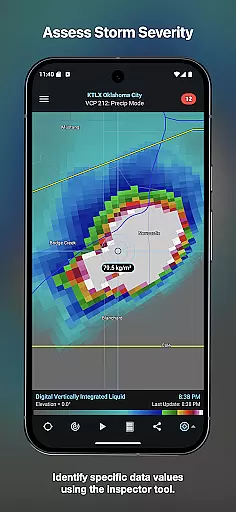
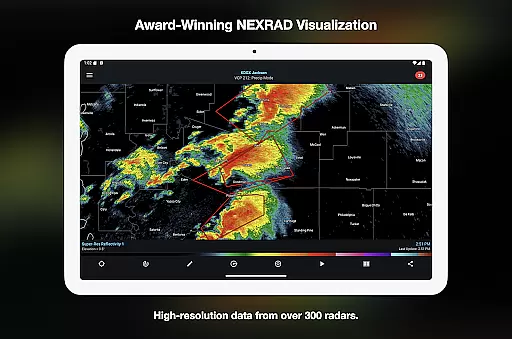
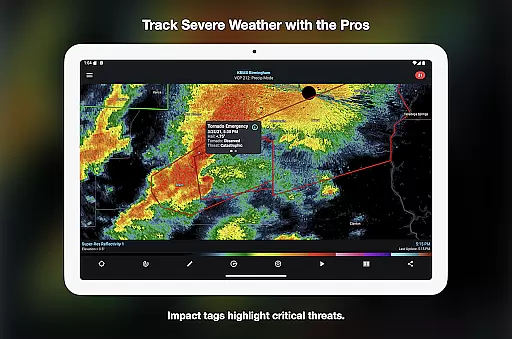
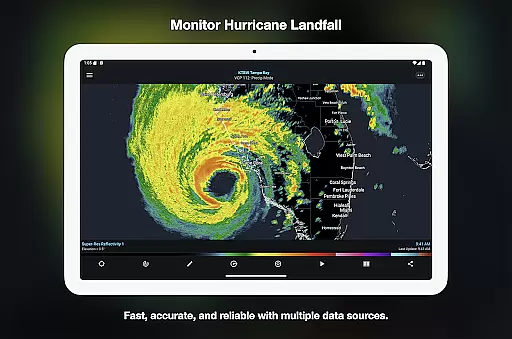
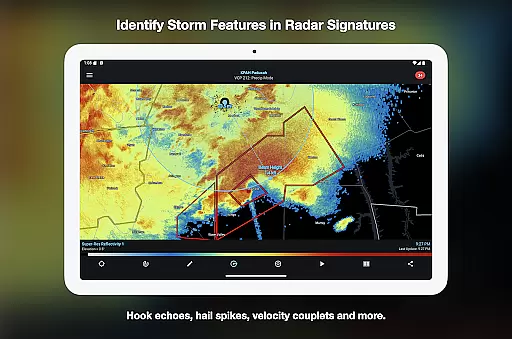
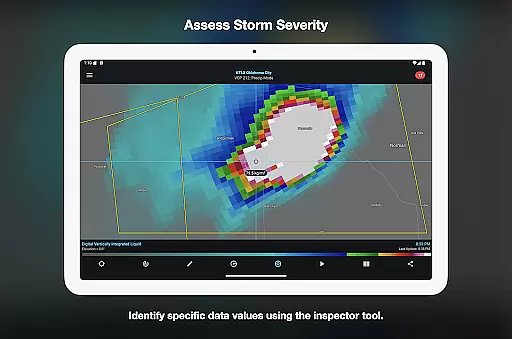

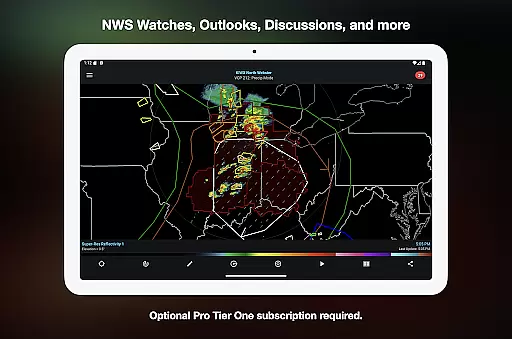
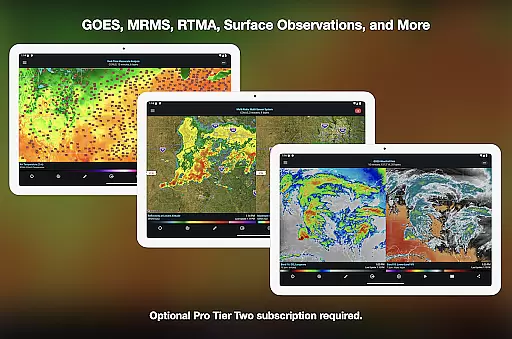
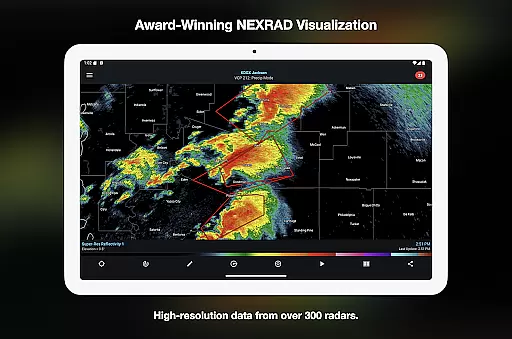
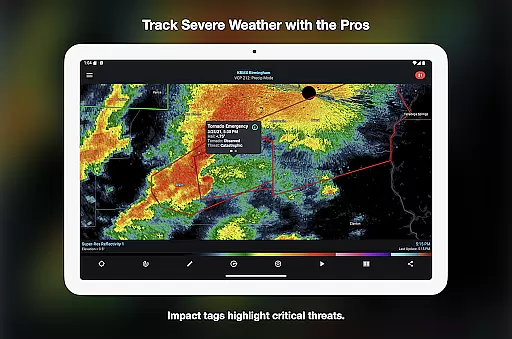
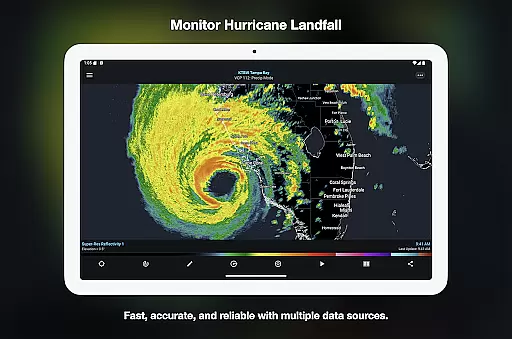
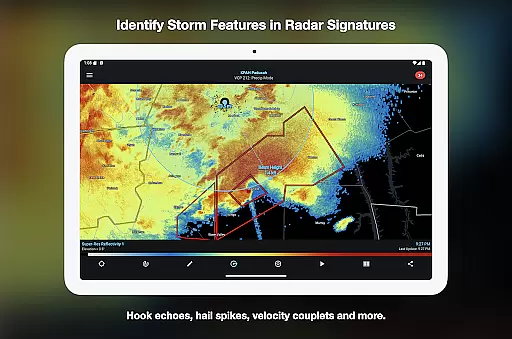
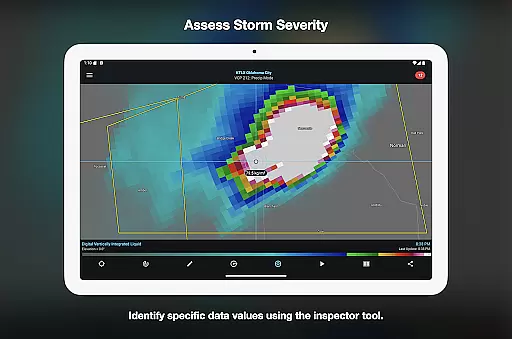
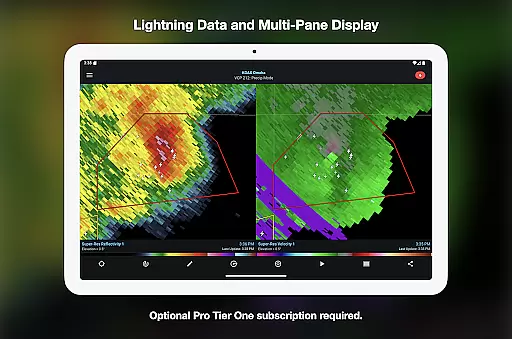
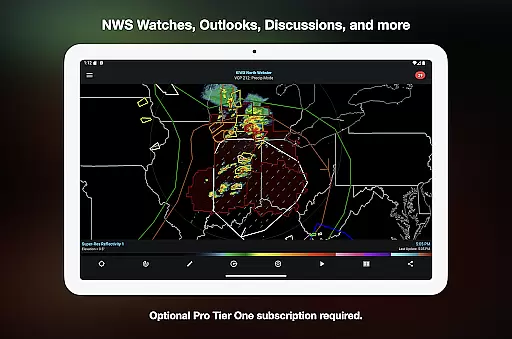
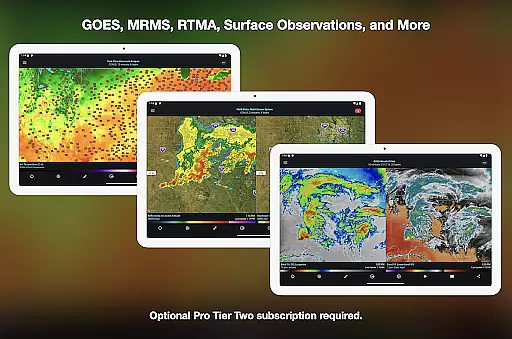
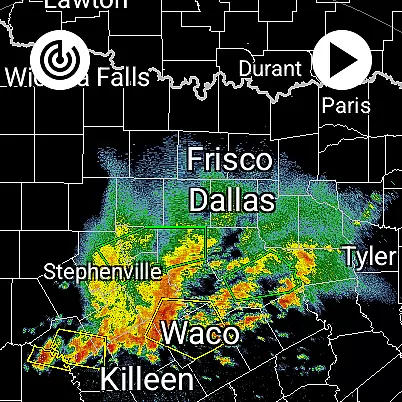
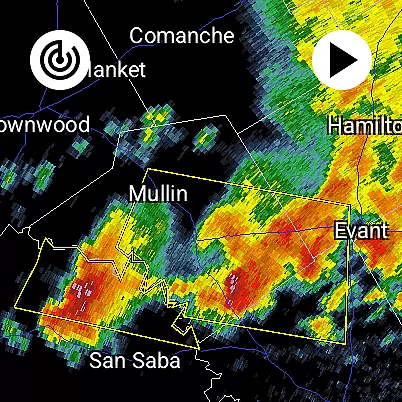
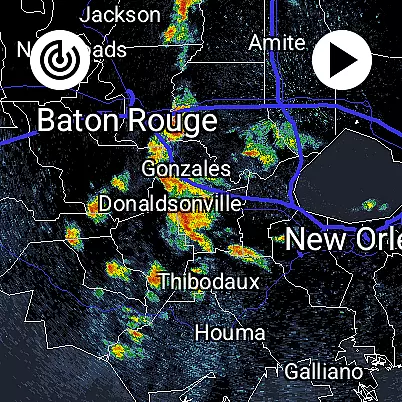
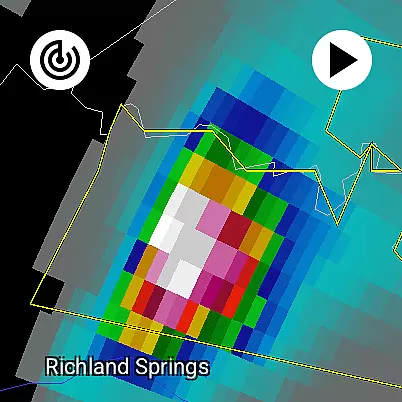
RadarScope is a professional weather visualization application designed for meteorologists and weather enthusiasts. This app provides a comprehensive suite of single-site radar data and severe weather products, displaying native radar data in its original radial format. With real-time updates every 2-10 minutes, users can track critical weather patterns like mesocyclones, hurricanes, and hail spikes as they develop.
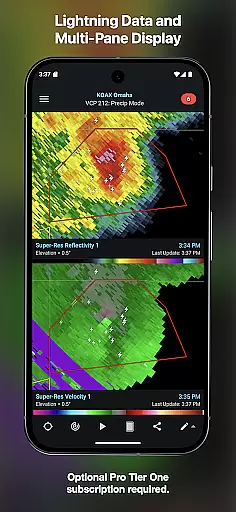
The app includes essential features such as 6-frame radar loops, tornado and thunderstorm warnings, storm tracks with detailed attributes, and integration with services like AllisonHouse and Spotter Network. Available on Android and Wear OS, RadarScope offers an ad-free experience with optional Pro Tier subscriptions that unlock advanced capabilities including historical radar data, GOES satellite imagery, and multi-pane displays.
RadarScope stands out with its precise weather tracking tools tailored for professionals and enthusiasts alike. The app's core feature is its ability to display radar data in its native format, ensuring accuracy and timeliness. It supports multiple providers for radar data and offers specialized tools like the Inspector and distance measurement utilities.
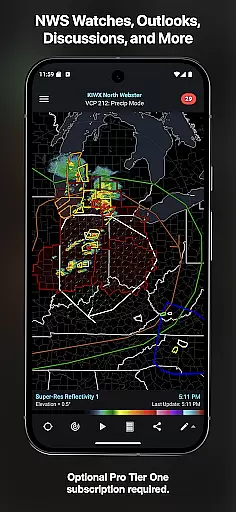
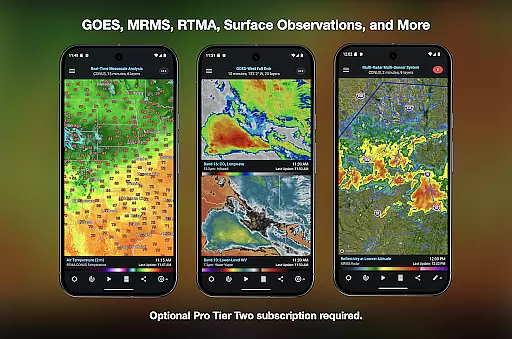
For power users, RadarScope Pro Tier subscriptions provide enhanced functionalities. Tier One adds 30-frame radar loops, lightning strike data, and convective outlooks. Tier Two expands this further with NEXRAD Level II data, a 30-year historical archive, MRMS products, and custom color palettes for various weather layers. These advanced features make RadarScope an indispensable tool for detailed weather analysis across different platforms.
Companion app integration is a crucial feature for Android Wear applications, ensuring seamless synchronization between the wearable and its smartphone counterpart. RadarScope excels in this area by offering a unified experience across devices.
The app provides real-time weather data updates on both Android and Wear OS platforms, allowing users to access critical radar information directly from their smartwatch. This ensures meteorologists and weather enthusiasts can monitor severe weather conditions even when away from their phones.
RadarScope's implementation includes support for widgets, enabling quick access to essential features right from the watch face. The universal app design guarantees consistent functionality and user experience across different device types.
This integration extends to subscription management as well, with cross-platform sharing available on up to five devices. Users can control their Pro Tier subscriptions and access advanced features regardless of which device they're using, making storm tracking more convenient than ever.
Device compatibility is vital for any Android Wear application, determining how well the software performs across various hardware configurations. RadarScope demonstrates excellent compatibility with Wear OS devices while maintaining full functionality.
The application runs natively on both Android smartphones and Wear OS watches, providing optimized performance without compromising features. This native implementation ensures smooth operation and minimal battery consumption on wearable devices.
RadarScope supports bundled maps specifically optimized for low-bandwidth use, crucial for smartwatch displays. These maps include political boundaries, water bodies, and major highways, all rendered efficiently for small screens.
Furthermore, the app's Family Library support enables easy sharing among household members, while automatic updates every two to ten minutes guarantee timely weather information across all compatible devices. This comprehensive approach to compatibility makes RadarScope a reliable choice for weather monitoring on wearable technology.
Real-time radar updates
Historical weather data
Ad-free experience
Multi-platform support
Detailed storm tracking
Higher subscription cost
Complex for beginners
Limited free features
Requires technical knowledge
Heavy data usage

Easy Voice Recorder is your everyday companion to record important moments.
 4.70
4.70
A modern premium sporty hybrid watch face for Wear OS by Ballozi
4.70
Be an elegant and classy secret agent, with this carefully detailed watch face
4.70
sleep, alarm, snoring, stress, healing, focus, sound therapy, circadian rhythm
4.10
The #1 source of faces for your smartwatch!
4.00
Stylish, Energizing and Modern Watch Face crafted by Dominus Mathias.
4.50
Premium hybrid watch face with many customizations for Wear OS devices.
4.40
Simple, helpful messaging by Google
4.60
Track airplanes and follow flights with our real-time flight tracker
4.50
A modern hybrid informative watch face for Wear OS designed by BALLOZI
4.80
Retro digital watch face with customizable colors and a unique lighting effect
4.60
MyNISSAN® lets you remotely control your car from your phone.*
4.50
Reliable phone calls with spam protection, caller ID and more helpful features
4.40
Bold weather Digital watchface with forecast & optional animated background
4.40
Snowflake Rose Gold Watch Face - Digital, modern, & sleek with GYRO effect.
4.10
A digital watch face that celebrates Christmas.
4.00
Your local weather forecast, storm tracker, radar maps & live weather news
3.40
A watch face that fuses motorsport precision with contemporary smartwatch design
4.4
Artistic Digital Watchface
4.3


User Reviews