
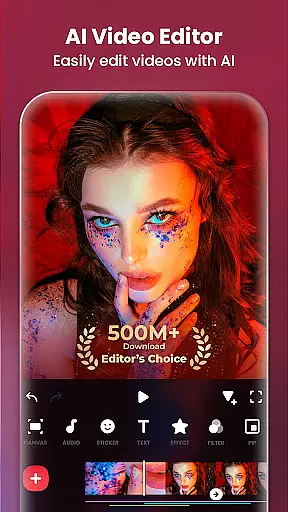
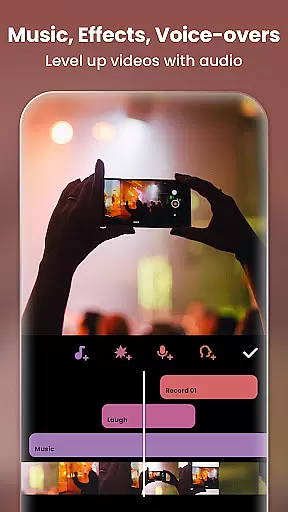
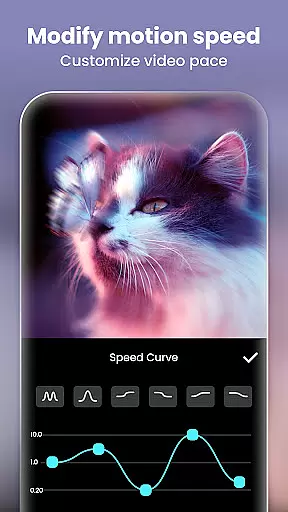
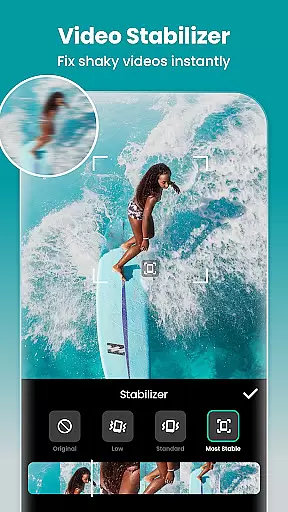
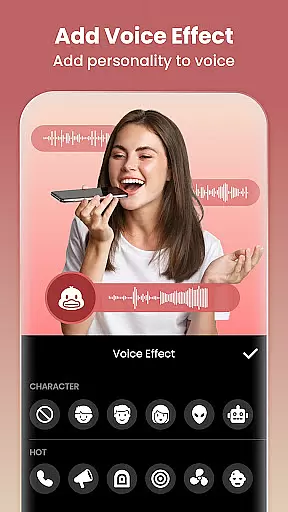
InShot is a versatile video editing and photo enhancement application designed for both casual users and professional content creators. This all-in-one tool offers a comprehensive suite of features including video trimming, merging, reversing, and speed control, along with advanced options like chromakey editing and picture-in-picture effects. The app stands out with its AI-powered tools such as auto captions, background removal, and smart tracking, which simplify complex editing tasks.
Beyond video editing, InShot provides a robust photo editor and collage maker. Users can apply cinematic filters, adjust HSL settings, remove unwanted objects, and enhance image quality using AI technology. With support for 4K 60fps export and seamless sharing to social media platforms like Instagram, TikTok, and YouTube, this app is an ideal solution for creating high-quality visual content that engages audiences across multiple channels.
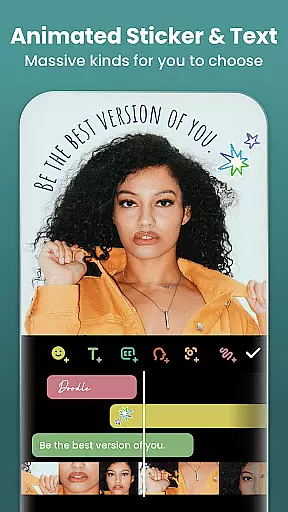
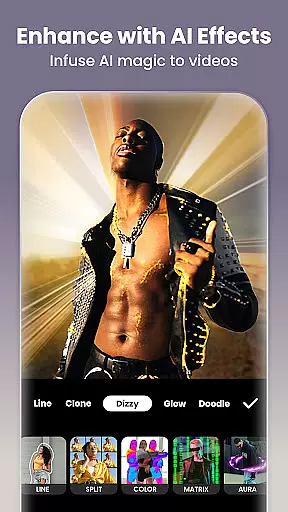
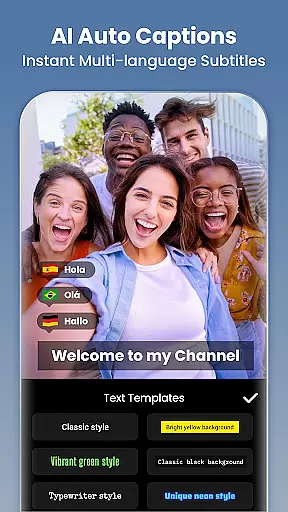
InShot distinguishes itself through its extensive feature set tailored for modern content creators. The app's AI tools are particularly noteworthy - the auto captions feature uses speech-to-text technology to generate subtitles, while the smart tracking function allows stickers and text to follow moving objects in videos. The AI body effects provide instant enhancements for both images and videos, making professional-grade edits accessible to everyone.
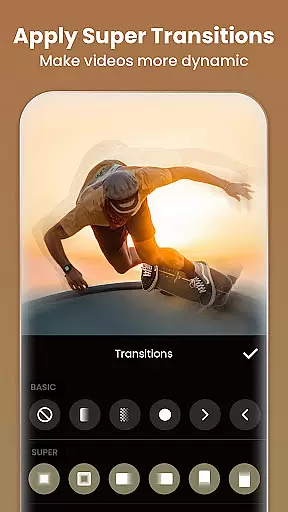
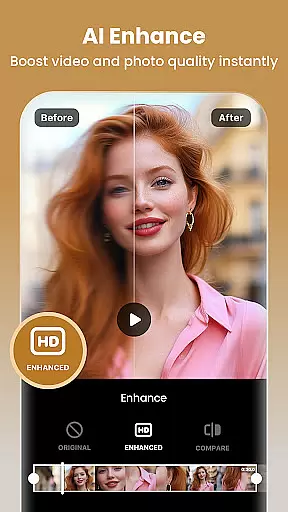
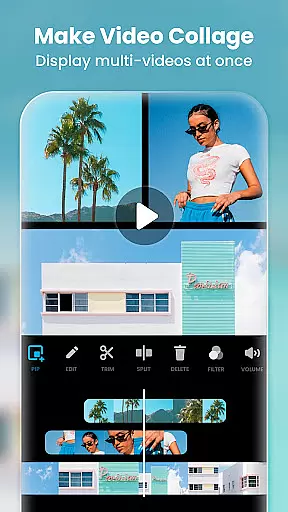
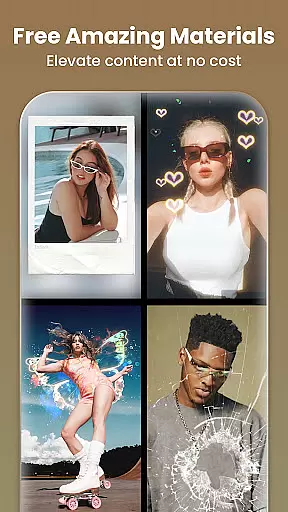
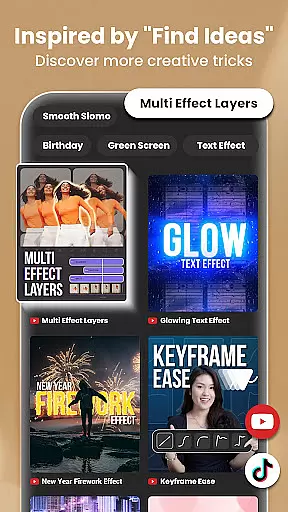
The app excels in traditional editing capabilities as well. Users can precisely trim and merge clips, apply various transition effects, and create multi-layered compositions using picture-in-picture functionality. Advanced features include keyframe animation, color grading tools, and blend modes for creative video compositing. For photo editing, the app offers over 1000 stickers, meme templates, and an AI-powered photo enhancer that transforms low-quality images into high-definition masterpieces.
InShot's versatility extends to its export options and sharing capabilities. The app supports custom resolutions up to 4K 60fps, ensuring professional-quality output for various platforms. Its optimized formats for Instagram Reels, TikTok, YouTube Shorts, and other social media services make content distribution effortless. The combination of powerful editing tools, AI assistance, and seamless sharing options establishes InShot as a comprehensive solution for digital content creation.
Real-time capture and preview functionality is essential for any photography or video editing application. This feature allows users to see exactly what their camera is capturing, ensuring that the framing, lighting, and composition are perfect before they take a shot or start recording. In the case of Video Editor & Maker, this app provides an intuitive interface where creators can instantly view changes as they apply filters, effects, or adjust settings.
The importance of real-time capture lies in its ability to save time and enhance creativity. Users no longer need to take multiple shots hoping one will turn out right; instead, they can rely on the live preview to get it correct the first time. The Video Editor & Maker app takes this further by integrating advanced AI tools that allow for instant adjustments like background removal, smart tracking, and auto captions, all visible in real-time.
By offering such comprehensive real-time capabilities, Video Editor & Maker empowers content creators to produce high-quality videos efficiently. Whether you're crafting a vlog for YouTube or editing a quick clip for TikTok, having immediate visual feedback ensures your final product meets professional standards without unnecessary delays.
AI beauty and enhancement features have revolutionized how we approach photo and video editing. These tools use sophisticated algorithms to automatically improve the appearance of subjects while maintaining natural-looking results. For Video Editor & Maker, AI-powered enhancements include skin smoothing, blemish removal, and facial structure adjustments that preserve authenticity rather than creating an overly edited look.
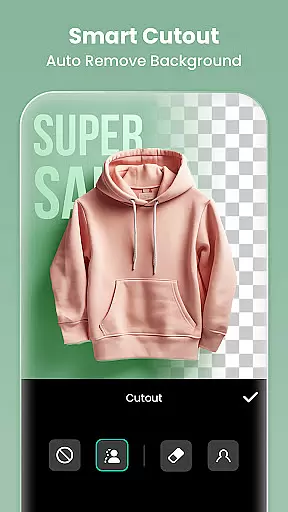
The significance of naturalness in AI enhancements cannot be overstated. Overly processed images often appear artificial and unappealing. However, with Video Editor & Maker's advanced AI technology, users can achieve polished yet genuine outcomes. Features like AI Body Effects and Auto Remove Background ensure edits are seamless and lifelike, enhancing the subject without detracting from the overall image quality.
Ultimately, these AI-driven enhancements provide significant value to users who seek professional-grade edits without extensive manual effort. By leveraging AI beauty tools within Video Editor & Maker, creators can focus more on storytelling and less on tedious editing tasks, resulting in visually stunning content that resonates well across platforms like Instagram, TikTok, and YouTube.
User-friendly interface
Extensive AI features
Professional editing tools
High-quality export options
Social media optimization
Some features require payment
Advanced tools may overwhelm beginners
Occasional performance issues
Limited free export resolution
Ads in free version

Add Watermark - Sign your pictures with a text or logo. Effective, quick, easy!
 4.50
4.50
Pet Camera
3.70
Turn your phone into a professional camera - full DSLR manual photography
4.30
Gallery Slideshow is slideshow maker app for slideshow from your gallery photos.
3.90
Future baby face generator: AI kids generator, kid face! What my baby look like?
4.40
GCamera allows all GCam features on all phone models! Better photos with GCamera
3.30
Astrophotography with your smartphone, photo live stacking and much more!
3.90
Pro version: AR sun/moon tracker for any date. Tool for photographers & planners
4.90
live datamoshing
4.00
See your baby AI baby face generator AI baby maker Face generator babymaker fun!
4.70
The original Rarevision VHS look seen everywhere!
4.70
Easily create custom gifts, cards, photo books & more on the Shutterfly app!
4.60
Safe & smart flight with Go Fly drone controller for 40+ drone camera, zone map
4.50
Create Business Headshots, Polaroid Filter, Retake Photos,Profile Pics,AI Photos
4.50
Create AI photos & videos with Enhancer; restore, fix, beautify, enhance photos
4.50
AI photo enhancer with Sora 2! Enhance, descratch, and colorize your old photos.
4.50
Effortlessly organize, view and share your photos & videos with Gallery app!
4.40
A light meter for true photographers.
4.20
What celebrity do you look like? Celebs will find your celebrity match!
4.10


User Reviews