

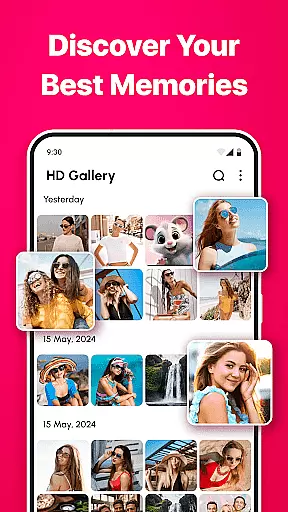
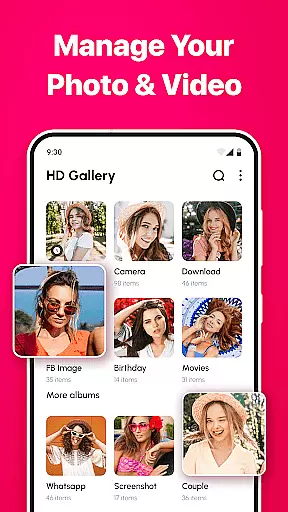
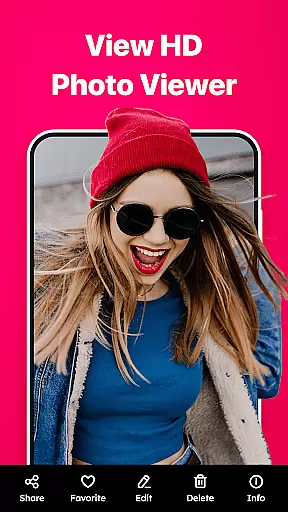
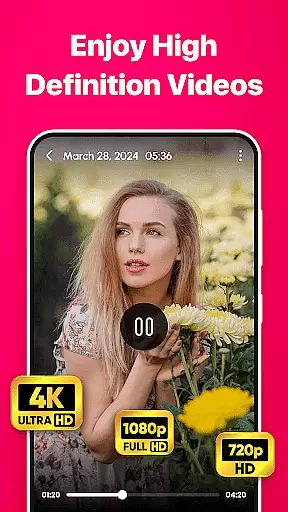

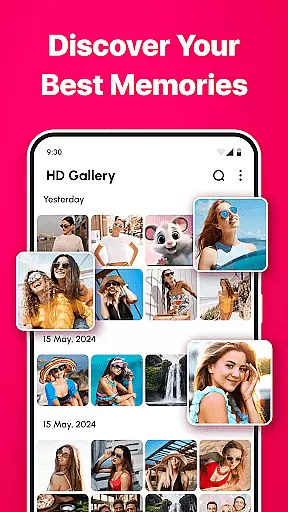
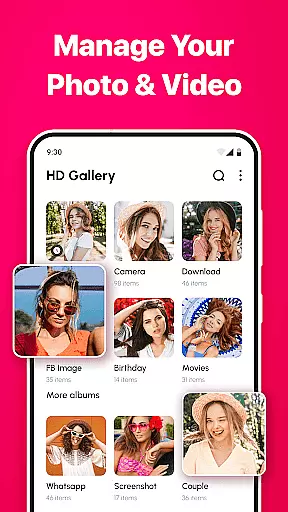
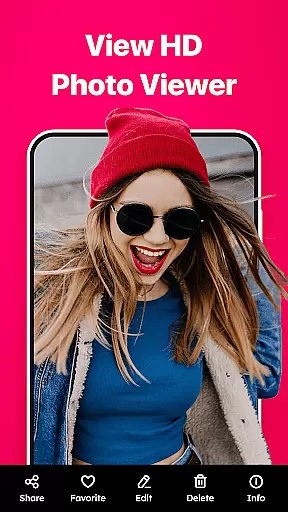
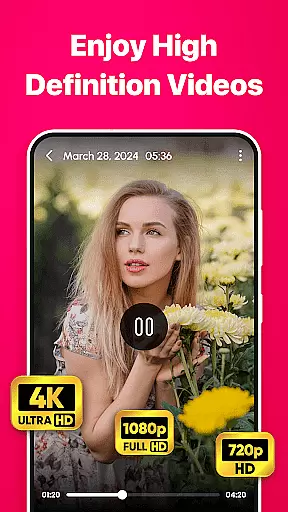

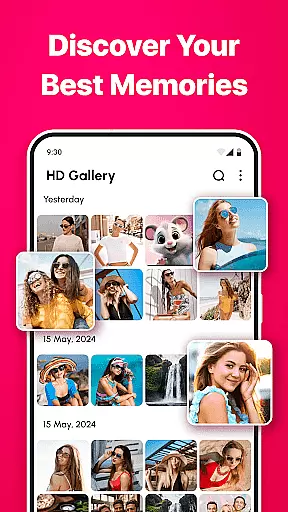
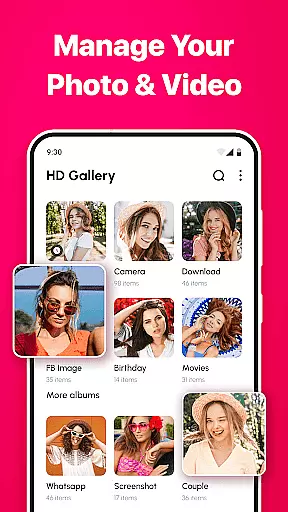
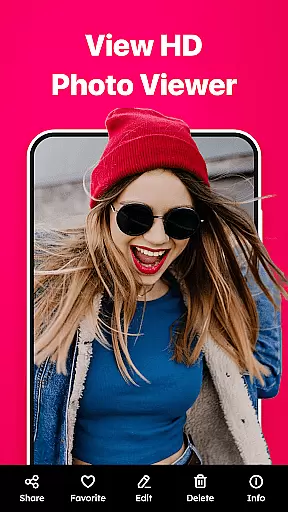
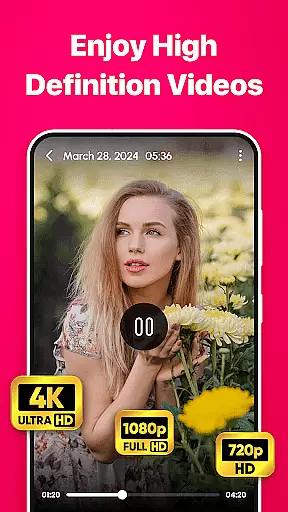

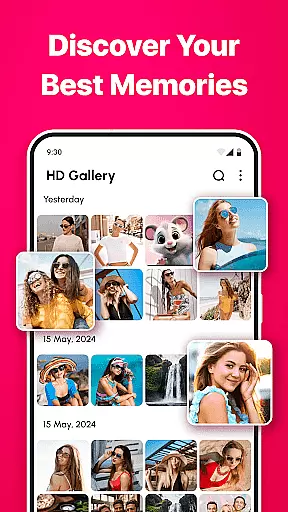
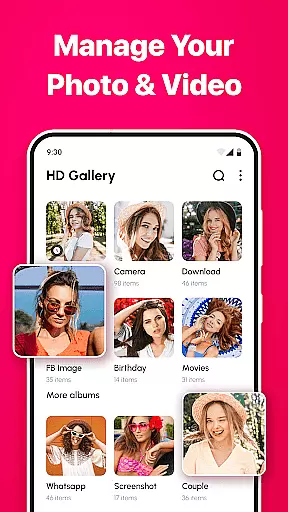
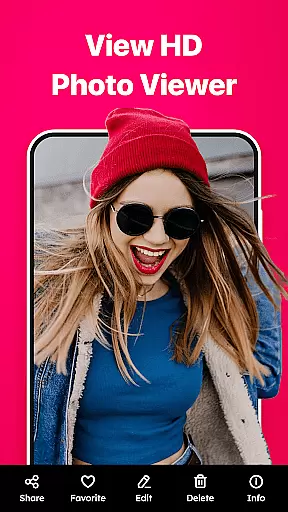
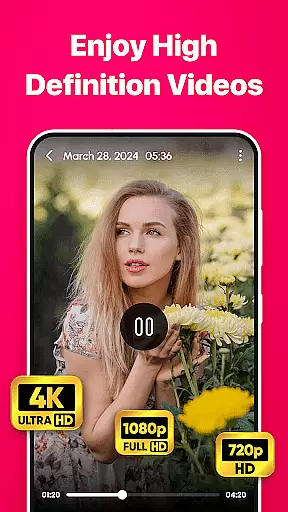
Gallery - photo gallery, album is a comprehensive photo and video management app designed to help users organize, view, and share their cherished moments with ease. The app offers an intuitive interface that supports fluid gestures for seamless navigation through photos and videos.
With support for a wide range of file formats including JPEG, PNG, GIF, and RAW, Gallery provides versatile media handling in one place. Its customizable layouts and advanced search options ensure users can personalize their experience while quickly finding specific content. Additionally, the app includes practical editing tools and easy sharing capabilities.
This app is particularly useful for both casual photographers and professionals who need efficient ways to manage large collections of visual content. By offering features like favorite tagging, beautiful themes, and multi-language support, Gallery enhances the overall user experience while keeping precious memories organized and accessible.
Gallery - photo gallery, album stands out with its robust feature set tailored for effective media management. One notable feature is its support for multiple file formats such as JPEG, PNG, GIF, and RAW, allowing users to handle diverse media types within a single platform.
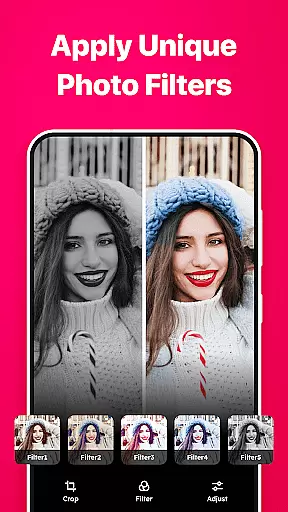
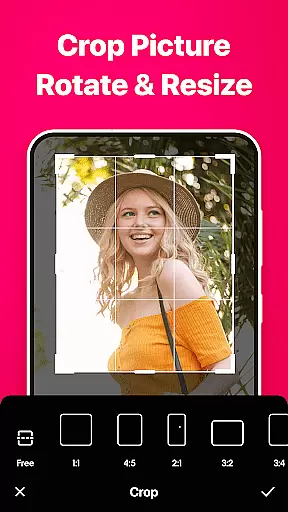
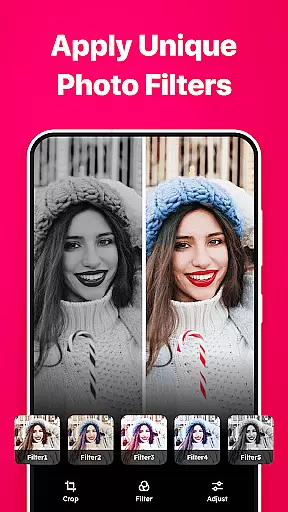
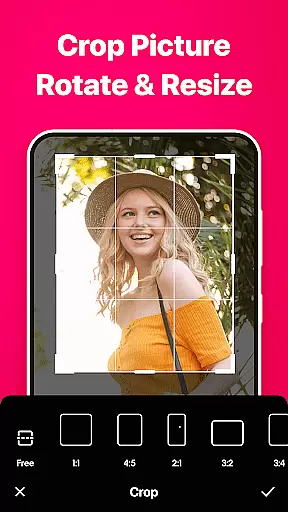
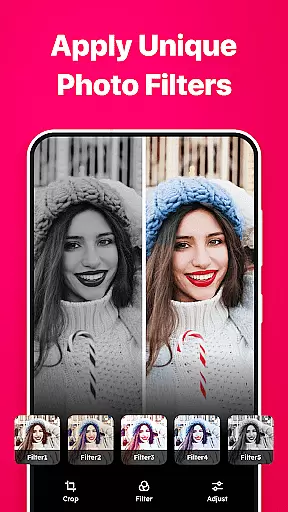
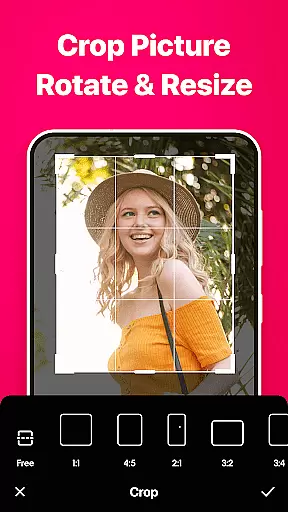
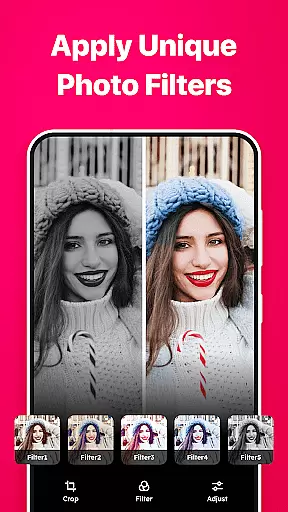
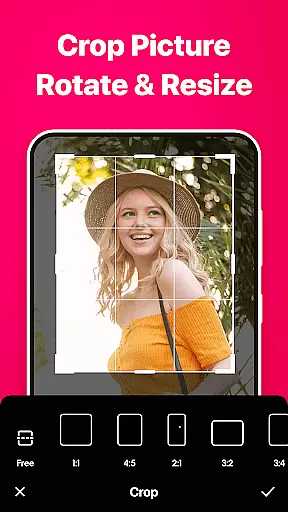
The app also offers advanced search and filter functionalities, enabling users to quickly locate specific photos or videos. Customizable grid layouts enhance personalization by letting users adjust the number of columns displayed. Furthermore, built-in editing tools provide options to crop, rotate, apply filters, and adjust brightness and contrast.
Gallery ensures accessibility and convenience through its user-friendly interface, light and dark mode themes, and multi-language support. These features collectively deliver a seamless experience for organizing and enjoying visual memories efficiently.
Real-time capture and preview functionality is essential for ensuring that every photo taken meets the user's expectations. Gallery - photo gallery, album app offers a seamless experience where users can instantly see the results of their shots before committing to them.
The app provides an intuitive interface that allows users to adjust settings such as exposure, focus, and white balance on-the-fly. This immediate feedback empowers photographers to fine-tune their images in real time, resulting in higher quality photos without the need for post-processing.
With this feature, users gain confidence in their photography skills as they can experiment with different compositions and camera settings while seeing the outcome instantly. The live preview ensures that no detail goes unnoticed, making it easier to capture perfect moments every time.
AI beauty and enhancement features are revolutionizing how we edit our photos by offering natural-looking improvements without manual intervention. In Gallery - photo gallery, album, advanced algorithms work behind the scenes to enhance facial features while maintaining authenticity.
This intelligent system intelligently detects faces within photos and applies subtle enhancements designed to highlight natural beauty. It smooths skin textures, brightens eyes, and perfects smiles with precision that respects original featuresu2014ensuring edits look genuine rather than over-processed.
Users benefit from these automated yet sophisticated tools which save time and effort while delivering professional-grade results. Whether editing selfies or portrait shots, AI-driven enhancements provide stunning outcomes that preserve each subjectu2019s unique character.
User-friendly interface
Wide file format support
Customizable layouts
Advanced search options
Powerful editing tools
Limited iOS compatibility
Occasional bugs reported
Ads in free version
Some features require premium
Heavy on storage

A collection of tools and reference tables for DPs, ACs, DITs and Operators.
 4.70
4.70
Long exposure camera with computational photography
2.60
All-in-One Editor & AI Photo Enhancer, Beautify & Retouch, Collage, Cartoonify
4.20
Safe & smart flight with Go Fly drone controller for 40+ drone camera, zone map
4.50
Application for remote controlling DSLR
3.00
Create collages easily! Nice pic collage maker & background eraser for Instagram
4.50
Raw Image Viewer. Gallery with support of raw images (.cr3, .cr2, .nef, .raf).
2.00
Future baby face generator: AI kids generator, kid face! What my baby look like?
4.40
Smart, light, and fast photo and video gallery
4.30
Cartoon and artistic effects for your photos and videos
4.70
Transform photos into videos! Create realistic or anime-style images easily!
4.50
Photo editor & gallery. Crop pictures & edit photos offline, no wifi!
4.50
A reflected light meter with spot metering and incident light metering.
4.40
AI portrait generator and polaroid AI selfie, fun AI generated AI photo creator!
4.30
Professional photography on your mobile phone
4.20
Photobooth mini FULL app will allow you to add more fun to your parties
4.00
Remote control of the phone camera from your Wear OS smartwatch
3.70
GCamera allows all GCam features on all phone models! Better photos with GCamera
3.30
An interval timer to automate photo taking process for timelapse
2.90


User Reviews