
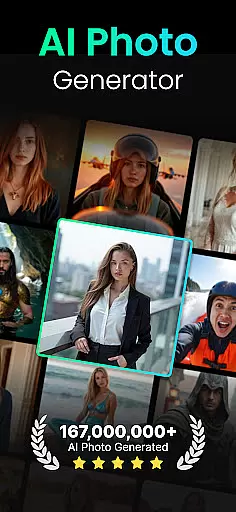
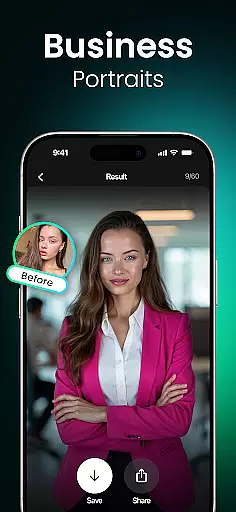
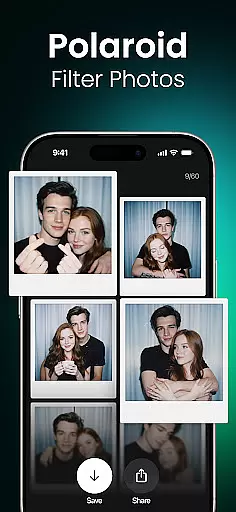
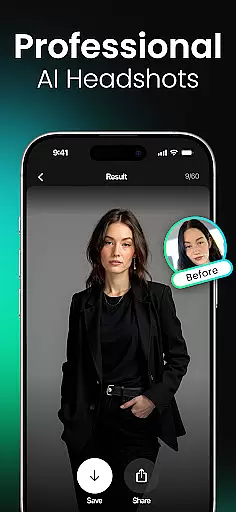
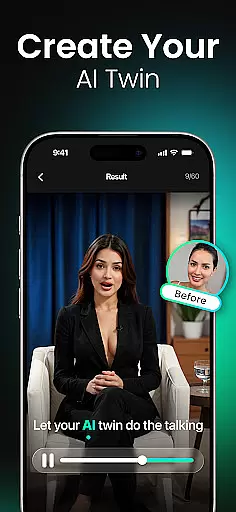
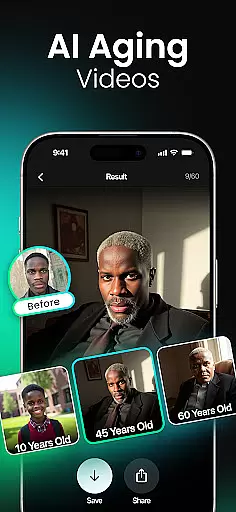
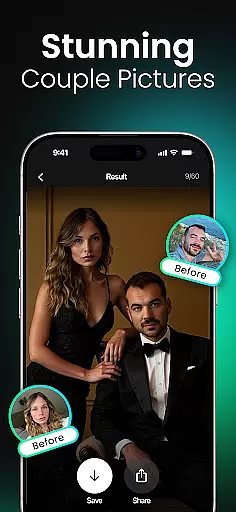
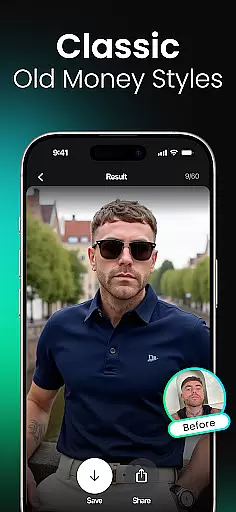
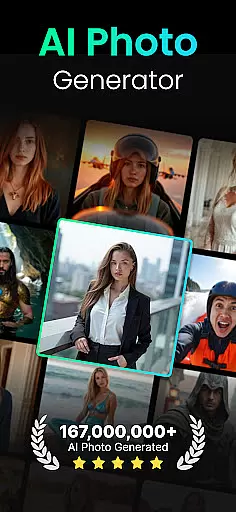
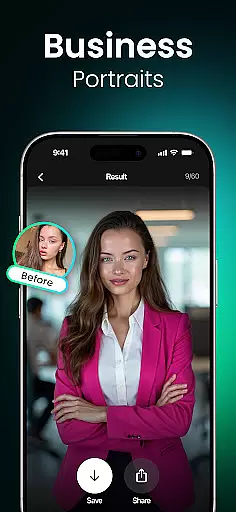
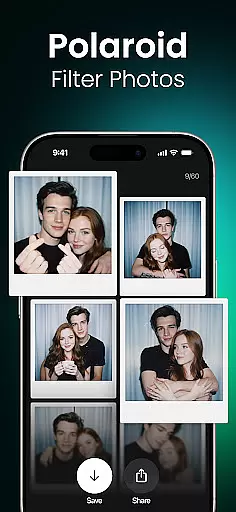
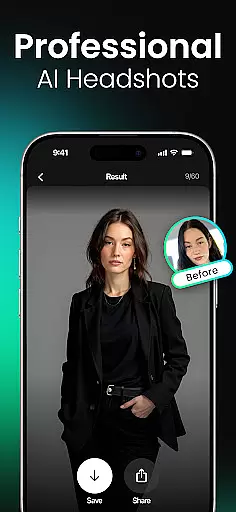
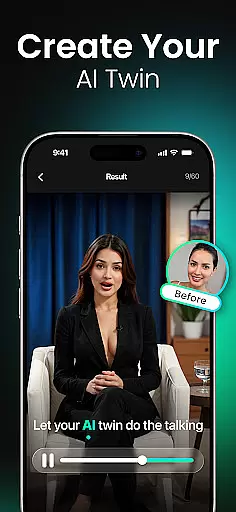
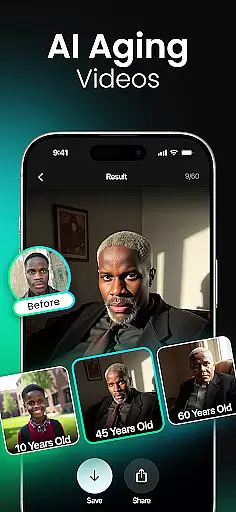
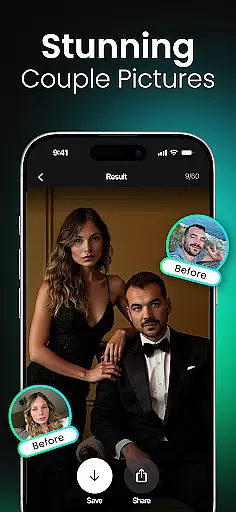
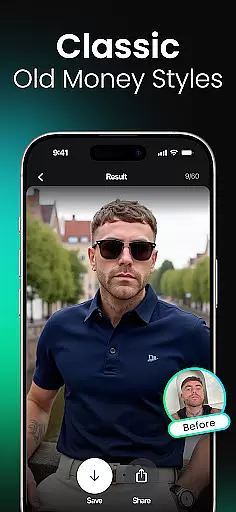
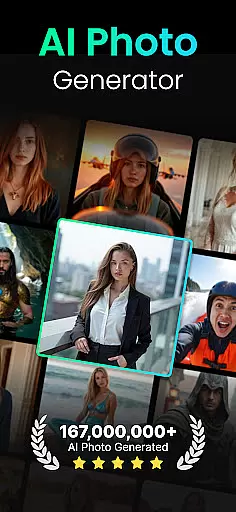
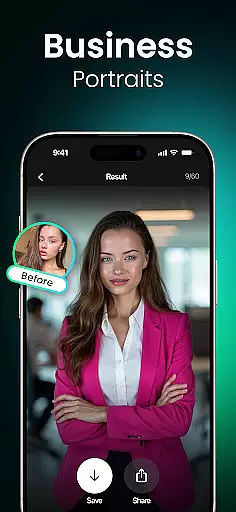
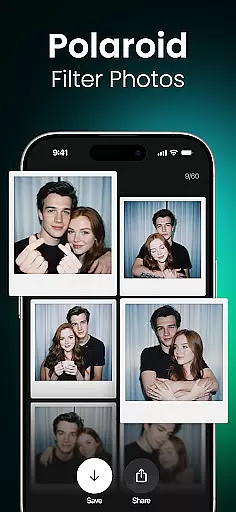
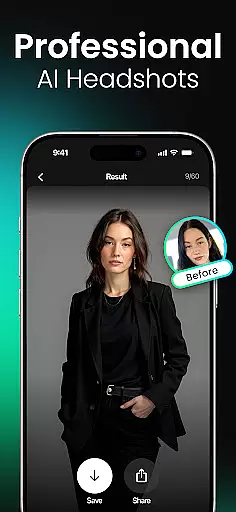
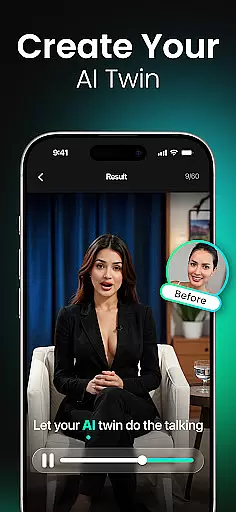
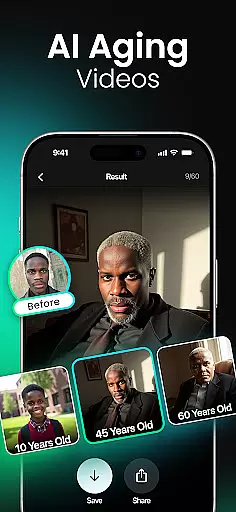
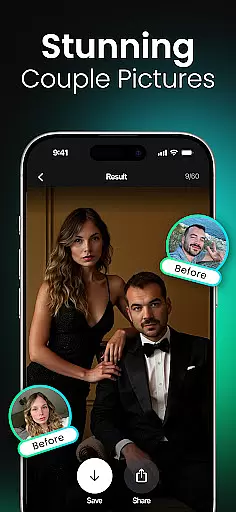
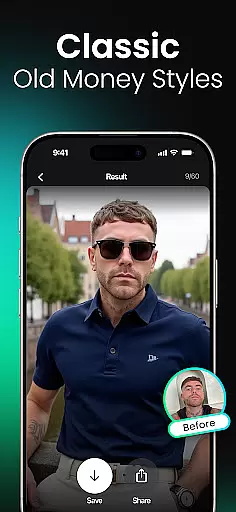
Momo is an innovative AI Photo Generator app that leverages advanced artificial intelligence to transform your digital presence. Whether you're job hunting, enhancing your social media profiles, or exploring creative fantasies, Momo offers a suite of powerful tools to generate professional-quality images and videos. The app specializes in photorealistic AI headshots, diverse artistic filters, and trendy styles tailored to your unique identity.
With features like the AI Twin Generator, age progression/regression videos, and fantasy portraits, Momo caters to a wide audience including professionals, gamers, K-pop fans, and more. Its ability to create high-resolution, personalized content ensures users can shine online with minimal effort. From magazine-worthy covers to virtual travel photos at iconic landmarks, Momo empowers users to reimagine their digital selves while delivering exceptional value.
Momo stands out with its cutting-edge AI-driven features designed for versatility and personalization. Users can create a tailored AI profile that serves as the foundation for generating unique, lifelike images. The app's Photorealistic AI Headshots feature transforms ordinary selfies into stunning portraits suitable for resumes, dating apps, or social platforms.
Beyond headshots, Momo offers creative modes such as "Wet Dreams" cinematic portraits, K-Pop Photoshoots, Gaming Mode, and Fantasy Portraits. These allow users to explore imaginative scenarios from royal knights to video game avatars. Additionally, tools like Hairstyle Makeovers and Couple Photos provide practical yet fun ways to experiment with new looks or visualize dream partnerships. Regular updates ensure fresh filters and photo packs keep user experiences engaging and dynamic.
Real-time capture and preview functionality is essential for ensuring that users can see exactly what their photos or videos will look like before they commit to taking the shot. Momo leverages advanced AI technology to provide instantaneous feedback on images, allowing users to adjust settings such as lighting, angles, and filters on the fly.
The app's cutting-edge artificial intelligence processes images in real time, giving users a live preview of how different styles and filters will transform their appearance. This feature is particularly useful when creating professional headshots or experimenting with fantasy portraits, as it allows for immediate visualization of the final product.
With Momo, users benefit from an intuitive interface that makes real-time adjustments seamless. Whether you're adjusting your AI twin's features or trying out new hairstyles, the ability to preview changes instantly ensures that you are always in control of your digital representation.
AI beauty and enhancement features have become a cornerstone of modern photography apps, offering users the ability to refine and perfect their images. Momo stands out by focusing on natural-looking enhancements that preserve the authenticity of the user's original features while subtly improving overall aesthetics.
The app employs sophisticated algorithms to analyze facial structures and apply enhancements that look genuine. From smoothing skin textures to brightening eyes, every modification is carefully calibrated to maintain a realistic appearance. This approach is crucial for users who want to elevate their social media presence without sacrificing the truthfulness of their self-representation.
Momo's dedication to natural enhancement extends to its diverse range of photo styles and filters. Users can experiment with everything from professional business headshots to artistic fantasy portraits, all while trusting that the results will remain true to life. This commitment to authenticity empowers users to express themselves confidently across various platforms.
High-quality AI-generated images
Versatile style options
User-friendly interface
Frequent feature updates
Creative customization tools
Premium features may require payment
Some filters feel repetitive
Occasional processing delays
Limited free usage
Subscription model

AI portrait generator and polaroid AI selfie, fun AI generated AI photo creator!
 4.30
4.30
Photo editor: face & body editor, beauty cam, filters and quality enhancer.
4.00
Photo prints, cards, & gifts at Walgreens. Easy ordering & fast local pickup !
4.80
AI photo editor with hair editor, retouch tools, hair color changer & filters!
4.50
HD Camera Pro with HD Video shooting, Panorama, Photo editor , Beauty Camera.
4.50
See your baby AI baby face generator AI baby maker Face generator babymaker fun!
4.70
Professional quality photo edits with the new Snapseed.
4.00
Remote control the phone camera shutter from your smartwatch and take a picture
1.60
Discover & download millions of art for The Frame TV or Hisense CanvasTV
4.60
Photo editor: AI filters, photo enhancer, pic collage maker, AI art generator.
4.80
The original Rarevision VHS look seen everywhere!
4.70
PhotoSync Bundle Add-On License. Enables all features and services in PhotoSync.
4.60
Add Watermark - Sign your pictures with a text or logo. Effective, quick, easy!
4.50
Create collages easily! Nice pic collage maker & background eraser for Instagram
4.50
Natural Beauty, Selfie Retouch
4.30
Smart, light, and fast photo and video gallery
4.30
Professional photography on your mobile phone
4.20
Application for remote controlling DSLR
3.00
An interval timer to automate photo taking process for timelapse
2.90


User Reviews