
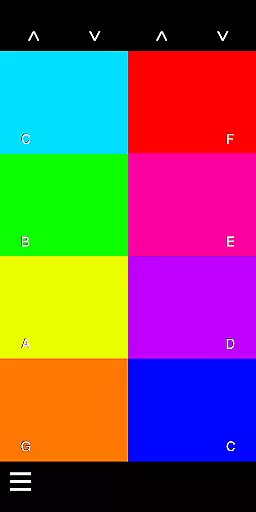
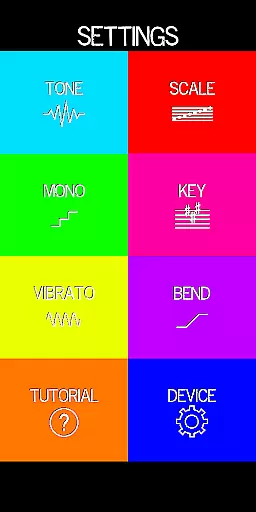
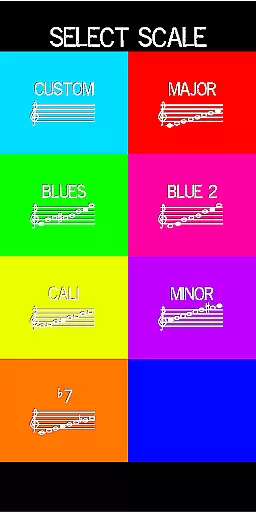
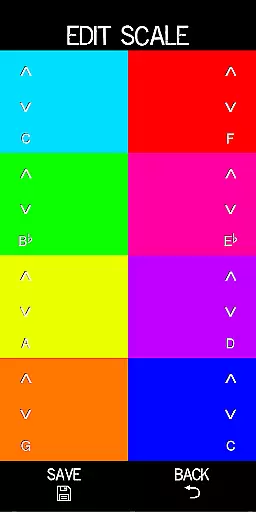
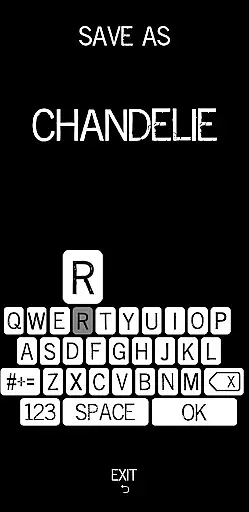
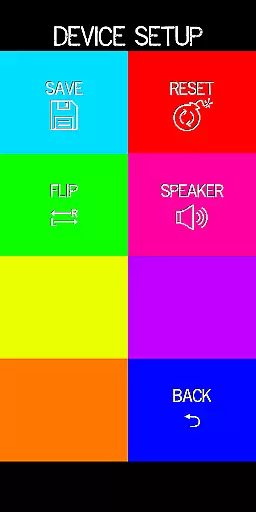
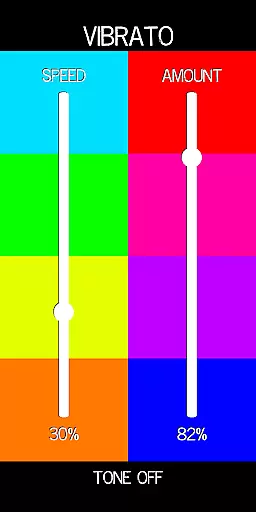
Pocket Talkbox is a professional music application that allows users to emulate the iconic talkbox effect popularized by artists like Daft Punk and Stevie Wonder. This pro version offers advanced features including six tones, customizable scale presets, pitch bend, vibrato, and octave adjustments up to two octaves higher or lower.
The app works by playing a tone through the device's speaker, which is then shaped by the user's mouth position. By mouthing words without using their voice, musicians can create unique vocal-like effects. The app requires practice to master but provides an authentic talkbox experience for music enthusiasts.
Ideal for both amateur and professional musicians, Pocket Talkbox enables creative expression in music production. Whether you're performing live or recording in a studio, this app delivers high-quality sound manipulation capabilities that can elevate your musical projects.
This music application stands out with its comprehensive feature set designed for serious musicians. The inclusion of six distinct tones provides a wide range of sound options, while customizable scale presets allow users to save their preferred settings for quick access during performances.
Advanced audio controls include precise pitch bend and vibrato functions, giving musicians the ability to fine-tune their sound. The app also supports key changes up to two octaves in either direction, offering unparalleled flexibility in sound modification.
What sets Pocket Talkbox apart is its authentic recreation of traditional talkbox mechanics. By utilizing the device's speaker and mouth positioning techniques, it maintains the integrity of the original talkbox method while leveraging modern technology for enhanced sound quality and control.
Pocket Talkbox offers a unique musical experience by providing six distinct tones that users can experiment with. These tones are carefully crafted to emulate iconic sounds from legendary artists like Daft Punk and Stevie Wonder, ensuring an authentic auditory journey.
The app's sound library is designed for creative expression, allowing musicians to customize scale presets and adjust pitch bend and vibrato. This flexibility ensures that each user can create a personalized sound that adheres to copyright standards while offering vast creative freedom.
With the ability to change keys up to two octaves higher or lower, Pocket Talkbox empowers users to explore different musical scales without limitations. This feature enhances the music-making process by maintaining the integrity of original compositions.
Audio quality in Pocket Talkbox is engineered to deliver crisp and clear sound output. The app utilizes advanced audio processing techniques to ensure that every note played retains its intended richness and depth.
Users can manipulate sound using their mouth as a filter, creating effects such as wah-wah without compromising audio clarity. This innovative approach allows for expressive performances while preserving high-quality audio output.
For those seeking additional guidance, vbiliti.com provides comprehensive tutorials on maximizing audio quality settings within the app. These resources help users understand how to achieve professional-grade sound using Pocket Talkbox's intuitive interface.
User-friendly interface
Highly customizable settings
Authentic talkbox effect
Wide range of tones
Professional sound quality
Requires practice to master
Dependent on proper technique
Limited to device speaker quality
No built-in tutorials
May not work well with all devices

 4.70
4.70
Formerly known as Spotistats! View your top tracks, artists, albums and more!
4.40
Performance-Synthesizer & Multi-Track-Sequencer, polyphonic + multi timbral!
4.70
Guzheng Master supports many playing techniques as an acoustic Guzheng
4.50
Bass Booster & Volume Equalizer Pro improves your music and video sound quality
4.60
Enjoy singing any song, no matter how high or low it is
4.30
Offline Music Player&MP3 Player with themes, equalizer, lyrics, music play mode
4.60
Manage your Sonos system directly from your home-screen!
4.40
Melody Beat: Great for travel, workouts, offline vibes, play your tunes anytime.
4.10
More downloads than any other metronome. Includes drum machine & tempo trainer.
4.80
Record, Mix & Master with all n-Track effects, 64-bit audio and Stem Separation.
4.70
Reverse your voice & songs instantly! Fun singing challenge with cool effects.
4.60
10-Band Audio Equalizer, Sound / Bass Booster for Spotify Users & Music Players
4.40
Time Trainer: accurate metronome w tools to help you develop your internal time!
4.20
Network/Cloud Streaming, Visualization, Graphic Equalizer and Sound Effects.
4.20
The original SP-1200 experience on your iPad
4.20
Versatile MP3 recorder with auto-backup to Dropbox and Google Drive
4.10
Learn to play the piano using falling notes!
3.80
Music Streaming suite for Ampache, Nextcloud Music and compatible backends.
4.3


User Reviews