

"PER27 Galaxy Digital" is a digital Wear OS watch face designed by PERSONA
 4.10
4.10
Walking app for weight loss: walk & step tracker, pedometer, indoor treadmill
4.60
Christmas Theme Watch Face for Wear Os
5.00
Wear Os Watch Face - Animated Snow - Sesonal for Christmas & Winter
4.5
Digital, flexibly customizable watch face. For Wear OS 5.0, API 34+ and later.
5.00
Let's celebrate Thanksgiving - Wear Os watch face
4.20
Real-time results, stats, schedules and player profiles for all leagues
4.60
A realistic hybrid watch face with many customization options.
4.60
From periods to pregnancy & perimenopause, Flo helps you track it all. Try now.
4.70
Hyperlocal rain alerts by MyRadar using patent-pending technology, radar & more
4.80
Gym & home workout plans with strength training, exercise tracking, HIIT & more.
4.60
Ideal for surviving in the wasteland left after nuclear fallout
4.50
Connect to your Bluelink equipped Hyundai vehicle from your smartphone.
4.50
A white realistic classic analog watch face with many customization options.
4.40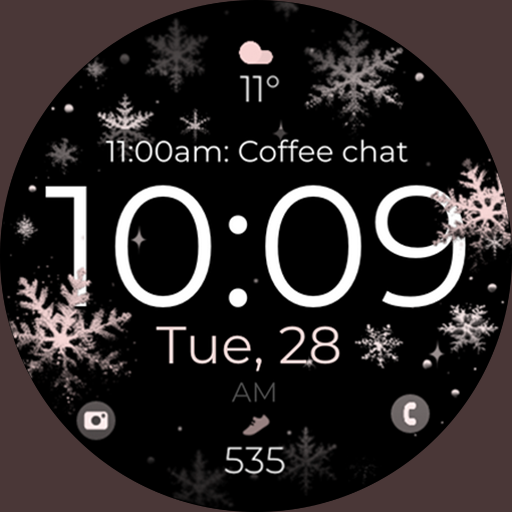
Snowflake Rose Gold Watch Face - Digital, modern, & sleek with GYRO effect.
4.10
Daily Weather forecast with 15 weather images for Day & Night plus Big Bold time
4.10
Viewer for Wyze/Yi/Eufy/Arlo/ONVIF/RTSP/P2P IP cams w/ adv. features & DIY DVR
4.00
A full-featured Amazon Alexa voice assistant that can show you things.
3.70
Sleek, highly customizable watch face inspired by Galaxy Watch Circle Dashboard.
4.2


