
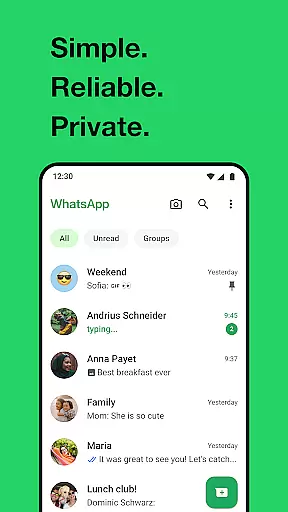
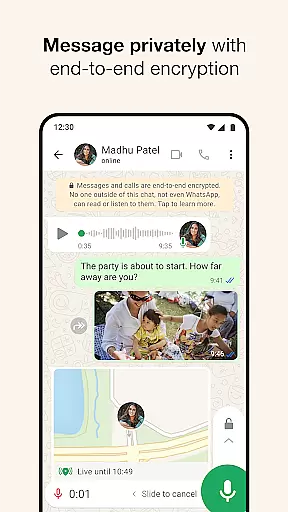
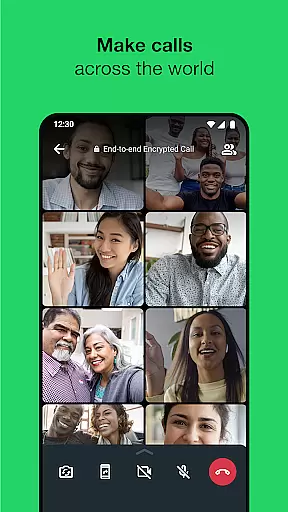
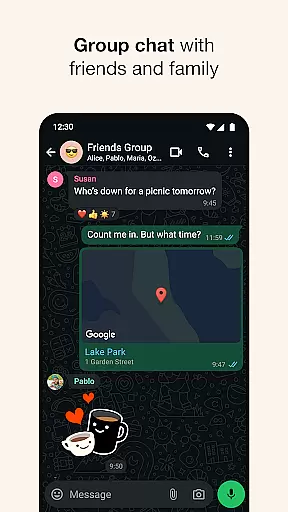
WhatsApp Messenger is a leading communication app that allows users to send messages, make voice and video calls, and share media across mobile and desktop platforms. Its core functionality lies in providing secure, end-to-end encrypted conversations, ensuring privacy for personal and group chats. The app also supports features tailored for Android Wear, enabling users to manage chats and calls directly from their smartwatches.
With over 2 billion users globally, WhatsApp is designed to work seamlessly even on slow internet connections. It offers unique tools like Status updates, which allow sharing moments that disappear after 24 hours, and real-time location sharing within chats. These features make it an essential tool for staying connected with friends, family, and colleagues while maintaining simplicity and reliability.
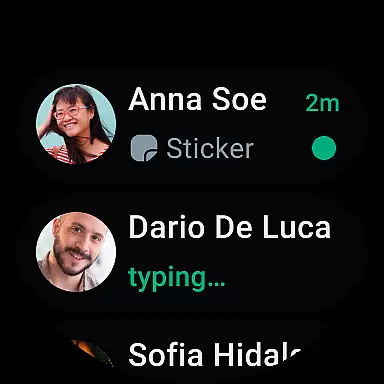
WhatsApp stands out with its robust feature set optimized for both smartphones and wearable devices. One of its key highlights is high-quality voice and video calling, supporting up to 32 participants in a single call without additional charges. This makes it ideal for group collaborations or catching up with loved ones. Additionally, the app integrates smoothly with Android Wear, letting users read notifications, respond to messages, and take calls directly from their watches.
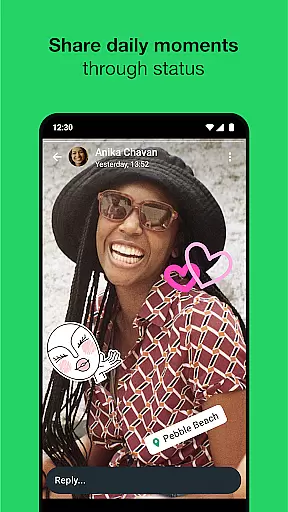
Another notable feature is Status, where users can post ephemeral updates such as photos, videos, or texts that vanish after 24 hours. For those prioritizing security, all communications are protected by end-to-end encryption, ensuring no third party can access private data. Furthermore, WhatsApp eliminates the need for usernames or passwords, using phone numbers as identifiers instead, simplifying the onboarding process significantly.
Companion app integration is essential for a seamless user experience across multiple devices. WhatsApp Messenger excels in this area by offering robust synchronization between your smartphone and Wear OS devices.
The app ensures that all your messages, calls, and notifications are mirrored on your wearable device. This means you can read and respond to messages directly from your watch without needing to take out your phone.
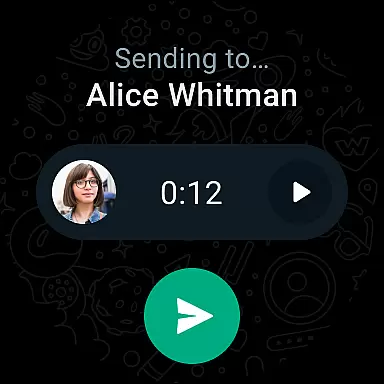
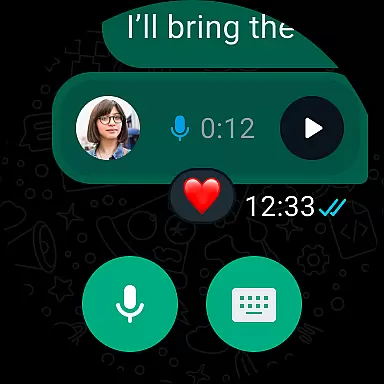
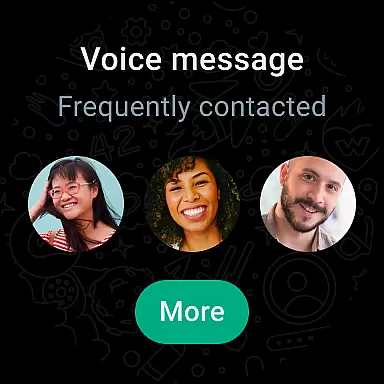
WhatsApp's companion app integration also supports voice messages and quick replies, making communication faster and more convenient. You can easily stay connected with your contacts no matter where you are or what you're doing.
By leveraging the full capabilities of Wear OS, WhatsApp provides an intuitive interface on your smartwatch. This allows users to manage their conversations efficiently while enjoying the benefits of hands-free operation.
Ensuring compatibility with Wear OS and various devices is crucial for providing a versatile messaging solution. WhatsApp Messenger is designed to work seamlessly with a wide range of Wear OS watches, ensuring broad device support.
The application takes full advantage of the features offered by Wear OS, such as tiles and complications. These elements allow users to access their chats quickly and send voice messages effortlessly, enhancing the overall usability of the app on wearable devices.
WhatsApp's commitment to compatibility means that whether you have a newer model or an older version of a Wear OS watch, you can expect consistent performance and functionality. This dedication ensures that all users can enjoy the benefits of staying connected through their preferred devices.
Moreover, the app's optimization for different screen sizes and resolutions guarantees a high-quality user experience. By focusing on these aspects, WhatsApp delivers a reliable and efficient service tailored specifically for wearable technology.
End-to-end encryption
Cross-platform support
Free voice/video calls
User-friendly interface
Integration with wearables
Requires constant internet
No built-in themes
Limited file size sharing
Heavy battery usage
Ads in some regions

Highly customizable hybrid watch face for Wear OS, perfect for everyday use.
 4.60
4.60
Christmas Theme Watch Face for Wear Os
5.00
Rose gold watch face with festive lights & customizable features.
4.60
Wear Os Watch Face - Animated Snow Effect & Magic Spark - 6 Scenes
4.10
Digital, flexibly customizable watch face. For Wear OS 5.0, API 34+ and later.
5.00
Hyper-Realistic Airplane Dashboard Watch Face With 10 Skins and Custom AOD
4.00
Viewer for Wyze/Yi/Eufy/Arlo/ONVIF/RTSP/P2P IP cams w/ adv. features & DIY DVR
4.00
Hybrid Vibrant Health Watch Face for Wear OS
4.4
Back up your contacts & access them anywhere
4.30
Real-time weather radar with temperatures, warnings, hurricanes, and widgets
4.80
Diet tracker for weight loss - track calories, food and macros. Simple and easy!
4.70
To-Do List: daily schedule planner, task organizer, to do reminder app, calendar
4.60
Embrace the holiday spirit with this magical animated watch face!
4.40
Digital watch face. For Wear OS devices.
4.40
A customizable Christmas watch face for Wear OS with a countdown.
4.20
Animated video-game inspired “secret agent” simulation, right on your wrist!
4.20
Your music, your playlists, and more—offline and unlimited.
4.20
Watch face designed for Thanksgiving Day. 7 Background Styles included.
3.20
Fitness interactive virtual pet super fighter boy watch face
4.3


User Reviews