
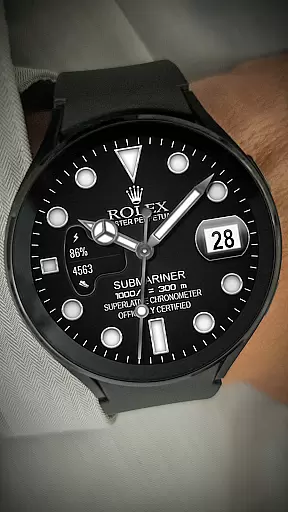

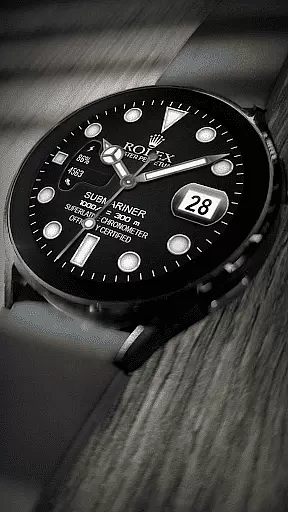
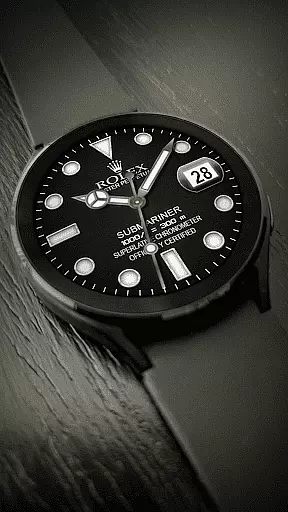
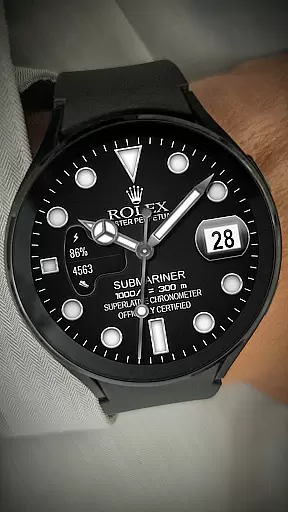
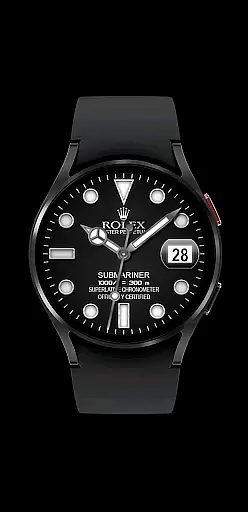
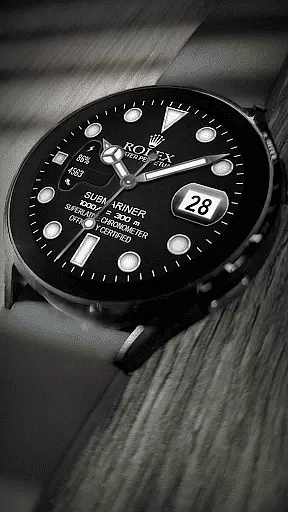
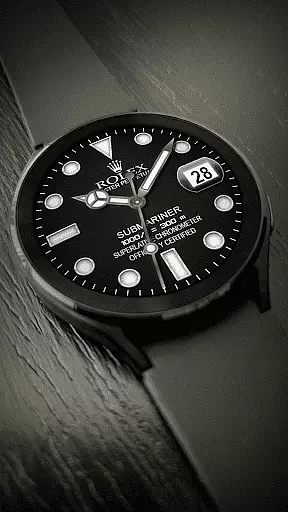
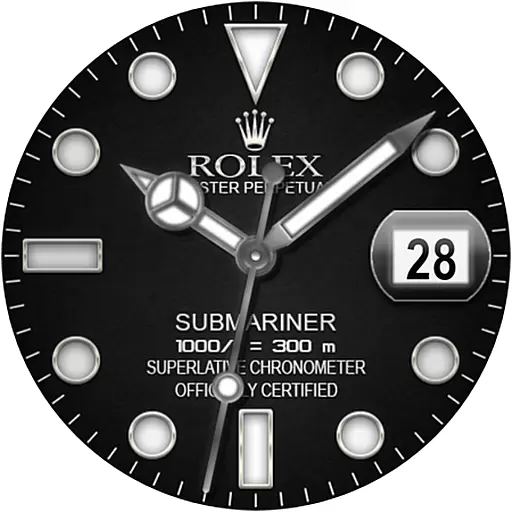
The Rolex Submariner Watch Face app offers users a sophisticated and stylish way to customize their smartwatch displays. Designed specifically for Wear OS devices, this app provides impeccable quality with its modern design elements.
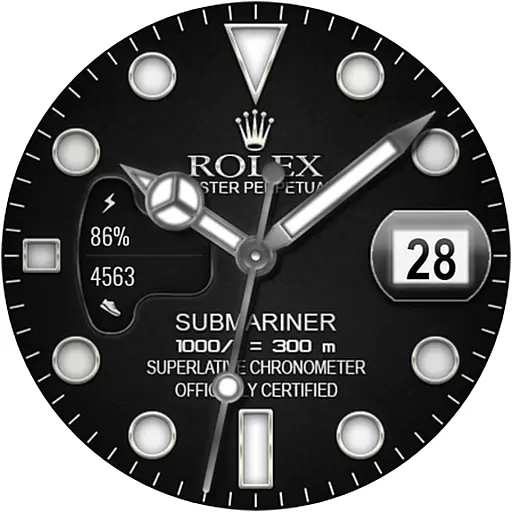
Core features include analog time display, date visibility, battery charge status, and step tracking. These functionalities ensure both aesthetic appeal and practical utility for smartwatch users who value precision and elegance in their personalization options.
This app stands out with its comprehensive set of features tailored for smartwatch personalization. Users can enjoy an analog clock interface that mirrors the classic Rolex Submariner design, alongside essential functions like date and battery level displays.
Additional capabilities such as step counting cater to health-conscious individuals who also appreciate luxury aesthetics on their wearable technology. The app's compatibility with WEAR OS API 28+ ensures seamless integration and optimal performance on supported devices.
When it comes to personalizing your smartwatch, the variety of customization options is crucial. The Rolex Submariner Watch Face app understands this need and offers a range of features that allow users to tailor their watch face to their personal style.
This app provides an analog time display, date display, battery charge indicator, and even a step counter. These diverse options ensure that users can see all the information they find important at a glance, without cluttering their watch face.
The ability to customize not only enhances the aesthetic appeal but also improves the functionality of the smartwatch. Users can prioritize the information that matters most to them, making their device more practical for everyday use.
By offering these customization options, the Rolex Submariner Watch Face app ensures that each user's experience is unique and aligned with their individual preferences, thus elevating the overall user experience on Wear OS devices.
Theme compatibility is essential for ensuring that a watch face integrates seamlessly with the design language of the smartwatch it adorns. The Rolex Submariner Watch Face app excels in this area by providing a stylish modern design that resonates with the classic look of Rolex watches.
Designed specifically for Wear OS API 28+, this app guarantees that its themes are compatible with the latest standards and practices in smartwatch technology. This means users can enjoy a cohesive visual experience that respects the original design cues of Rolex while embracing the capabilities of modern tech.
Compatibility extends beyond mere aesthetics; it includes functional harmony with the smartwatchu2019s operating system. Users can expect smooth performance and reliable operation, as the app is optimized for Wear OS, ensuring that all features work as intended without compromising the integrity of the watch face.
With the Rolex Submariner Watch Face, users receive both form and function in a single package, delivering a product that is visually striking and fully compatible with their smartwatch ecosystem.
Stylish design
Accurate timekeeping
Battery monitoring
Step tracking
Modern appeal
Limited device support
No digital time option
Basic customization
Requires WEAR OS
Premium pricing

Beautiful realistic hybrid watch face with numerous customization options.
 4.50
4.50
3D, live, and moving wallpapers & themes in 4K and HD for your device.
4.50
Unique Android Launcher
4.60
Nothing Icon pack with more than 3750+ highly crafted icons.
4.70
Choose your keyboard with RGB colors effect, themes, fonts, emojis.
4.60
350+ widgets with a premium glass-style finish, perfect for home & lock screens.
4.70
Create unique, fun emojis with Funny Emoji Maker! Unlimited creativity!
4.00
Transform your phone with stunning video wallpapers and a unique, personal touch
3.80
Emoji Maker app - Design custom emojis and effortlessly blend them with Mixer
3.80
Sparkle your screen with Glitter Wallpapers For Girls and Cute Backgrounds!
4.80
Glass style colourful icons with a One UI look and feel
4.60
Bring adorable pets to life on your screen. Playful, interactive and full of fun
4.60
Icons made of colorful linear lines
4.60
Color phone with cool effects for call screen, flash alert & ringtones music
4.50
App Icon Changer & Shortcut Creator. Customize your icons without any watermarks
4.30
Launcher OS™ Pro without ads help make your phone simple and pretty
4.30
Your go to Weather App & Home Screen. Get your weather at a swipe of a finger!
3.80 3.50
3.50
HappyLighting is a Bluetooth lamp control software.
3.40


User Reviews