


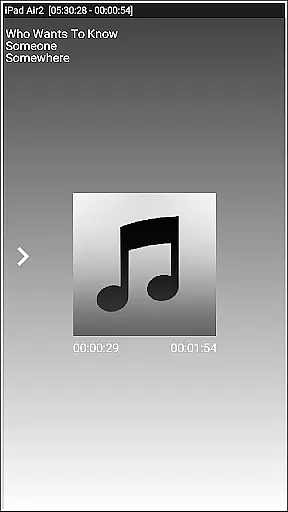


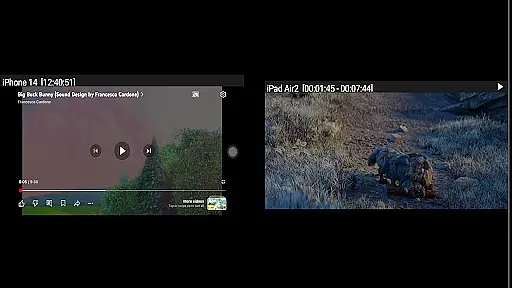
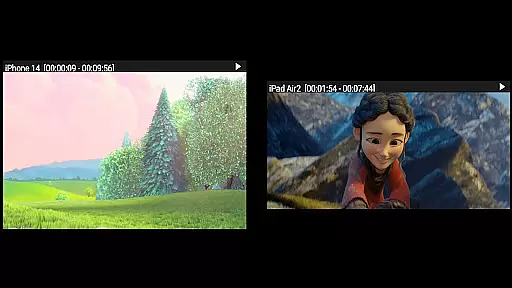

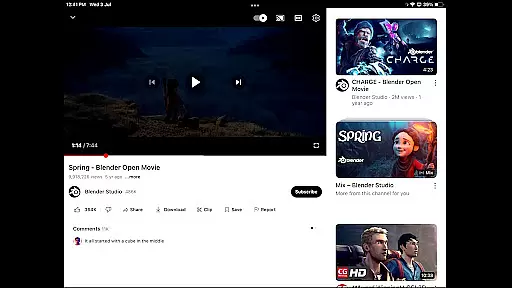
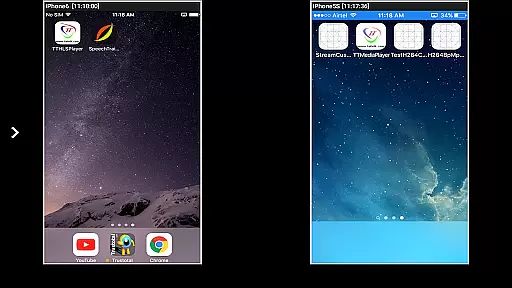

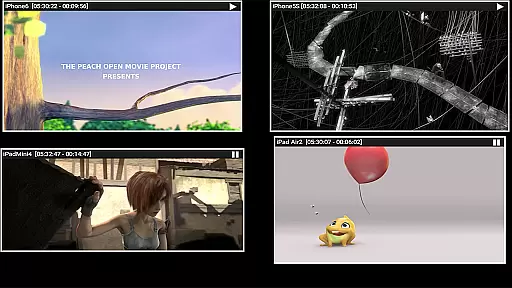
AirMirror is a specialized receiver application designed for Android devices, enabling seamless screen mirroring and casting from Apple devices such as iPhones, iPads, MacBooks, and iMacs. This app allows users to mirror screens, play back media content, and share YouTube links over the local network, making it an ideal tool for presentations, entertainment, and collaborative sharing with family, friends, or business partners.
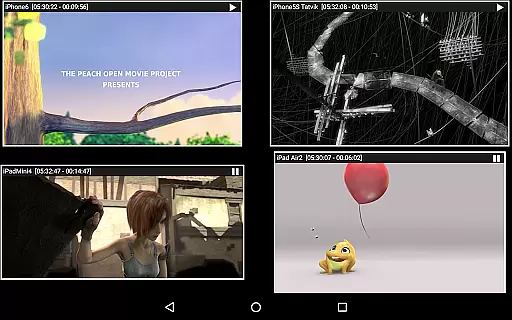
With support for iOS versions 9 to 15, AirMirror offers features like simultaneous mirroring from up to four Apple devices, passcode protection to restrict unauthorized access, and adjustable mirroring windows. Its ability to handle photos, videos, and even game screens enhances its versatility. Additionally, Bluetooth Low Energy advertising ensures cross-subnet device compatibility, broadening its usability in diverse network environments.
AirMirror stands out with its robust feature set tailored for both casual and professional use. The app supports high-quality screen mirroring for Apple devices, ensuring a smooth and responsive experience. Users can resize and move the mirroring window within the app view, providing flexibility during presentations or media sharing sessions.
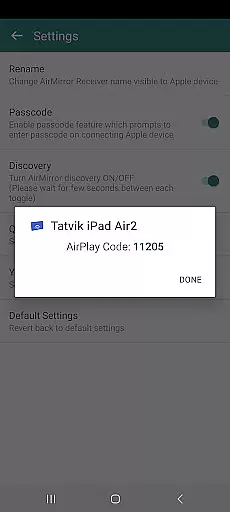
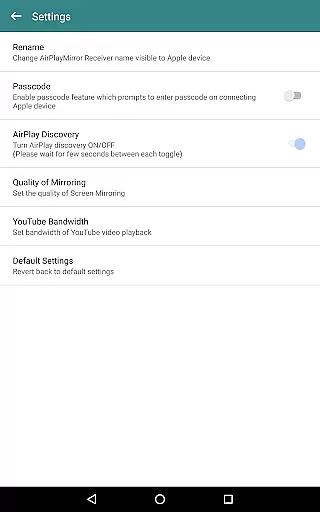
One of the key highlights is its capability to manage multiple connections, allowing up to four Apple devices to mirror content simultaneously. The app also includes a passcode feature to enhance security, preventing unauthorized users from accessing the mirroring session. Furthermore, AirMirror's integration with YouTube playback and slideshow functionalities for photos and videos adds significant value for users looking to share multimedia content effortlessly.
Additional features include Bluetooth Low Energy advertising for cross-subnet compatibility and an intuitive control panel for managing connected devices, adjusting settings, and controlling playback options. These capabilities make AirMirror a comprehensive solution for screen sharing needs across different platforms.
Video format compatibility is a crucial feature for any video player or editor, ensuring that users can access and manipulate a wide range of video files without hassle. AirMirror supports screen mirroring and casting from Apple devices to Android, accommodating various video formats available on iOS devices.
This application facilitates the playback of media content from Apple devices, including videos, photos, and YouTube links over the local network. By supporting multiple formats, AirMirror allows users to share their Apple device's screen and content with family, friends, or colleagues seamlessly.
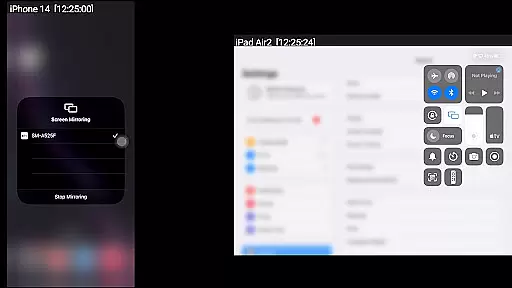
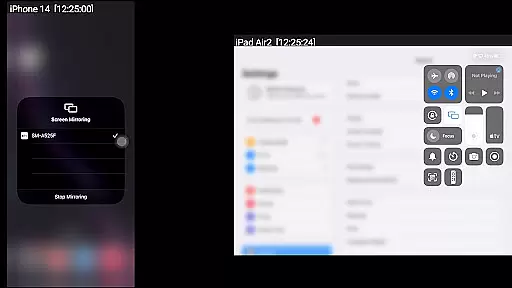
The ability to mirror screens from up to four Apple devices simultaneously showcases AirMirror's robust compatibility. This ensures that whether you're sharing a presentation, enjoying a slideshow, or engaging in collaborative gaming, your content will display correctly without format restrictions.
AI-powered editing features represent the cutting edge of video editing technology, enabling users to enhance their video content through intelligent automation. While AirMirror primarily focuses on screen mirroring, it incorporates smart functionalities that simplify user interactions and improve the overall experience.
One notable AI-driven feature is the automatic resizing and moving of the mirroring window within the app view. This intuitive control allows users to manage mirrored content easily, optimizing screen real estate and enhancing visibility during presentations or entertainment sessions.
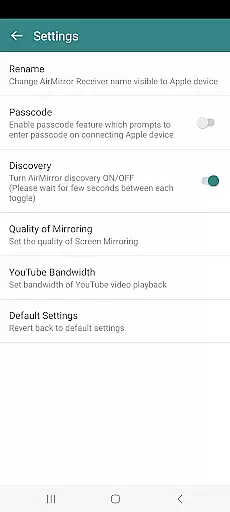
Additionally, AirMirror includes advanced settings like quality adjustments for mirroring and bandwidth settings for YouTube playback. These options empower users to tailor their experience based on network conditions or personal preferences, ensuring smooth and high-quality content sharing across devices.
User-friendly interface
Multi-device support
Passcode security
YouTube integration
Cross-subnet compatibility
No DRM content support
Limited live TV capability
Network dependency
iOS version restrictions
Occasional latency

Watch a large amount of high-definition short drama content
 4.60
4.60
This app was created to edit the metadata of music files.
4.20
Support 1000+ Video Format, Subtitle Download, mp3 & Background Play, Cast On TV
4.60
Fast & easy HD video downloader for all formats, support 4K playback & download.
4.60
Add date and time watermark to photos and videos
4.50
Browser for Sony TV to stream web videos, online movies and live tv
3.20
Cast movies, tv shows and live streams to Chromecast, Roku, DLNA, Fire TV & more
4.60
Livestream, news, & gaming content. Watch, chat, and upload. Join Rumble today!
3.80
Fast private browser with secure, seamless access & supported video downloads!
4.00
#1 Torrent App on Android ** No Ads Ever + Battery Saver **
4.80
Download Hub, easy and private way to download and enjoy your videos offline
4.80
GENRAL PRO - General Pro is the best video player that fully supports all formats.
4.70
IPTV Loader, loads your own Playlist. DOES NOT CONTAIN ANY LIST OR CHANNELS
4.60
Fast, private downloading, video saving, social media
4.50
Fast & Private Video Downloader App. Save all videos easily from the Internet.
4.40
Video Downloader is an utility that can save videos and music from web sites
4.20
1)AirPlay/DLNA Mirroring/Streaming, up to 4 connections; 2)Samba/NAS/DMS Player.
4.00
Online Videos Player
3.90
Watch full episodes of your favorite Cartoon Network and Cartoonito shows!
3.50


User Reviews