
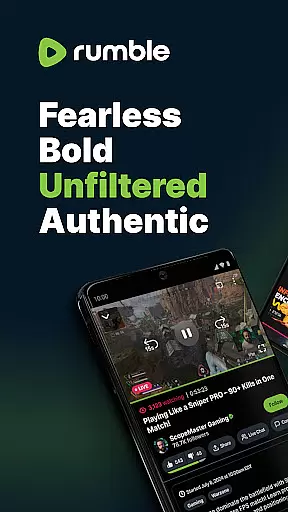
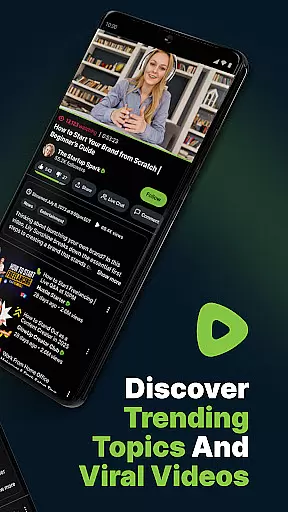
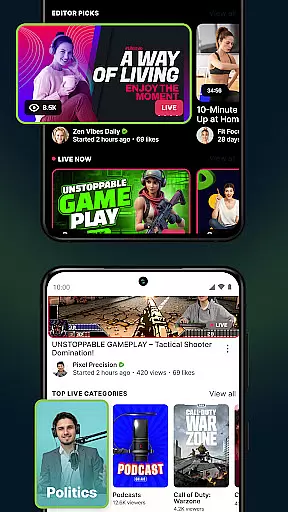
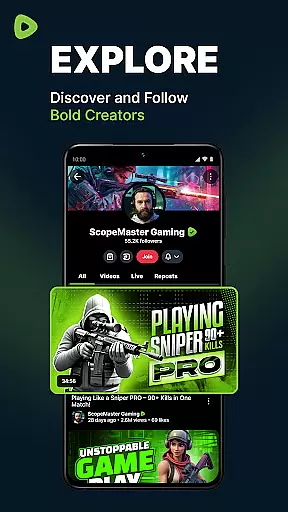
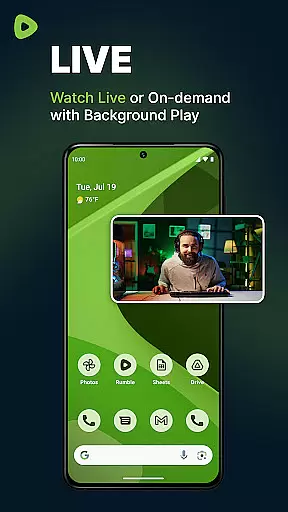
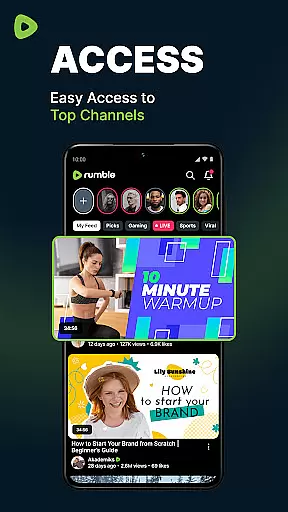
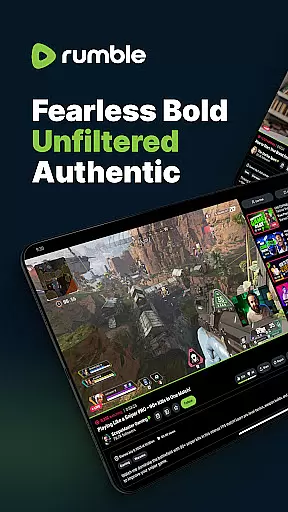

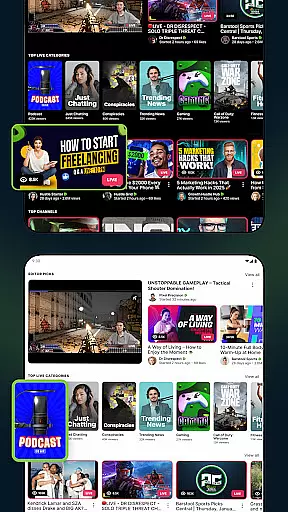

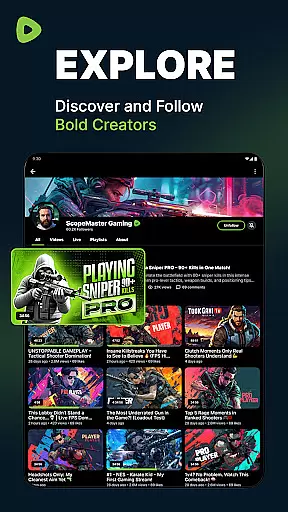
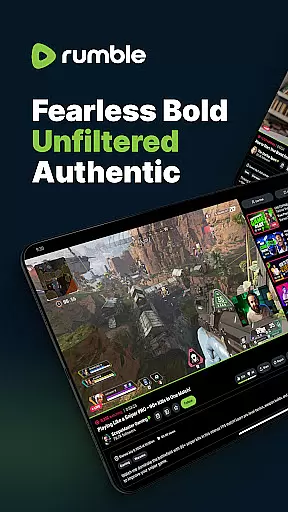

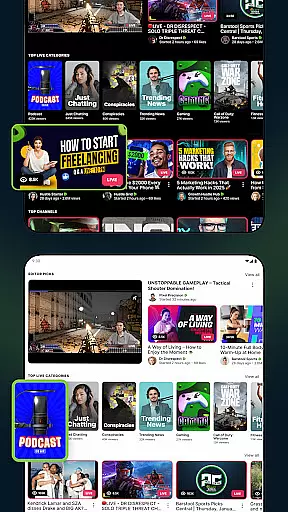

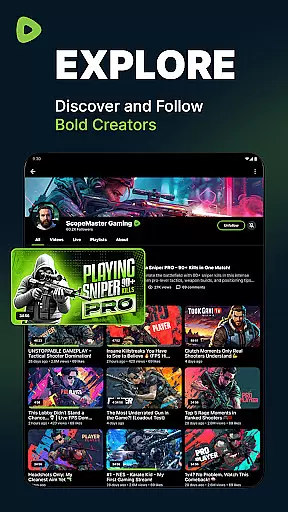
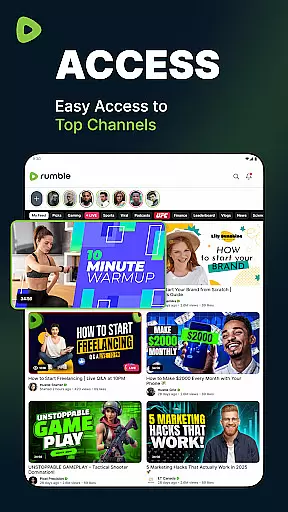
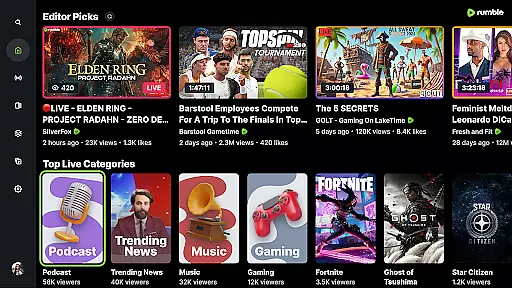
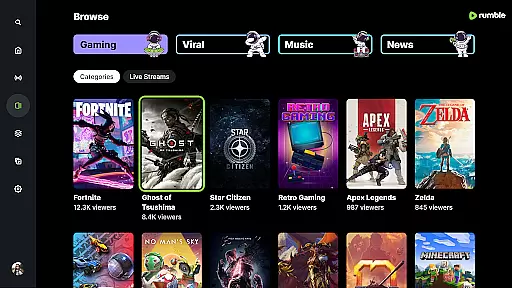
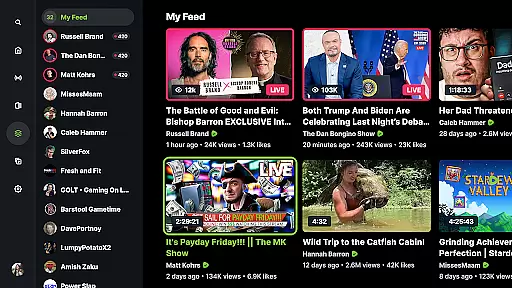
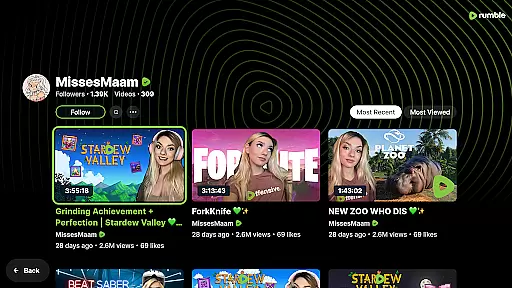
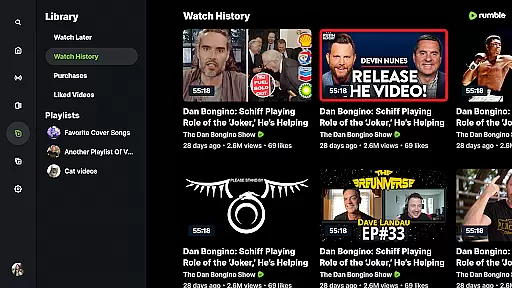
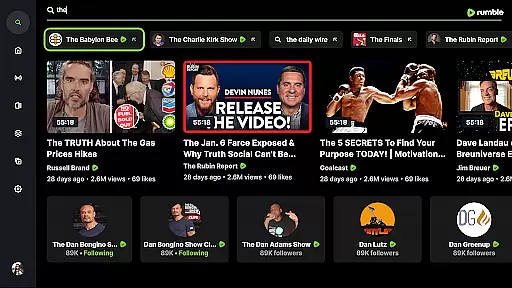
Rumble is a freedom-first video-sharing platform designed for creators and viewers who value free speech and an open Internet. As a robust alternative to mainstream platforms like YouTube, Rumble offers unfiltered and uncensored content, making it ideal for those seeking diverse opinions and authentic voices.
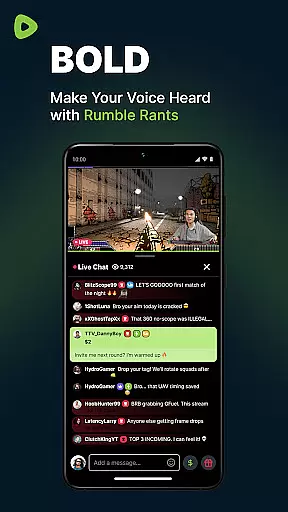
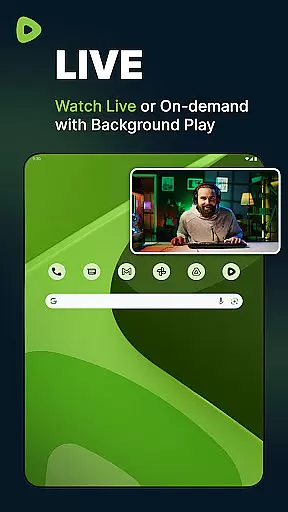
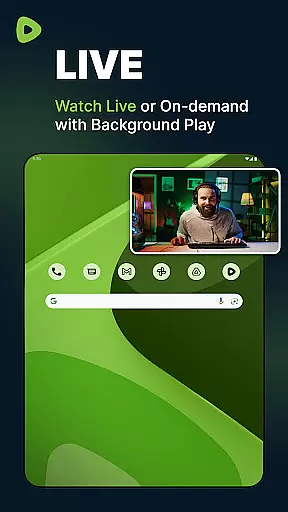
The app provides seamless live streaming with real-time chat, allowing users to engage with their favorite channels without missing a moment. With features like instant monetization, higher revenue splits, and an intuitive interface, Rumble empowers creators while offering viewers a smooth, ad-light experience across devices.
Rumble distinguishes itself through its commitment to free speech and user empowerment. The platform supports live streaming with interactive chat functionality, ensuring real-time engagement between creators and their audiences. Its recommendation system highlights trending and exclusive content that users won't find on other platforms.
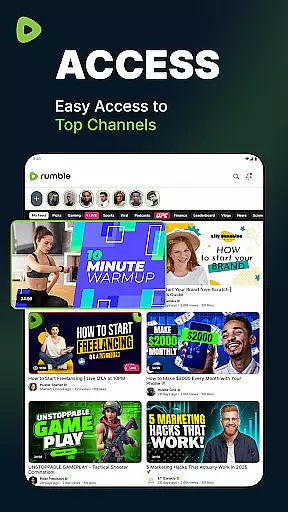
Creators benefit from Rumble's generous monetization model, which allows them to earn revenue from day one without restrictive thresholds. Additionally, the app's streamlined UI ensures reliable video playback and easy navigation, enhancing the overall user experience for both creators and viewers alike.
Video format compatibility is a crucial feature for any video platform, ensuring users can upload, share, and view content in various formats without technical barriers. Rumble addresses this need by supporting a wide range of video formats, making it accessible for creators and viewers alike.
The platform's robust infrastructure allows seamless playback of different video types, from common formats like MP4 and AVI to high-definition options. This flexibility empowers content creators to focus on their message rather than technical limitations, knowing their videos will reach a broad audience without format restrictions.
For viewers, this means an uninterrupted experience where they can enjoy diverse content without worrying about compatibility issues. Whether watching live streams or browsing through uploaded videos, users benefit from smooth performance across devices, enhancing their overall engagement with the platform.
AI-powered editing features are transforming how creators produce content by offering smart tools that simplify the editing process. While Rumble focuses primarily on providing a free-speech platform, its potential incorporation of AI-driven functionalities could significantly enhance user experience.
Imagine automated video trimming, intelligent scene detection, or real-time enhancement suggestions u2013 these capabilities would enable creators to refine their work more efficiently. Such features not only save time but also help maintain professional quality standards even for novice editors.
For viewers, AI-enhanced content translates into higher production values and more engaging visuals. As Rumble continues to grow, integrating advanced editing tools could further solidify its position as a leading alternative media platform, attracting both seasoned professionals and aspiring creators looking to elevate their storytelling.
Free speech platform
No censorship
Generous monetization
Real-time chat
Diverse content library
Limited mobile features
Fewer mainstream creators
Smaller user base
Less polished UI
Emerging platform

Online Videos Player
 3.90
3.90
Kodi media center, a free and open source cross-platform entertainment hub
3.60
Your media, on your terms.
4.10
HD video maker with no watermark, no ads & vlog maker with music, PIP, text
4.50
Video player with powerful streaming playback and various convenient features.
2.10
Browser for Sony TV to stream web videos, online movies and live tv
3.20
Browser + Remote for Roku to stream webvideos, online movies and livestreams
4.60
Video player with 4K & 1080P support, popup play, background play and subtitle.
4.20
Create, Publish & Maximize
4.70
AI Video Editor with Music, Filter, Slideshow, Effect, Merge & Trim Video.
4.80
Watch IPTV on your Android device
4.60
Support 1000+ Video Format, Subtitle Download, mp3 & Background Play, Cast On TV
4.60
Video Downloader is an utility that can save videos and music from web sites
4.20
This app was created to edit the metadata of music files.
4.20
Cast to Smart TV, Fire TV. Cast video, photo - Fast & Stable!
3.90
AirMirror is Receiver for Screen Mirroring and Casting from Apple Devices.
3.60
Download videos easily & play them all in one smart, powerful video manager.
3.40
IPTV Player - Watch live TV from m3m & m3u8 playlist, stream IPTV on mobile
3.30
Play and download HD videos from all sources — fast, simple, and all-in-one.
4.4


User Reviews