
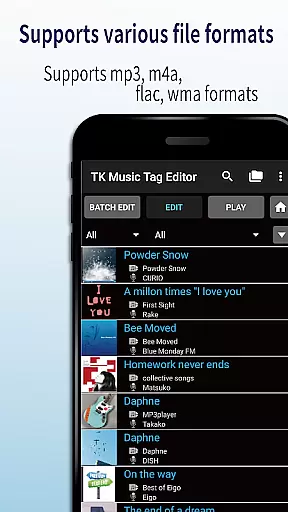
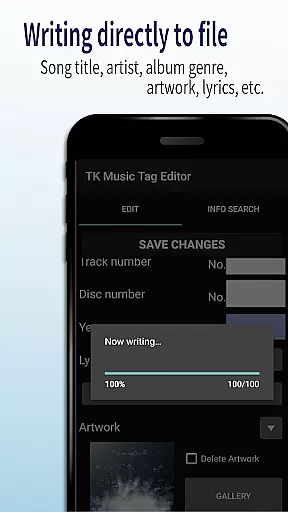
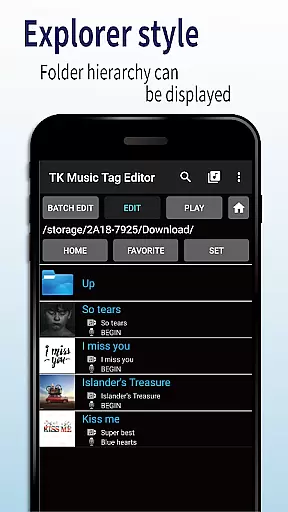
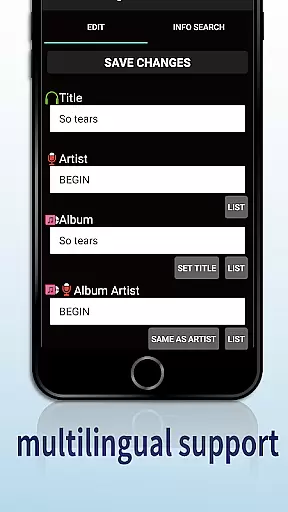
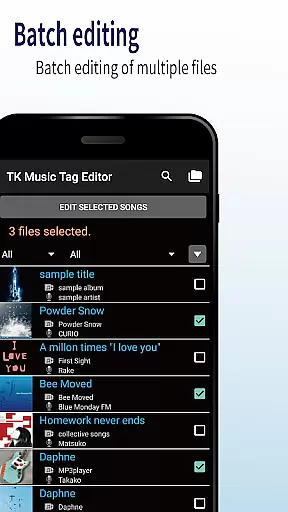
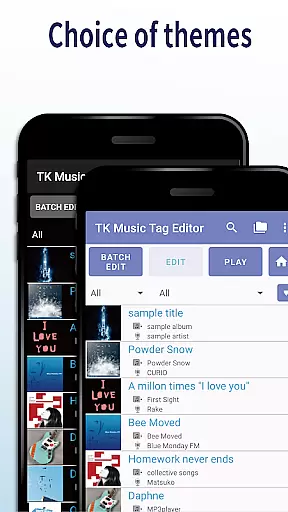
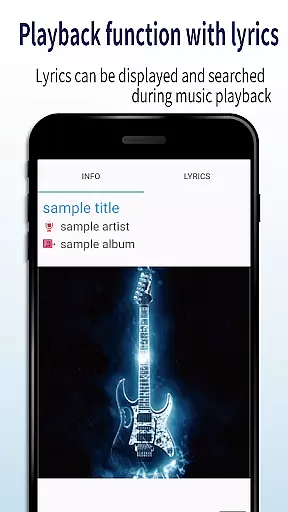
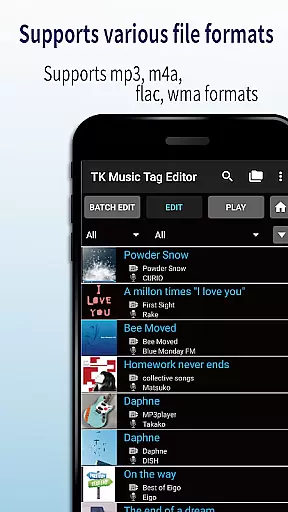
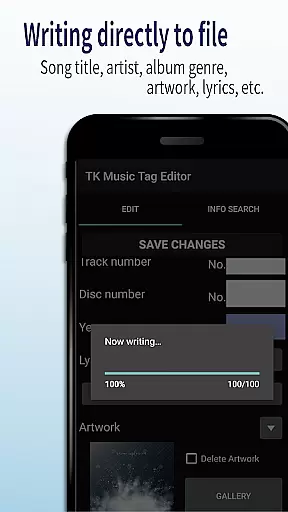
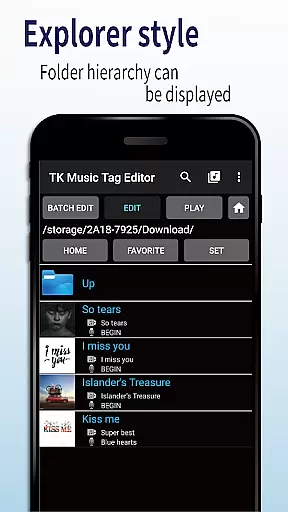
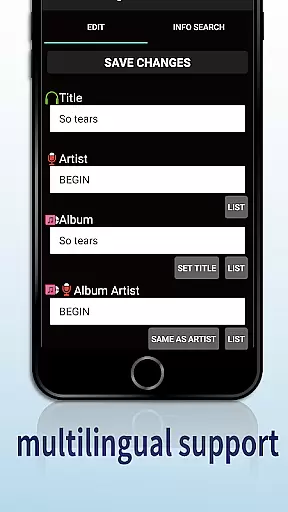
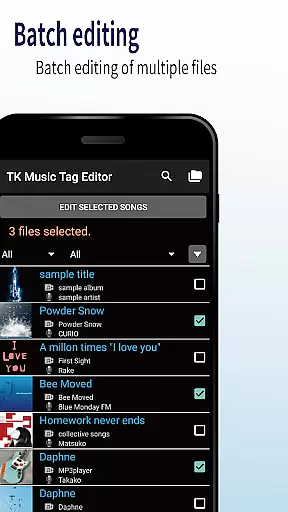
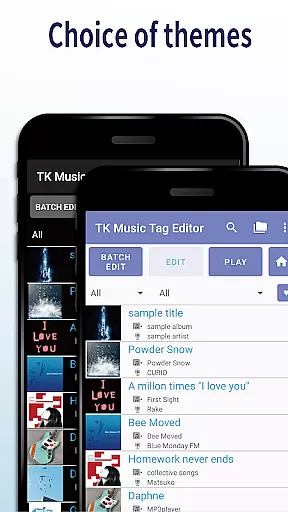
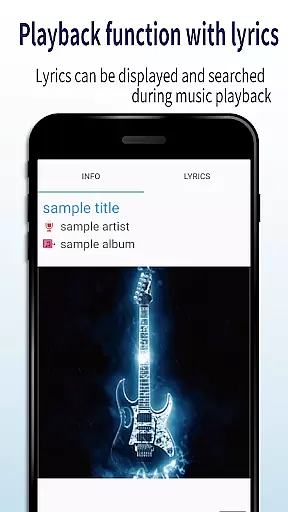
TK Music Tag Editor -Complete- is a comprehensive metadata editing tool designed specifically for music enthusiasts who need precise control over their audio files. This app allows users to edit essential metadata fields such as artist, album, cover art, and lyrics directly within mp3, m4a, flac, and wma files. The changes are written directly into the music files, ensuring that the metadata remains intact across different devices, including PCs.
In addition to basic tag editing, the app offers advanced features like simultaneous filename editing, playlist creation, and support for multiple file formats. Whether you're organizing a large music library or preparing tracks for professional use, TK Music Tag Editor provides the tools needed to maintain accurate and consistent metadata. Its intuitive interface and reliable functionality make it an indispensable utility for anyone serious about managing their digital music collection.
One of the standout features of TK Music Tag Editor is its ability to write tags directly into music files. This ensures that metadata such as title, artist, album, cover art, and lyrics remain consistent regardless of where the files are accessed. Users can also simultaneously edit filenames to match the updated metadata, streamlining the organization process.
The app supports creating and editing playlists, allowing users to curate custom listening experiences. With compatibility for various file formats including mp3, m4a, flac, and wma, TK Music Tag Editor offers versatile editing capabilities. It even detects mp3 files mistakenly labeled with m4a extensions and corrects them. These robust features ensure that users have complete control over their music libraries while maintaining cross-device consistency.
TK Music Tag Editor -Complete- offers extensive video format compatibility, ensuring users can edit metadata for various file types including mp3, m4a, flac, and wma. This versatility allows the app to cater to a wide audience with different music file needs.
The application writes tags directly into the music files, which means that regardless of whether you access the files from a PC or any other device, the metadata remains intact. This feature highlights the app's commitment to providing enduring and transferable edits, reinforcing its practicality across multiple platforms.
Moreover, the app's ability to detect mp3 files with m4a formats and convert them by changing the extension to .m4a showcases its robust format handling. Such functionality ensures that users are not limited by file type constraints and can enjoy an uninterrupted editing experience.
While TK Music Tag Editor -Complete- does not explicitly market AI-powered editing features, it incorporates several advanced functionalities that enhance user interaction through smart editing options. The simultaneous editing of music filenames based on metadata changes reflects a level of automation that simplifies the organizational process.
Creating playlists is another intelligent feature where users can effortlessly compile lists of songs they wish to hear. This function not only saves time but also enhances the listening experience by allowing personalized music queues tailored to individual preferences.
Looking ahead, the app's developers have expressed plans to introduce additional editable metadata, further expanding its capabilities. User feedback plays a crucial role in this development process, ensuring that future updates will meet the evolving needs of music enthusiasts who rely on sophisticated editing tools.
User-friendly interface
Direct tag writing
Multi-format support
Playlist management
Filename editing
No batch editing
Limited advanced options
Basic UI design
No cloud sync
Manual updates only

Auto video maker with music & exclusive filters. Video editing made simple.
 4.50
4.50
HD Video player all format, HD Videos, Cast & Subtitle. No annoying ads.
4.60
Watch full episodes of your favorite Cartoon Network and Cartoonito shows!
3.50
Video Downloader is an utility that can save videos and music from web sites
4.20
Fast video downloader & private browser. Save HD clips to watch offline.
4.40
IPTV Player - Watch live TV from m3m & m3u8 playlist, stream IPTV on mobile
3.30
Fast & Private Video Downloader App. Save all videos easily from the Internet.
4.40
All in one multi protocols stream receiver for AirPlay, Cast and DLNA.
3.60
LumaFusion: The Ultimate Storytelling Experience for Video Editing
4.10
Play ALL formats in 4K & HD. Video downloader, MP3 player, Chromecast & more.
4.80
High-Quality USB Camera Viewer & HDMI Display
4.70
Find, download, and play torrents with the official BitTorrent® Pro app
4.70
HD video maker with no watermark, no ads & vlog maker with music, PIP, text
4.50
Add date and time watermark to photos and videos
4.50
Powerful Video Editor & Photo Editing App —— Quick Edits & Stunning Effects!
4.30
All format media Player, no need video converter any more!
4.00
This app is an emulator of some specific IPTV boxes
3.50
Video player with powerful streaming playback and various convenient features.
2.10
Stream high quality video from your camera over NDI protocol
4.1


User Reviews