

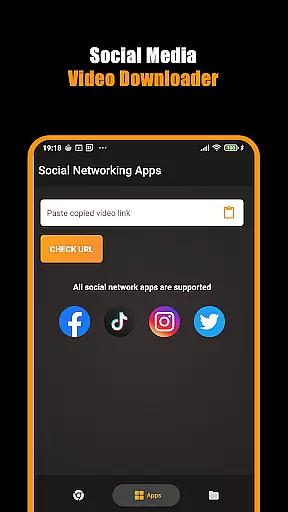
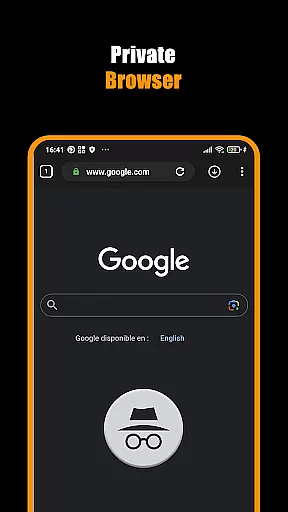

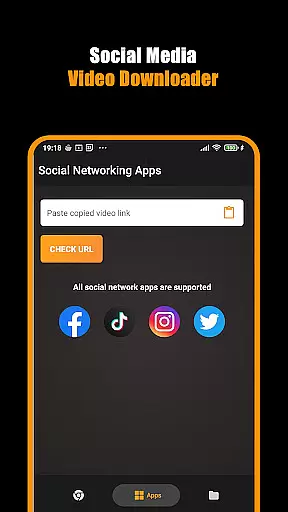

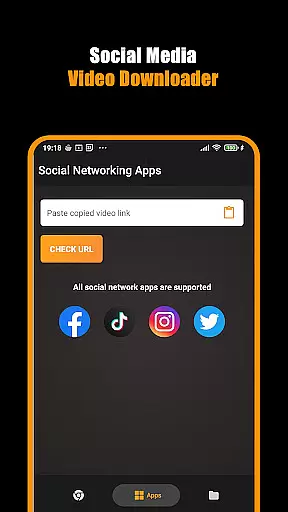

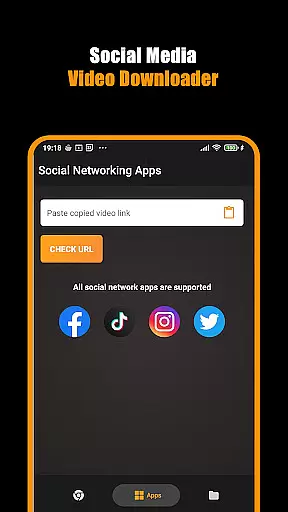

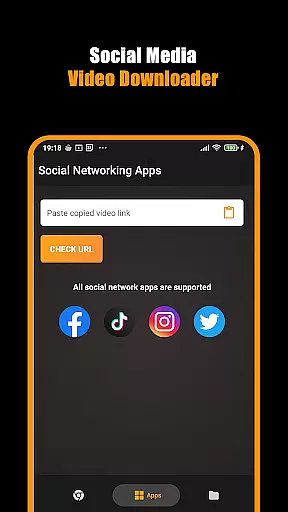
Hub Video Downloader is a powerful video player and editor app designed specifically for users who want to download, manage, and watch videos with ease. This app offers an all-in-one solution for downloading HD and 4K videos from various websites while ensuring complete privacy during the process.
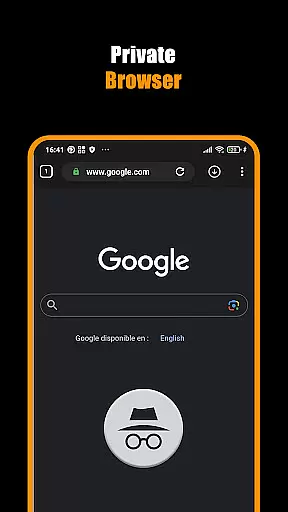
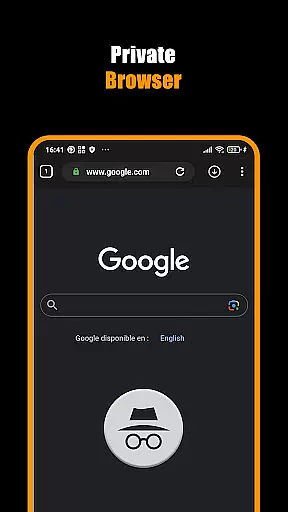
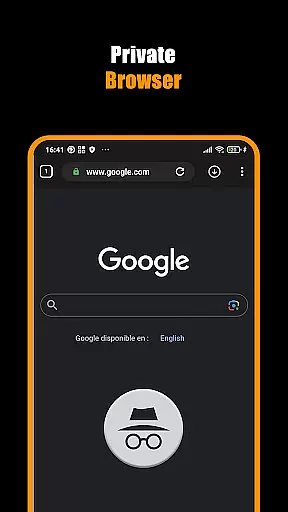
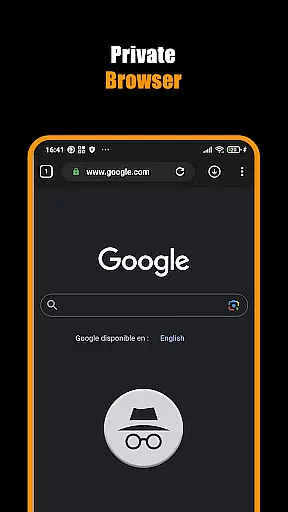
The app's standout feature is its built-in private browser that allows users to automatically detect and download videos from most websites. With unlimited tabs and secure browsing capabilities, users can seamlessly switch between different sites while maintaining their privacy. Additionally, the app supports background downloading, making it possible to continue using other apps while videos are being saved.
This application is particularly useful for individuals who frequently download multimedia content for offline viewing. Whether you're a student looking to save educational videos or a professional wanting to keep marketing materials handy, Hub Video Downloader provides a reliable way to maintain your personal media library.
Hub Video Downloader stands out with its comprehensive set of features tailored for video enthusiasts. The app's automatic video detection system instantly identifies downloadable content when visiting supported websites, streamlining the entire download process.
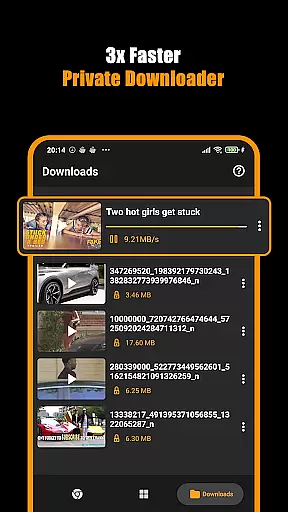
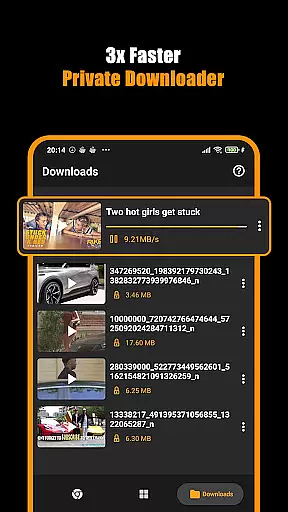
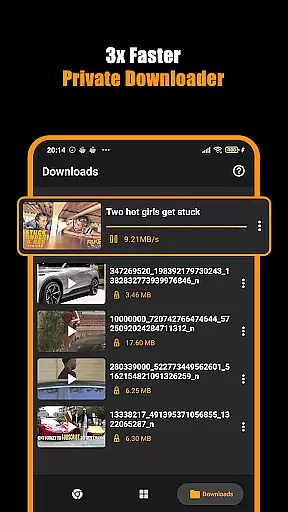
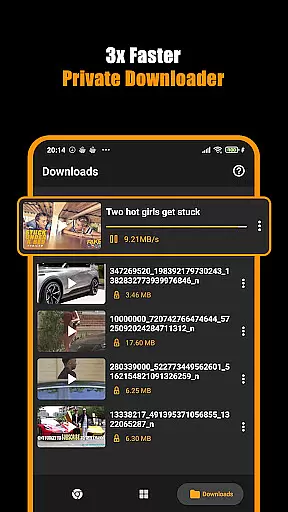
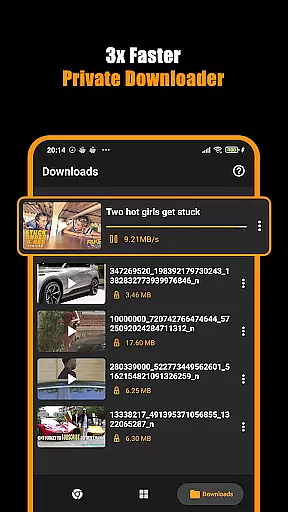
One of the key advantages is its multi-tasking capability, allowing users to handle multiple downloads simultaneously. The pause, resume, and cancel functions give users complete control over their downloading activities. Moreover, the app maintains high-quality standards by supporting up to 4K resolution downloads, ensuring that users enjoy cinema-grade video quality on their devices.
Security-conscious users will appreciate the app's private browsing mode, which automatically clears history and cache after each session. The built-in gallery organization system makes it easy to categorize and retrieve downloaded videos, while the background operation feature ensures that downloads continue uninterrupted even when using other applications.
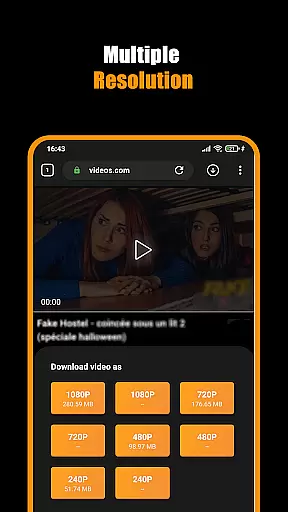
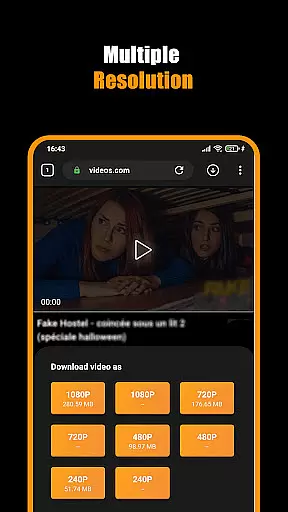
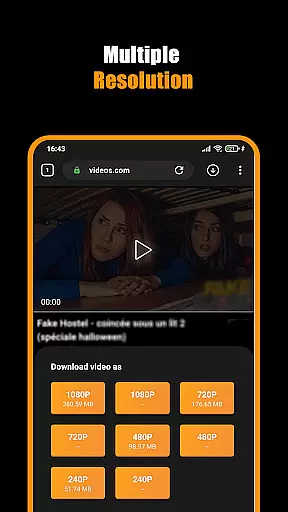
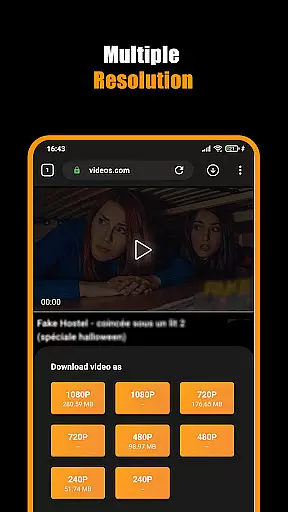
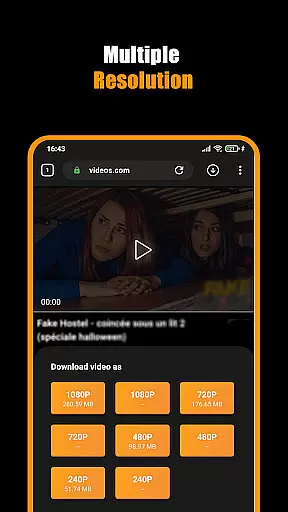
Hub Video Downloader stands out with its exceptional video format compatibility, ensuring users can download and save videos in various resolutions including HD, 2K, and 4K quality. This flexibility allows the app to cater to a wide range of user preferences and device capabilities.
The application's support for multiple formats is crucial for providing an uninterrupted user experience. Whether you're downloading short clips or full-length movies, the ability to choose the appropriate format ensures that content plays smoothly on any device without compatibility issues.
By offering downloads in high-quality formats, Hub Video Downloader enables users to enjoy their favorite videos with theater-like clarity. The option to select from different resolutions also means users can balance between video quality and storage space according to their needs.
This comprehensive format support not only enhances user satisfaction but also positions Hub Video Downloader as a versatile tool for all video downloading requirements, making it an essential app for anyone looking to save online videos for offline viewing.
While primarily a video downloader, Hub Video Downloader incorporates AI-powered editing features that add significant value for users seeking more than just downloading capabilities. These intelligent tools allow for smarter organization and enhancement of downloaded content, elevating the overall user experience.
The integration of artificial intelligence within the app streamlines the process of categorizing and managing video files. Users benefit from automated tagging and sorting functionalities, which make it easier to locate specific content within their library. Such efficiency in file management saves time and reduces clutter.
Moreover, AI-driven enhancements enable users to optimize video quality post-download. From adjusting brightness and contrast to stabilizing shaky footage, these features ensure that every video looks its best before viewing. Although not its main focus, this added layer of functionality distinguishes Hub Video Downloader from basic downloader apps.
By combining robust downloading capabilities with innovative AI-powered editing features, Hub Video Downloader offers a comprehensive solution for acquiring and refining digital content, catering to both casual viewers and those with more advanced video processing needs.
User-friendly interface
High-quality video support
Private browsing mode
Background downloading
Multi-file management
No YouTube support
Limited format options
Storage intensive
Requires permissions
Ads may appear

Auto video maker with music & exclusive filters. Video editing made simple.
 4.50
4.50
Video Player - Unlimited features, 30 days money back guarantee.
4.60
Video Trimmer, Video to MP3 Converter. Extract music from video, Easy & Fast.
4.80
HD video maker with no watermark, no ads & vlog maker with music, PIP, text
4.50
Video player with powerful streaming playback and various convenient features.
2.10
Movie maker & video editing app with AI effects and green screen
4.30
Watch IPTV on your Android device
4.60
Browser + Remote for Roku to stream webvideos, online movies and livestreams
4.60
Photo editor & video maker with music and slideshows.
4.10
HD Video player all format, HD Videos, Cast & Subtitle. No annoying ads.
4.60
?100% FREE! Download & save videos? safely in this app. All formats supported.
4.60
Watch a large amount of high-definition short drama content
4.60
Search & download videos from net with all video downloader, auto-detect & safe.
4.60
Create photo video with music & template. AI video maker for stunning slideshow.
4.60
VLC Remote lets you control your VLC Media Player on Mac, PC or Linux.
4.60
Turn your phone into a wireless camera!
4.20
HD video & music player - All format support with floating & PIP mode!
3.80
Save photos and videos from social apps in one tap.
3.60
All in one multi protocols stream receiver for AirPlay, Cast and DLNA.
3.60


User Reviews