
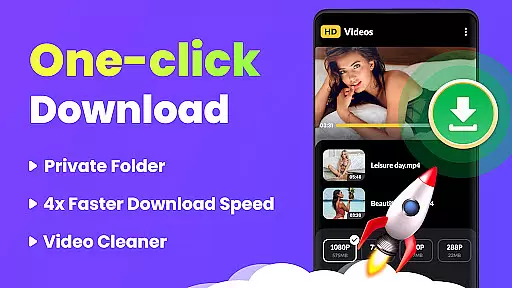
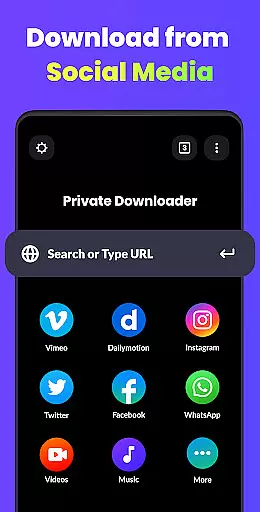
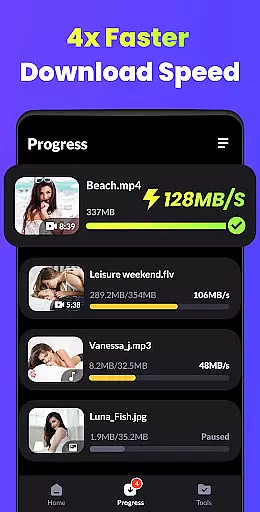
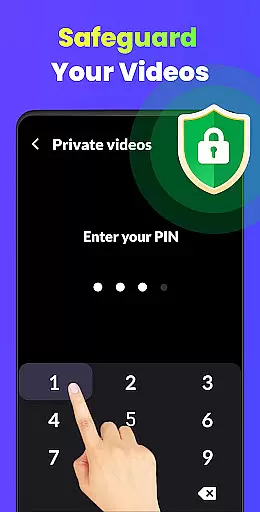
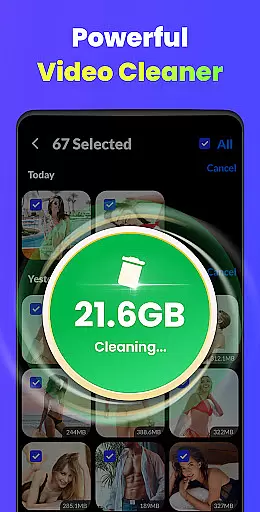
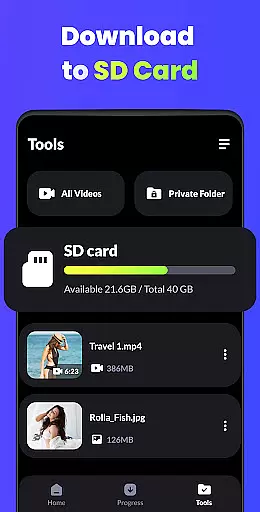
Video Downloader - HD & Easy is a versatile video downloading and playback solution designed for Android users who need fast, reliable access to high-quality videos. This app stands out with its ability to download videos in all formats at lightning speed while supporting HD, UHD, 4K, and 1080P playback without stuttering. Whether you're looking to build a personal media library or enjoy uninterrupted entertainment, Video Downloader provides an exceptional experience.
One of the key highlights of this app is its multi-thread and background download capabilities, which allow users to manage downloads efficiently even while performing other tasks. Additionally, it offers advanced privacy features such as password-protected folders to secure private videos. With intuitive gesture controls, sleep timer functionality, and screen lock options, this app ensures both convenience and security for your video needs.
Video Downloader is ideal for users who want a seamless blend of performance, privacy, and usability. Its comprehensive feature set makes it perfect for anyone seeking an all-in-one video player and downloader that delivers professional-grade quality on mobile devices.
Video Downloader - HD & Easy boasts an impressive range of features tailored to meet diverse user requirements. The app supports downloads in multiple formats, including MKV, MP4, M4V, MOV, 3GP, FLV, F4V, and WEBM, ensuring compatibility across various platforms. It also excels in playback performance, offering smooth streaming of HD, UHD, 4K, and 1080P videos, making it suitable for users who demand superior visual clarity.
Advanced functionalities like multi-thread downloads and background operation enhance productivity by allowing simultaneous downloads and uninterrupted playback. A-B repeat and looping modes cater to users who need precise control over video segments, while auto-detection of local files simplifies content management. Privacy-conscious users will appreciate the option to hide secret videos in password-protected folders, adding an extra layer of security.
Other notable features include smart gesture controls, a sleep timer for convenience, and screen lock functionality to prevent accidental touches during video playback. These thoughtful additions make Video Downloader not just a tool but a complete ecosystem for managing and enjoying digital media on Android devices.
Video Downloader - HD & Easy stands out for its exceptional video format compatibility, ensuring users can download and play videos in virtually any format they encounter. This includes popular formats such as MKV, MP4, M4V, MOV, 3GP, FLV, F4V, WEBM, and more.
The importance of this feature cannot be overstated, as it allows users to enjoy a seamless entertainment experience without worrying about format support. Whether you're downloading high-definition movies or short clips, the app ensures that all content is accessible.
This application achieves comprehensive format support through advanced decoding technologies and regular updates, maintaining its edge in format compatibility. Users benefit from an uninterrupted viewing experience, regardless of the video source.
Ultimately, Video Downloader's wide-ranging format support empowers users to explore diverse content across the internet, making it an indispensable tool for anyone looking to enjoy multimedia without limitations.
Beyond just playing and downloading, Video Downloader - HD & Easy incorporates AI-powered editing features that elevate the user experience to new heights. These features include smart gesture controls, A-B repeat and looping modes, and automatic detection of local video files.
The significance of integrating AI into video applications lies in its ability to streamline user interactions and enhance functionality. For instance, the app intelligently detects and loads local video files, simplifying access to your media library.
Moreover, the inclusion of intuitive gesture controls and customizable settings like sleep timers showcases the app's dedication to user-centric design. Such innovations not only make navigation effortless but also tailor the viewing experience to individual preferences.
By leveraging AI technologies, Video Downloader provides a sophisticated yet accessible platform for both casual viewers and tech-savvy users, setting a new standard in video player applications.
User-friendly interface
Fast download speeds
High-definition playback
Multi-thread support
Privacy protection
Limited iOS support
Ads in free version
Occasional bugs
Storage intensive
No cloud sync

Video player, file manager for all formats, 4K/HD media player supports subtitle
 4.30
4.30
The smartest M3U IPTV Player your playlists have ever seen.
4.3
HD video & music player - All format support with floating & PIP mode!
3.80
Create photo video with music & template. AI video maker for stunning slideshow.
4.60
KMPlayer Plus (Divx Codec) officially support Divx codec.
4.30
LumaFusion: The Ultimate Storytelling Experience for Video Editing
4.10
A Simple app to download Video & Music from the Internet.
4.70
Screen recorder with audio to take live videos & Screenshot in high quality!
4.70
Video player with 4K & 1080P support, popup play, background play and subtitle.
4.20
Flud is a simple and beautiful BitTorrent client for Android.
4.80
?100% FREE! Download & save videos? safely in this app. All formats supported.
4.60
Fast, private downloading, video saving, social media
4.50
Add date and time watermark to photos and videos
4.50
Download website videos fast&privacy
4.40
Fast & Private Video Downloader App. Save all videos easily from the Internet.
4.40
Online Videos Player
3.90
Explore the largest library of free GIFs, Stickers & Memes - or create your own!
3.90
Livestream, news, & gaming content. Watch, chat, and upload. Join Rumble today!
3.80
Client application for NextPVR software
3.00


User Reviews