
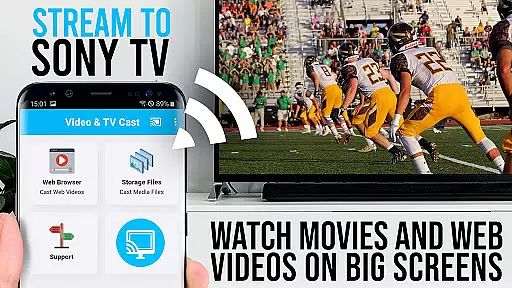
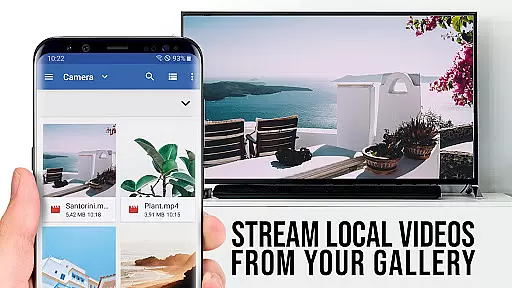
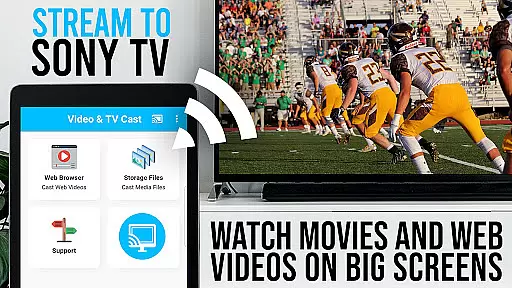
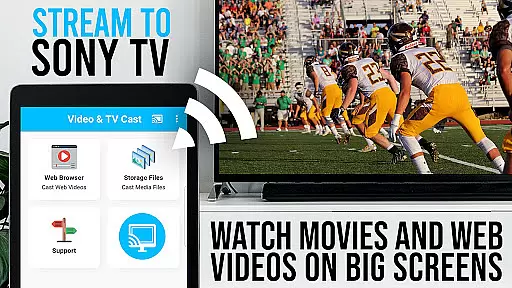
TV Cast Pro for Sony TV is a premium application designed to enhance your streaming experience by enabling you to watch web videos, online movies, livestreams, and live-TV shows directly on your Sony TV. This app eliminates the need for an additional streaming box, supporting formats like mp4, m3u8, hls livestreams, video over https, and Full HD content.
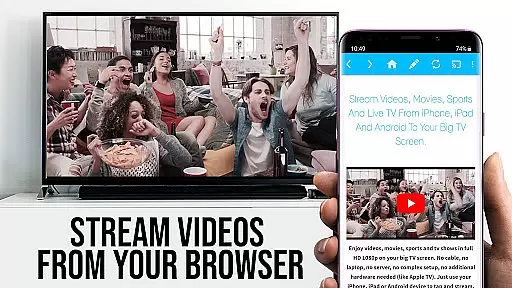
The app works seamlessly with Sony TVs that have the built-in Video & TV Cast app, allowing users to browse the web and cast any video they desire onto their TV screen. With just a single tap, embedded videos from favorite websites can be sent to the TV, offering a convenient and high-quality viewing experience.
TV Cast Pro stands out with its advanced features tailored for an optimal streaming experience. The Remote Playbar allows users to control video playback with options like scrubbing, forward, rewind, play, pause, and stop while browsing.
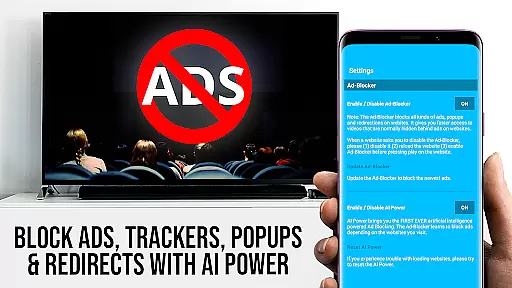
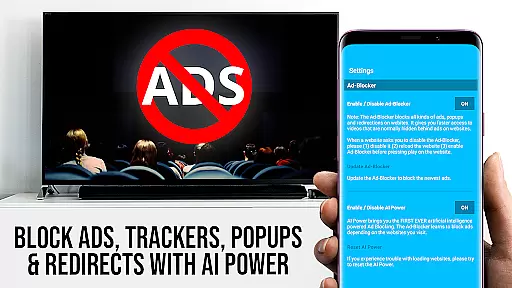
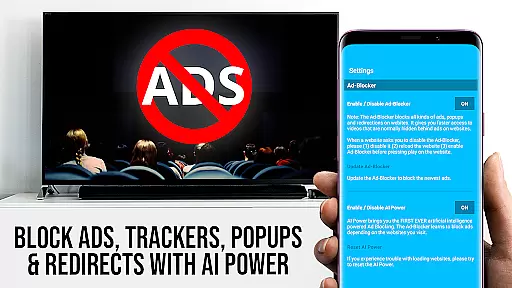
In addition to an Ad-Blocker that enhances the viewing experience by blocking ads and popups on most websites, the app also offers a Bookmarks feature for easy access to favorite sites. Users can enjoy a desktop mode that loads desktop websites and customize their homepage for personalized browsing.
Security is prioritized with minimal Android permissions required, ensuring user data safety. The app does not access identity data, accounts, device id, phone status, GPS location, or contacts, providing a secure environment for streaming content.
TV Cast Pro for Sony TV offers extensive video format compatibility, ensuring users can stream a wide variety of content without technical hindrances. The app supports popular formats like Mp4, m3u8, and HLS livestreams, making it versatile for different types of videos.
With the capability to handle video over https and Full HD streaming, this application guarantees high-quality playback on Sony TVs. Users can enjoy crisp, clear visuals that enhance their viewing experience directly on the big screen without the need for additional streaming devices.
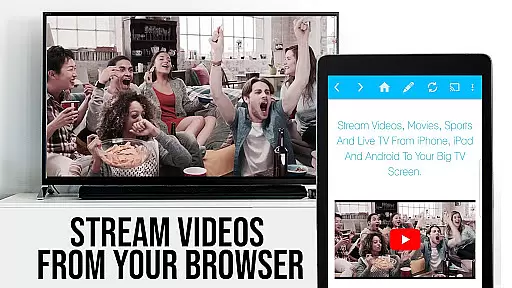
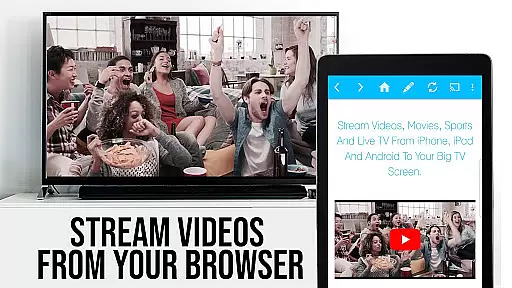
The app simplifies the casting process by allowing users to browse the web and cast any compatible video with a single tap. Whether it's web videos, online movies, or live TV shows, the discovered video links appear below the browser for easy access and immediate streaming to the TV.
It is important to note that while the app provides broad format support, it does not support DRM protected videos from platforms such as Netflix or Amazon. This ensures compliance with digital rights management policies while offering flexibility for non-protected content streaming.
Although TV Cast Pro for Sony TV focuses primarily on streaming rather than editing, its PRO version includes features that enhance user interaction with content akin to AI-powered editing tools. The Remote Playbar allows for advanced video control including scrubbing, forward, rewind, play, pause, and stop functionalities.
The Ad-Blocker feature works similarly to intelligent editing by removing unwanted ads and popups from websites, providing an uninterrupted viewing experience. Users have the option to enable or disable this feature at any time through the settings menu, giving them control over their browsing environment.
Bookmarks and Desktop Mode further enrich the useru2019s ability to manage and tailor their content sources efficiently. By cloaking the Android device as a desktop PC, users can load desktop versions of websites which might offer richer content options compared to mobile sites.
While traditional video editing isn't the core function of TV Cast Pro, these smart features collectively contribute to a streamlined and customizable media consumption process, enhancing both convenience and enjoyment for the viewer.
User-friendly interface
High-quality streaming
No additional hardware needed
Advanced video controls
Enhanced security measures
Limited to Sony TVs
Doesn't support all video formats
Some features require in-app purchases
Occasional connectivity issues
Not compatible with DRM protected content

Client application for NextPVR software
 3.00
3.00
IPTV-Smarters Player Pro M3U - Watch Live Stream TV Channels with Chromecast
4.00
Turn your phone into a wireless camera!
4.20
Pro video editor app for Instagram, edit video with song, AI, effect & slowmo.
4.80
Powerful Video Editor & Photo Editing App —— Quick Edits & Stunning Effects!
4.30
Find, download, and play torrents with the official BitTorrent® Pro app
4.70
Browser for Samsung TV to stream webvideos, online movies and livestreams in HD
4.10
Make videos you’re proud to share with Edits, a video editor for creators.
4.70
Capture the moment and Cut
3.40
Flud is a simple and beautiful BitTorrent client for Android.
4.80
Download videos and play them offline
4.70
Screen recorder with audio to take live videos & Screenshot in high quality!
4.70
Video Downloader is an utility that can save videos and music from web sites
4.20
1)AirPlay/DLNA Mirroring/Streaming, up to 4 connections; 2)Samba/NAS/DMS Player.
4.00
Make your own Animations, Video and Photo Edits, Visual Effects, and more!
4.00
Connect 2 UVC devices for recording and broadcast video/audio stream
3.90
Kodi media center, a free and open source cross-platform entertainment hub
3.60
You can play SWF format file!
2.50
Powerful HD video player with support for all formats & subtitles.
4.2


User Reviews