
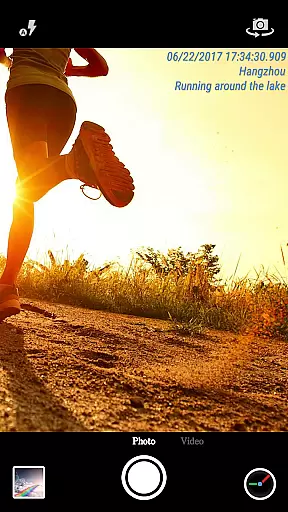
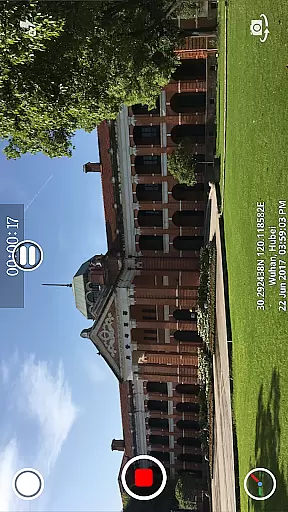
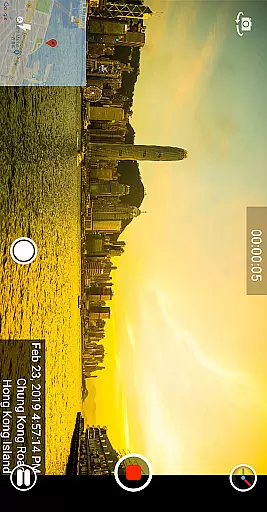
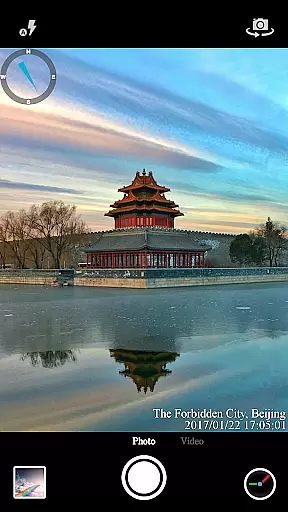

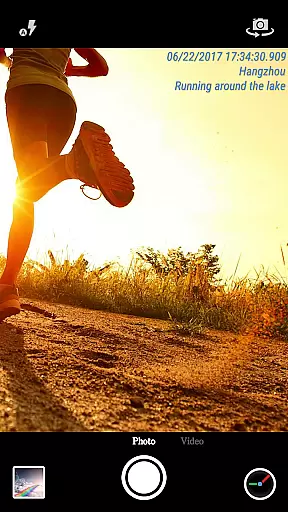
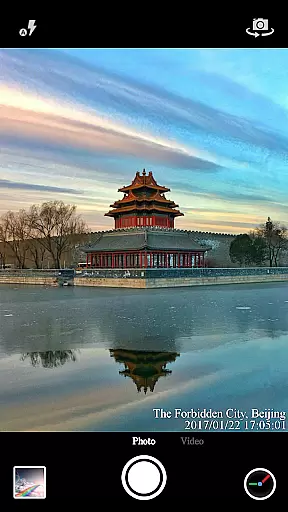
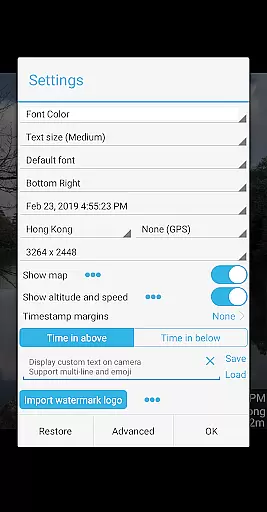
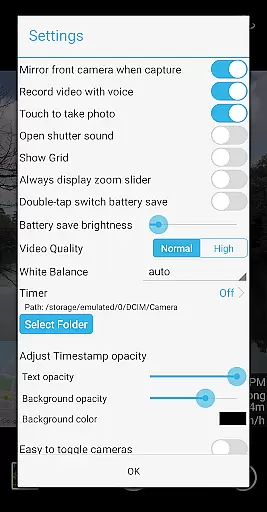

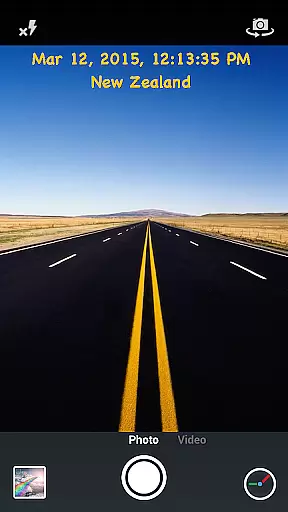
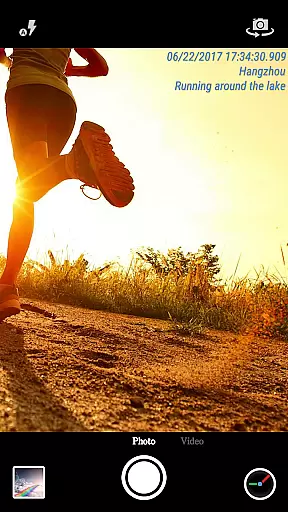
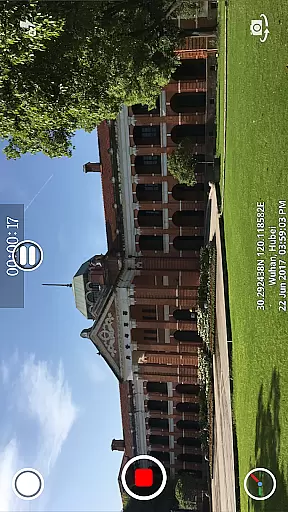
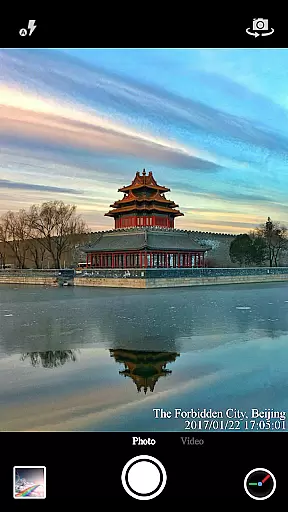
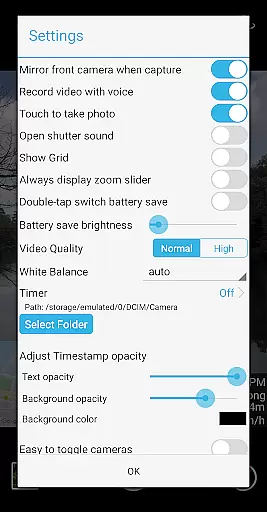
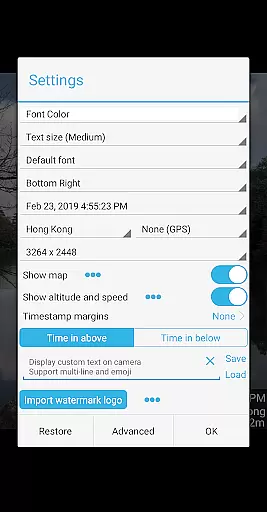

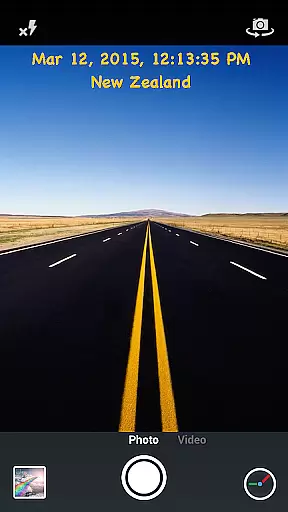
Timestamp Camera Pro is a powerful video and photo editing application that allows users to add real-time timestamp watermarks while capturing media. The app supports 61 different timestamp formats, making it versatile for various professional needs. Users can customize the font, color, size, and position of the timestamp, ensuring their media is personalized and unique.
In addition to timestamps, the app offers advanced features such as adding location data, altitude, and speed to videos and photos. It also includes creative options like custom text overlays, emoji integration, and even map displays with adjustable scale and transparency. These features make Timestamp Camera Pro an ideal tool for anyone needing to document events with precise time and location details.
The app's ability to record millisecond-accurate timestamps sets it apart from competitors. Whether used for security footage, scientific research, or personal projects, Timestamp Camera Pro provides users with accurate and customizable documentation tools that enhance the value of their visual content.
Timestamp Camera Pro stands out with its comprehensive feature set tailored for both casual users and professionals. One of its key features is the ability to record videos with millisecond-accurate timestamps, a functionality not commonly found in similar apps. This precision is crucial for applications requiring exact timing records, such as legal documentation or scientific experiments.
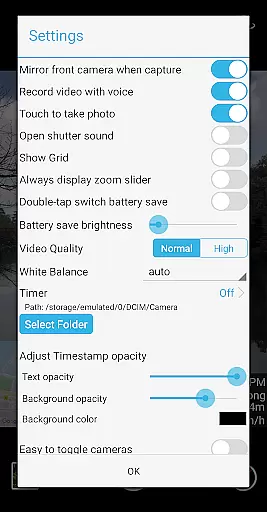
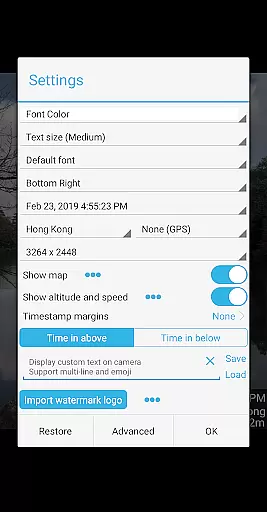
Beyond timestamps, the app offers extensive customization options. Users can adjust font styles, colors, sizes, and positions, allowing for branding or personalization of media. The inclusion of GPS data, altitude, and speed adds another layer of detail, which is particularly useful for outdoor activities or travel documentation.
Creative professionals will appreciate the app's support for custom text, emoji overlays, and logo integration. These features enable users to create visually engaging content that stands out. Additionally, the battery saver mode and option to turn off shutter sounds demonstrate the app's attention to user experience, ensuring that functionality does not come at the expense of convenience.
Timestamp Camera Pro excels in video format compatibility, ensuring users can work with a wide range of video types. The app supports popular formats such as MP4, AVI, and MOV, making it versatile for various devices and platforms.
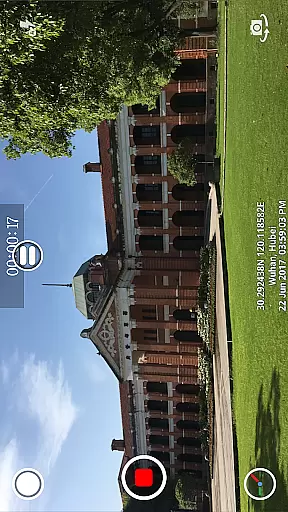
One of the standout features is the ability to record videos with a timestamp watermark accurate to the millisecond. This precision is crucial for users who need to document exact timing for professional or personal purposes.
The app also allows users to change the video resolution and choose whether to include audio, providing flexibility in how content is captured and shared. These options ensure that the final output meets specific quality and size requirements.
Additionally, Timestamp Camera Pro enables saving videos directly to an SD card, which is beneficial for managing storage space efficiently. This feature is particularly useful for users who record extensive video footage and need ample storage.
Timestamp Camera Pro incorporates AI-powered editing features that enhance the user's ability to customize their videos effectively. With support for 61 timestamp formats, users can select the style that best fits their needs, from simple time displays to more detailed date and location information.
The app's AI capabilities extend to its real-time effects, where users can modify font type, color, size, and position with ease. This level of customization ensures that timestamps are not only informative but also visually appealing and unobtrusive.
Moreover, the application offers advanced options like adding altitude and speed data, which can be crucial for sports enthusiasts or professionals requiring such metrics. The inclusion of map overlays further enriches video content by providing geographical context.
These intelligent editing tools, combined with real-time previews, empower users to create polished and professional-looking videos without needing additional software. This streamlined workflow saves time and enhances productivity, making Timestamp Camera Pro a valuable tool for anyone involved in video production.
Millisecond accuracy
Extensive customization
Real-time effects
GPS and speed data
User-friendly interface
Complex for beginners
Occasional bugs
High battery usage
Limited free features
Interface not modern

A full editing room to accompany your Insta360 cameras and handheld gimbals.
 3.30
3.30
Client application for NextPVR software
3.00
HD Video player all format, HD Videos, Cast & Subtitle. No annoying ads.
4.60
KineMaster, Your Ultimate Video Editor!
4.40
Capture images & record videos for USB Camera, Webcam, Microscopes, Endoscopes
3.80
This app was created to edit the metadata of music files.
4.20
Powerful Video Editor & Photo Editing App —— Quick Edits & Stunning Effects!
4.30
Livestream, news, & gaming content. Watch, chat, and upload. Join Rumble today!
3.80
Capture the moment and Cut
3.40
Video Trimmer, Video to MP3 Converter. Extract music from video, Easy & Fast.
4.80
Pro video editor app for Instagram, edit video with song, AI, effect & slowmo.
4.80
AI Video Editor with Music, Filter, Slideshow, Effect, Merge & Trim Video.
4.80
Seamlessly connect and control your smart devices, anytime, anywhere with ease.
4.60
Viddo: Generate Action Figure, AI Anime, AI kiss, AI hug Video from image & text
4.40
KMPlayer Plus (Divx Codec) officially support Divx codec.
4.30
Movie maker & video editing app with AI effects and green screen
4.30
VLC for Android is the best open source video and music player, fast and easy!
4.10
AI Video Editor:AI Music, Text to Video,Text to Speech,Auto Caption,Video Effect
4.00
Explore the largest library of free GIFs, Stickers & Memes - or create your own!
3.90


User Reviews