
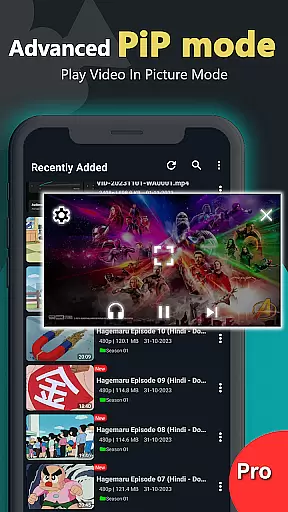
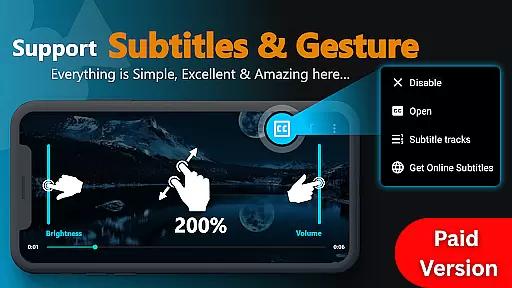
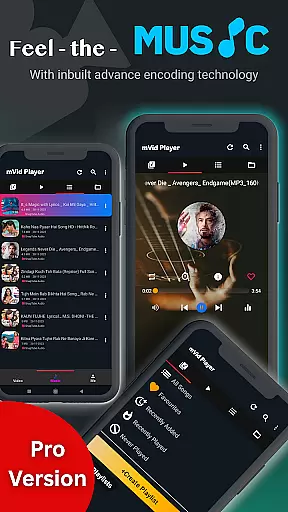
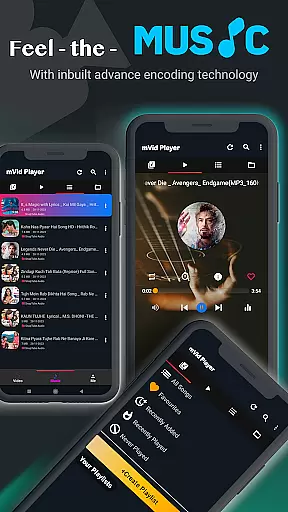
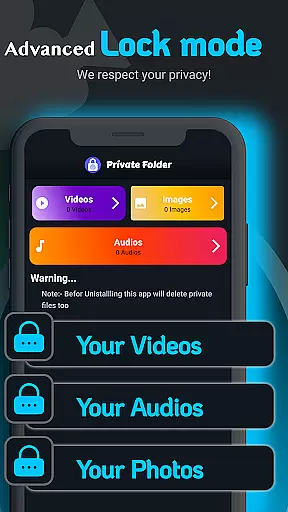
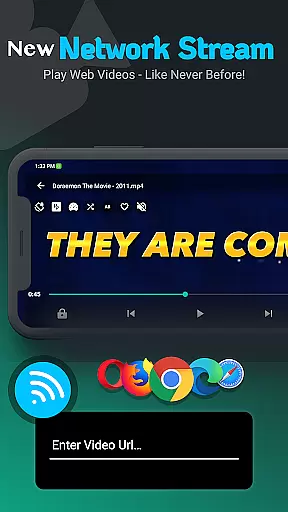
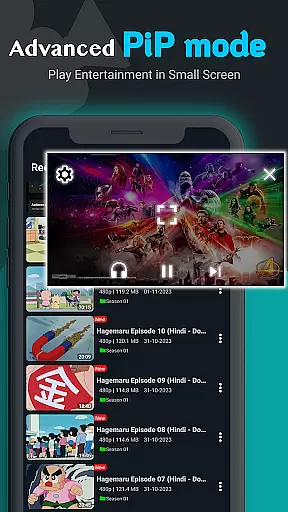
Zea Player Pro is a premium-grade video player designed for Android devices, offering an ad-free experience with support for all major video and audio formats. This includes high-resolution files up to 8K, making it ideal for movie enthusiasts and content streamers.
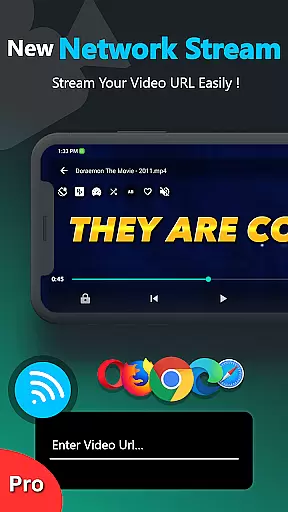
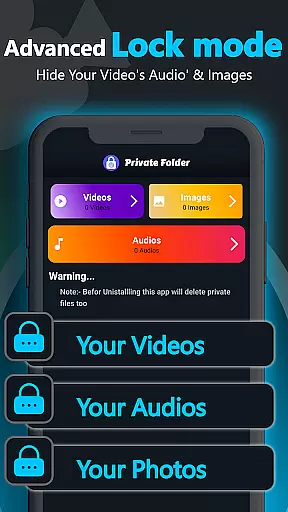
With advanced features like subtitle support, dual audio tracks, and background playback, the app ensures a versatile media experience. Its private folder functionality allows users to protect personal media, while volume booster and URL streaming enhance usability.
Whether watching local files or streaming online content, Zea Player Pro provides smooth, high-quality playback for both casual viewers and professional users.
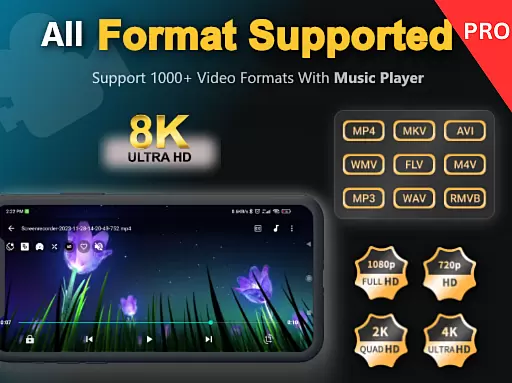
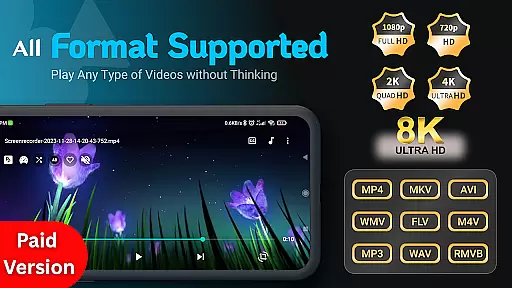
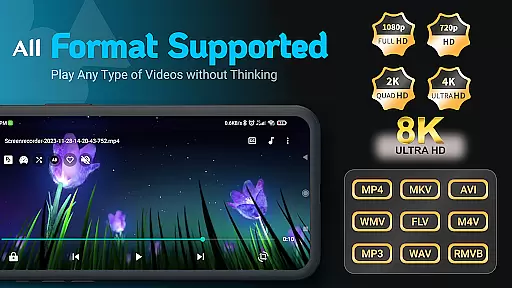
Zea Player Pro stands out with its comprehensive feature set tailored for seamless media consumption. The app supports all popular video formats, including MKV, MP4, AVI, and ultra HD resolutions up to 8K, ensuring compatibility with any file type.
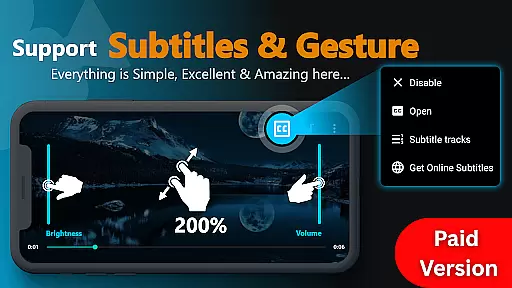
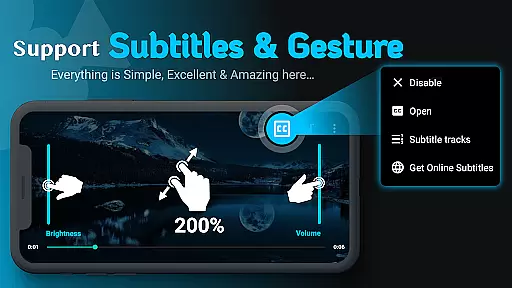
Unique functionalities such as dual audio track support, online subtitle downloads, and background music playback cater to diverse user needs. Additionally, its private folder system lets users secure sensitive media, while gesture controls for brightness, volume, and zoom provide an intuitive interface.
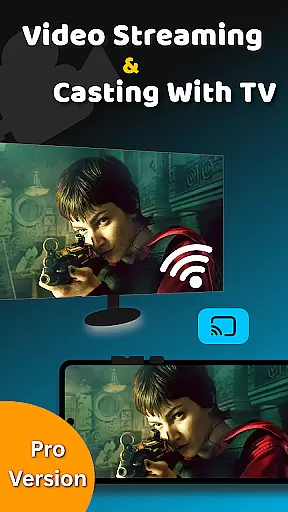
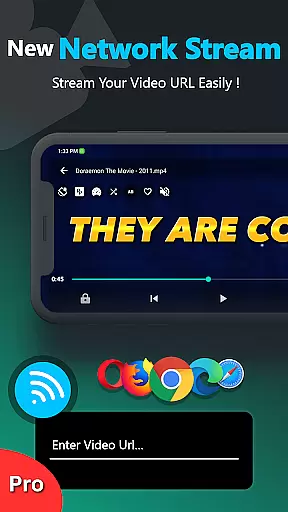
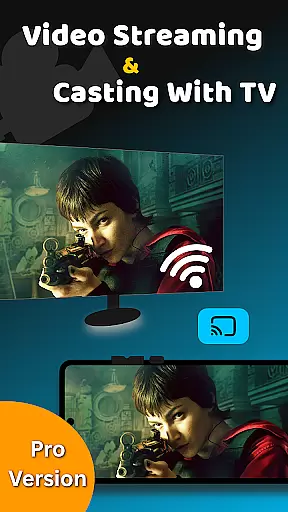
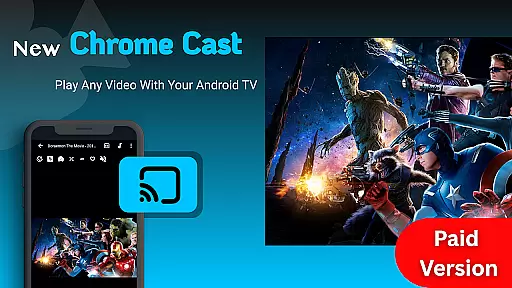
The inclusion of advanced tools like URL streaming and casting to Android TV makes this app a complete solution for modern media playback requirements.
Video Player Pro Version stands out for its exceptional video format compatibility, ensuring users can enjoy a seamless playback experience across all major file types. The app supports an extensive range of formats including MKV, MP4, AVI, MOV, and even ultra-high-definition 4K and 8K videos.
This versatility is made possible through advanced decoding technologies that automatically detect and process various codecs. Whether you're watching locally stored files or streaming content via URLs, the player ensures smooth rendering without any need for external plugins or converters.
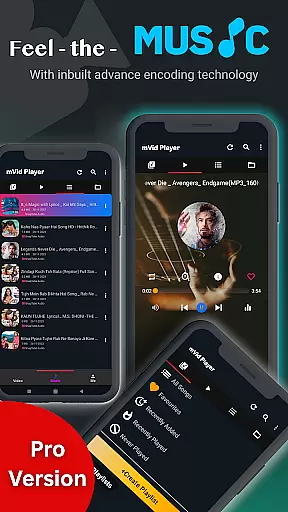
For users, this means unparalleled convenience. You no longer have to worry about format incompatibility issues or time-consuming conversions. The app's comprehensive format support extends to audio files as well, including popular types like MP3, making it a complete multimedia solution.
By covering such a wide spectrum of formats, Video Player Pro Version caters to both casual viewers and professional users who work with specialized video types, establishing itself as a truly universal media player.
While primarily a video player, Video Player Pro Version incorporates AI-powered features that enhance the viewing experience through intelligent processing. The app utilizes machine learning algorithms to optimize video quality based on content type and source resolution.
One notable implementation is the automatic subtitle generation and synchronization feature. The AI analyzes audio tracks to create accurate subtitles and adjusts timing to match video playback perfectly. Additionally, the app employs smart enhancement techniques to improve visual clarity, especially for lower-resolution videos.
These AI capabilities extend to audio processing as well, with an intelligent volume booster that maintains consistent sound levels across different media types. The system also learns user preferences over time, automatically adjusting settings for optimal viewing conditions.
Although not a traditional video editor, these AI-powered enhancements effectively upgrade the quality of your media content, providing a premium viewing experience that adapts to both your content and viewing environment.
Ad-free playback
Supports 8K videos
Private folder feature
Subtitle downloads
Background playback
Paid application
No free version
Complex settings
High device requirements
Limited customer support

The smartest M3U IPTV Player your playlists have ever seen.
 4.1
4.1
Client application for NextPVR software
3.00
Cast Videos from Web Browser, IPTV to Roku, Chromecast, DLNA, Smart TV +more
4.60
Video Trimmer, Video to MP3 Converter. Extract music from video, Easy & Fast.
4.80
Snaptubè Video Downloader app allows to download videos and music in Snaptube. .
4.60
All format media Player, no need video converter any more!
4.00
Make your own Animations, Video and Photo Edits, Visual Effects, and more!
4.00
Viddo: Generate Action Figure, AI Anime, AI kiss, AI hug Video from image & text
4.40
Capture the moment and Cut
3.40
Pro video editor app for Instagram, edit video with song, AI, effect & slowmo.
4.80
A Quick and Pro Video Editor
4.70
Watch IPTV on your Android device
4.60
Browser + Remote for Roku to stream webvideos, online movies and livestreams
4.60
Full HD Video mp3 Player, MP4 player play 1080p, File manager, Video Downloader
4.40
Create & edit videos with AI
4.30
Video Downloader is an utility that can save videos and music from web sites
4.20
IPTV-Smarters Player Pro M3U - Watch Live Stream TV Channels with Chromecast
4.00
You can play SWF format file!
2.50
Powerful HD video player with support for all formats & subtitles.
4.4


User Reviews