
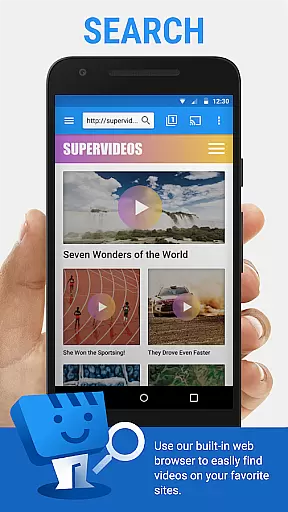
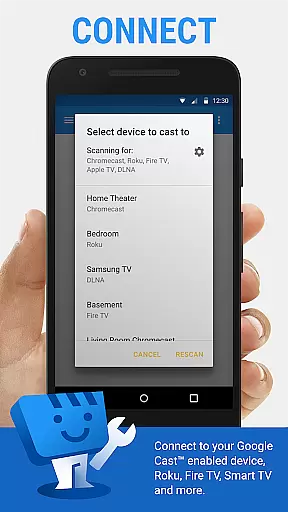
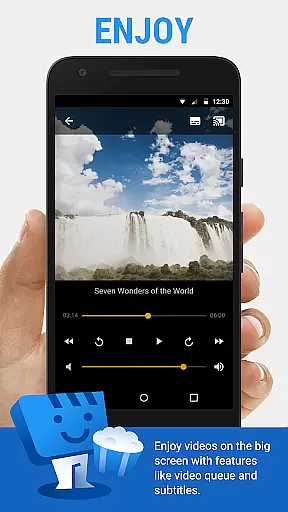
Web Video Cast is a versatile streaming application that enables users to cast videos, photos, and audio files from their mobile devices to various supported streaming devices. The app supports popular platforms such as Chromecast, Roku, DLNA receivers, Amazon Fire TV, and many smart TVs. With its ability to detect subtitles on web pages and integrate with OpenSubtitles.org, it offers an enhanced viewing experience for users who require subtitles.
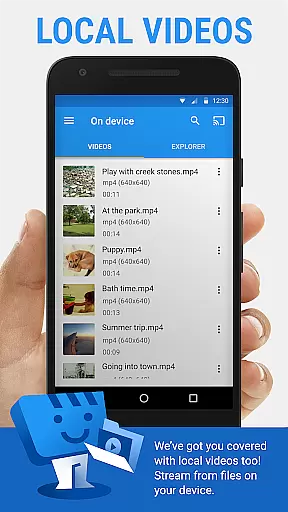
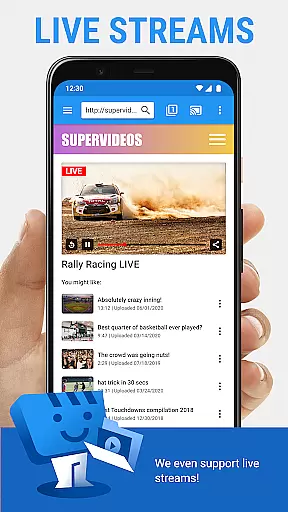
In addition to streaming online content, Web Video Cast allows users to cast local media stored on their phones. Whether you want to watch movies, live news, sports, or listen to music, this app provides a seamless solution to enjoy your favorite content on the big screen. Its compatibility with HLS live streams in M3U8 format and HTML5 videos ensures broad support for different types of media.
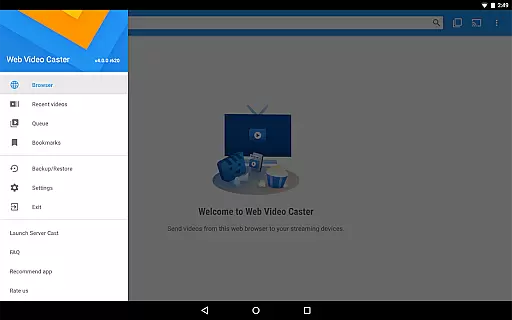
The app also features premium functionalities like bookmarks, video history, and queue management, which enhance user convenience. While there are some limitations, such as the inability to support tab casting and issues related to server-side problems, Web Video Cast remains a powerful tool for transforming your living room into a personalized home theater.
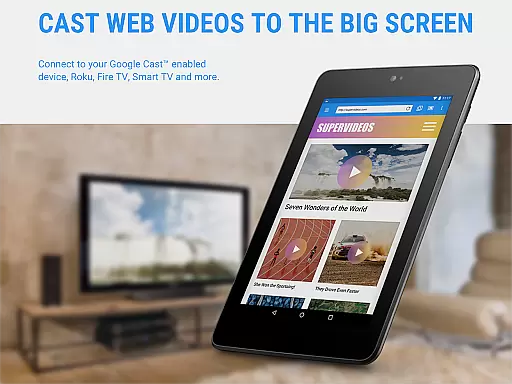
Web Video Cast stands out with its extensive device compatibility, supporting a wide range of streaming devices including Chromecast, Roku, and various smart TVs. This ensures that no matter what type of equipment you own, you can easily connect and stream your desired content without hassle. The app's ability to handle different media formats, such as MP4 videos, live streams, and photos, makes it a comprehensive solution for all your casting needs.
One of the key features of Web Video Cast is its subtitle support. Users can take advantage of automatic subtitle detection on web pages or upload their own subtitle files. Additionally, the integrated search function with OpenSubtitles.org provides access to a vast library of subtitles, enhancing accessibility for viewers worldwide. The app also includes advanced options like setting a home page, creating homescreen shortcuts, and managing a queue for uninterrupted playback.
For those seeking an ad-free experience, the premium version offers benefits such as no in-app advertising, video history tracking, and bookmarking capabilities. These features not only improve usability but also allow users to customize their streaming environment according to personal preferences. Despite certain limitations, such as the lack of control over third-party content providers and occasional server-side issues, Web Video Cast delivers a robust and feature-rich streaming experience.
Web Video Cast offers extensive video format compatibility, ensuring users can stream a wide variety of content without technical hindrances. The app supports popular formats such as MP4 and M3U8 for live HLS streams, provided the streaming device is capable of decoding these formats.
One of the key strengths of Web Video Cast is its ability to cast local videos stored on your phone, including movies, TV shows, photos, and audio files. This flexibility allows users to enjoy their personal media collections on larger screens without worrying about format restrictions.
The app also emphasizes that it does not perform any video or audio decoding or transcoding itself, relying instead on the capabilities of the streaming device. This approach ensures optimal performance while maintaining broad format support.
By supporting most web browsers through its web interface at http://cast2tv.app, Web Video Cast extends its compatibility even further. Whether you're using a PlayStation 4, Smart TV, or other devices, you can easily stream content in supported formats, making it a versatile solution for all your video casting needs.
While Web Video Cast primarily focuses on streaming rather than editing, it incorporates some intelligent features that enhance the user experience. The app's integrated OpenSubtitles.org search exemplifies this by providing AI-powered subtitle detection and selection.
This feature automatically detects subtitles on web pages, allowing users to choose from available options or upload their own subtitle files. The intelligent subtitle management system ensures accurate synchronization and proper display during video playback.
Although not a traditional video editor, Web Video Cast offers premium features that streamline the viewing experience. These include video history tracking, queue management, and bookmarking capabilities, which help users organize and access their favorite content more efficiently.
The app's smart device detection and compatibility checking demonstrate additional AI-powered functionality. By analyzing the connected streaming device's capabilities, Web Video Cast optimizes the streaming process and provides appropriate format suggestions, ensuring smooth playback across different platforms.
User-friendly interface
Wide device compatibility
Subtitle support
Local and online media casting
Premium features available
No tab casting support
Server-side issues possible
Limited refund policy
Device-specific limitations
Requires internet connection

HD Video player all format, HD Videos, Cast & Subtitle. No annoying ads.
 4.60
4.60
Create photo video with music & template. AI video maker for stunning slideshow.
4.60
Fast & easy HD video downloader for all formats, support 4K playback & download.
4.60
Video Downloader, Multiple Resolution Options, Video Player
4.50
Manage your IPTV live channels and VOD playlists (no playlist included)
3.80
The essential companion to your Blue Iris PC software
2.50
Browser for Samsung TV to stream webvideos, online movies and livestreams in HD
4.10
Fast & Private HD Video Downloader with Built-in Proxy Browser and Video Player.
4.50
Enjoy your favorite videos and channels with the official YouTube app.
3.90
Cast Videos from Web Browser, IPTV to Roku, Chromecast, DLNA, Smart TV +more
4.60
HD video maker with no watermark, no ads & vlog maker with music, PIP, text
4.50
KineMaster, Your Ultimate Video Editor!
4.40
This app was created to edit the metadata of music files.
4.20
Your media, on your terms.
4.10
LumaFusion: The Ultimate Storytelling Experience for Video Editing
4.10
IPTV-Smarters Player Pro M3U - Watch Live Stream TV Channels with Chromecast
4.00
Connect 2 UVC devices for recording and broadcast video/audio stream
3.90
Video player with powerful streaming playback and various convenient features.
2.10
The smartest M3U IPTV Player your playlists have ever seen.
4.5


User Reviews