


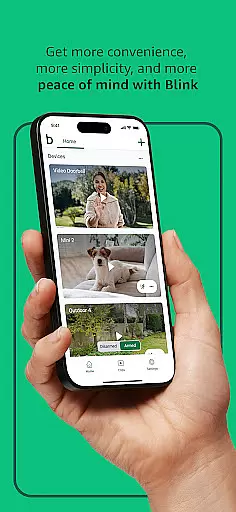


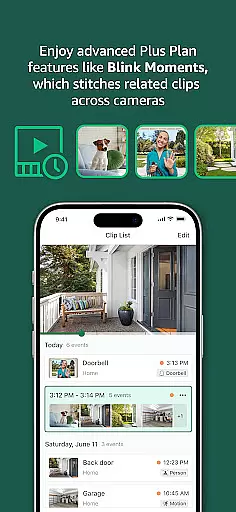
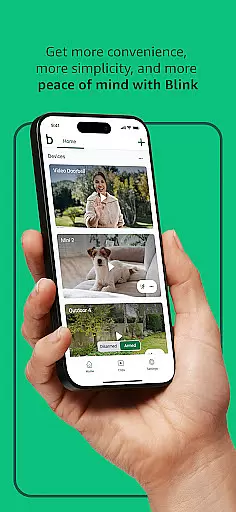


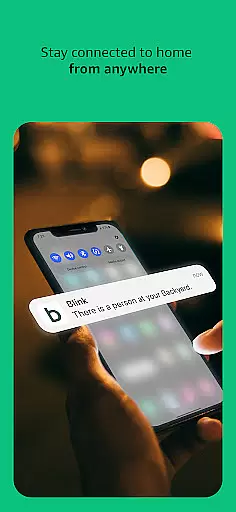
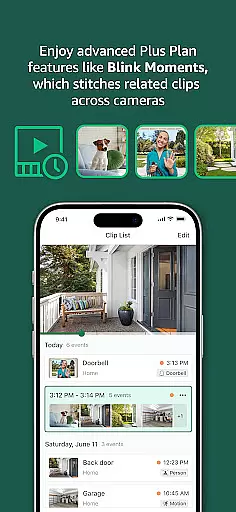
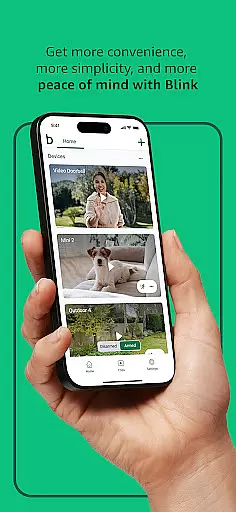
Blink Home Monitor is a smart home security application that provides users with comprehensive monitoring capabilities through their mobile devices. The app supports features like HD live view, infrared night vision, and two-way audio communication, allowing users to see and speak to people or pets in real-time. With seamless integration into Alexa-enabled devices, users can control their security system using voice commands.
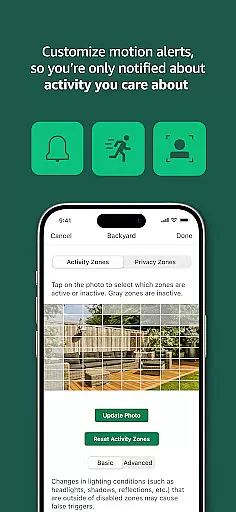
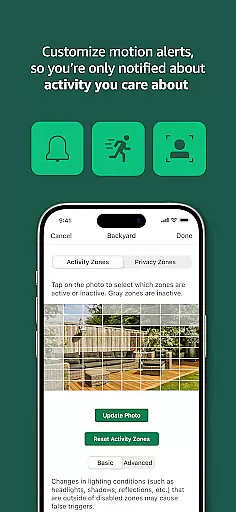
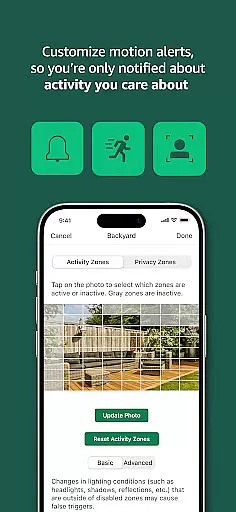
One of the standout features of Blink Home Monitor is its customizable motion alerts and privacy zones, ensuring users only receive notifications for relevant activity. The Blink camera lineup includes wired, plug-in, and wireless options, offering flexibility in installation and placement. Whether indoors or outdoors, Blink cameras provide reliable performance with battery life lasting up to two years, making it an ideal solution for enhancing home security.
Blink Home Monitor offers a robust set of features designed to maximize convenience and security. The app's HD live view and infrared night vision ensure clear visibility regardless of lighting conditions, while two-way audio allows direct communication through the camera. Enhanced motion detection with dual-zone alerts ensures faster and more accurate notifications, particularly when integrated with optional computer vision capabilities via a subscription plan.
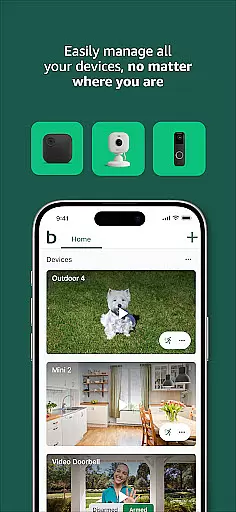
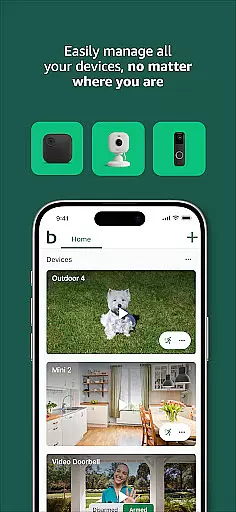
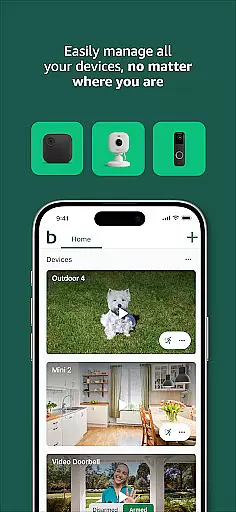
The Blink ecosystem supports various camera models, including the Blink Outdoor 4, Mini 2, and Wired Floodlight Camera, each tailored for specific use cases. For example, the Floodlight Camera provides 700 lumens of motion-triggered lighting, while the Mini Pan-Tilt model offers 360° coverage for complete room monitoring. Additionally, users can customize their experience by setting activity zones and privacy settings, ensuring they only receive meaningful alerts.
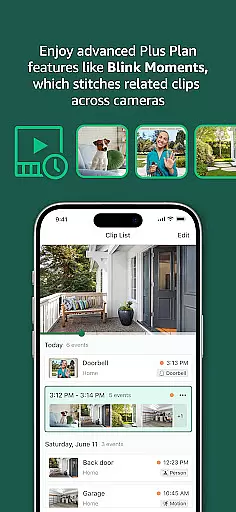
For extended functionality, Blink Subscription Plans offer cloud storage, continuous live view streaming, and advanced features like person detection. This combination of hardware versatility and software customization makes Blink Home Monitor a powerful tool for modern home security needs.
Blink Home Monitor excels in delivering accurate and effective core functionalities that are essential for smart home security. The app provides users with HD live view, infrared night vision, and crisp two-way audio, ensuring that every interaction with your home environment is clear and reliable.
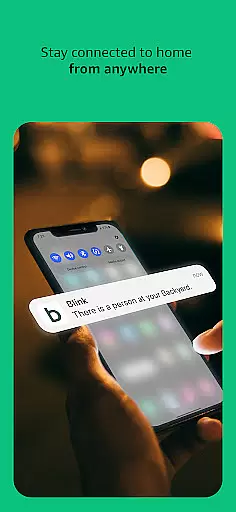
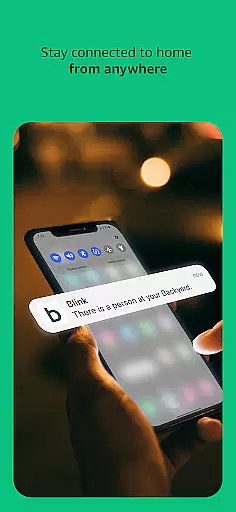
The motion detection technology embedded within the Blink cameras allows for precise alerts, minimizing false notifications. With dual-zone enhanced motion detection, you can customize settings to be alerted only when specific types of movements are detected, such as a person entering your property, thus providing tailored security measures.
Additionally, the Blink Home Monitor app integrates seamlessly with Alexa-enabled devices, allowing users to engage live views or arm and disarm their system using simple voice commands. This integration not only enhances convenience but also ensures that all actions performed through Alexa yield immediate and accurate responses from the Blink system.
The Blink Home Monitor app stands out for its interface simplicity and intuitiveness, making it accessible even to those who may not be tech-savvy. Upon opening the app, users are greeted with a clean layout where primary functions like live view, arming/disarming the system, and accessing recorded clips are easily accessible from the main screen.
Customization options such as setting up activity zones or privacy zones are straightforward; users can define these areas on a map within the app with just a few taps. This intuitive setup process ensures that you receive notifications about activities relevant to your needs without unnecessary alerts.
Moreover, managing multiple Blink cameras across different locations is hassle-free due to the app's organized structure. Each camera's status and footage are readily available, allowing users to switch between feeds effortlessly. Such an intuitive design guarantees that homeowners can maintain peace of mind without any learning curve or confusion while navigating through their home security settings.
User-friendly interface
Long battery life
Versatile camera options
Customizable alerts
Alexa integration
Subscription required for advanced features
Limited free cloud storage
Dependent on stable internet connection
No professional monitoring service
Occasional connectivity issues
 4.10
4.10
pdf merge, word to pdf, jpg to pdf, edit pdf, convert to pdf and much more!
4.20
Connect instantly to a fast, encrypted VPN with one tap
4.60
1-Click close all background apps on Android TV
3.90
Navigate with Ease and Style
4.90
Bedrock Together: Join any bedrock server on Xbox/PS
4.80
A simple app to back up and restore SMS & MMS messages and call logs.
4.10
Remote Play with FSR upscaling, low latency & full controller support
4.80
Protect your device with antivirus, storage cleanup, and system monitoring
4.70
Enjoy smooth gameplay with Game Booster
4.90
Unit and currency converter with easy and simple UI.
4.80
Monitor car performance in real time and troubleshoot malfunctions.
4.80
Creation, Learning, Entertainment & More — The All-in-One AI Search Engine
4.70
Mirror your screen to Chromecast and Android TV - Super fast and simple
4.60
Play your X-Box games remotely in 1080p with any controller and zero latency
4.60 4.50
4.50
With videos, electrical calculators, and built-in ebook, Ugly’s has your answer.
4.50
Fluid navigation gestures for all of us!
4.30
Signal Strength, Mobile, Wifi, Speed Test, Bad Signals, Cellular, 5G, LTE, 4G
4.20


User Reviews