
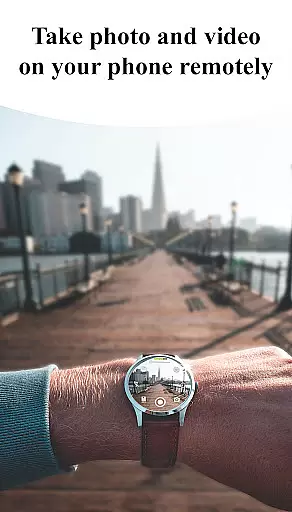
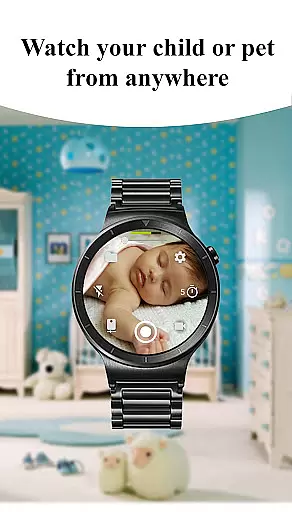
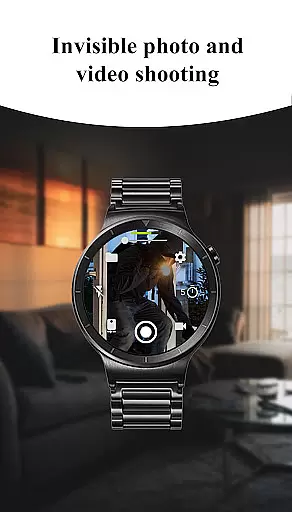
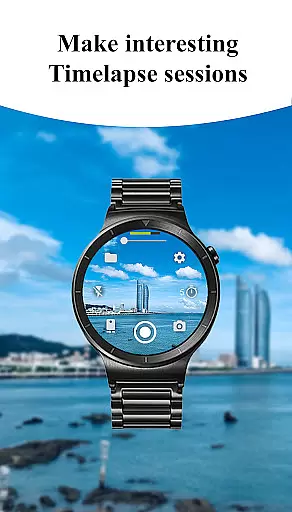
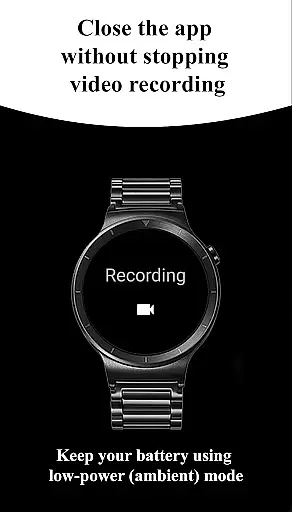
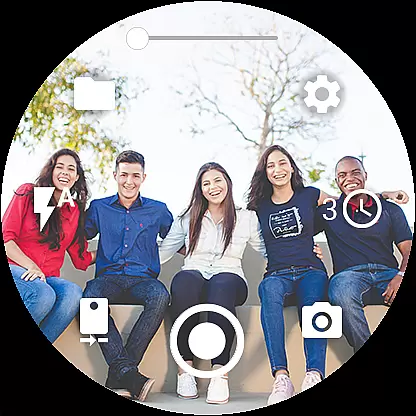
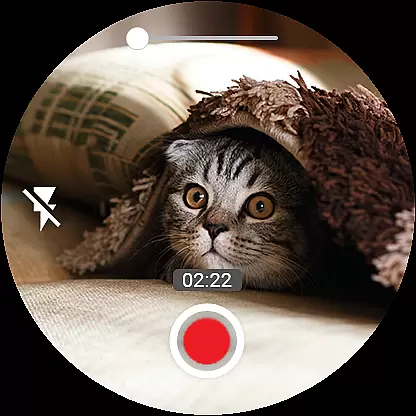

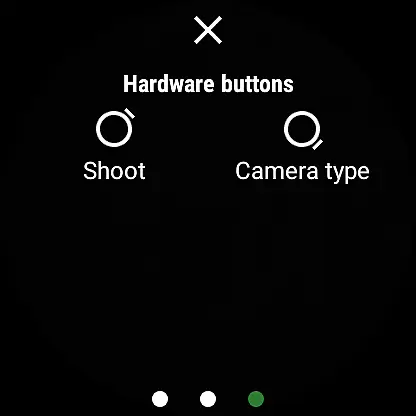
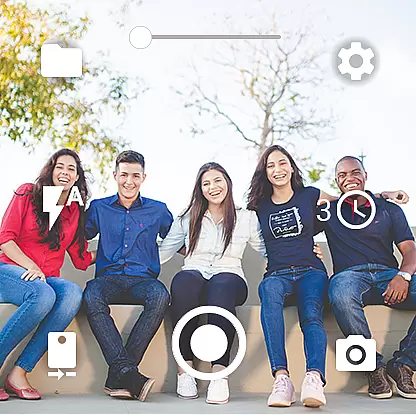
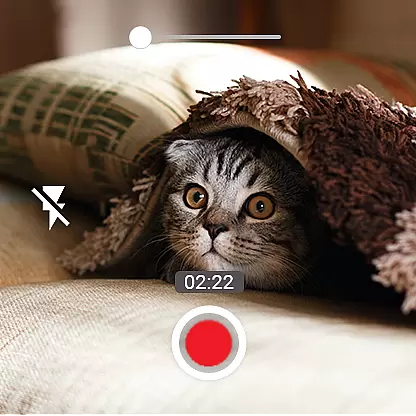
Camera Control for Wear OS is an innovative photography application that allows users to remotely operate their smartphone's camera functions directly from their Wear OS smartwatch. The app offers extensive shooting capabilities including three main modes - photo, video, and timelapse - along with advanced features such as Bokeh, HDR, and Night modes.
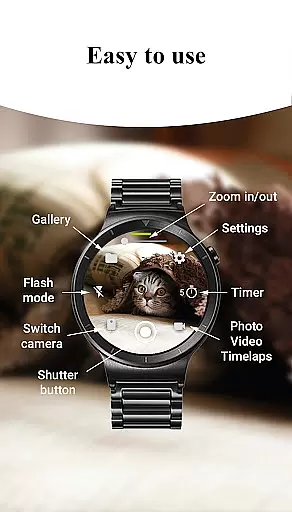
With intuitive controls accessible right from the wrist, users can adjust camera settings, toggle between front and rear cameras, set timers, control flash, and even adjust zoom levels. The app supports additional functionalities like wide-angle photography, high-framerate video recording, and 4K resolution capture on compatible devices.
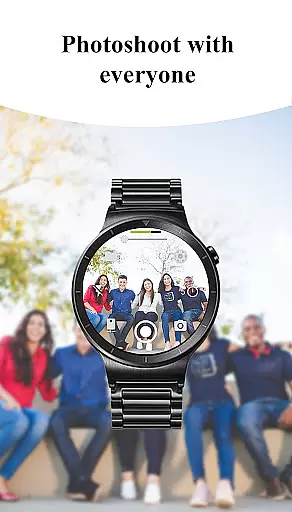
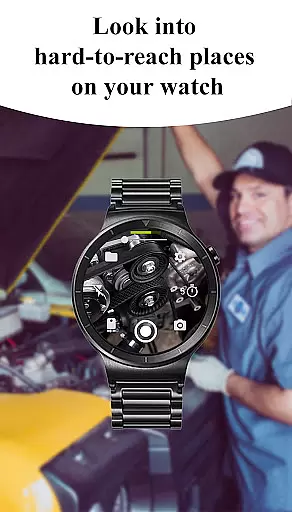
This application is particularly useful for capturing spontaneous moments without having to physically handle the phone, making it ideal for action shots, group photos, or situations where direct phone handling isn't practical. Its wireless connectivity through Bluetooth and Wi-Fi ensures seamless operation while maintaining user convenience.
The app boasts an impressive array of features designed to enhance mobile photography. Users can access multiple shooting modes including standard photo capture, video recording, and timelapse functionality. Advanced camera modes such as Bokeh, HDR, Night, and Auto provide superior image quality based on different lighting conditions and creative preferences.
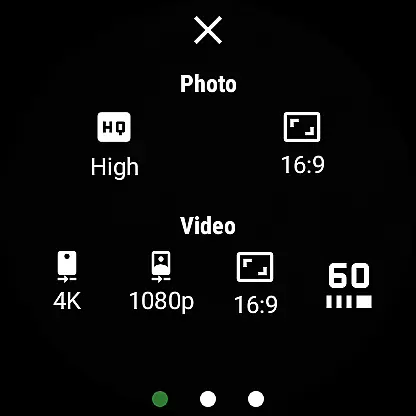
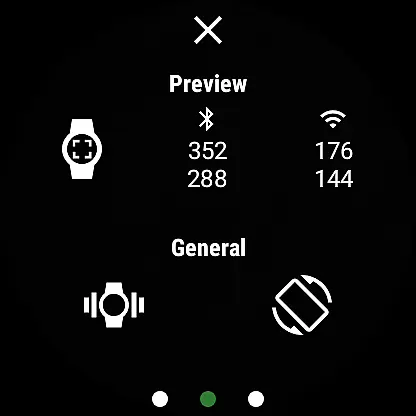
Additional functionalities include precise timer setup, comprehensive flash and flashlight control, and flexible quality settings for both front and rear cameras. The app also enables users to adjust zoom levels, choose between different aspect ratios, and lock camera orientation for consistent framing. Unique features like screen-off capture and wireless connectivity add to the app's versatility.
What sets Camera Control for Wear OS apart is its seamless integration with smartwatches, allowing users to maintain full camera control without needing to touch their phones. This feature-rich application caters to both casual photographers and enthusiasts looking to expand their creative possibilities through wearable technology.
Real-time capture and preview functionality is essential for ensuring that users can effectively frame and adjust their shots directly from their Wear OS smartwatch. This app offers a seamless experience by allowing users to control their phone's camera, capturing photos and recording videos effortlessly.
The app provides three shooting modes - photo, video, and timelapse - each accessible directly from the watch interface. Users can also set up timers, control flash settings, and switch between front and rear cameras, all in real time. These features ensure that users have complete control over their photography experience without needing to interact directly with their phone.
With advanced camera modes such as Bokeh, HDR, Night, and Auto, users can enhance image quality based on different environmental conditions. The ability to adjust photo and video quality settings directly from the watch adds another layer of convenience, making it easier than ever to capture high-quality images and videos.
Overall, the real-time capture and preview feature empowers users to take full advantage of their smartwatch's capabilities, providing a versatile and user-friendly photography tool that enhances the overall mobile photography experience.
AI beauty and enhancement features are designed to elevate the quality of photos by applying intelligent adjustments that enhance natural beauty without appearing artificial. In this app, AI-driven enhancements allow users to optimize their photos directly from their Wear OS smartwatch, ensuring that every captured moment looks its best.
Users can access multiple flash modes and activate the flashlight independently, illuminating any scene perfectly. Additionally, the app supports wide-angle photography, high-framerate video recording at 30 or 60 frames per second, and various aspect ratio options, including 4:3 and 16:9, which contribute to creating visually stunning content.
Advanced functionalities like geotagging, camera orientation lock, and automatic image rotation further enhance the user experience. These features not only improve photo quality but also streamline the process of organizing and viewing captured images, ensuring that users can focus on capturing memories rather than managing them.
By integrating AI beauty and enhancement tools, this app ensures that every photo taken is optimized for natural beauty, offering users a sophisticated yet easy-to-use solution for enhancing their mobile photography effortlessly.
Intuitive smartwatch controls
Comprehensive camera settings
Wireless connectivity options
Advanced shooting modes
Convenient remote operation
Limited device compatibility
Requires Wear OS smartwatch
Some features may vary
Dependent on phone hardware
Premium version costs extra

What celebrity do you look like? Celebs will find your celebrity match!
 4.10
4.10
Edit like a pro with Hypic. Apply filters, AI effects, & magic touch.
4.40
Android Native system HD camera app. Never been so simple and faster.
4.70
Transform photos into videos! Create realistic or anime-style images easily!
4.50
HD Camera Pro with HD Video shooting, Panorama, Photo editor , Beauty Camera.
4.50
AI photo enhancer with Sora 2! Enhance, descratch, and colorize your old photos.
4.50
Easily view, share, delete photos with Gallery.
4.70
AI-powered video creator by MiniMax - Where ideas meet cinema
4.20
Catch sunlight, sunrise sunset times and sun phases with the AR sun tracker.
4.10
Collage your moments in one tap: 1000+ layouts, filters, stickers, and texts.
4.90
Find time and duration of different sunlight phases at any location
4.90
See your baby AI baby face generator AI baby maker Face generator babymaker fun!
4.70
1M influencer's special filter
4.60
Use AI Video Generator to turn your words to ai generated videos.
4.50
Search, tag and rate your way to an organized image gallery
4.40
A reflected light meter with spot metering and incident light metering.
4.40
Photobooth mini FULL app will allow you to add more fun to your parties
4.00
live datamoshing
4.00
Snap photos remotely using your Garmin watch as the camera trigger
4.4


User Reviews