
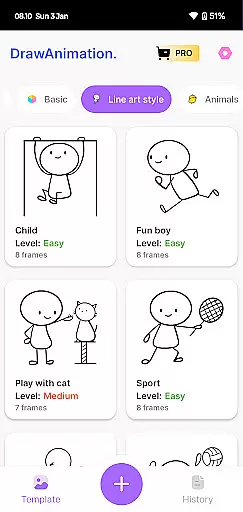
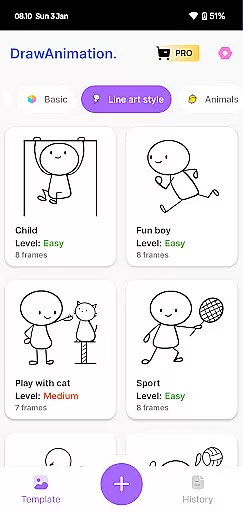
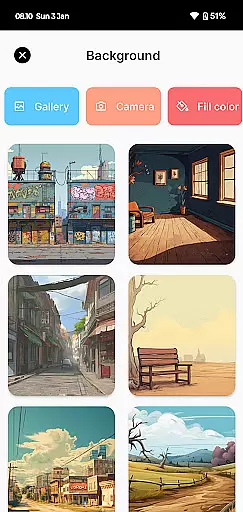
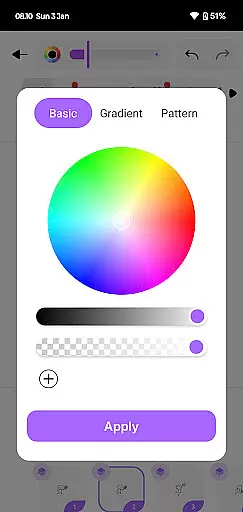
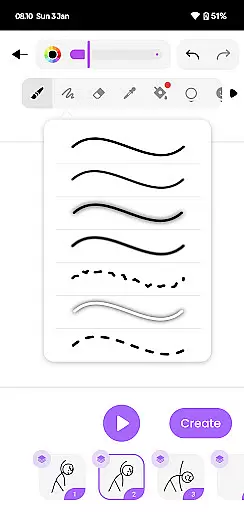
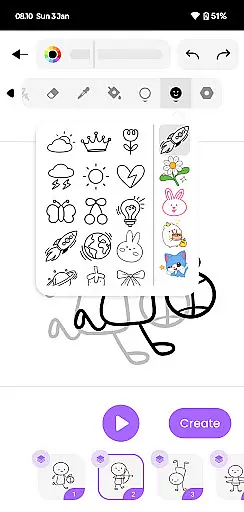
Draw Animation Maker is an innovative app in the Art & Design category that transforms simple doodles into captivating animations. The application serves as a comprehensive animation studio on your mobile device, enabling users to create frame-by-frame animations with ease.
With its intuitive interface, the app allows both beginners and experienced animators to craft detailed flipbook-style animations. Users can design unique characters and plots, mimicking professional anime techniques. The ability to save projects as GIFs or MP4 files makes it perfect for sharing creative work across various platforms.
This versatile tool proves especially valuable for aspiring animators and artists looking to experiment with digital animation techniques without investing in expensive equipment. Its portability and user-friendly features make it ideal for creative professionals on the go.
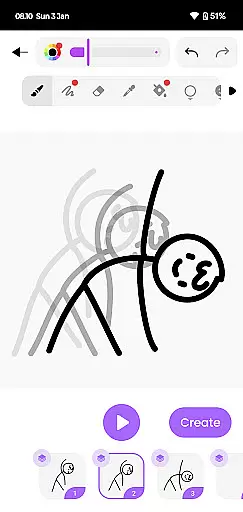
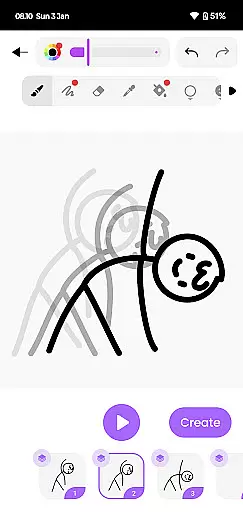
The Draw Animation Maker stands out with its comprehensive set of animation tools specifically designed for mobile devices. The app's core feature is its frame-by-frame animation system, which allows users to create smooth transitions between frames, similar to traditional flipbook animation.
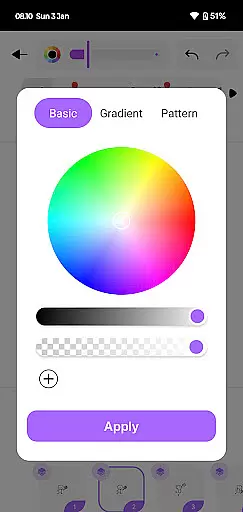
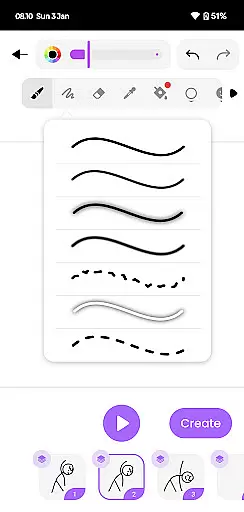
Advanced drawing tools enable precise control over every animation element. Users can adjust line weights, colors, and opacity while creating complex character movements. The app also includes onion skin functionality, helping animators maintain consistency across frames.
Additional notable features include project auto-save functionality, customizable canvas sizes, and export options in both GIF and MP4 formats. These capabilities ensure that users can create professional-quality animations while maintaining complete creative control over their projects.
In the realm of digital artistry, having a comprehensive suite of creative tools is paramount. Draw Animation Maker stands out by offering an extensive array of features that cater to both budding and seasoned animators. The app provides everything from basic drawing tools to advanced frame-by-frame animation capabilities.
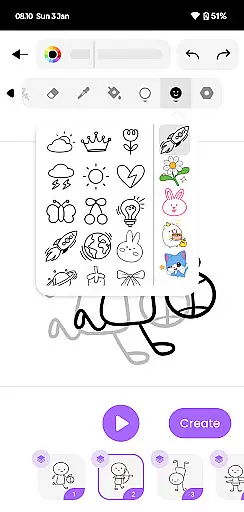
Users can access a variety of brushes, colors, and effects to bring their creations to life. This diversity ensures that artists are only limited by their imagination, not by the available tools. With options to create detailed flipbooks and dynamic animations, the app empowers users to experiment with different styles and techniques.
The inclusion of easy-to-use interfaces for crafting cartoons and anime further enhances its appeal. Artists can seamlessly transition from sketching static images to producing lively animations, all within the same platform. This versatility makes Draw Animation Maker an invaluable asset for anyone looking to explore or expand their artistic repertoire.
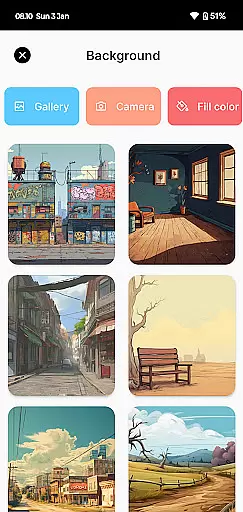
Flexibility in canvas and format options is crucial for unleashing full creative potential. Draw Animation - Anim Creator excels in this area by providing adaptable solutions tailored to various project requirements. Users can customize canvas sizes and formats to suit their specific needs, whether they're creating simple doodles or complex animated sequences.
This adaptability extends to exporting finished works, allowing creators to save their projects in multiple formats such as GIFs and MP4 files. By supporting these widely-used file types, the app ensures compatibility across different platforms and devices. Artists can easily share their masterpieces on social media or incorporate them into larger multimedia projects.
Moreover, the ability to adjust settings according to individual preferences enhances user experience. Whether working on quick sketches or elaborate animations, Draw Animation Maker's flexible canvas and format options provide the freedom needed to produce high-quality results efficiently.
User-friendly interface
Powerful drawing tools
Frame-by-frame control
Export flexibility
Creative freedom
Limited advanced features
Steep learning curve
Occasional performance issues
Basic color options
No collaboration tools

Download now for a stylish and functional timepiece
 4.5
4.5
Create color palette from Image, RGB & RYB Color wheel harmonies, Color Scheme
4.50
Your homescreen as an elegant glass with customized blur, lighting, and visuals.
3.70
OneUI 8.5 icons ✨ Smooth, modern & based on the latest Play Store design ??
4.10
Video AI: Revolutionize Your Content Creation with Advanced Video Generation
4.50
Sketch and paint on your device with the feel and freedom of drawing on paper
4.00
Explore future self face age filter & remove background image for a unique look.
3.50
How to draw anime step by step for beginner easily by AR drawing sketch & paint.
3.60
Multiplayer Drawing game, Coloring, Painting・Sketch, Handwriting・Paint, draw
4.30
Draw anime & manga drawing, art with templates to create stunning picture!
4.50
The perfect place to start sketching! Use Sketchbook to draw and paint sketches.
4.50
Everything you need to create hand drawn animation, anywhere you go!
4.40
Trace, draw, and create art with AR - from memes to masterpieces!
4.30
Design your dream room with AI. Get decor ideas & plan home interiors
3.90
Art of Combination Wear OS Watch faces (for Wear OS 5+ devices)
3.90
AI Face Swap, Video Effects Editor, Realtime Morph, Funny Video FX,AI Filters
3.70
Meet the magic aı 3d photo generator and smart AI video generator app.
3.20
Art of Combination Wear OS Watch faces (for Wear OS 5+ devices)
3.00
Your Essential Color Theory Guide: Red, Yellow, Blue (RYB)
4.3


User Reviews