
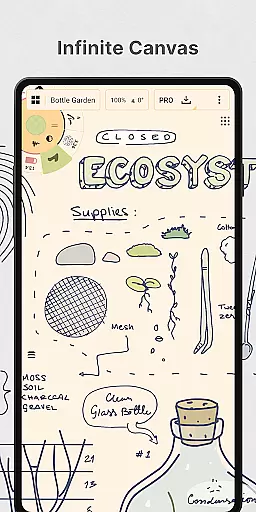
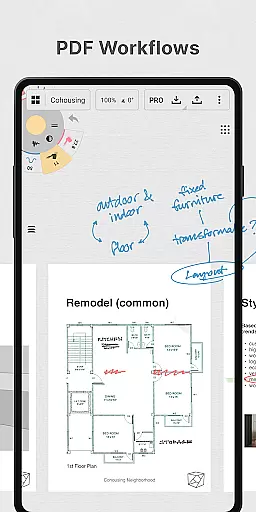
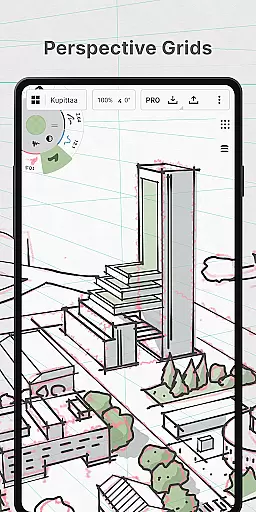
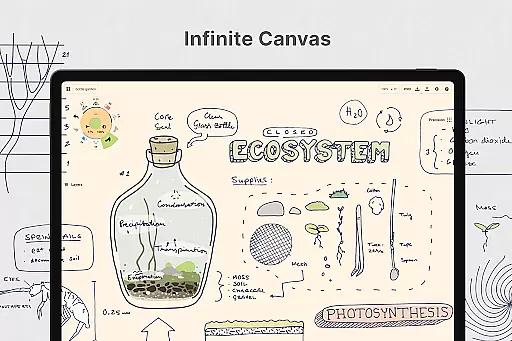
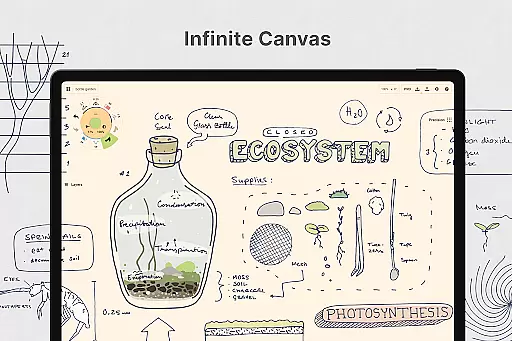
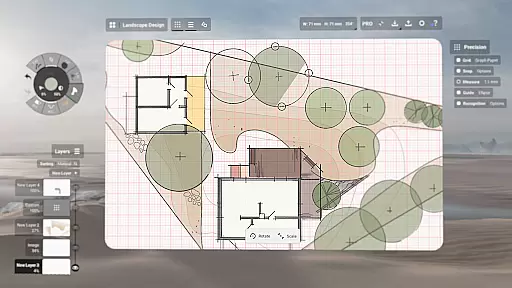
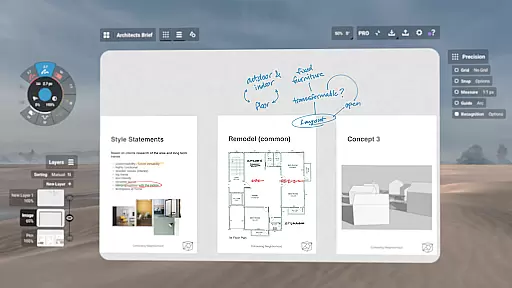
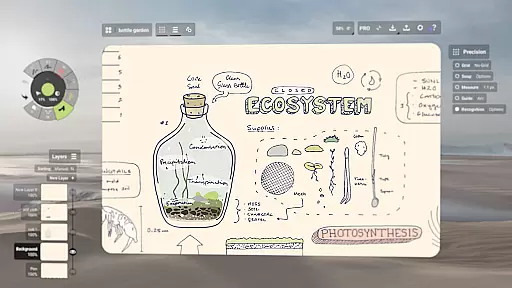
Concepts is a versatile vector-based creative workspace designed for artists, designers, and creators to bring their ideas to life. This digital sketchpad offers an infinite canvas where users can sketch plans, create storyboards, product designs, and mind maps with ease. The app's flexibility allows every stroke to be editable and scalable, providing a dynamic platform for experimentation and iteration before sharing work with clients or exporting for professional use.
The app is optimized for the latest pen-enabled devices and Chrome OS, ensuring fast and responsive performance. With realistic pencils, pens, and brushes that respond to pressure, tilt, and velocity, Concepts delivers a natural drawing experience. Its powerful features include customizable tool wheels, HSL and RGB color wheels, and flexible layering systems, making it a preferred choice for talented creators at top companies like Disney, Apple, and Google.
Concepts stands out with its robust feature set tailored for creative professionals. The app provides an infinite canvas with customizable paper types and grids, allowing users to personalize their workspace. Its vector-based sketching enables easy adjustments of drawings by tool, color, size, smoothing, and scale without the need for redrawing, offering unparalleled flexibility in the creative process.
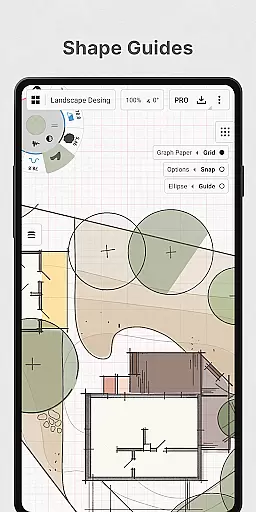
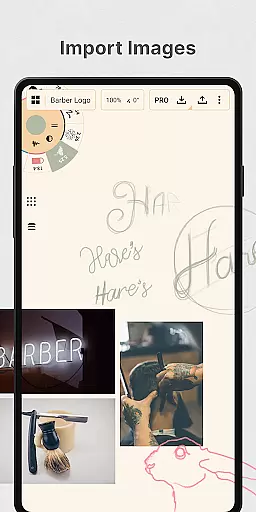
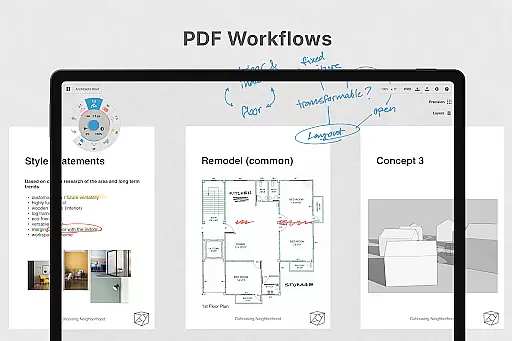
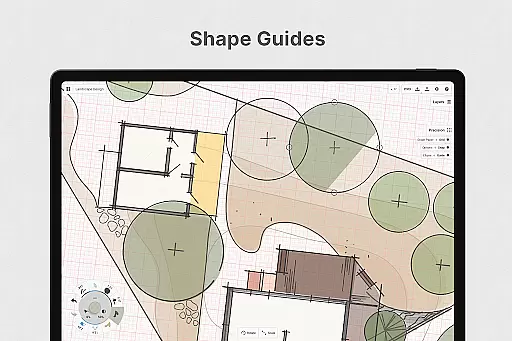
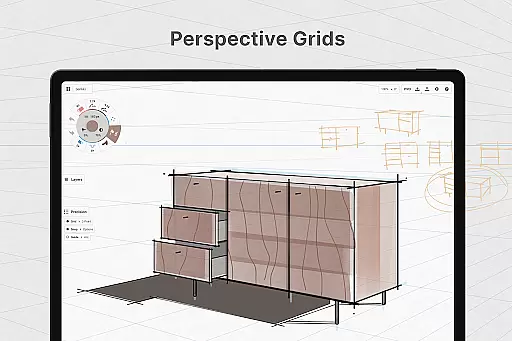
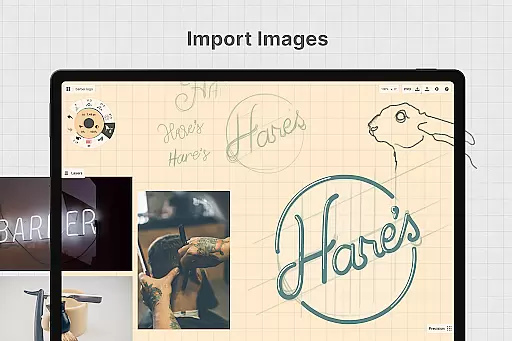
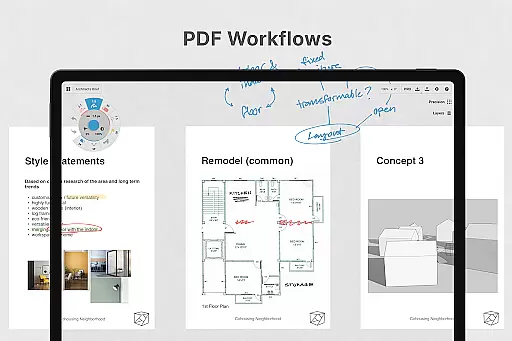
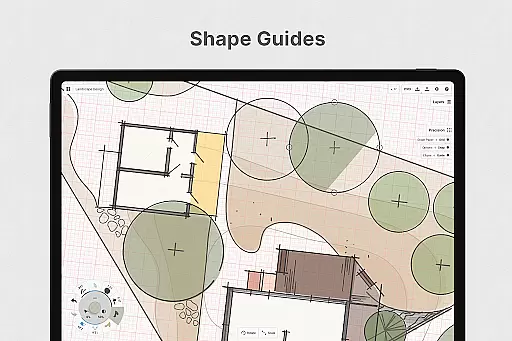
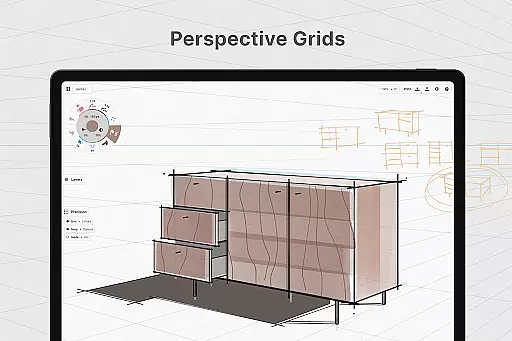
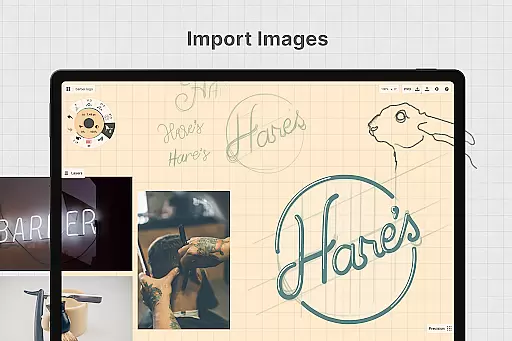
Advanced functionalities such as shape guides, live snap, and measurement tools ensure precision in sketches. Users can drag and drop images onto the canvas for tracing or reference, duplicate work for easy iterations, and export in various formats including PDFs and vectors. With both free and premium features, Concepts caters to a wide range of creative needs, from basic sketching to professional design workflows, all while maintaining cross-platform compatibility across Android, ChromeOS, iOS, and Windows.
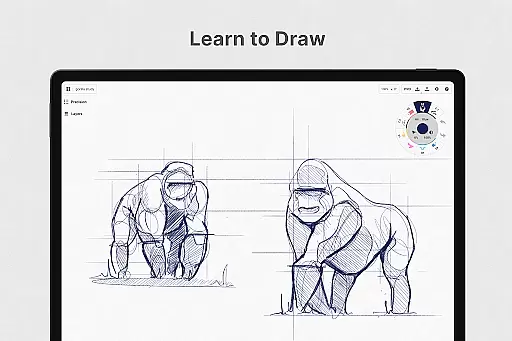
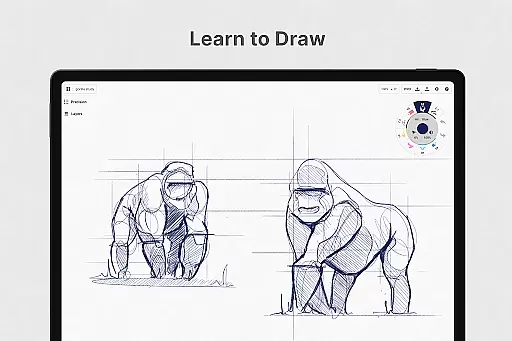
In the realm of digital art and design, having a comprehensive set of creative tools is essential for bringing ideas to life. Concepts offers an extensive array of instruments that cater to every artist's needs. The app provides realistic pencils, pens, and brushes that respond to pressure, tilt, and velocity, with adjustable live smoothing to refine your strokes.
One of the standout features is the flexible vector-based sketching capability. This allows creators to move and adjust their drawings at any time, modifying elements by tool, color, size, smoothing, and scale without starting over. With an infinite canvas equipped with various paper types and custom grids, artists can explore unlimited creative possibilities.
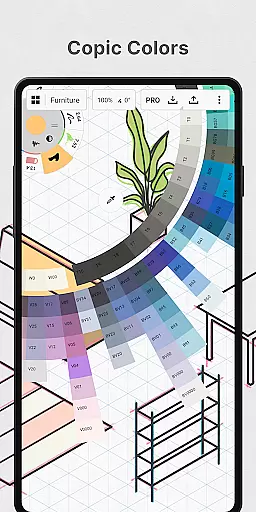
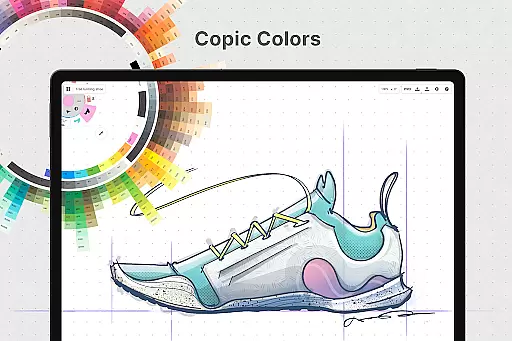
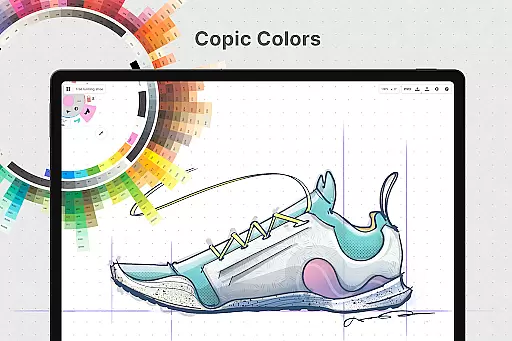
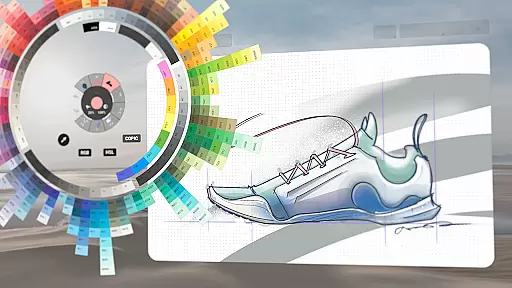
Concepts also includes precision drawing tools such as shape guides, live snap, and measurement features which ensure clean and accurate sketches. Additionally, users have access to HSL, RGB, and COPIC color wheels, empowering them to choose colors that look great together. These robust functionalities make Concepts a versatile workspace for professionals and hobbyists alike.
A flexible canvas is crucial for unleashing creativity without constraints. Concepts reimagines this aspect by providing an infinite canvas where users can sketch out plans, whiteboard ideas, make notes, doodle, and even draw storyboards or product designs. This expansive space adapts to any project size, offering many paper types and customizable grids.
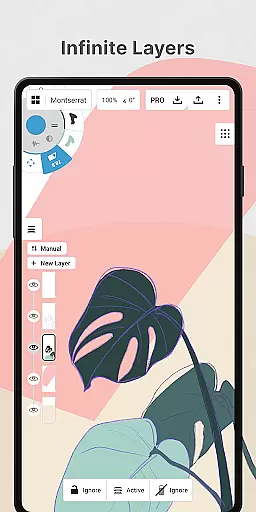
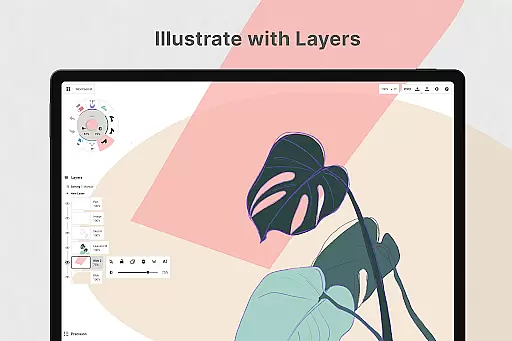
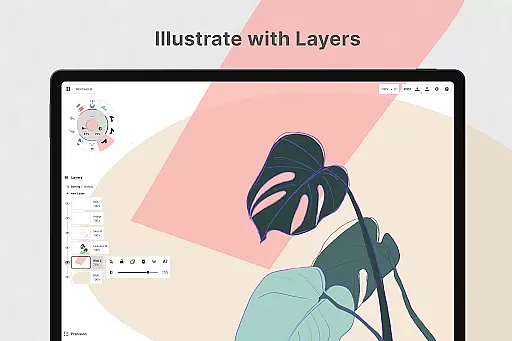
The app supports an infinite layering system with automatic sorting and adjustable opacity, giving artists unparalleled control over their work. Whether you're organizing thoughts or iterating on complex designs, these layers help manage intricate details effortlessly. Furthermore, the ability to personalize your canvas enhances workflow efficiency.
Export options in Concepts add another dimension of flexibility. Users can export images, PDFs, and vectors for printing or fast feedback between collaborators. This versatility ensures that whether you need a quick JPG export or detailed PSD files, Concepts accommodates all major formats seamlessly.
User-friendly interface
Highly customizable tools
Infinite canvas
Cross-platform support
Professional-grade exports
Premium features locked behind paywall
Steep learning curve for beginners
Subscription model may deter some users
Limited free features
Performance varies on older devices

Learn how to draw with step-by-step tutorials, fun lessons & multiplayer drawing
 4.70
4.70
Design your dream room with AI. Get decor ideas & plan home interiors
3.90
Meet the magic aı 3d photo generator and smart AI video generator app.
3.20
Remove Background, Magic Eraser, Photo Enhancer, Story Templates, Collage Maker
4.30
Your Essential Color Theory Guide: Red, Yellow, Blue (RYB)
4.3
Art of Combination Wear OS Watch faces
4.0
Photo editor for art, avatars, filters & fun transformations.
4.60
Minecraft & Roblox Clothes
4.70
Draw, make movies & animate cartoons easily with our 2D animation maker app
4.40
Mobile pixel art editor. Simple. Fast. Portable.
4.80
Create neon drawing with magic doodle and fun doodle art effects!
4.50
Get creative and make art with your Sesame Friends!
4.00
Design unique, funny and adorable cat stickers that reflect your own style!
3.80
Your homescreen as an elegant glass with customized blur, lighting, and visuals.
3.70
Create cute cat emojis & PFPs! Fun, custom avatars for cat lovers.
3.70
Sketch, trace and master AR drawing with awesome anime art!
3.30
Art of Combination Wear OS Watch faces (for Wear OS 5+ devices)
3.00
Download now for a stylish and functional timepiece
4.3
Art of Combination Wear OS Watch Faces
4.5


User Reviews