
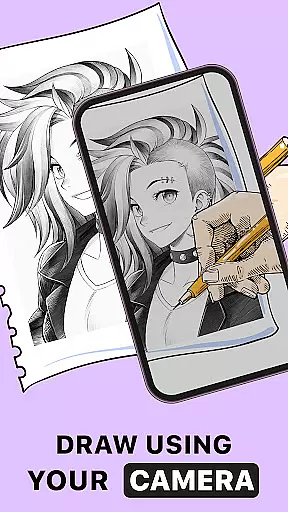
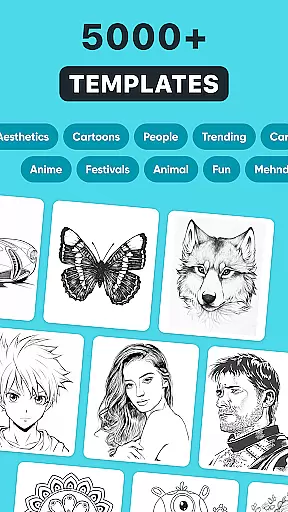
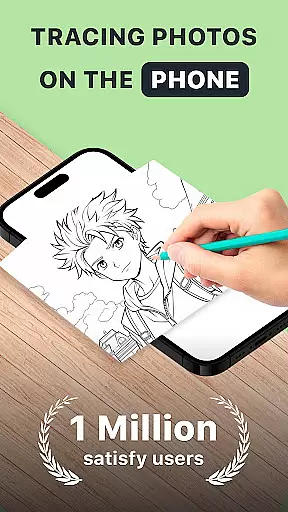
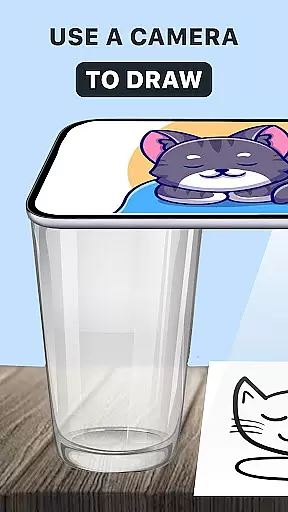
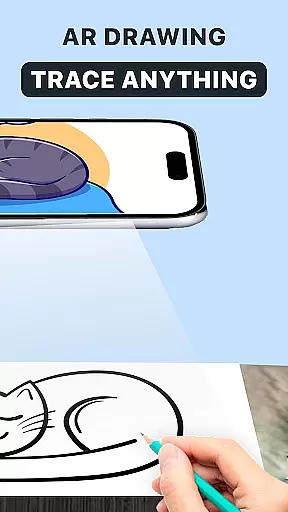
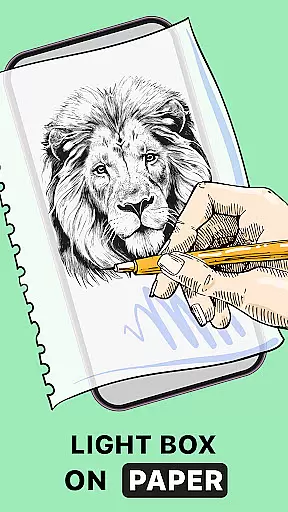
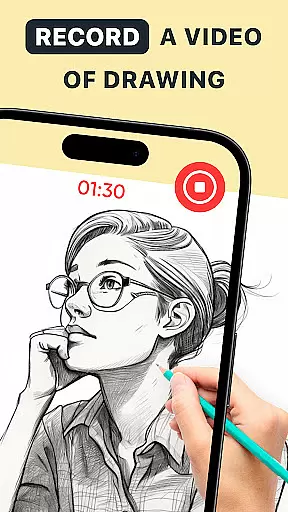
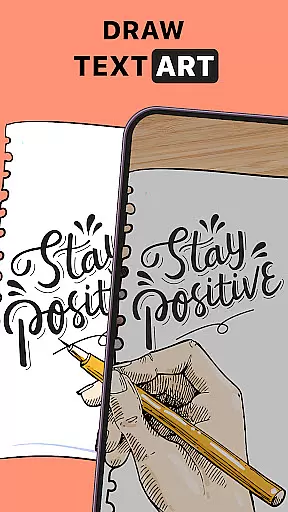
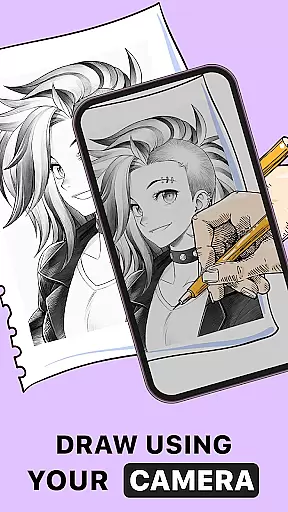
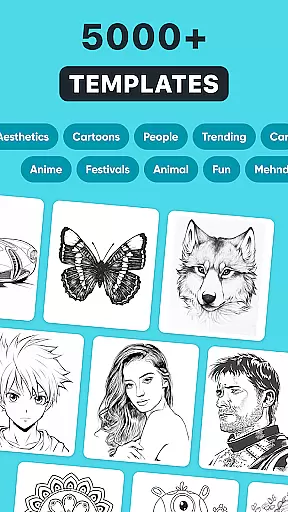
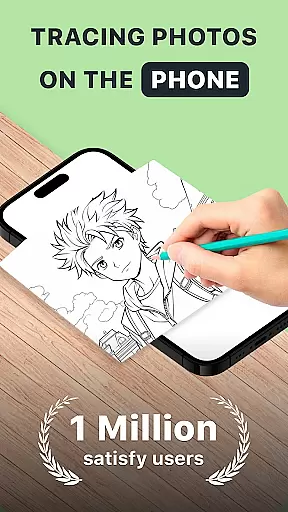
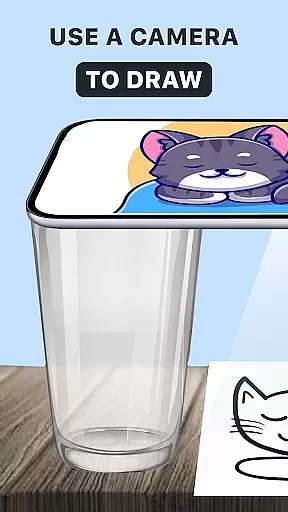
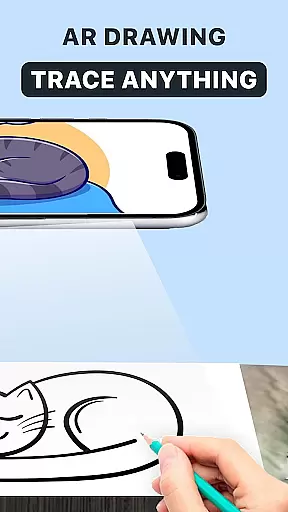
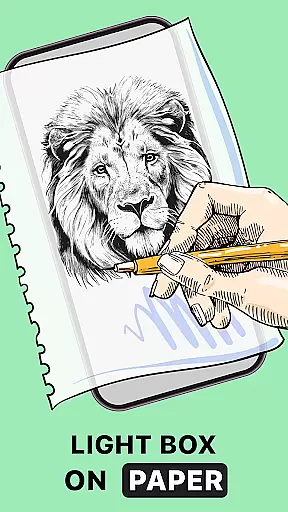
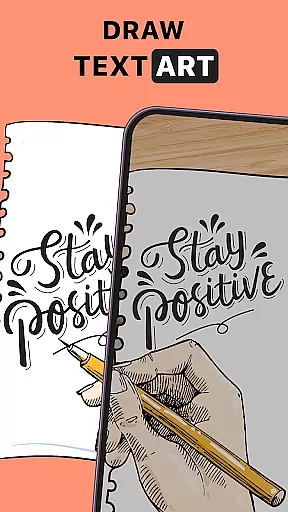
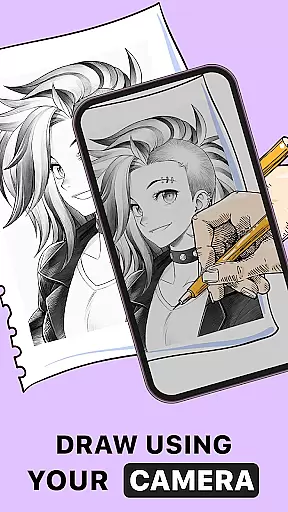
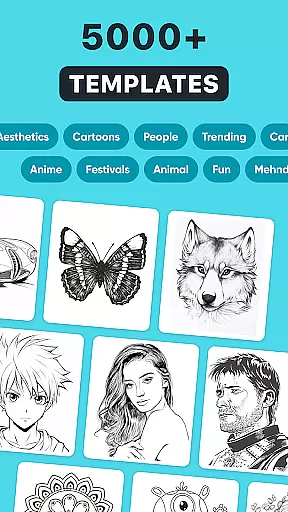
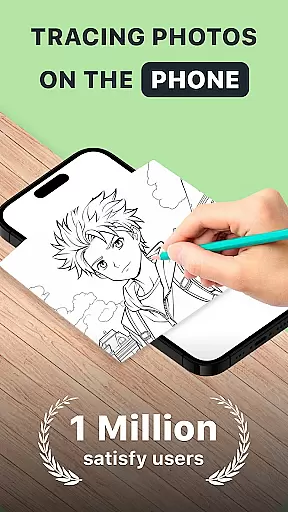
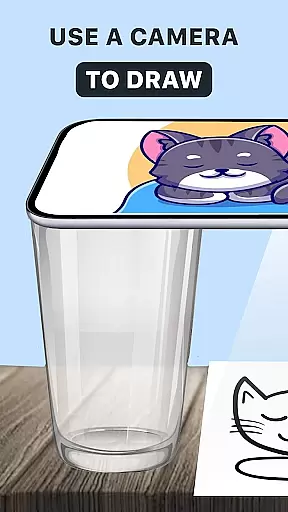
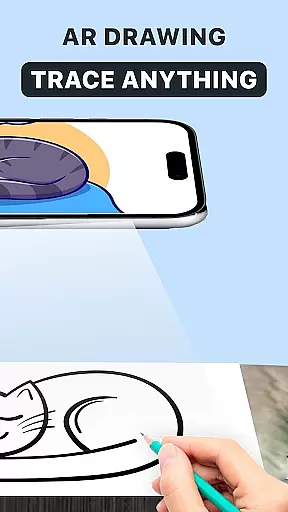
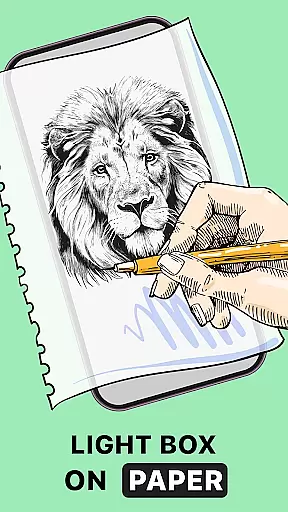
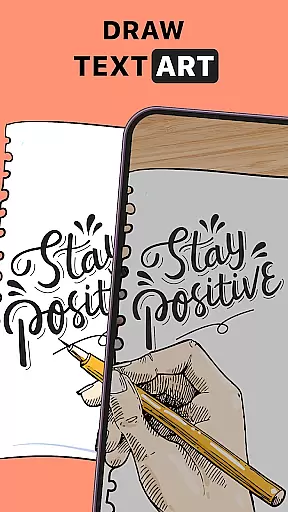
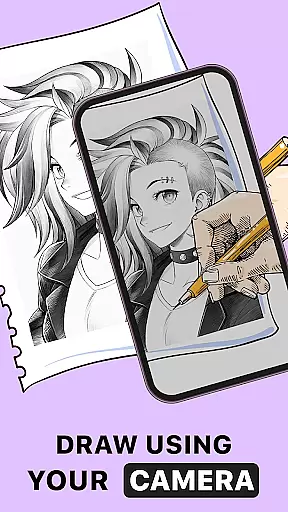
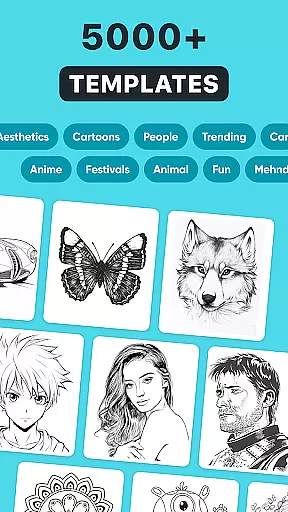
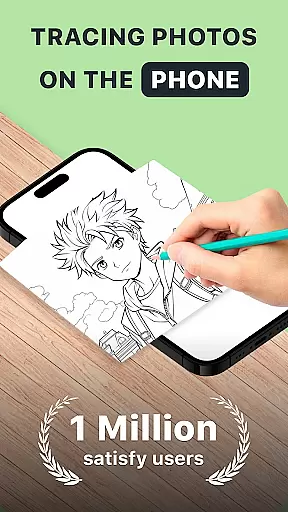
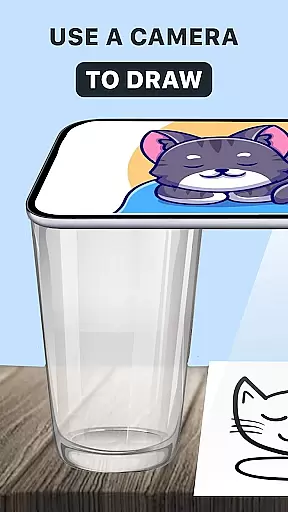
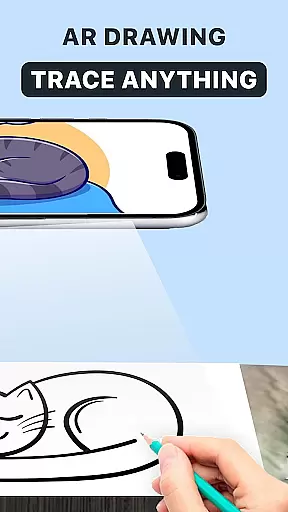
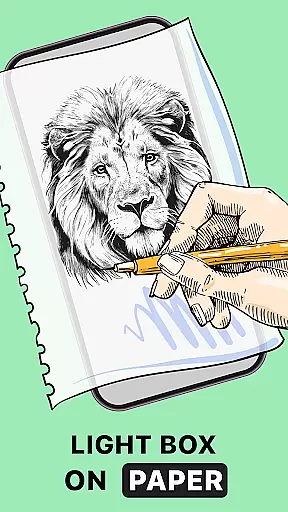
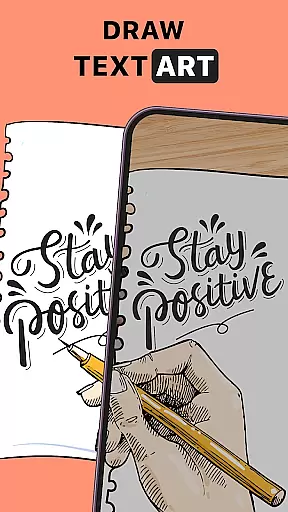
AR Drawing: Trace Anything is an innovative art application designed for both amateur and professional artists. This app allows users to transform any image into a traceable outline, enabling them to create impressive sketches and drawings with ease. By leveraging augmented reality technology, the app provides an interactive platform where users can draw, trace, and paint directly on their physical sketchbooks using their mobile devices.
The application offers a rich library of images and supports importing from the device gallery, making it versatile for various artistic projects. Whether you're working on anime drawings, detailed sketches, or simple coloring activities, AR Drawing caters to all skill levels. Its user-friendly interface and guided drawing features make it an ideal tool for family-oriented art activities, educational purposes, and personal creative expression.
One of the standout features of AR Drawing is its ability to turn any picture into a traceable outline, which significantly simplifies the drawing process. The app's augmented reality functionality allows users to project digital outlines onto physical paper, providing a unique and interactive drawing experience. This feature is particularly beneficial for beginners who want to improve their skills while also offering advanced tools for experienced artists.
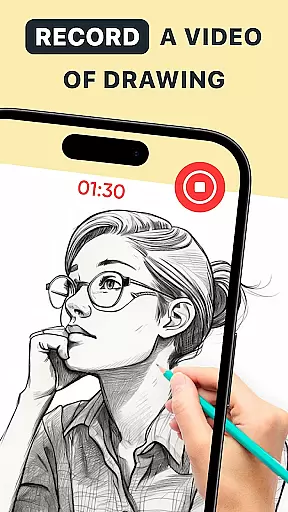
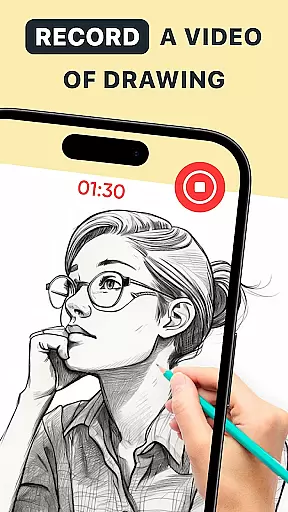
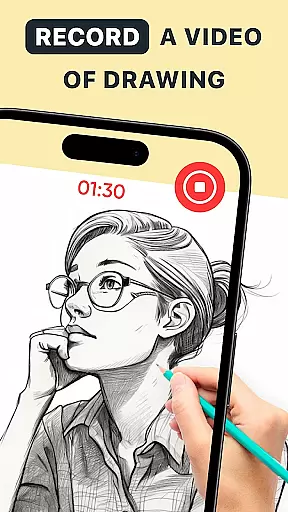
In addition to its core tracing capabilities, AR Drawing includes a comprehensive set of drawing tools. Users can access different brush styles, colors, and opacity settings to personalize their artwork. The app also records time-lapse videos of the drawing process, allowing artists to share their creative journey with others. Furthermore, the built-in AR drawing anime feature enables users to create dynamic animations from their static drawings, expanding the app's creative possibilities.
The versatility of AR Drawing extends beyond individual use cases. It serves as an excellent educational tool, helping users learn drawing techniques through guided practice. The app's portability and convenience make it suitable for use anywhere, whether at home, in a classroom, or outdoors. With regular updates and new features being added, AR Drawing continues to evolve as a comprehensive solution for digital artists.
In the realm of digital art, having a comprehensive set of creative tools is paramount. AR Drawing: Trace Anything offers an extensive suite of features that cater to both budding artists and seasoned professionals. The app includes functionalities such as AR drawing, trace drawing, and sketchbook modes, which collectively provide a versatile platform for artistic expression.
One of the standout aspects of this application is its ability to transform any picture into a traceable outline, effectively guiding users through the process of creating detailed artwork. This feature not only enhances the precision of each stroke but also encourages artistic exploration without the fear of making mistakes. Users can leverage these tools to improve their skills, experiment with new styles, and produce content that truly reflects their vision.
The inclusion of specialized modes like AR Drawing Anime and AR Draw Sketch further underscores the app's commitment to offering a complete artistic toolkit. These modes allow users to personalize their creations with unique effects and transparent layers, ensuring that every piece of art remains distinct and engaging. Such diversity in creative options empowers users to push the boundaries of their imagination.
Ultimately, the robustness of AR Drawing: Trace Anything's toolset translates into tangible benefits for its users. Artists can now create high-quality work on-the-go, using just their mobile devices. Whether it's for professional projects or casual hobbies, the app ensures that all necessary instruments are at hand, enabling creators to focus solely on bringing their artistic visions to life.
A crucial aspect of any art and design application is the flexibility it offers in terms of canvas and format options. AR Drawing: Trace Anything excels in providing users with adaptable solutions that cater to various artistic needs. The app supports a wide array of formats, allowing artists to work on different types of projects without being constrained by technical limitations.
Users can import images from their gallery or choose from the app's rich library, instantly converting them into traceable outlines. This seamless integration facilitates a smooth workflow, enabling artists to concentrate on their creative process rather than getting bogged down by file compatibility issues. Moreover, the ability to adjust canvas sizes ensures that users can tailor their workspace according to specific project requirements.
The app's versatility extends to its support for diverse artistic styles, including anime drawings and complex designs. By accommodating various formats and offering customizable settings, AR Drawing: Trace Anything empowers users to explore different genres and techniques. This adaptability is particularly beneficial for those who wish to experiment with unconventional methods or require specific configurations for professional assignments.
By prioritizing canvas and format flexibility, AR Drawing: Trace Anything significantly enhances the user experience. Artists can effortlessly switch between projects, maintain consistency across different works, and ensure that their final outputs meet industry standards. This level of adaptability not only streamlines the creative process but also opens up new possibilities for artistic innovation.
User-friendly interface
Versatile drawing tools
Augmented reality features
Time-lapse recording
Family-friendly activities
Limited free features
Requires stable internet
Occasional bugs
Premium subscription cost
Device compatibility issues

Art of Combination Wear OS Watch faces (for Wear OS 5+ devices)
 3.00
3.00
Art of Combination Wear OS Watch faces
4.1
Text to Image, Image to Video & AI Chat
4.20
Photo blender app to create overlay photos & double exposure.
4.40
Passport size photo maker, create ID photo and visa photo in seconds
4.80
Nano Banana AI Image Generator, Anime Filter, AI Portrait, AI Photo Generator
4.30
Image resizer to resize, crop, rotate, flip, change dpi photo or picture in bulk
4.60
Art of Combination Wear OS Watch Faces
3.30
Kling AI is an image and video generation and editing studio powered by AI.
4.50
Mobile pixel art editor. Simple. Fast. Portable.
4.80
Create stunning art with AI.
4.80
2D animation studio for Android tablets - unlimited layers, infinite timeline
4.70
800+ Drawing, Painting Lessons App to Practice, Sketch & Paint Art.
4.30
Bring One UI 8.5 Icons to life -elegant dark icons with a modern, premium touch.
4.30
AI Art Generator transforms your words into AI generated art & paintings.
3.70
Vidu is an AI video generator made for creators and aspiring makers.
3.30
Draw anime easily with AR guidance, sketch templates & trace tools!
3.10
Download now for a stylish and functional timepiece
4.5
Android 14 style widgets and wallpapers app.
4.4


User Reviews