
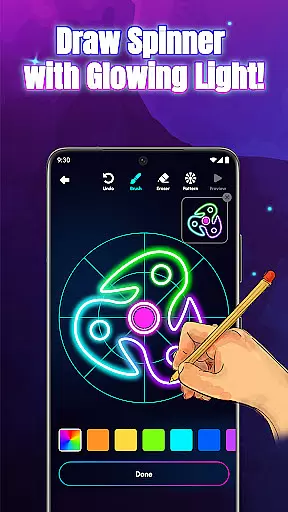
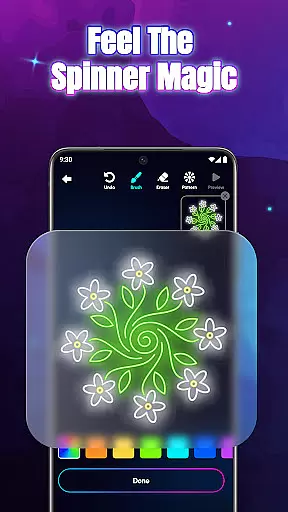
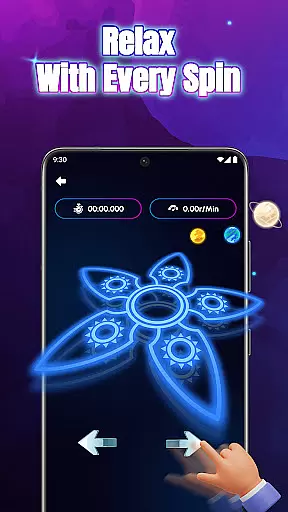
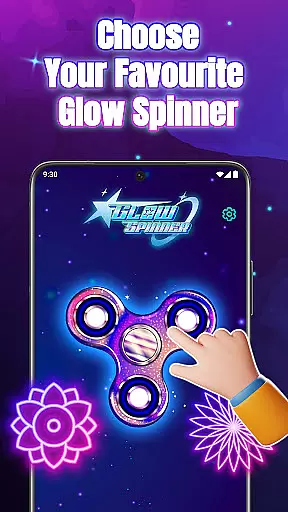
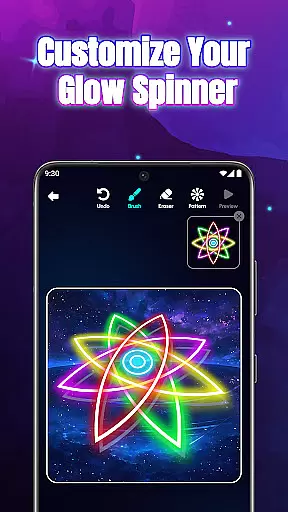
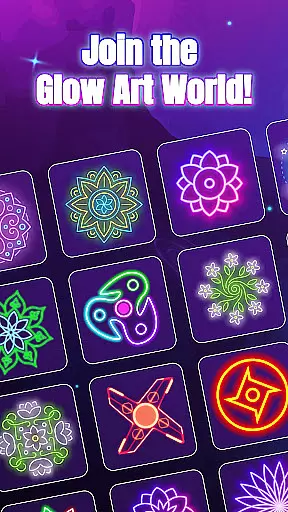
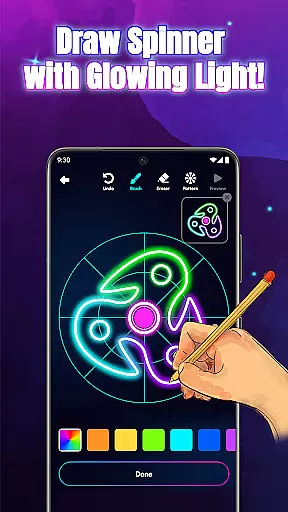
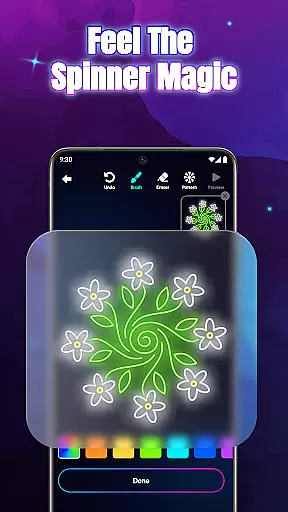
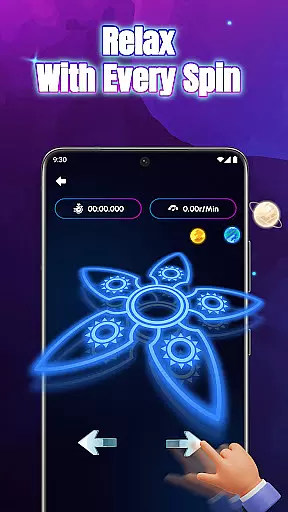
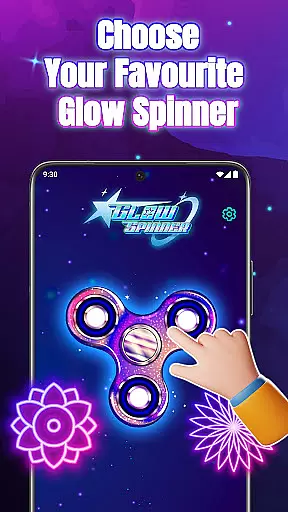
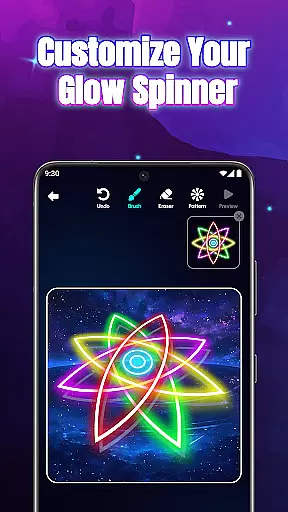
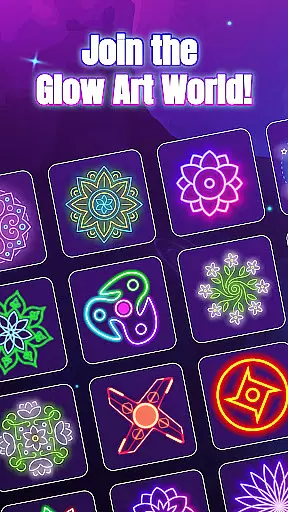
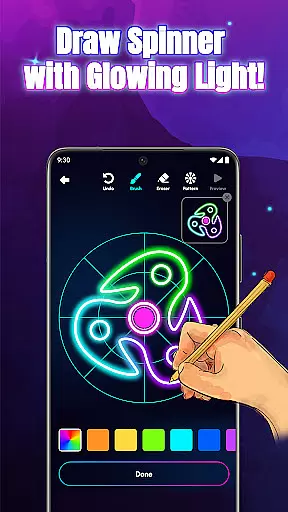
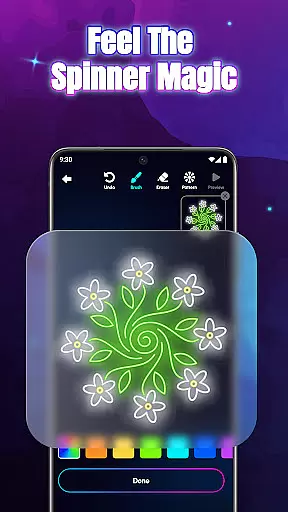
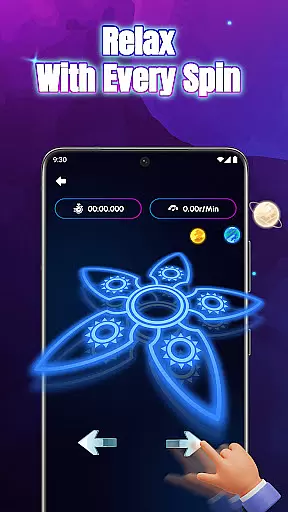
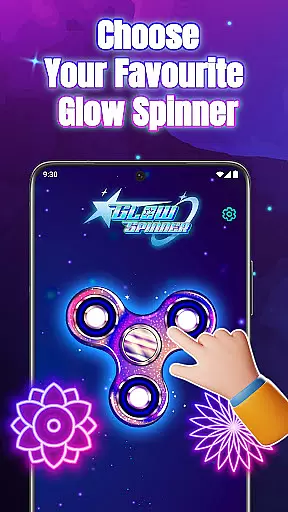
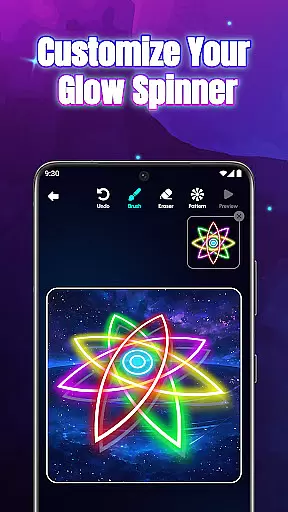
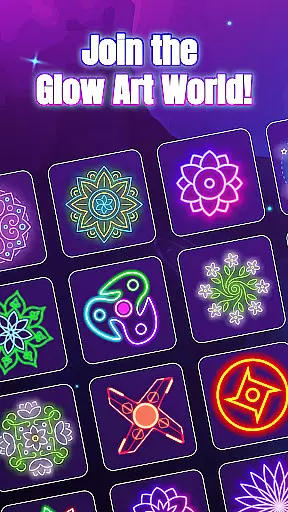
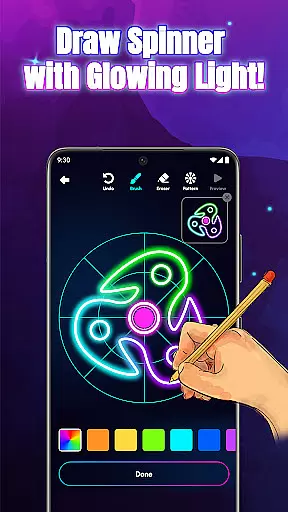
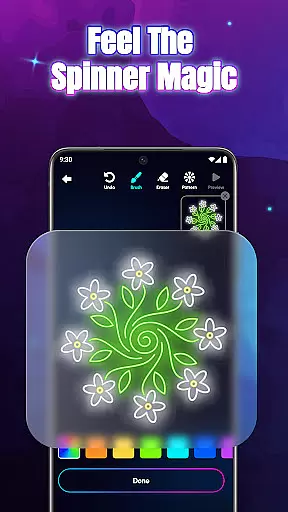
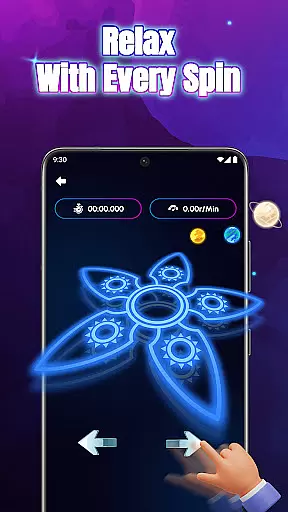
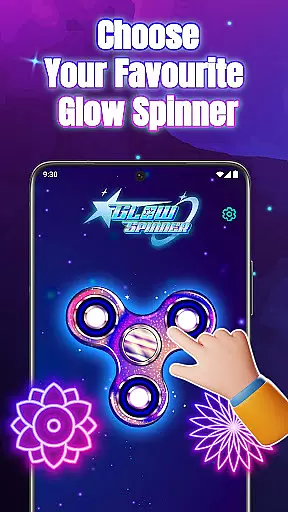
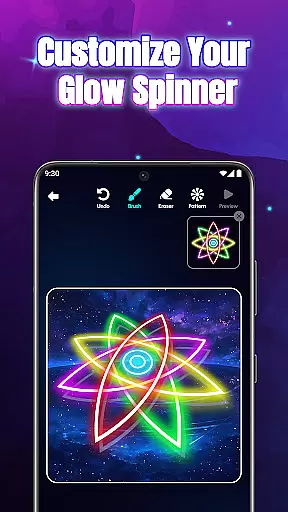
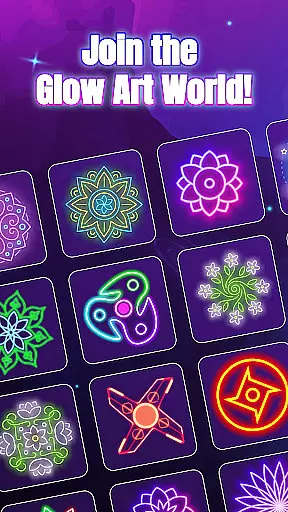
Glow Spinner is a unique digital art application that combines creativity with relaxation. This app allows users to draw glowing spinner art using their fingers and watch it come alive through smooth motion and vibrant light effects. The app's core function lies in its ability to provide both a creative outlet and a calming experience, making it ideal for stress relief and artistic expression.
One of the standout features of Glow Spinner is its intuitive finger drawing capability, which lets users easily create intricate designs. With customizable glow effects, 3D spinner design, and realistic spin physics, the app offers an immersive experience that blends art and technology seamlessly. Whether you're looking to explore your artistic side or simply unwind after a long day, Glow Spinner provides a perfect platform for both purposes.
The app is particularly useful for individuals seeking a digital tool that promotes mindfulness while encouraging creative exploration. Its combination of soothing visuals, gentle soundscapes, and interactive spinner animations makes it a valuable resource for anyone interested in blending art with relaxation.
Glow Spinner stands out due to its innovative approach to digital art creation. One of its key features is the intuitive finger-drawing functionality, which ensures that even beginners can create stunning spinner designs without any prior experience. Users can experiment with various glow styles, patterns, and colors, ranging from soft ambient tones to bright neon bursts, allowing for endless customization possibilities.
Another notable feature is the app's implementation of realistic 3D spinner design and physics-based spinning. Powered by a responsive physics engine, the spinners move naturally when flicked, creating an authentic and engaging user experience. Additionally, the built-in artwork gallery enables users to save, revisit, and re-spin their favorite creations, effectively building a personal collection of glowing art pieces.
The relaxing ambience further enhances the overall experience, as the app incorporates gentle soundscapes and visually appealing elements that help users focus and de-stress. These carefully designed features collectively make Glow Spinner not just an art app but also a tool for mindfulness and relaxation.
Creative tools are essential for any art and design application, and Glow Spinner excels in this area. The app provides an intuitive finger-drawing feature that allows users to create glowing lines easily. This functionality is crucial for unleashing creativity without the constraints of traditional drawing tools.
Glow Spinner offers custom glow effects with a variety of styles, patterns, and colors. Users can choose from calm ambient tones to bright neon bursts, providing a broad spectrum of artistic expression. This extensive customization ensures that each piece of art can be as unique as the artist's imagination.
Additionally, the app includes 3D spinner design capabilities, enabling users to see their creations come alive with realistic motion and depth. This feature adds another layer of creativity, allowing artists to experiment with light reflection and spatial dynamics in their work.
The combination of these creative tools makes Glow Spinner a comprehensive platform for digital art, offering everything needed to create vibrant, dynamic, and personalized spinner art.
Flexibility in canvas and format options is vital for accommodating different artistic visions, and Glow Spinner delivers on this front. The app supports various drawing techniques through its responsive physics engine, which powers lifelike spin motions. This adaptability ensures that every flick and spin feels natural and fluid.
Users can save their creations in an artwork gallery, allowing them to revisit and refine their designs at any time. This feature not only preserves the artistu2019s work but also encourages continuous experimentation and improvement. Artists can build a collection of their glowing art pieces, viewing animations or respinning favorite designs.
Glow Spinner also enhances the creative process with relaxing ambience, featuring soft visuals and gentle soundscapes. These elements help users focus and unwind, creating a stress-free environment for creativity to flourish. The soothing atmosphere complements the flexible canvas options, making it easier to explore new ideas.
Overall, Glow Spinneru2019s adaptable canvas and format options empower users to express their creativity freely, ensuring that each piece of art is a true reflection of their vision and imagination.
User-friendly interface
Vibrant glow effects
Realistic 3D motion
Stress-relief focused
Creative freedom
Limited advanced tools
No social sharing
Few tutorials
Premium features locked
Occasional bugs

Learn how to draw with step-by-step tutorials, fun lessons & multiplayer drawing
 4.70
4.70
Custom Character Creator & PFP Maker!
4.20
Create neon drawing with magic doodle and fun doodle art effects!
4.50
Passport size photo maker, create ID photo and visa photo in seconds
4.80
Convert image to JPG PNG HEIC PDF, support almost all kinds of image formats
4.70
Photo editor for art, avatars, filters & fun transformations.
4.60
Resize photos and print photos in exact size with our powerful photo printer!
3.80
Bring One UI 8.5 Icons to life -elegant dark icons with a modern, premium touch.
4.30
An intuitive, high-performance painting app that lets you focus on creating
4.40
Draw on screen: FP sDraw is a simple and lightweight drawing app
4.70
Digital, Abstract, Classic - all types of color wheels in one app!
4.60
Painting, drawing, & sketching
4.50
Remove Background, Magic Eraser, Photo Enhancer, Story Templates, Collage Maker
4.30
Sketch, plan, take notes and illustrate on an infinite canvas.
4.20
Unleash the artist in you with our AR drawing and tracing tool for photo drawing
4.10
Get creative and make art with your Sesame Friends!
4.00
AI Assistant, powered by ChatGPT GPT-4 & GPT-4o. Your intelligent companion.
3.50
Art of Combination Wear OS Watch Faces
3.30
Art of Combination Wear OS Watch faces
4.4


User Reviews