

Embrace the festive spirit with our Christmas Countdown watchface for Wear OS
 4.10
4.10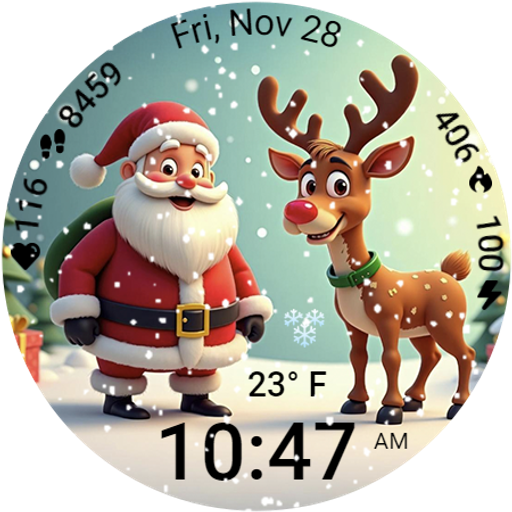
A heartwarming Christmas scene featuring a cute image of Santa and Rudolf
4.3
Wear Os Watch Face - Animated Snow Effect & Magic Spark - 6 Scenes
4.10
Fitness interactive virtual pet super fighter boy watch face
4.0
Find EV charging stations
4.30
Locate your family members by GPS phone location tracker everywhere and anytime
4.30
Gym & home workout plans with strength training, exercise tracking, HIIT & more.
4.60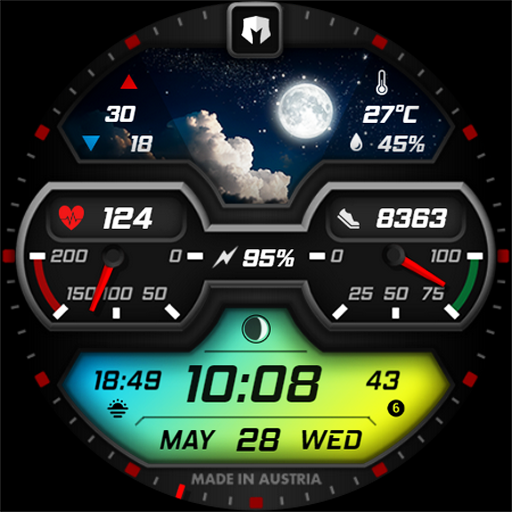
Stylish, Energizing and Modern Watch Face crafted by Dominus Mathias.
4.50
The most customizable hybrid watch face. For Wear OS 5.0, API 34+ and later
4.70
The Chevron App allows you to pay for fuel from the comfort of your car!
4.80
Easy Voice Recorder is your everyday companion to record important moments.
4.70
Monitor health with the stress test and pulse checker in the heart rate app.
4.60
MyNISSAN® lets you remotely control your car from your phone.*
4.50
Want to take charge of your health? Let Google Fit help you reach your goals.
3.50
Your local weather forecast, storm tracker, radar maps & live weather news
3.40
Christmas is near, let's count together the days left until Santa comes
4.1
Analog watch face with 8 complications and expedition styling
4.0
Artistic Digital Watchface
4.1
Sleek, highly customizable watch face inspired by Galaxy Watch Circle Dashboard.
4.3


