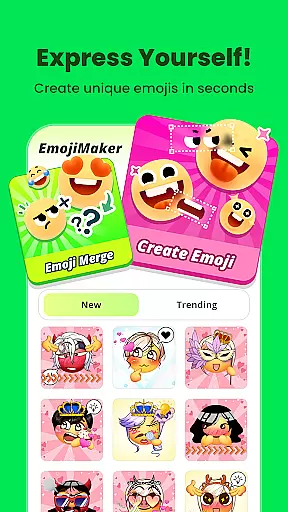
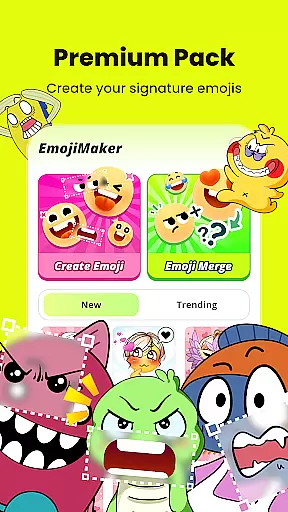
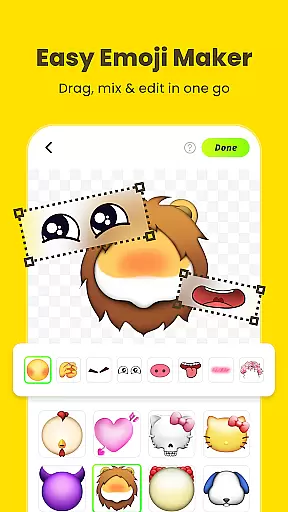
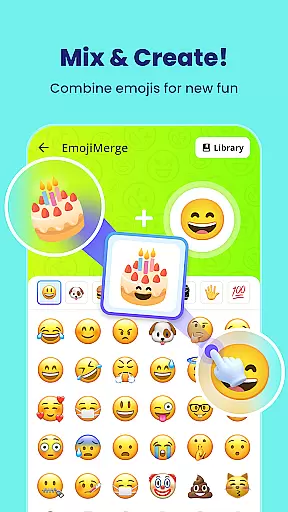
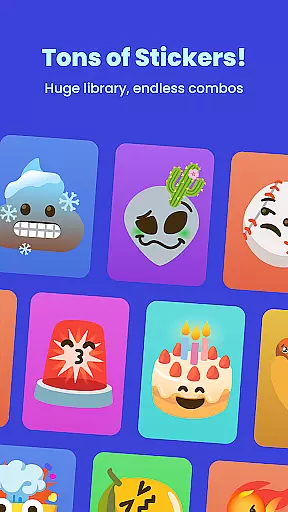
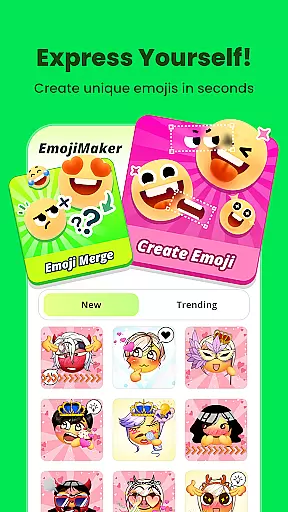
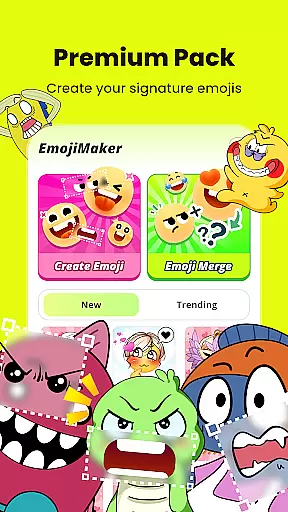
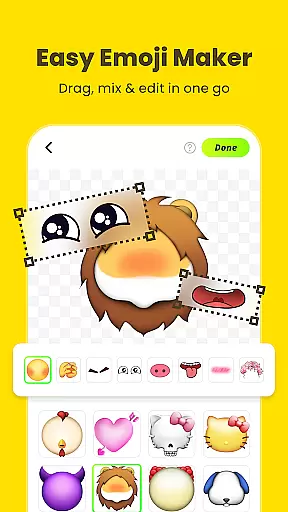
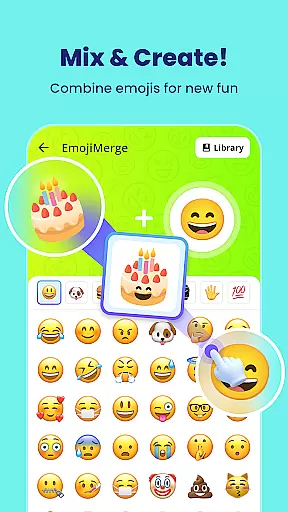
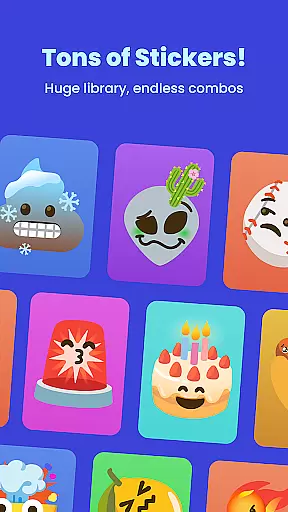
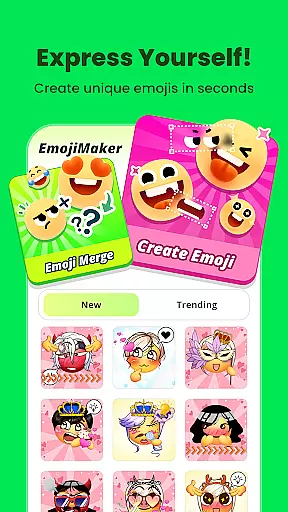
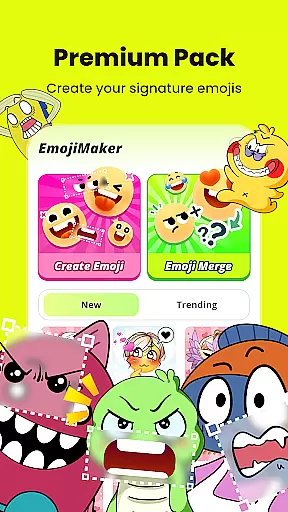
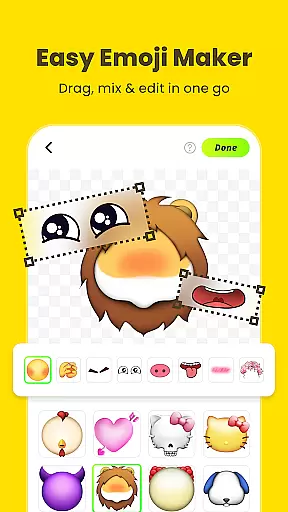
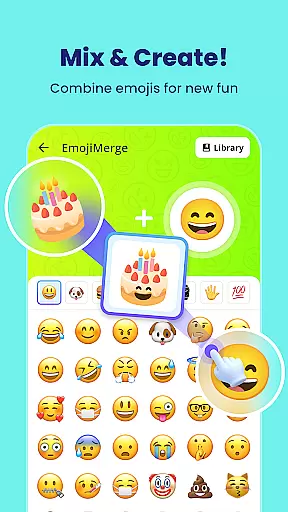
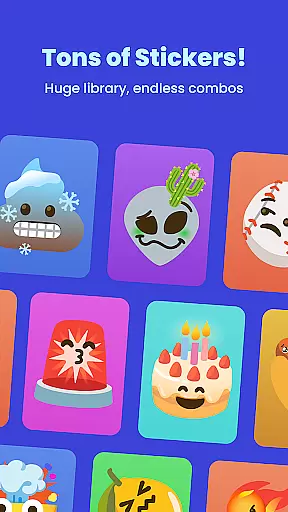
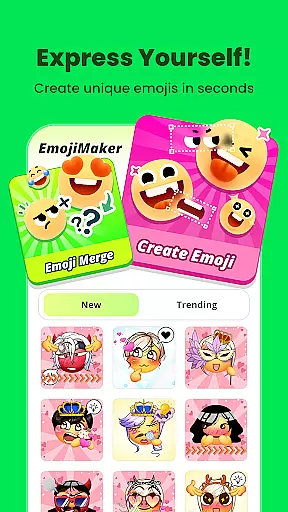
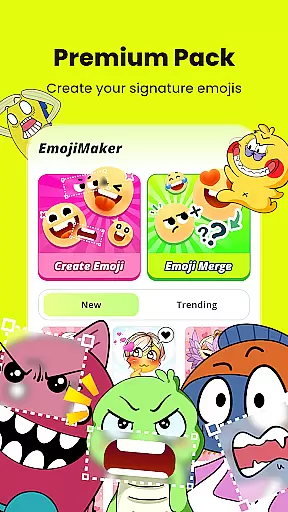
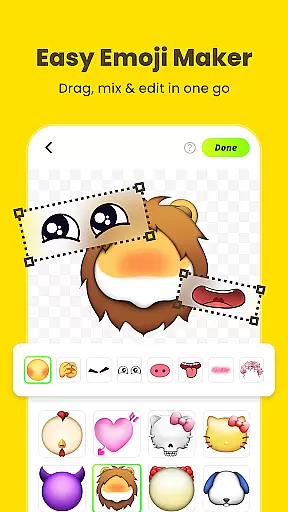
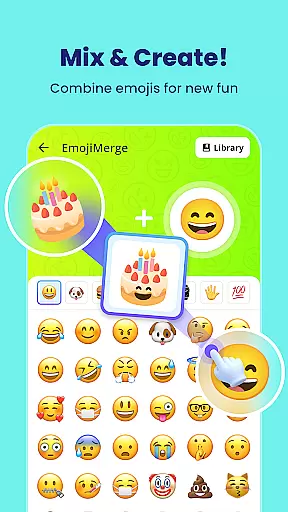
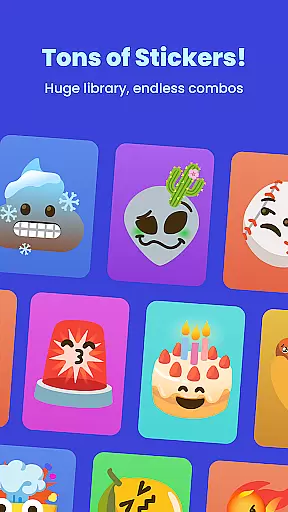
Gemoji is a creative emoji maker app that allows users to design personalized emojis and stickers. With an extensive library of components, the app enables users to mix and match various elements such as eyes, mouths, and accessories to create unique emojis for different moods and occasions. The intuitive interface ensures ease of use while offering real-time customization capabilities.
This app is perfect for individuals who want to express themselves through custom emojis in messaging apps. Whether it's for personal chats or sharing with friends, Gemoji provides a fun and engaging way to communicate emotions creatively.
Gemoji stands out with its rich feature set tailored for emoji enthusiasts. Users can choose from a vast array of professionally designed components, vibrant colors, and playful expressions. The app supports layering elements, enabling users to see their changes in real time as they customize their emojis.
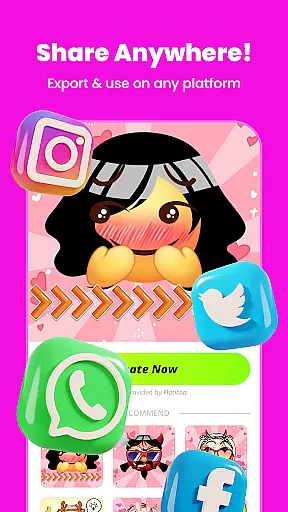
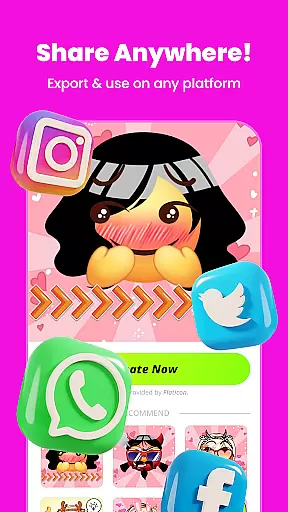
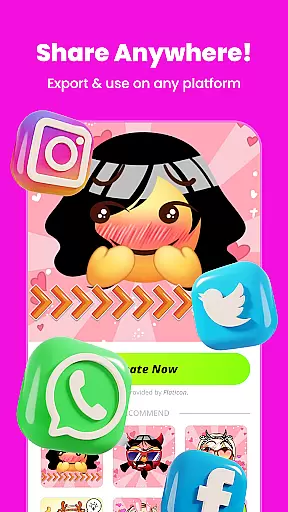
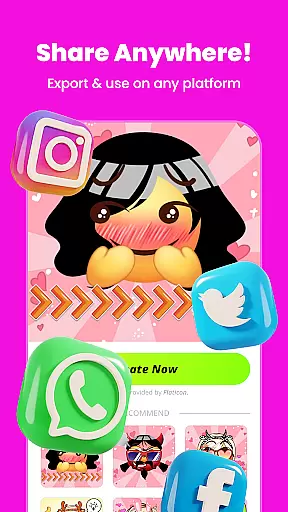
Additionally, Gemoji offers seasonal themes and frequent updates, ensuring that the content stays fresh and exciting. Once created, emojis can be transformed into stickers for messaging apps, allowing users to share their creations effortlessly with friends and family.
Customization is at the heart of Gemoji, allowing users to express their unique style and creativity through emojis. With a vast array of components including eyes, mouths, accessories, and more, users can mix and match elements to create truly personalized emojis.
The app offers an extensive selection of colors and design elements, enabling creators to craft emojis for every mood, season, or special occasion. Whether you're designing cute characters, quirky faces, or unique stickers, Gemoji provides all the tools necessary for an ultimate DIY experience.
Users benefit from the ability to customize every aspect of their emojis, ensuring that each creation is not only a reflection of their personal expression but also perfectly suited to convey specific emotions or messages in their communications.
Gemoji ensures seamless theme compatibility by offering a rich library of professionally designed emoji elements that blend beautifully with various themes. This feature allows users to create emojis that stand out while maintaining visual harmony across different platforms and messaging apps.
With frequent updates introducing new components and seasonal themes, Gemoji keeps its content fresh and relevant. Users can enjoy crafting emojis that align with current trends or special occasions, enhancing their communication with timely and thematic expressions.
This commitment to theme compatibility and regular updates empowers users to stay unique in their chats, using custom emojis that no one else has seen, thus enriching their digital interactions with creativity and personal flair.
User-friendly interface
Extensive customization options
Vibrant color choices
Real-time editing
Frequent content updates
Limited free features
In-app purchases required
Occasional bugs
High storage usage
Learning curve for new users

AI-powered Copilot. Personalized keyboard with gifs, stickers & themes
 4.40
4.40
Add cute Shimeji pets to screen, interact with them and relax with cute motions
4.60
Shimeji adds cute animated characters to your screen, lively and fun.
4.70
Zip lock screen with magic wallpaper to decorate your phone with fun zipper lock
4.60
Customize glowing edges, wallpapers, and caller screen with EdgeAura.
3.50
Choose your keyboard with RGB colors effect, themes, fonts, emojis.
4.60
Crystal-clear, square icon provides a sleek and sophisticated visual upgrade
4.00
Create unique, fun emojis with Funny Emoji Maker! Unlimited creativity!
4.00
Transform your phone with stylish zipper lock themes and 4D live wallpaper
4.10
100+ Stylish Fonts, Emojis, Symbols keyboard for Instagram & TikTok!
4.80
A launcher for Samsung Good Lock and Good Guardians modules without ads
4.70
Classic analogue watch face. For wear os devices.
4.60
300+ Beautifully crafted widgets inspired by OneUI.
4.60
Handcrafted pixel art icons, widgets & wallpapers
4.60
App Icon Changer & Shortcut Creator. Customize your icons without any watermarks
4.30
Unleash Your Creativity and Connect with Loved Ones with Lockscreen Drawing!
4.20
More than 3000+ themes and 9000+ wallpapers for everybody!
4.10
Turn your lock screen into fun with smile live wallpapers & animated wallpapers!
2.50
Modern Glass Icon Pack with glossy icons, clean minimal theme & aesthetic style
4.5


User Reviews