
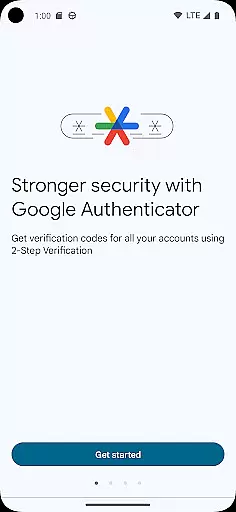
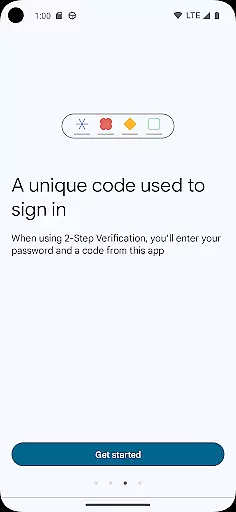
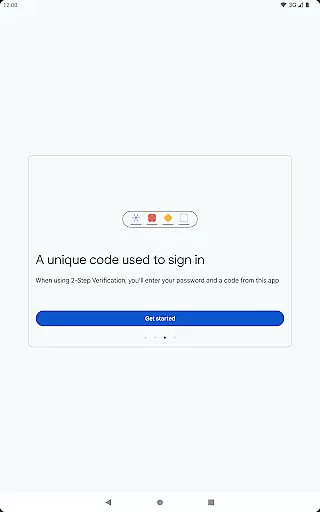
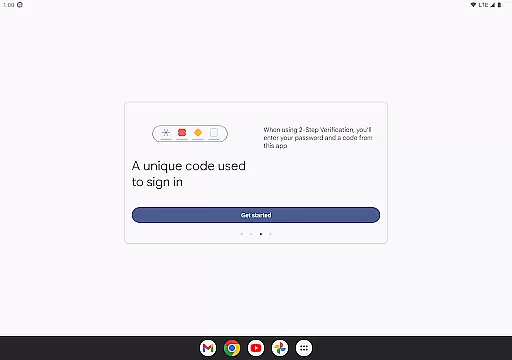
Google Authenticator is a security tool that provides an additional layer of protection for your online accounts through two-factor authentication. When signing in, users must enter both their password and a unique code generated by the app on their mobile device. This ensures enhanced account security even if passwords are compromised.
The app operates without requiring network or cellular connectivity, making it reliable in various situations. It supports syncing of verification codes to your Google Account, enabling access across multiple devices. With features like QR code setup, support for multiple accounts, and options for time-based or counter-based code generation, Google Authenticator offers a versatile solution for managing secure sign-ins.
This application is particularly useful for individuals who prioritize digital security and want to safeguard their sensitive accounts. By integrating seamlessly with Google's 2-Step Verification process, it provides peace of mind for personal and professional use.
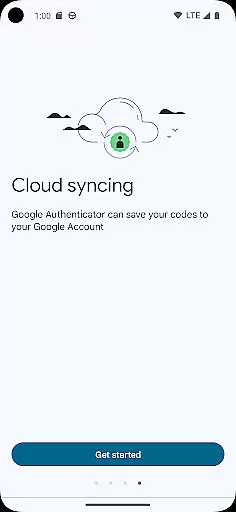
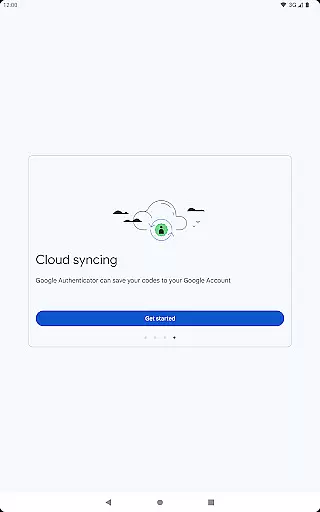
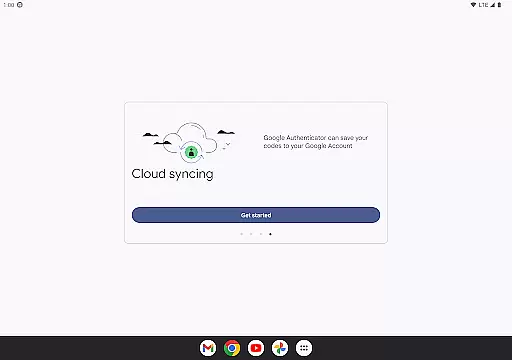
Google Authenticator stands out with its robust feature set designed to enhance security while maintaining user convenience. One key feature is the ability to sync your Authenticator codes directly to your Google Account, ensuring you can always access them even if you lose your phone. This cloud-based backup system adds an extra layer of reliability.
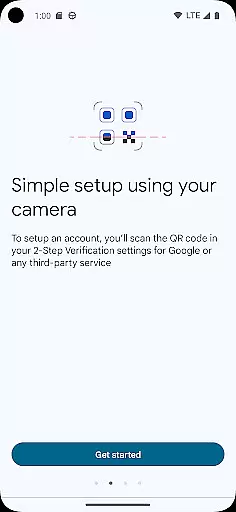
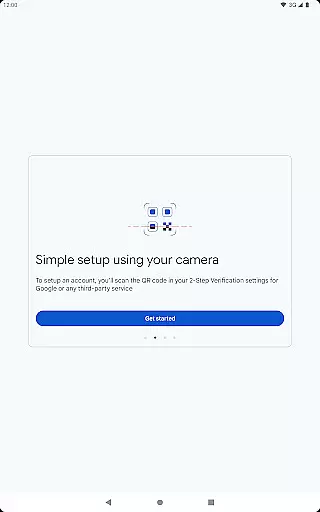
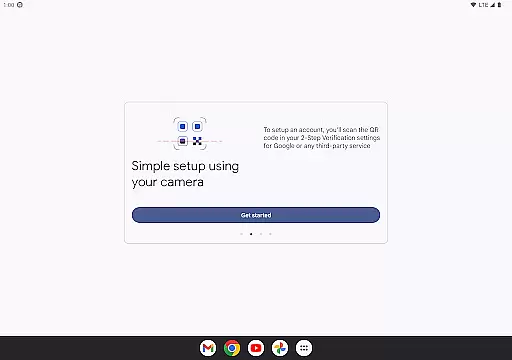
The app simplifies account setup through QR code scanning, allowing users to quickly configure new accounts without manual entry. Supporting both time-based and counter-based code generation, it caters to different security preferences. Additionally, transferring accounts between devices via QR codes makes migration effortless.
With support for multiple accounts, users can manage all their two-factor authentication needs within a single app. This eliminates the hassle of switching between different applications for each service. The offline functionality ensures codes are generated reliably regardless of internet connectivity, making Google Authenticator a comprehensive security solution.
Google Authenticator excels in providing precise and effective two-factor authentication, ensuring that each verification code generated is both unique and time-sensitive. This functionality significantly enhances account security by requiring not just a password but also a dynamically generated code for access.
The app employs industry-standard algorithms to generate these codes, which are synchronized with the servers of your respective accounts. Even without an internet connection, the app continues to generate accurate codes, making it reliable in various scenarios. This offline capability ensures users are not locked out of their accounts due to connectivity issues.
For users, this means peace of mind knowing that their online accountsu2014be it email, banking, or other servicesu2014are protected by an additional layer of security. The effectiveness of Google Authenticator lies in its simplicity and robustness, offering strong security without compromising on user convenience.
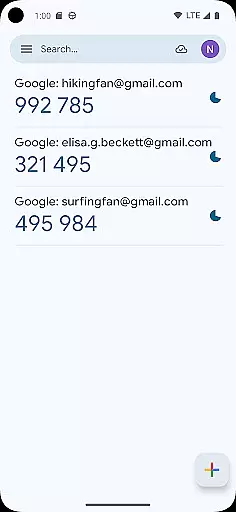
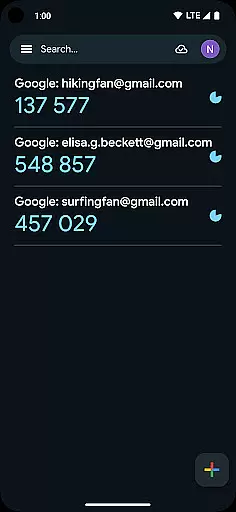
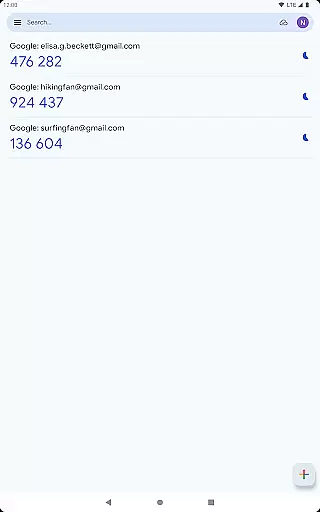
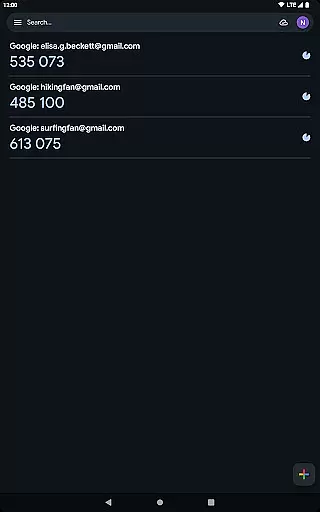
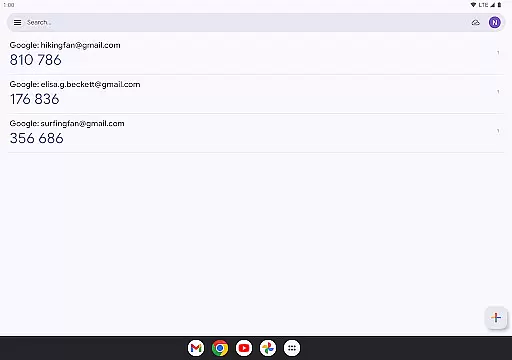
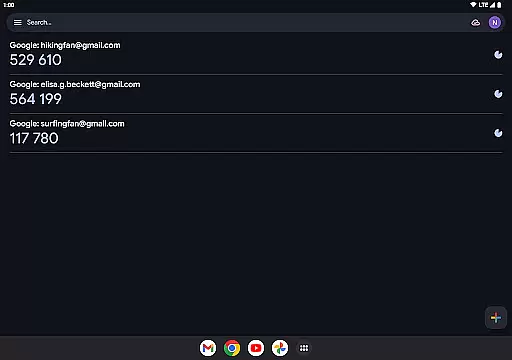
The interface of Google Authenticator is designed with simplicity and ease of use in mind, ensuring that users can navigate and utilize its features without any hassle. Upon opening the app, users are greeted with a straightforward layout displaying all their linked accounts along with the current verification codes.
Adding new accounts is made intuitive through the use of QR codes. By simply scanning a QR code provided by the service you wish to link, the setup process is automated, minimizing user error and ensuring correct configuration. This seamless integration reduces the complexity often associated with multi-factor authentication setups.
Moreover, the minimalist design avoids unnecessary clutter, focusing solely on essential functionalities. Users can easily view and manage multiple accounts, switch between them effortlessly, and access their verification codes with just a glance. This intuitive design ensures that even those unfamiliar with advanced security measures can adopt and benefit from Google Authenticator's protective features.
Enhanced Security
User-Friendly Interface
Offline Code Generation
Cloud Backup Option
Multi-Account Support
No Desktop Version
Limited Customization
No Biometric Login
QR Code Dependency
Occasional Sync Issues

1-Click close all background apps on Android TV
 3.90
3.90
Canon PRINT is a companion app for your Canon printer.
4.60
Forza Tuning Calculator App for Forza Horizon 5, Motorsport and Earlier Titles
4.40
VESC Tool can monitor and configure VESC-compatible devices over BLE and Wifi
4.20
Detect hidden spy camera with advanced scanning {{ Premium version }}
4.00
Connect wirelessly to your computer to watch movies, browse the web, play games
5.00
The Ultimate Flex Drivers Utility App - Convenient Tapping & Block Filters
4.70
Automate everything from settings to photos, SMS to speech. ADC2 prize winner.
4.10
Creation, Learning, Entertainment & More — The All-in-One AI Search Engine
4.70
HD Video player and downloader for all formats, fast & smooth 4K video playback.
4.60
App to pay for FUTO Keyboard
4.60
The Ultimate Bluetooth Keyboard & Mouse. Securely control your PC, Mac, and more
4.50
Button mapper, mouse toggle, sleep timer and a lot of another features
4.50
Mirror your screen to Fire TV - Super fast and simple
4.40
Remote for Roku, Fire TV, Samsung TV, LG TV, Android TV, Chromecast and VIZIO TV
4.20
Quickly & easily calculate the spacing of handrail balusters
4.20
Screen Mirroring with sound for Samsung TV, LG TV, Sony TV, Smart TV and Browser
4.20
MS-DOS in your pocket. Play old DOS games anywhere you are ;)
4.10
Fun lie-detection pranks for friends and parties.
3.80


User Reviews