
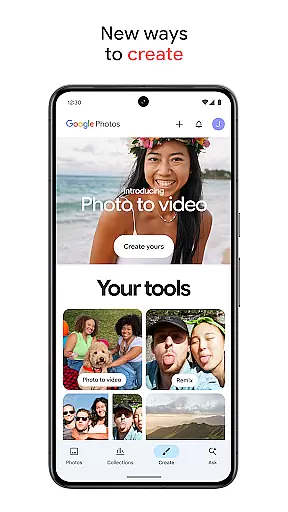
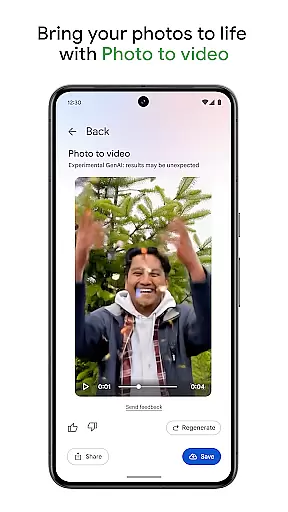
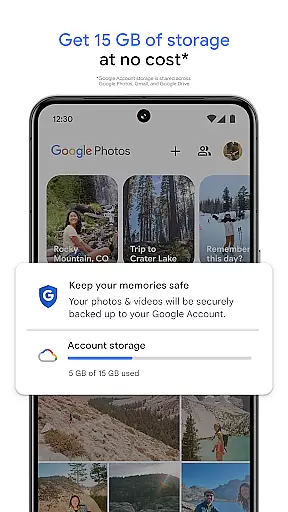
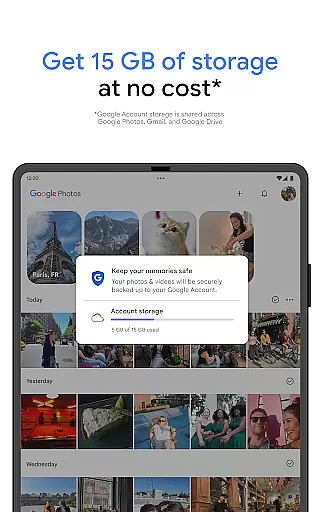
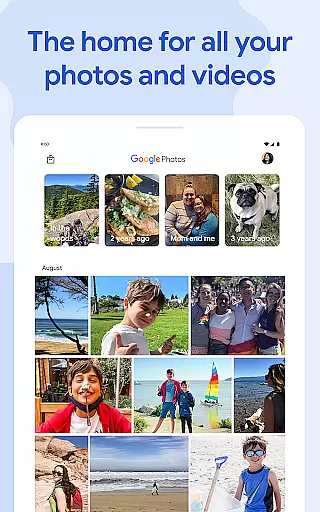
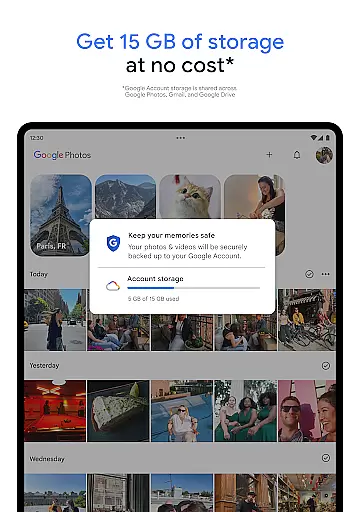
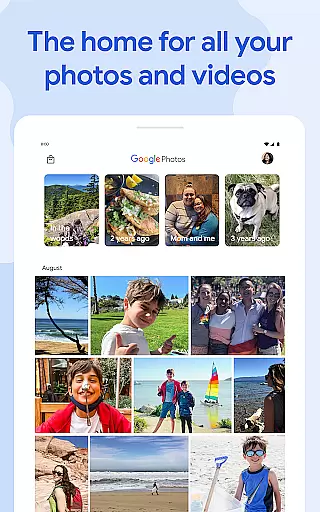
Google Photos is a comprehensive photo and video management application that leverages Google AI to help users back up, edit, organize, and search their memories. The app provides 15 GB of free cloud storage for every Google account, ensuring automatic backup across all devices.
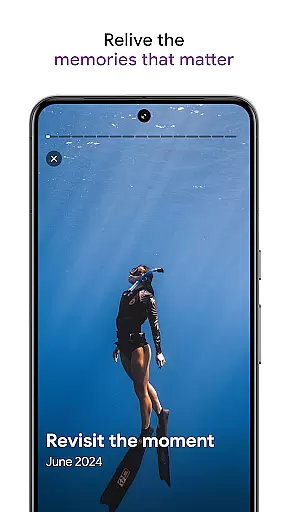
With AI-powered editing tools like Magic Eraser and Unblur, users can make complex edits easily. The app also offers features such as Photo Stacks for decluttering galleries and a locked folder for sensitive content. Users can relive and share favorite memories effortlessly.
This app is ideal for individuals looking to keep their photos and videos organized, safe, and easily accessible across multiple devices. Its seamless integration with other Google services adds significant value by centralizing user data in one secure location.
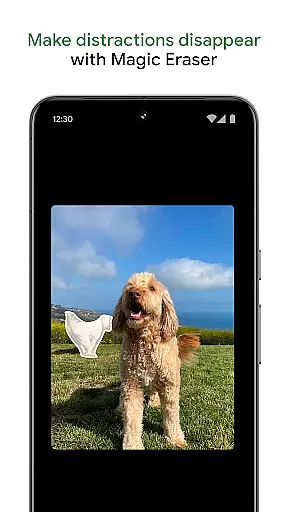
Google Photos boasts an array of powerful features designed to enhance user experience. One standout feature is the AI-powered editing tools, which include Magic Eraser for removing unwanted objects and Unblur for fixing out-of-focus images. These tools allow users to make professional-grade edits with minimal effort.
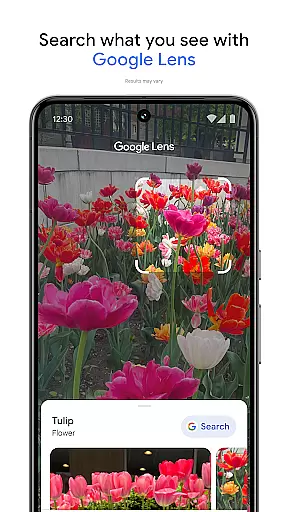
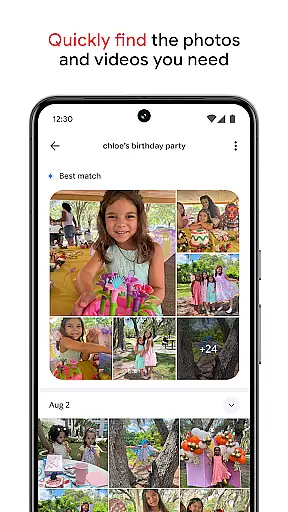
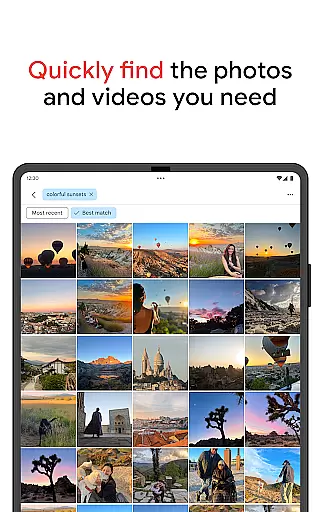
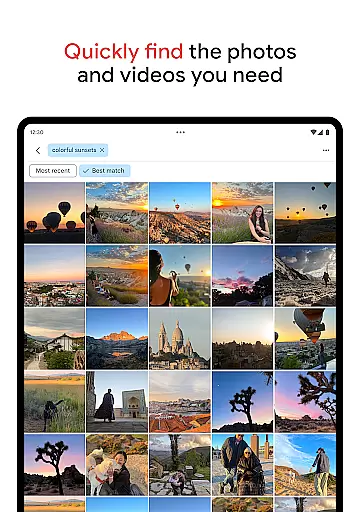
The app's search functionality is revolutionized with AI, enabling users to find specific photos through simple or complex queries. Additionally, Google Photos automatically organizes duplicates and similar photos into Photo Stacks, offering a clutter-free gallery experience. It also supports creating custom albums and organizing daily camera rolls intuitively.
Another notable feature is the ability to free up device space by removing backed-up photos from the device’s storage. This ensures users never run out of space on their phones while keeping all their memories safely stored in the cloud.
Companion app integration is essential for users who want a seamless experience between their mobile devices and wearable technology. Google Photos excels in this area by ensuring that all your photos and videos are automatically backed up and accessible across all your devices.
The application leverages Google's robust cloud infrastructure to sync content in real-time, providing users with the ability to access their media library from smartphones, tablets, or Wear OS devices without any hassle. This means you can start viewing or editing a photo on your phone and continue the process on your smartwatch or other linked devices.
Furthermore, Google Photos offers features like automatic organization and advanced search capabilities that work consistently across platforms. This ensures that whether you're using the Android app or accessing your content through a browser, the experience remains intuitive and uniform.
By integrating companion apps effectively, Google Photos not only enhances convenience but also strengthens data security. Your memories are protected by Googleu2019s advanced security infrastructure, ensuring they remain safe and private regardless of where or how you access them.
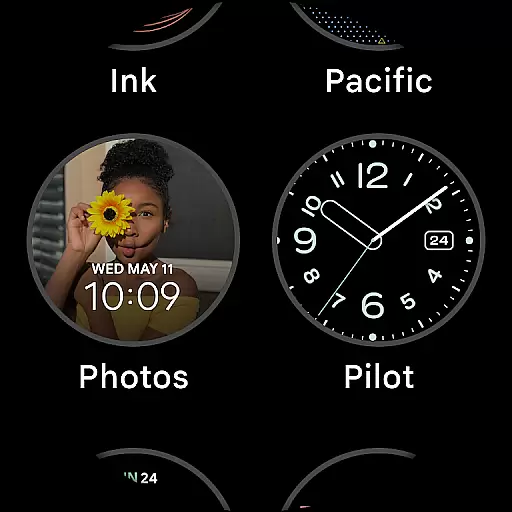
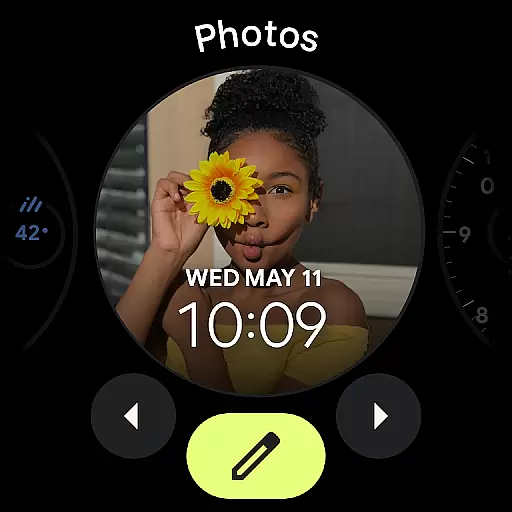
Wear OS/device compatibility is crucial for users who rely on wearable technology to stay connected and organized. Google Photos offers extensive support for Wear OS devices, ensuring that your photos and videos are accessible wherever you go.
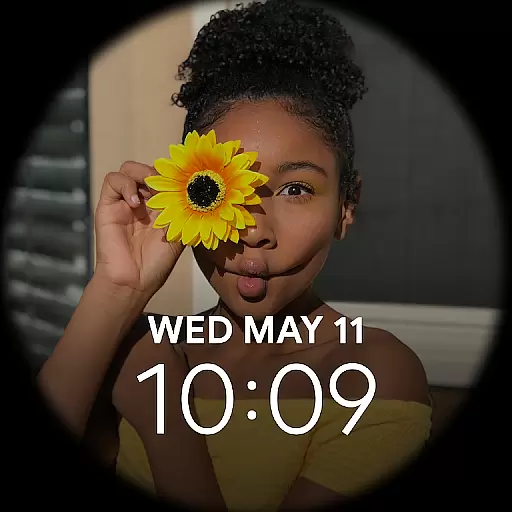
The app is optimized to work seamlessly with various Wear OS smartwatches, allowing users to view their recent memories directly from their wrist. This feature is particularly useful for quickly sharing moments or checking notifications related to your photo library without needing to pull out your phone.
In addition to basic viewing capabilities, Google Photos provides functionalities such as receiving alerts when new photos are added or when someone shares an album with you. These updates ensure that you're always in the loop, even when you're on the move.
Google Photos' commitment to compatibility extends beyond just syncing images; it includes maintaining high performance standards across different devices. Whether it's managing storage space efficiently or offering quick access to frequently used features, Google Photos ensures a smooth and reliable experience for all Wear OS users.
User-friendly interface
Powerful AI tools
Secure cloud storage
Automatic backup
Free up space
Limited free storage
Paid subscriptions needed
Privacy concerns
Occasional bugs
Ads in free version

Walking app for weight loss: walk & step tracker, pedometer, indoor treadmill
 4.60
4.60
Wear Os Watch Face - Animated Snow Effect & Magic Spark - 6 Scenes
4.10
Nutrition, Macro tracker: Food, fitness & healthy diet tracking for weight loss
4.60
Find EV charging stations
4.30
Gym & home workout plans with strength training, exercise tracking, HIIT & more.
4.60
To-Do List: daily schedule planner, task organizer, to do reminder app, calendar
4.60
The #1 source of faces for your smartwatch!
4.00
A digital watch face that celebrates Christmas.
4.00
Viewer for Wyze/Yi/Eufy/Arlo/ONVIF/RTSP/P2P IP cams w/ adv. features & DIY DVR
4.00
Highly customizable hybrid watch face for Wear OS, perfect for everyday use.
4.60
Fast and smart typing with Emojis, GIFs, and more
4.50
Current temperature, weather hourly, weather radar by the weather forecast app
4.40
Bold, Modern Hybrid Watch Face for Wear OS. 10 Colors, Rich Info Display.
4.30
Locate your family members by GPS phone location tracker everywhere and anytime
4.30
Elegant animated Christmas tree with multiple customization options
4.20
Embrace the festive spirit with our Christmas Countdown watchface for Wear OS
4.10
Connect, create, and collaborate with Gmail, part of Google Workspace.
4.10
Professional weather radar and more
3.90
A Wintery Snow Globe on Your Wrist; now celebrating Christmas!
4.3


User Reviews