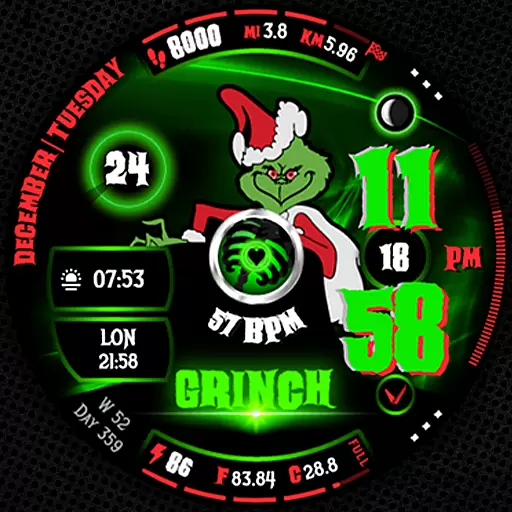
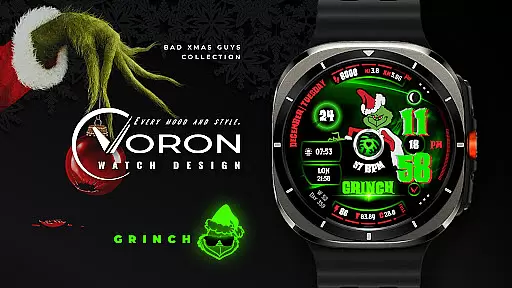
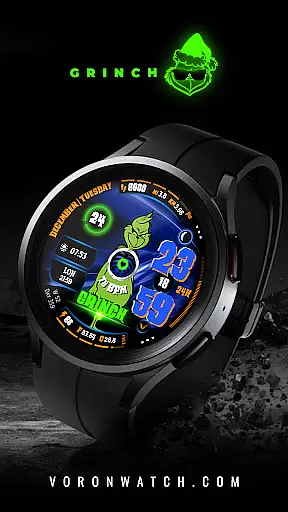
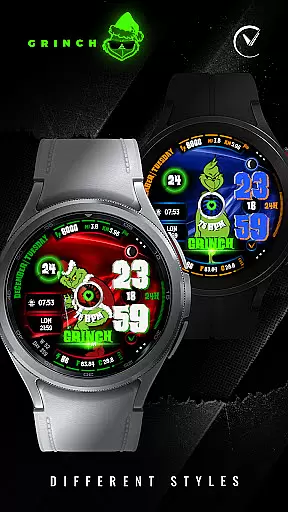
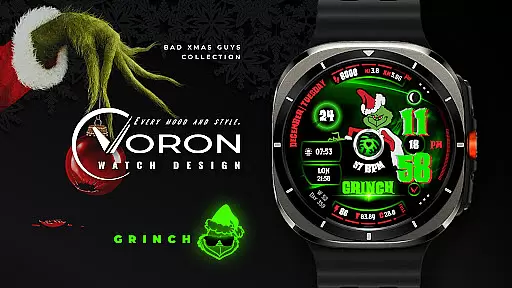
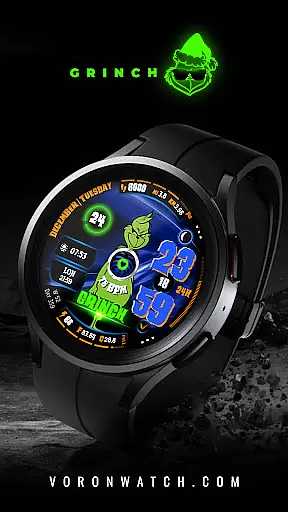
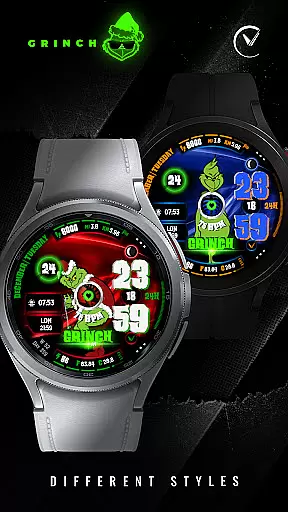
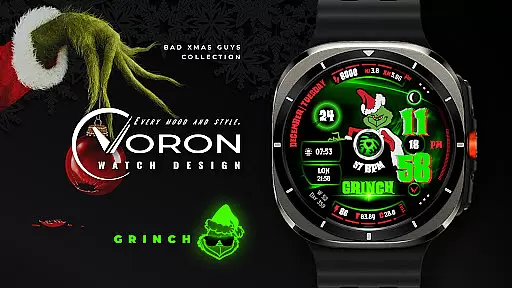
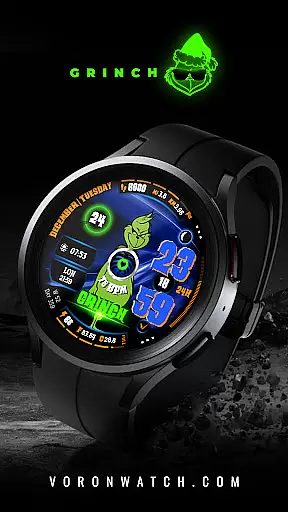
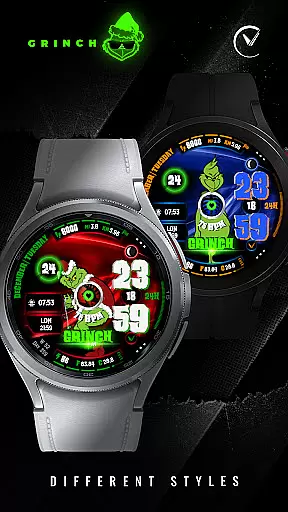
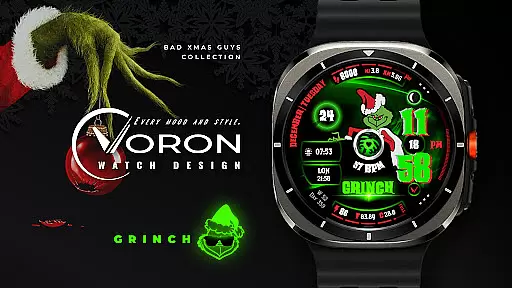
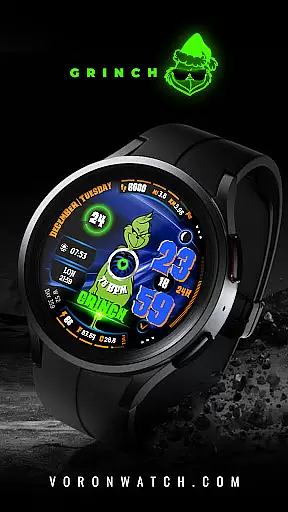
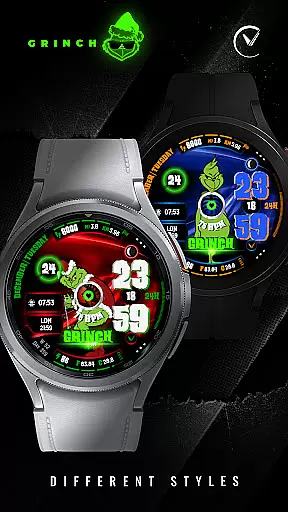
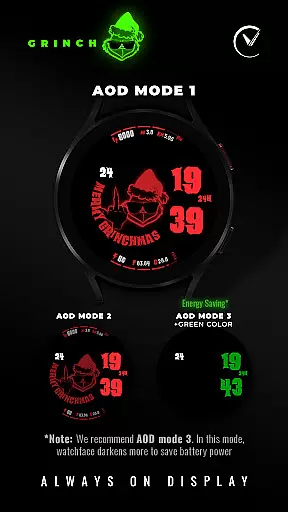
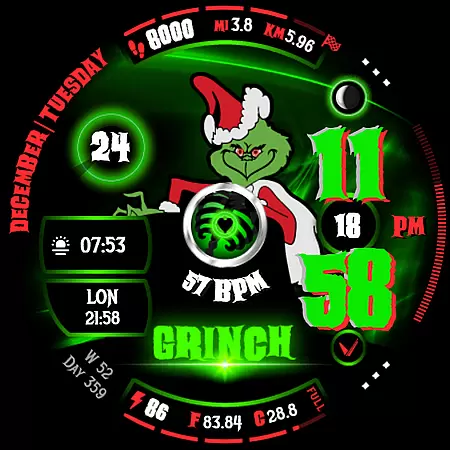
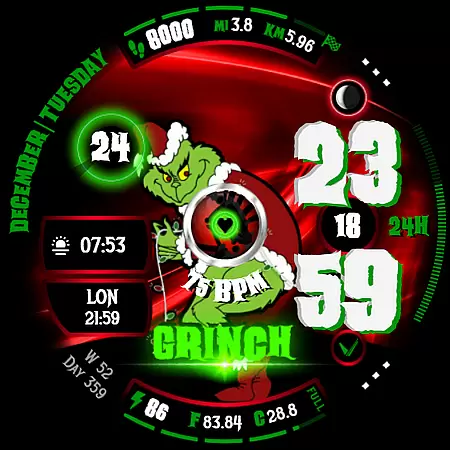
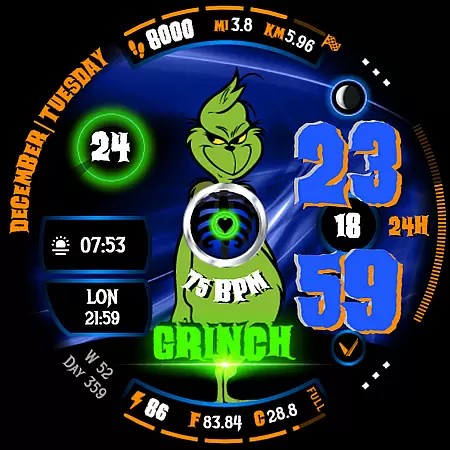
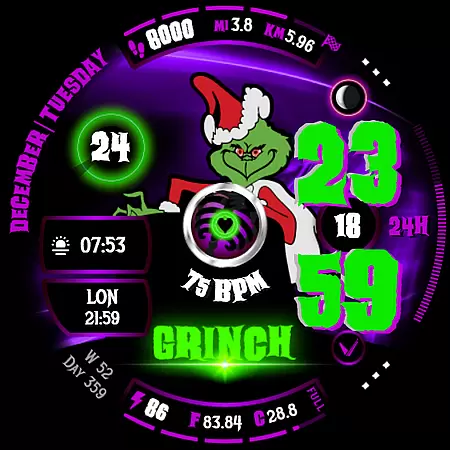
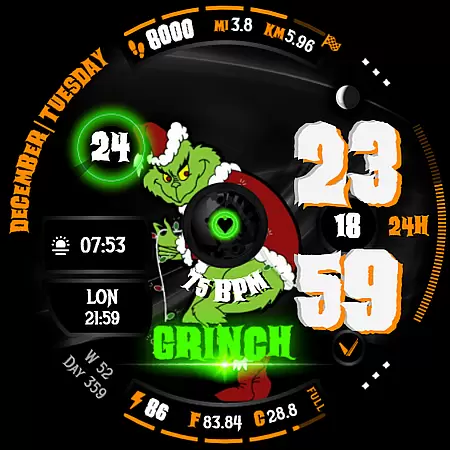
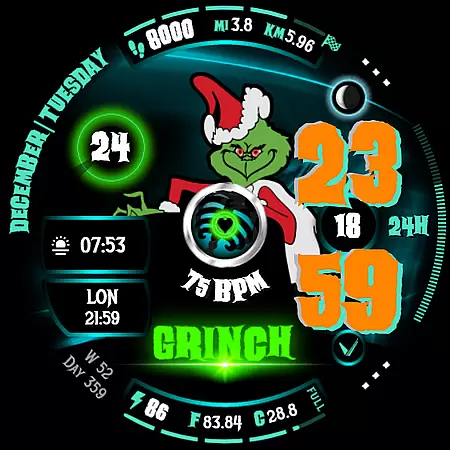
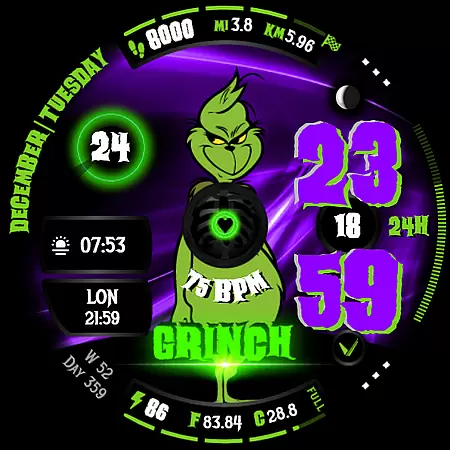
GRINCH Christmas Watch Face is a festive-themed digital watch face designed exclusively for Wear OS 4+ (API 33+) devices. This unique watch face features the mischievous Grinch character, adding a playful twist to your holiday season. With its vibrant animations and customizable options, it brings both fun and functionality to your smartwatch experience.
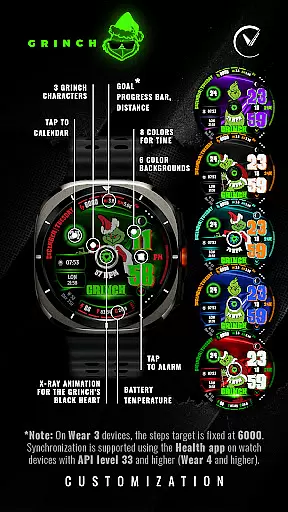
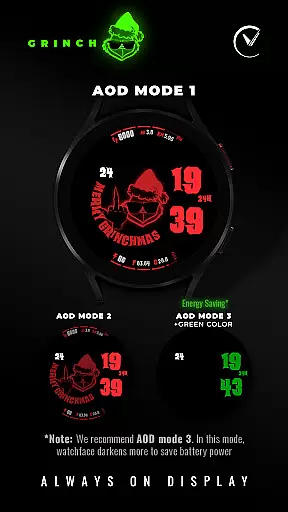
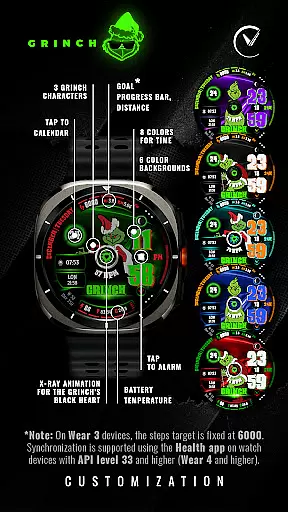
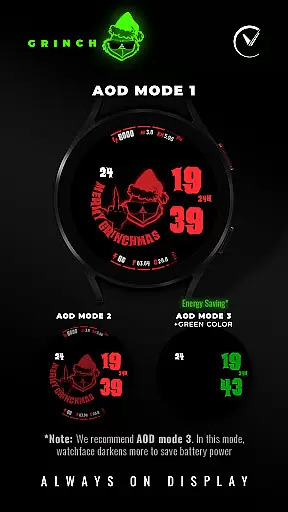
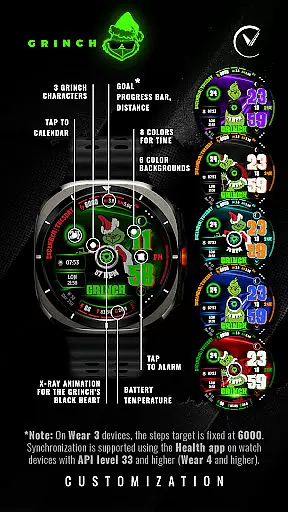
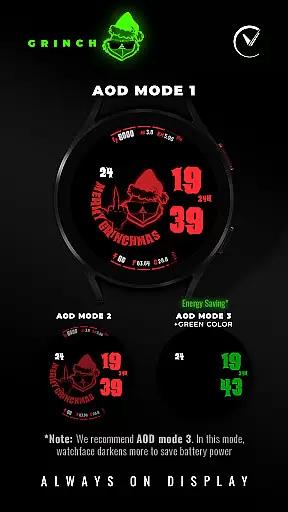
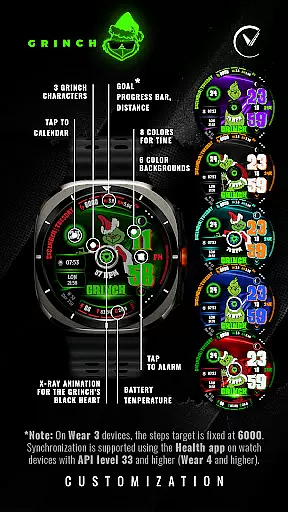
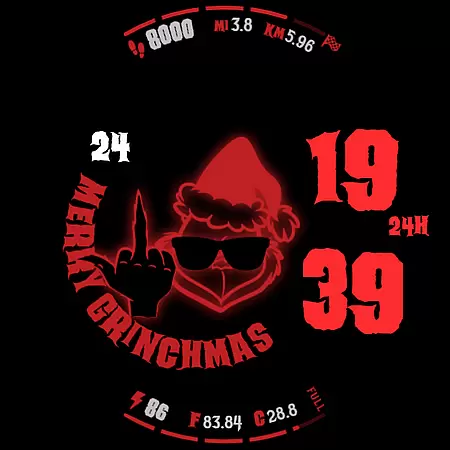
The watch face offers various customization features including three distinct Grinch characters, multiple color options for time display, and six different background colors. Users can personalize their watch faces with colored customization settings, Always-On Display (AOD) modes, and custom complications. It also includes practical functionalities like date information, heart rate monitoring, battery status, and more, making it not only visually appealing but also highly useful.
Perfect for tech-savvy individuals who love celebrating Christmas, this watch face ensures you stay connected while enjoying the festive spirit. Whether you're tracking daily goals or simply admiring the animated x-ray of the Grinch's black heart, GRINCH Christmas Watch Face provides an engaging way to interact with your wearable device during the holiday season.
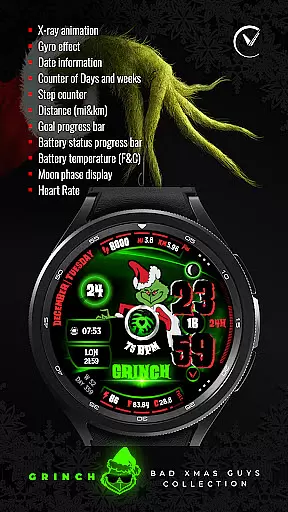
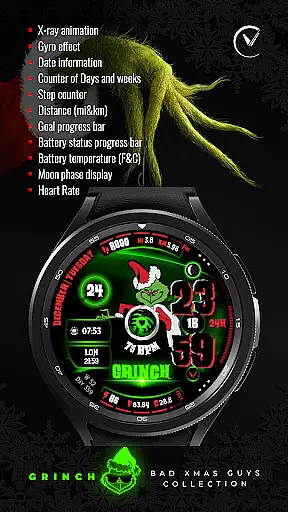
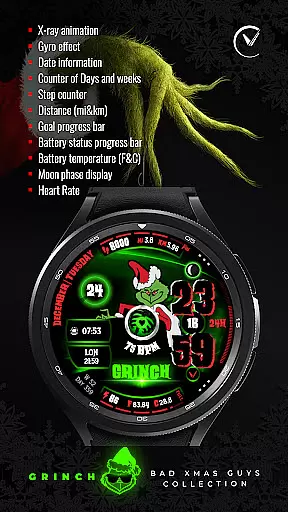
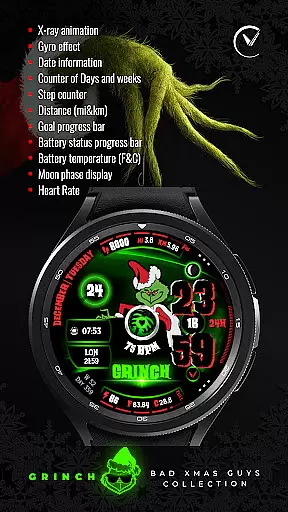
GRINCH Christmas Watch Face stands out with its rich set of features tailored for Wear OS users. One of its key highlights is the X-ray animation that reveals the Grinch's black heart, providing a unique visual element that captures attention. The gyro effect adds another layer of interactivity, allowing the watch face to respond dynamically as you move your wrist.
In addition to its entertaining animations, the watch face offers comprehensive data displays such as date information, counters for days and weeks in the year, distance tracking in miles and kilometers, goal progress bars, battery status indicators, and even moon phase displays. These features ensure that users have access to essential information at a glance, enhancing their overall smartwatch experience.
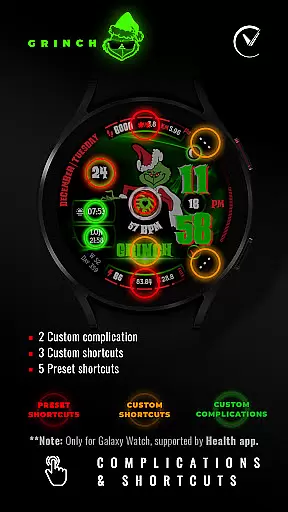
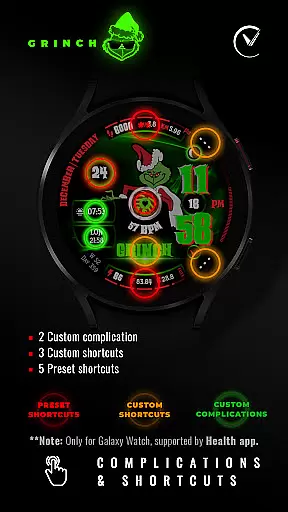
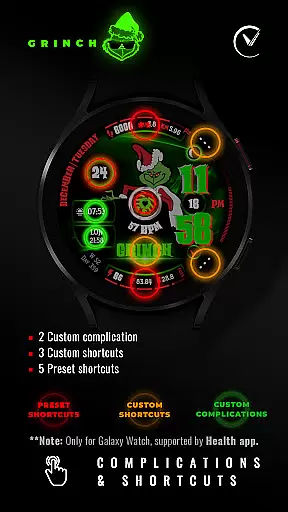
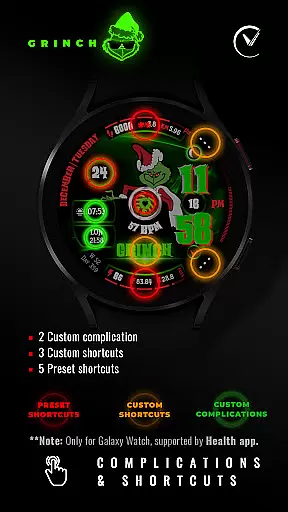
Customization is at the core of GRINCH Christmas Watch Face. Users can choose from eight different colors for the time display, select among six background colors, and configure two custom complications along with three custom shortcuts. This level of personalization allows each user to tailor the watch face to their preferences, ensuring a unique and enjoyable experience every time they check the time.
For GRINCH Christmas Watch Face, seamless companion app integration is crucial to ensure a smooth user experience. Companion apps allow users to customize and control their watch faces directly from their smartphones. This functionality is particularly important for Wear OS devices, as it enables users to adjust settings such as character selection, color schemes, and complications without needing to interact with the watch interface directly.
The GRINCH Christmas Watch Face offers an intuitive companion app that provides access to a wide range of customization options. Users can choose between three Grinch characters, select from eight different colors for the time display, and pick among six background colors. Additionally, the app supports colored customization, allowing users to tailor the appearance of their watch face to match their personal style or festive mood.
By leveraging the capabilities of the companion app, users benefit from enhanced convenience and flexibility. They can easily switch between various AOD modes (Low, Middle, Max), set up custom complications, and configure shortcuts. This level of integration ensures that wearers can enjoy a personalized and engaging experience while maintaining the practicality of essential features like date information, heart rate monitoring, and battery status tracking.
Ensuring broad compatibility across various Wear OS devices is vital for the success of any watch face application. The GRINCH Christmas Watch Face is designed specifically for Wear OS 4+ (API 33+) devices, guaranteeing optimal performance on the latest smartwatch models. By targeting newer versions of the operating system, the application benefits from advanced APIs and improved security protocols, providing users with a reliable and future-proof solution.
This specialized compatibility allows the GRINCH Christmas Watch Face to take full advantage of the hardware capabilities present in modern Wear OS devices. Features such as x-ray animations for the Grinch's black heart, gyro effects, and detailed health metrics like distance tracking and goal progress bars are rendered smoothly and accurately. Moreover, by adhering strictly to Wear OS guidelines, the application ensures consistent behavior and visual fidelity across different devices and screen sizes.
Users looking to enhance their holiday season with a touch of digital festivity will appreciate the meticulous attention to device compatibility. Whether they own a high-end smartwatch or a more budget-friendly model, they can count on the GRINCH Christmas Watch Face to deliver a delightful and trouble-free experience. Should any installation issues arise, dedicated support is available via email, ensuring that every user can enjoy the magic of the season right on their wrist.
Unique Grinch theme
Vibrant animations
Highly customizable
Practical data displays
Festive holiday spirit
Limited to Wear OS
Some features unavailable
Requires permissions
No iOS support
Premium feel
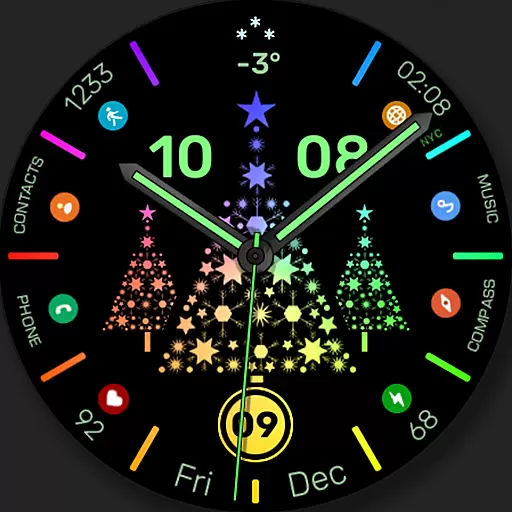
Christmas watch face. For Wear OS devices.
 4.30
4.30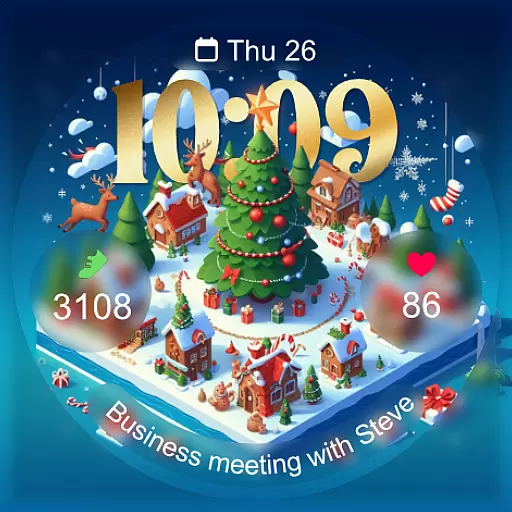
Christmas - Festive - Christmas Village - Winter - Christmas lights
5.00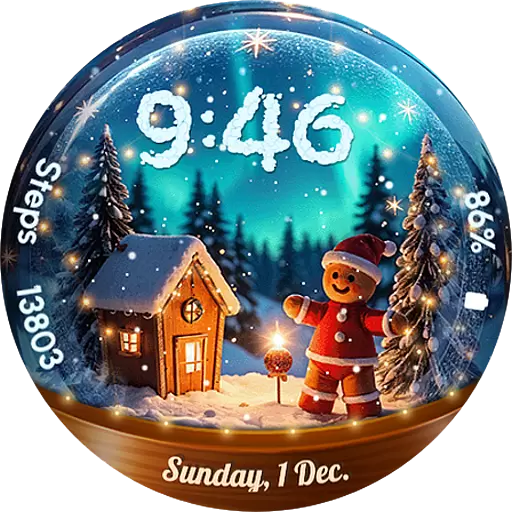
Wear Os Watch Face - Animated Snow Effect & Magic Spark - 6 Scenes
4.10
Watch face for Wear OS.
4.20
Bold, Modern Hybrid Watch Face for Wear OS. 10 Colors, Rich Info Display.
4.30
Reliable phone calls with spam protection, caller ID and more helpful features
4.40
Funny animated watch face for Thanksgiving
4.1
Connect, create, and collaborate with Gmail, part of Google Workspace.
4.10
Control your Samsung Smart TVs, appliances, and SmartThings-compatible devices
4.60
Christmas Theme Watch Face for Wear Os
5.00
Monitor health with the stress test and pulse checker in the heart rate app.
4.60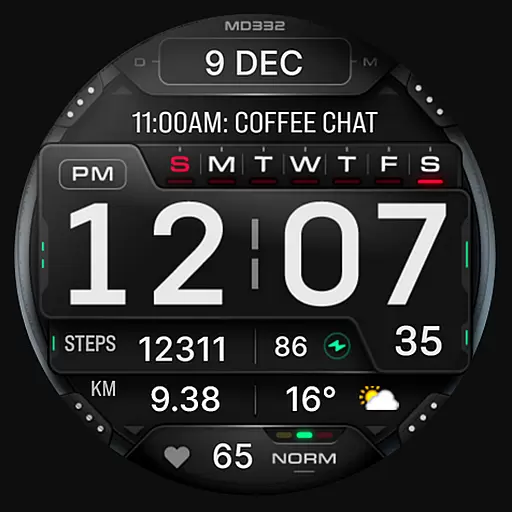
Digital watch face with big numbers and many customization for Wear OS devices
4.40
Calming & relaxing sounds for sleeping and stress relief. Stay focused all day!
4.20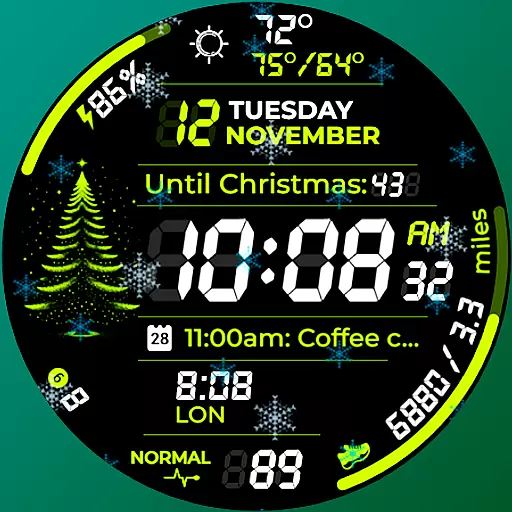
A customizable Christmas watch face for Wear OS with a countdown.
4.20
sleep, alarm, snoring, stress, healing, focus, sound therapy, circadian rhythm
4.10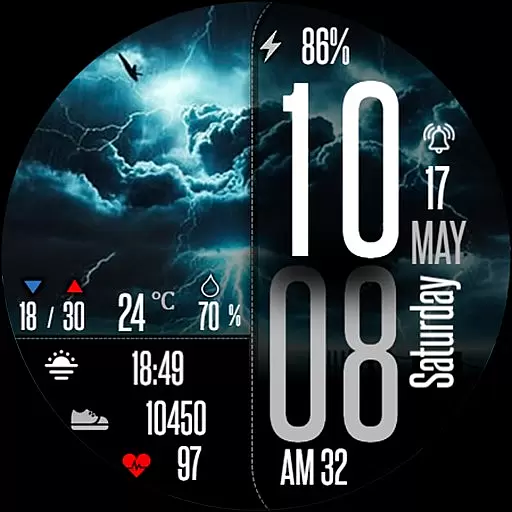
Daily Weather forecast with 15 weather images for Day & Night plus Big Bold time
4.10
Your local weather forecast, storm tracker, radar maps & live weather news
3.40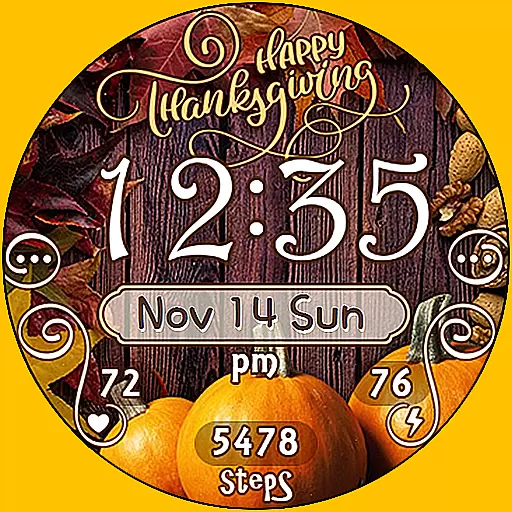
Watch face designed for Thanksgiving Day. 7 Background Styles included.
3.20
A watch face that fuses motorsport precision with contemporary smartwatch design
4.0


User Reviews