
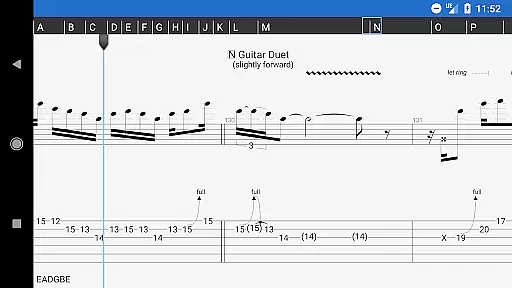
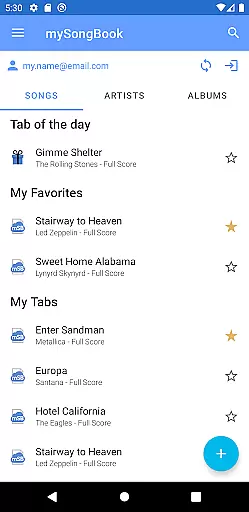
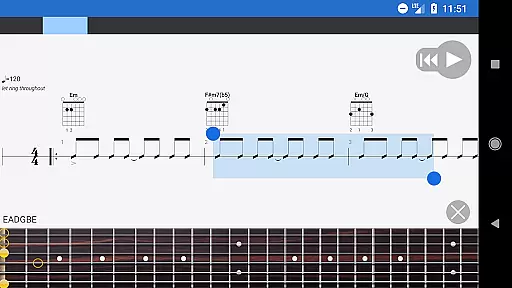
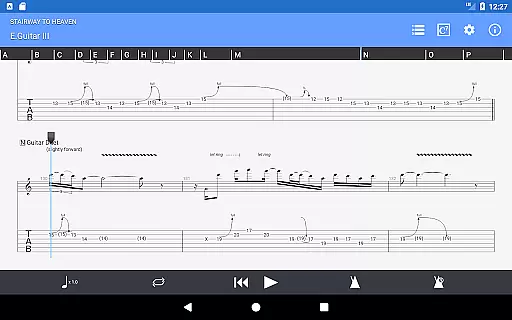
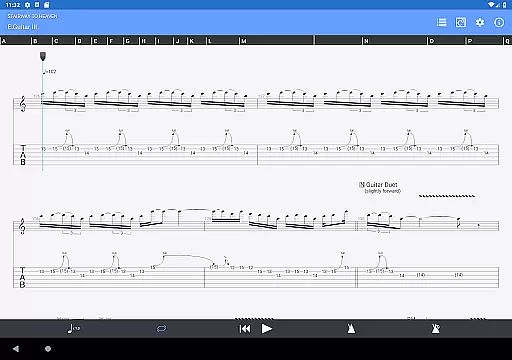
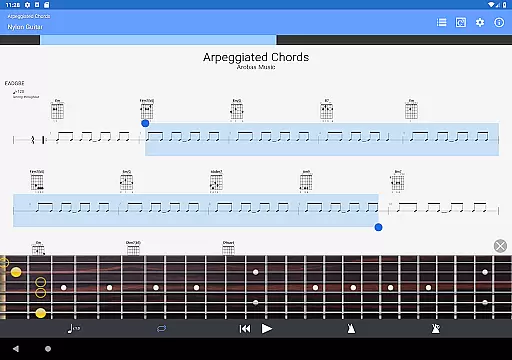
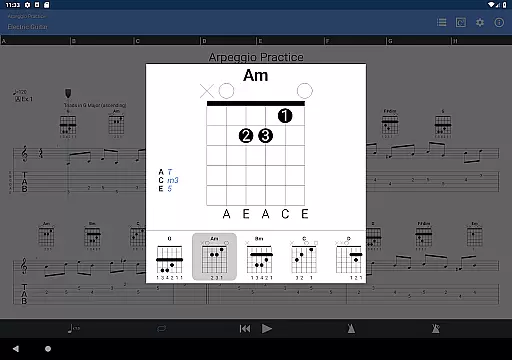
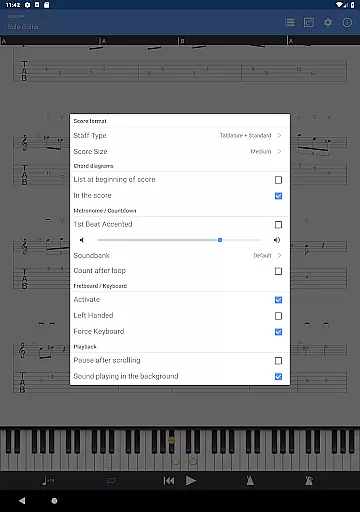
Guitar Pro is a powerful mobile application designed specifically for guitarists and musicians who want to create, edit, and play tablature on the go. The app supports GP3/4/5/6/7/8 file formats, allowing users to load and view complex multi-track compositions with ease. With its integrated sheet-music library, users can search, filter, and save their favorite scores while enjoying advanced playback features such as tempo adjustment, global transposing, and looped sections.
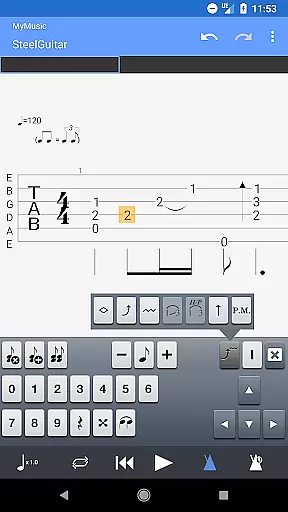
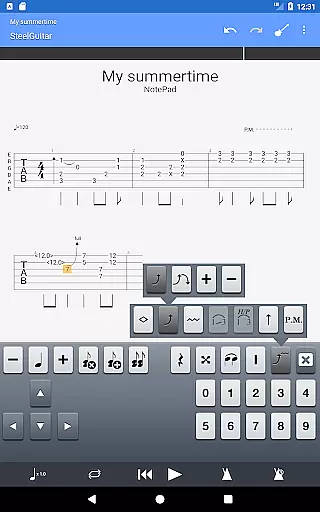
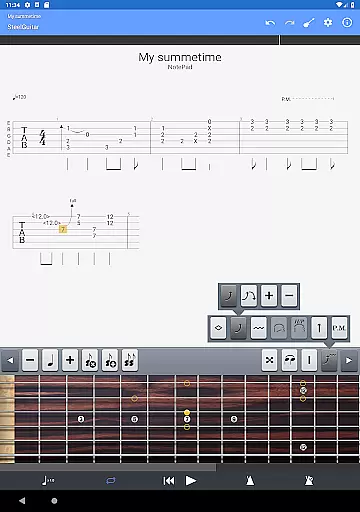
One of the standout features of Guitar Pro is its NotePad tool, which allows musicians to quickly jot down musical ideas in a single-track tablature format. Whether it's an arpeggio, riff, or chord sequence, users can customize tunings and tempos while exporting their creations into Guitar Pro desktop formats for further refinement. This makes it an ideal companion for practice sessions, songwriting, and sharing musical ideas anytime, anywhere.
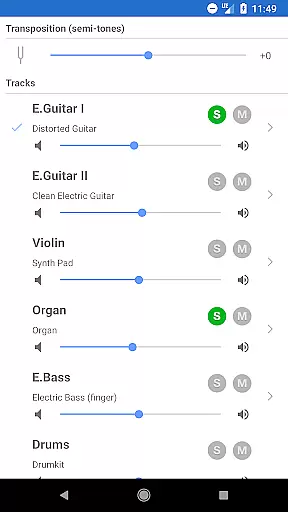
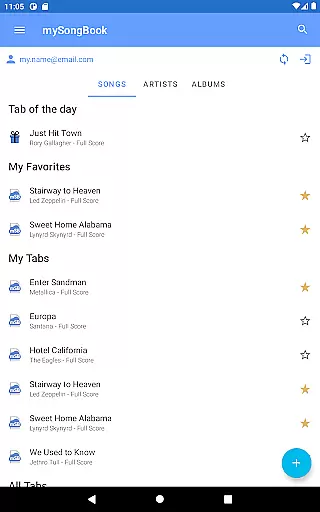
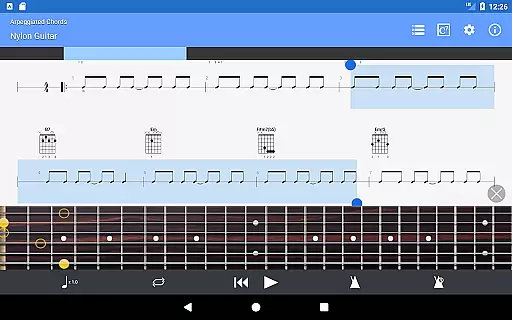
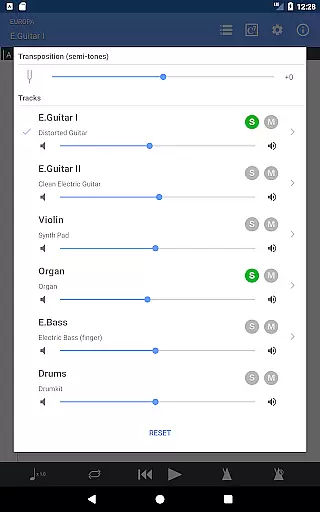
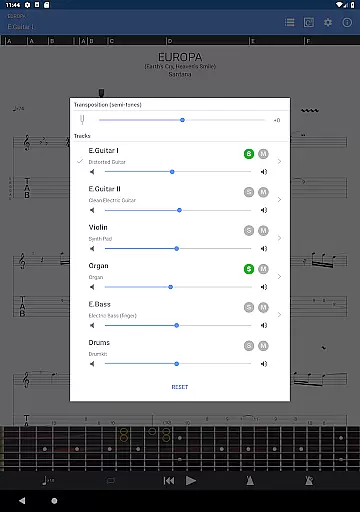
Guitar Pro offers a comprehensive set of features tailored for musicians. The app includes a multitrack player with a soundboard that lets users control volume, apply solo-mute effects, and switch between different soundbanks. Its powerful score player supports tab, slash, and standard notations, making it versatile for various instruments like guitar, bass, banjo, ukulele, and mandolin. Additionally, the app provides compatibility with the mySongBook portal, enabling access to a vast library of sheet music (subscription required).
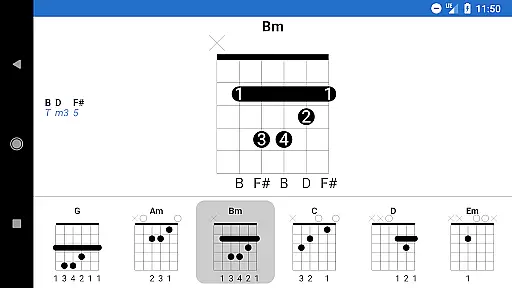
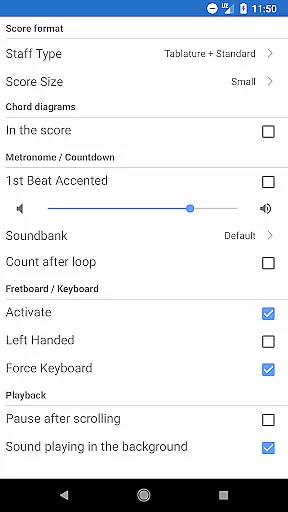
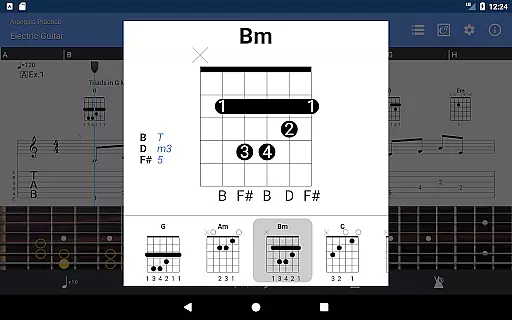
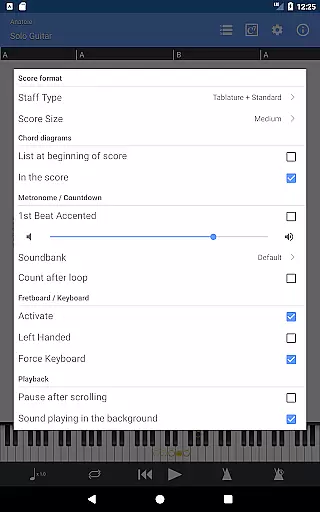
The NotePad tool is another highlight, offering a streamlined way to compose single-track tablatures with up to 8 strings. Users can take advantage of 19 built-in sounds, customizable tuning options, and seamless exporting capabilities to Guitar Pro desktop formats. Other notable features include a metronome, visual countdown, zoom levels, fretboard visualization for both right- and left-handed players, and virtual keyboard support. These tools collectively enhance the user's ability to practice, write, and share music efficiently.
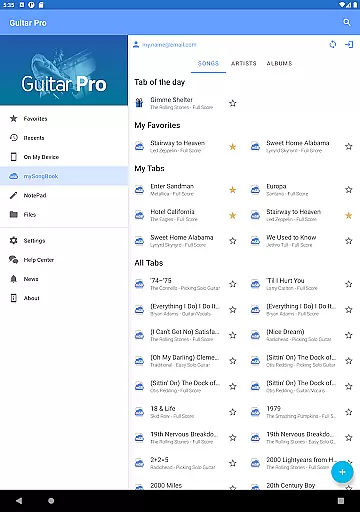
Guitar Pro offers an extensive music library that caters to musicians of all levels. The app supports GP3/4/5/6/7/8 file formats, allowing users to access a wide range of tablature files from the mySongBook portal, although a monthly subscription is required for full access.
With its integrated sheet-music library, users can search, filter, and save their favorite scores. This ensures that musicians have a vast selection of music at their fingertips, ready to be played or practiced anytime, anywhere.
The app guarantees copyright authenticity by enabling users to load official scores directly via WiFi, web browser, and email. This feature provides peace of mind, knowing that the music content they are accessing is legitimate and respects intellectual property rights.
Audio quality in Guitar Pro is enhanced through 19 built-in sounds and customizable tuning and tempo settings. These features allow musicians to tailor their listening experience to their personal preferences or specific practice needs.
The multitrack player with soundboard gives control over volume, solo-mute functions, and soundbanks, ensuring high-quality audio playback. Users can also make on-the-fly tempo and global transposing changes by half-tones, which helps in adapting the audio output to different performance scenarios.
Furthermore, the ability to export compositions into Guitar Pro 6 and 7 formats means that ideas created on mobile can be refined on desktop versions, maintaining consistent audio quality across devices. This seamless transition supports uninterrupted creativity and professional-sounding results.
Intuitive interface
Wide file format support
Excellent playback controls
Integrated NotePad tool
Customizable tuning options
No audio track editing
Limited to single-track tabs
Subscription needed for full features
Occasional bugs reported
Not ideal for complex compositions

Control your MIDI USB or Bluetooth devices in app and avoid some trampling
 3.30
3.30
JBL PartyBox APP works with 110/310/710/120/320/520/Encore/Encore 2/Encore Ess 2
4.80
Enhance the sound quality of your devices, listen to what you want
4.50
Network/Cloud Streaming, Visualization, Graphic Equalizer and Sound Effects.
4.20
Guzheng Master supports many playing techniques as an acoustic Guzheng
4.50
The best music and audio player, with beautiful UI, music search and equalizer.
4.60
Smart piano keyboard, Classical to Pop, Real-time multiplayer connection!
4.20
Help you quickly get started with Shokz headphones
4.40
Offline Music Player&MP3 Player with themes, equalizer, lyrics, music play mode
4.60
Voice recorder - Audio recorder. Best recorder for recording
4.90
Performance-Synthesizer & Multi-Track-Sequencer, polyphonic + multi timbral!
4.70
Over 100 million tracks available for high quality streaming and download
4.60
Super Sound Editor, Song Maker & Mixer, Vocal Remover, Voice Recorder & Changer!
4.60
10-Band Audio Equalizer, Sound / Bass Booster for Spotify Users & Music Players
4.40
Ringtone Maker is free app create ringtone from music files or your recording.
4.40
Bass Booster Pro takes auto-equalizing to the next level!
4.30
Offline and always ad-free - stream in the highest quality available.
4.10
VB-AUDIO Software / VBAN-Receptor allows listening to any VBAN Streams
4.10
The official Sonos app
4.10


User Reviews