
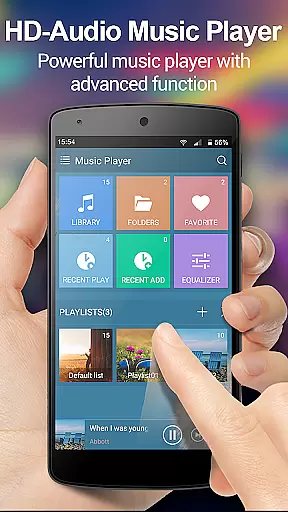
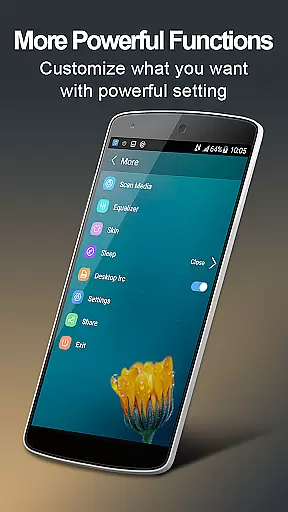
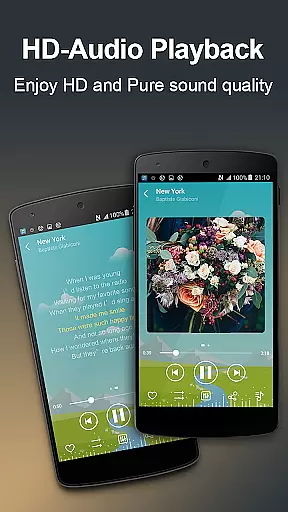
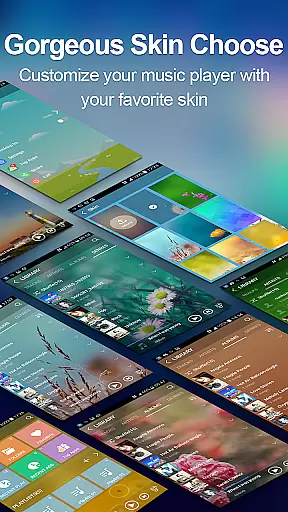
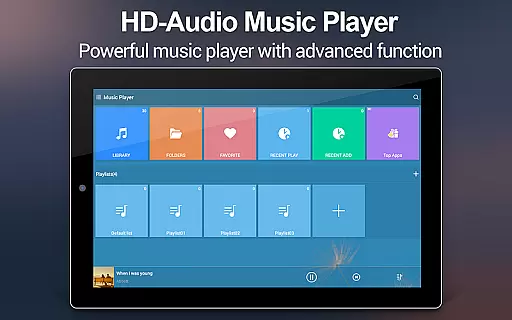
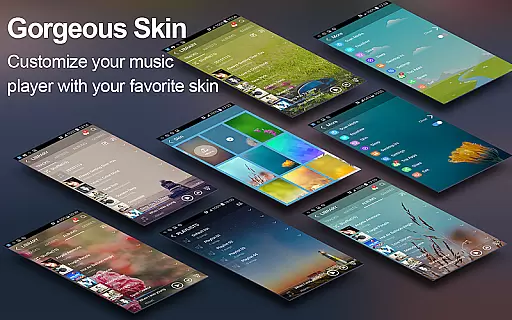
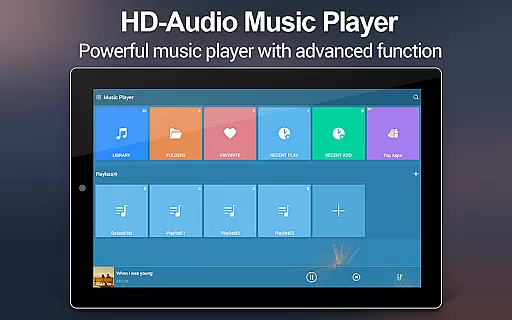
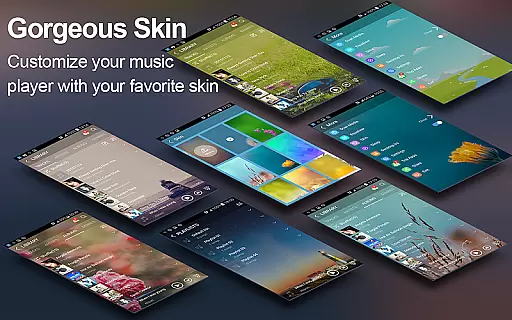
Music Player + is a feature-rich audio management app designed for Android users who demand both functionality and aesthetics. This app stands out with its powerful equalizer that offers an unprecedented sound experience, alongside the ability to search and manage all music files effortlessly. The app supports all audio formats and allows users to customize background skins, creating a personalized listening environment.
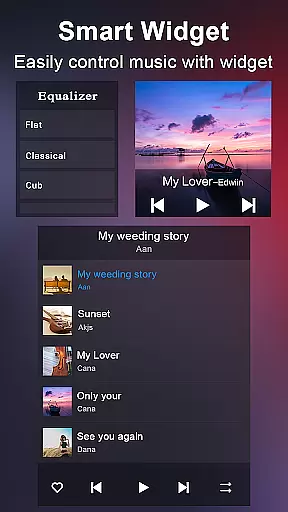
Beyond basic playback, Music Player + provides advanced organizational features such as folder-based navigation and multiple desktop widgets for seamless control. With over 20 stunning background skins and comprehensive library management tools, this app elevates the standard music player experience to new heights. Whether you're commuting or relaxing at home, Music Player + ensures your music is always accessible and sounds better than ever.
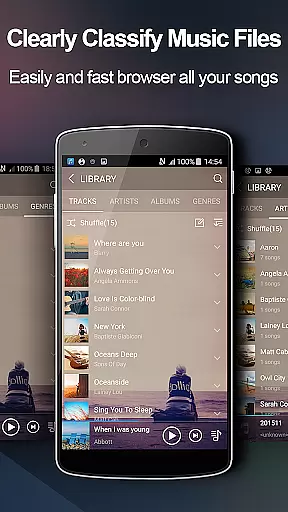
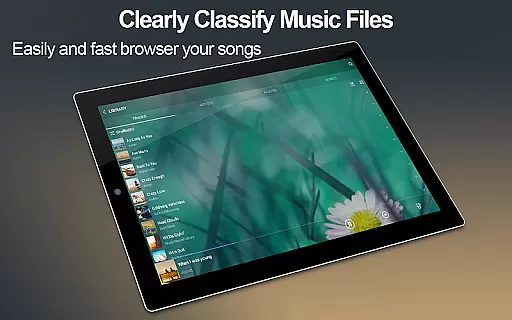
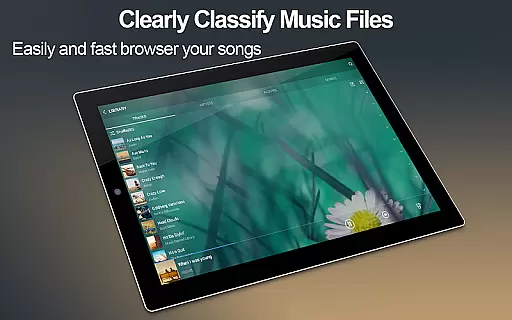
One of the standout aspects of Music Player + is its versatile organizational capabilities. Users can browse their music libraries by albums, artists, genres, playlists, folders, and album artists. The inclusion of automatic lyric scanning and matching adds another layer of engagement, allowing users to sing along with their favorite tracks.
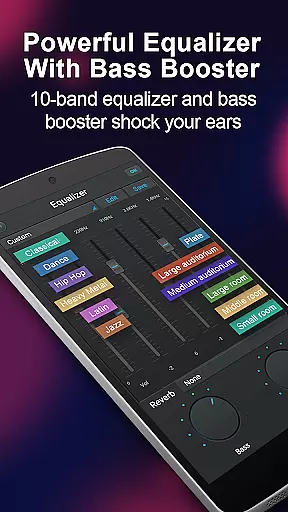
The app also boasts five-band equalizer functionality with eight preset options or manual adjustments for customized sound profiles. Additional features include three types of home screen widgets for quick access, notification status controls, and innovative 'SHAKE IT' functionality to change tracks with a simple phone shake. With support for custom backgrounds, song detail editing, and both headset and Bluetooth controls, Music Player + delivers a complete package for discerning audiophiles.
When it comes to digital music players, the size and authenticity of the music library are crucial factors for users who want access to a vast array of legal music. Music Player + boasts an extensive music library that allows users to browse and play their music by albums, artists, genres, songs, playlists, folders, and album artists.
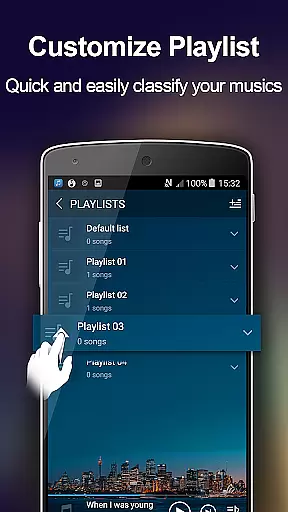
This application supports all music and audio file formats, ensuring that users can enjoy their entire collection without compatibility issues. The app's powerful search functionality makes finding music effortless, while its custom playlist feature enables personalized listening experiences.
Moreover, Music Player + emphasizes copyright authenticity, providing users with peace of mind knowing they are accessing music legally. With automatic lyric scanning and matching, listeners can sing along to their favorite tunes, assured that the content is both accurate and authorized.
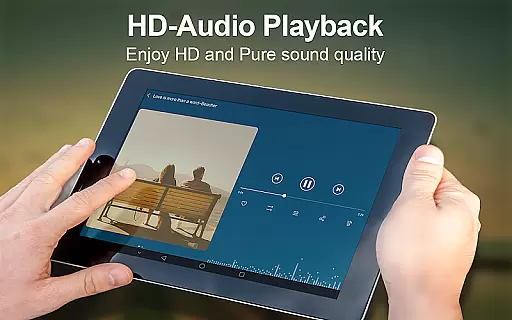
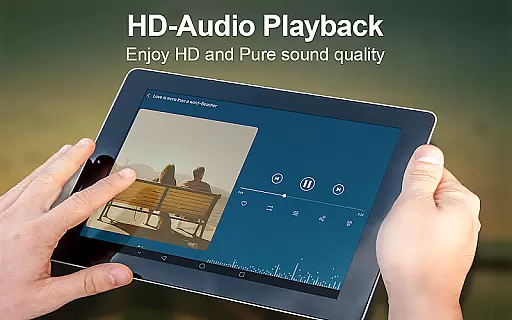
Audio quality is paramount for audiophiles and casual listeners alike. Music Player + offers superior audio quality options, including a five-band equalizer with eight types of preset music tones. Users can choose from these presets or manually adjust the equalizer to tailor their sound experience precisely to their liking.
The unique equalizer ensures that music sounds richer and more dynamic than ever before. Whether you prefer deep bass or crystal-clear highs, this app provides the tools necessary to fine-tune your audio output.
In addition to customizable equalizer settings, Music Player + features high-quality background skins that not only enhance visual appeal but also contribute to an immersive auditory experience. These aesthetic enhancements ensure that the overall presentation matches the premium sound quality provided by the app.
User-friendly interface
Comprehensive file format support
Advanced equalizer settings
Customizable appearance options
Intuitive music library management
Limited iOS compatibility
Occasional performance lags
No cloud integration
Heavy on system resources
Complex for beginners

 4.70
4.70
Formerly known as Spotistats! View your top tracks, artists, albums and more!
4.40
Permanently backup Now Playing. Maps, filters & listening stats.
4.00
Bass Booster Pro takes auto-equalizing to the next level!
4.30
AI Music Maker: Generate And Compose AI Tunes & AI Songs & AI Music & AI Melody!
4.60
Listen radio AM / FM Stations. Live AM / FM Radio App Station. Radio Com.
4.70
Enjoy singing any song, no matter how high or low it is
4.30
Uninterrupted Tunes, Unmatched Vibes
3.90
Listen to offline music and sounds from all categories
4.70
Your song collections with lyrics and chords on Android smartphones and tablets.
4.80
Simple & Intuitive Metronome
4.70
SqueezePlayer turns your Android phone or tablet into a SqueezeBox on its own!
4.60
Guzheng Master supports many playing techniques as an acoustic Guzheng
4.50
10-Band Audio Equalizer, Sound / Bass Booster for Spotify Users & Music Players
4.40
Time Trainer: accurate metronome w tools to help you develop your internal time!
4.20
The alternative folder based music player.
4.20
No wifi music app. Mp3 offline. Tuner radio, young radio music. Music downloader
4.20
Turn your Android phone into a professional audio analyser with up to 120 bands.
4.00
The ultimate media player for Android devices
3.90


User Reviews