
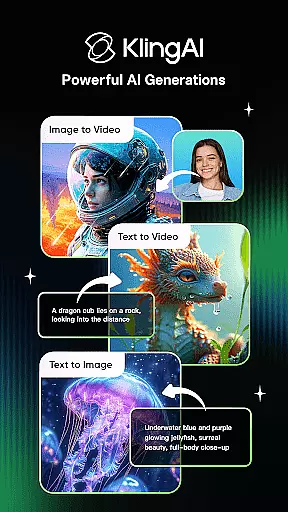
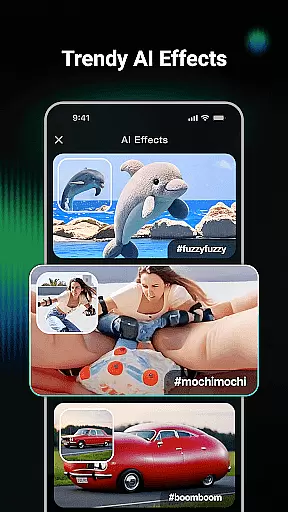
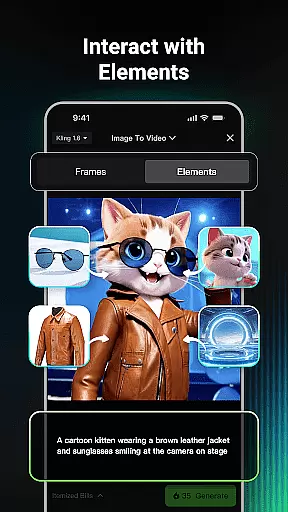
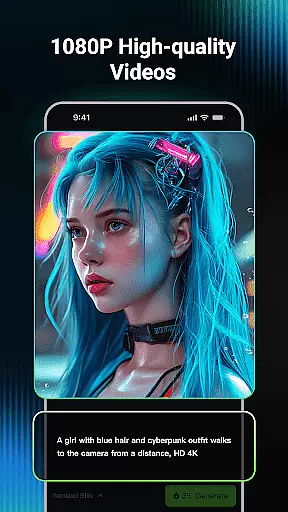
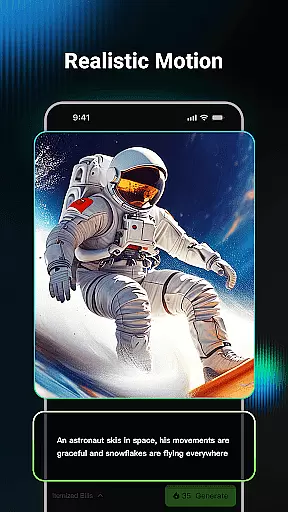
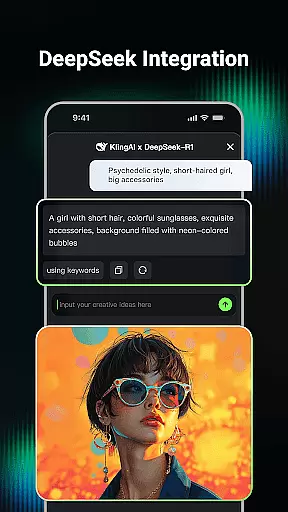
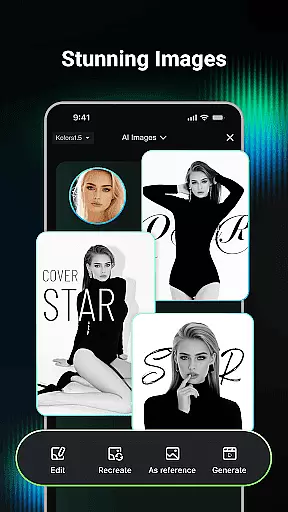
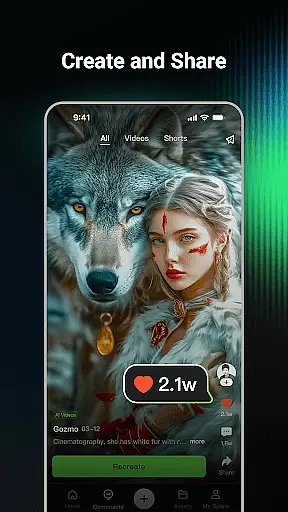
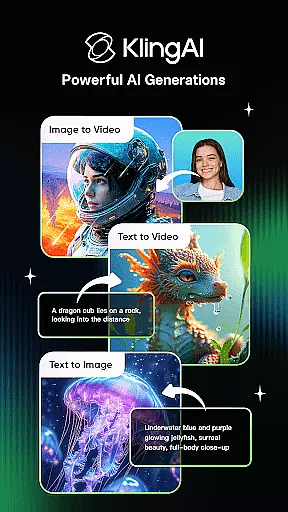
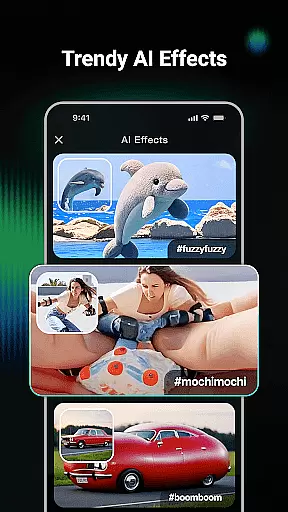
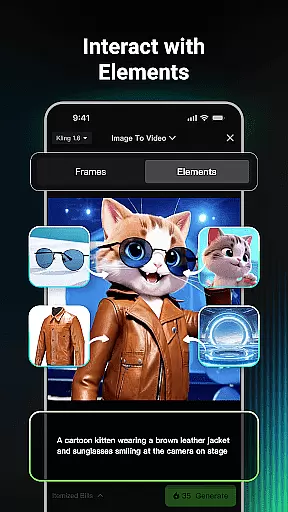
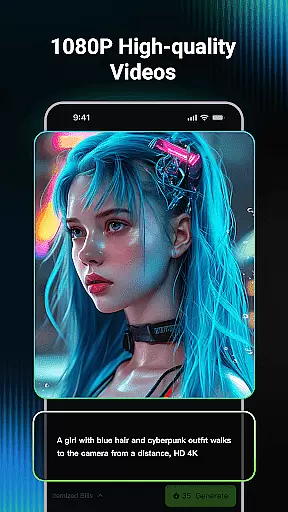
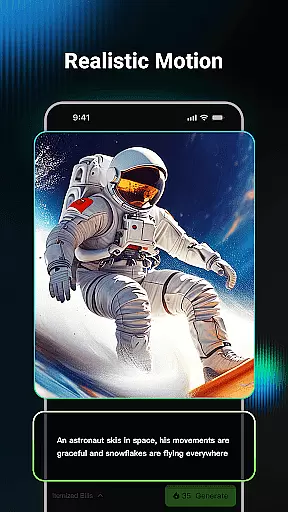
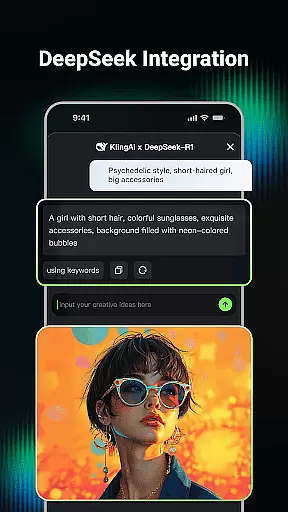
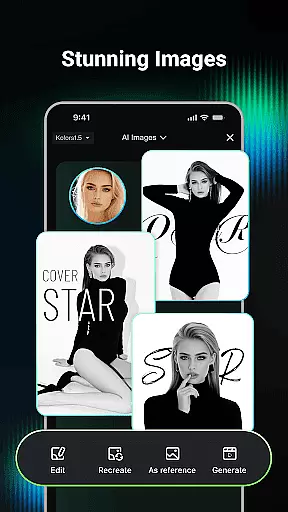
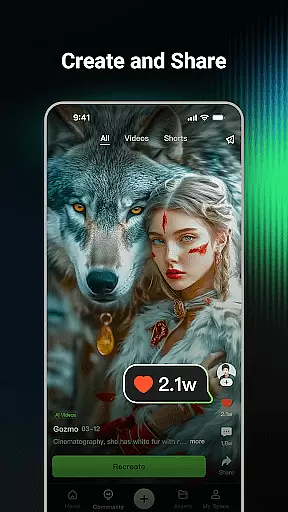
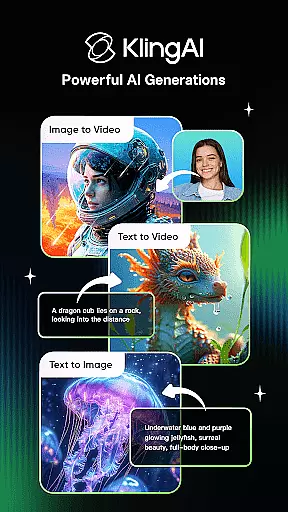
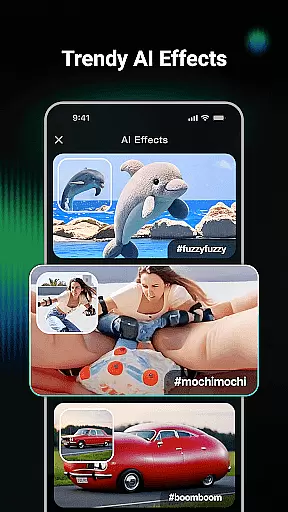
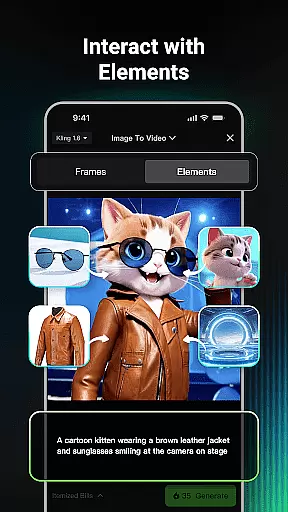
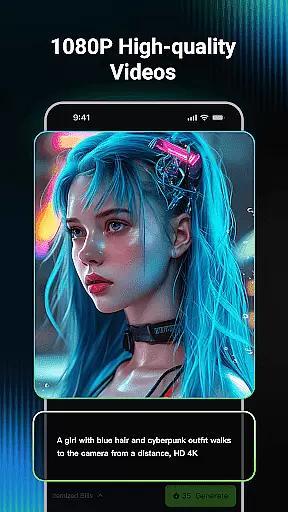
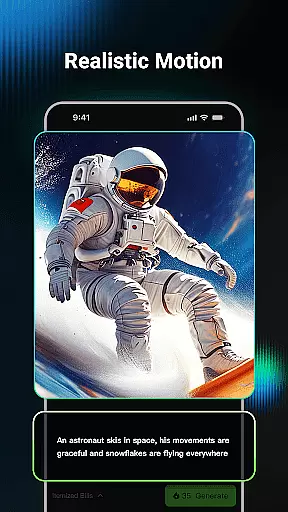
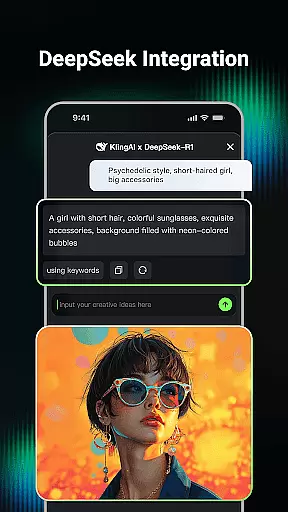
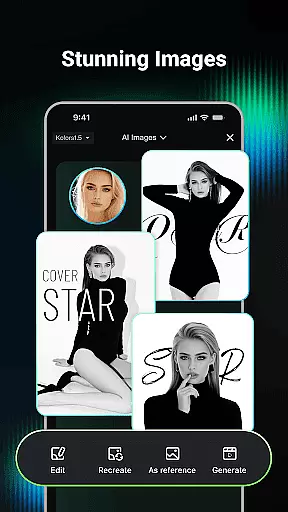
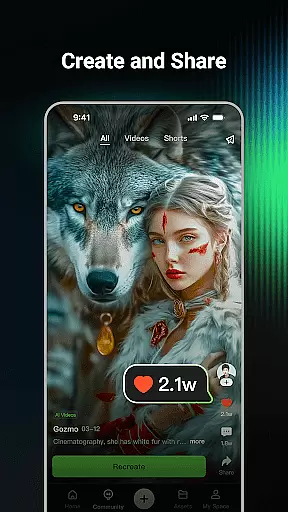
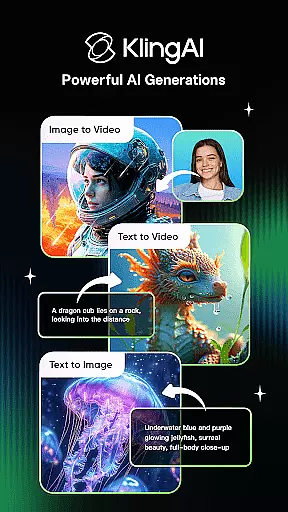
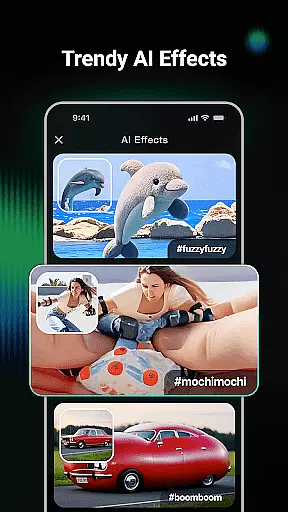
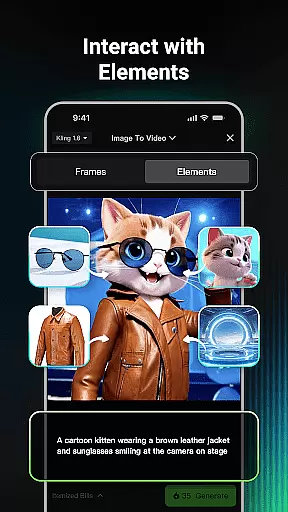
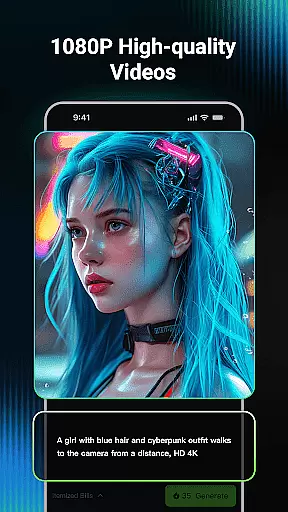
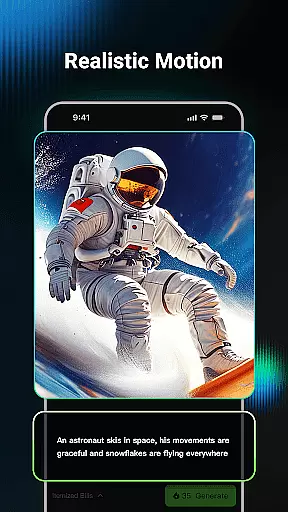
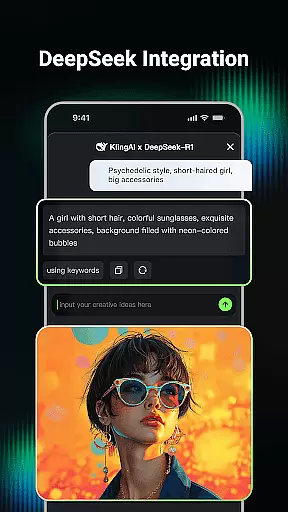
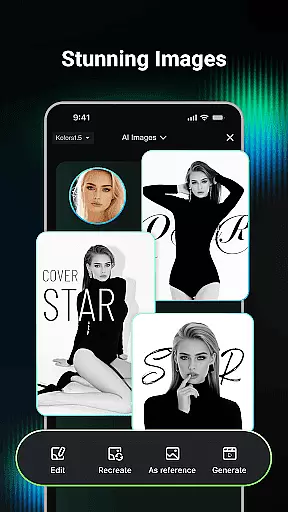
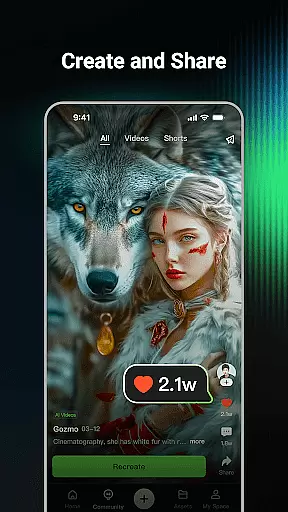
Kling AI is a cutting-edge creative studio powered by advanced AI models, designed for creators seeking innovative video and image generation tools. With its robust Kling and Kolors large models, the app supports high-quality Text-to-Video, Image-to-Video, Text-to-Image, and Image-to-Image generation. Users can produce professional-grade content in resolutions up to 1080P and extend videos up to 3 minutes long.
Beyond individual creation, Kling AI fosters a collaborative community where users can browse inspiring works, clone projects, and experiment with shared ideas. Whether you're an artist, marketer, or hobbyist, this platform empowers you to bring your creative visions to life efficiently and effectively.
Kling AI stands out with its versatile generative capabilities tailored for both video and image production. The AI video generation feature allows users to create dynamic videos from simple text prompts or images, offering customizable styles and extended durations for storytelling. Its AI image generation tool transforms textual descriptions or reference images into visually stunning graphics across various dimensions and artistic styles.
The app's Clone & Try functionality enables seamless replication of community-shared projects, letting users experiment with popular ideas. Additionally, the built-in creator community serves as a hub for inspiration and collaboration, connecting users with renowned AI creators to exchange techniques and spark innovation. These features collectively make Kling AI a comprehensive toolkit for modern digital creators.
In the realm of digital creativity, having a comprehensive suite of tools is paramount. Kling AI stands out by offering an extensive array of features that cater to both video and image generation. The application supports Text-to-Video, Image-to-Video, Text-to-Image, and Image-to-Image generation, making it a versatile choice for creators.
Users can input simple text prompts or upload images to generate high-quality videos and images in various styles and dimensions. This flexibility ensures that whether you're looking to create professional-grade videos up to 1080P resolution or unique artistic images, Kling AI has got you covered.
The inclusion of advanced models like Kling and Kolors enhances the creative process, allowing users to push the boundaries of their imagination. With these powerful tools at your disposal, bringing your ideas to life becomes not only feasible but also enjoyable and inspiring.
Flexibility in canvas and format options is crucial for creative freedom. Kling AI excels in this area by providing users with the ability to generate content in multiple dimensions and styles. Whether you need a vertical video for social media or a wide-format image for a digital banner, the app accommodates various project requirements.
Moreover, the app's capability to convert images into videos effortlessly with just a single click adds another layer of convenience. This feature is particularly beneficial for creators who wish to repurpose their existing content into different formats without starting from scratch.
By supporting diverse output formats and resolutions, Kling AI empowers users to tailor their creations precisely to their needs. This adaptability not only saves time but also enhances the overall creative workflow, making it easier to produce content that meets specific platform guidelines or personal preferences.
Advanced AI models
High-quality outputs
Versatile content formats
Active creator community
Innovative cloning feature
Steep learning curve
Limited free usage
Subscription costs
Resource-intensive
Occasional bugs

Customizable Outlined Fonts. Watch Face Format. Battery friendly Digital Clock.
 4.20
4.20
Text to Image, Image to Video & AI Chat
4.20
Draw on screen: FP sDraw is a simple and lightweight drawing app
4.70
Photo blender app to create overlay photos & double exposure.
4.40
Draw anime easily with AR guidance, sketch templates & trace tools!
3.10
Mobile pixel art editor. Simple. Fast. Portable.
4.80
Android 14 style widgets and wallpapers app.
4.0
Video AI: Revolutionize Your Content Creation with Advanced Video Generation
4.50
Explore future self face age filter & remove background image for a unique look.
3.50
See Color, Paint Color
4.90
Create stunning art with AI.
4.80
Get an overview over all your embroidery threads, projects and more.
4.60
Everything you need to create hand drawn animation, anywhere you go!
4.40
Just trace a projected picture on paper and color! Draw & Paint with AR drawing
4.40
Remove Background, Magic Eraser, Photo Enhancer, Story Templates, Collage Maker
4.30
Digital Drawing: Draw & Paint
4.10
Create cute cat emojis & PFPs! Fun, custom avatars for cat lovers.
3.70
Create trending AI photos & videos with powerful effects and 3D styles.
3.20
Retouch photos. Create or edit images. Endless capabilities.
2.70


User Reviews