
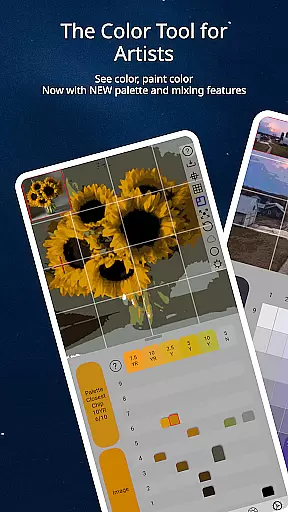
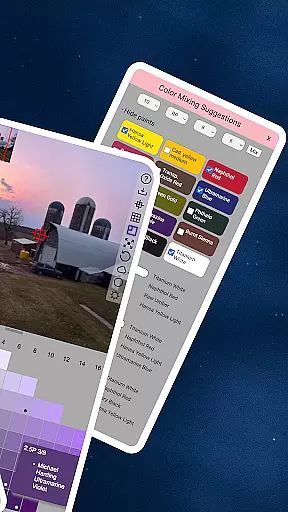
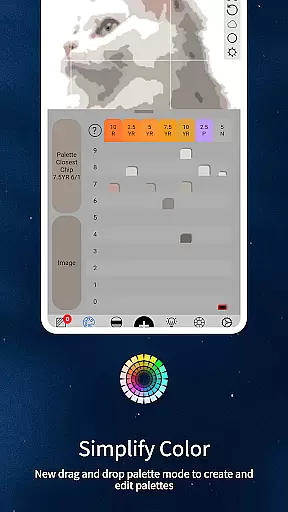
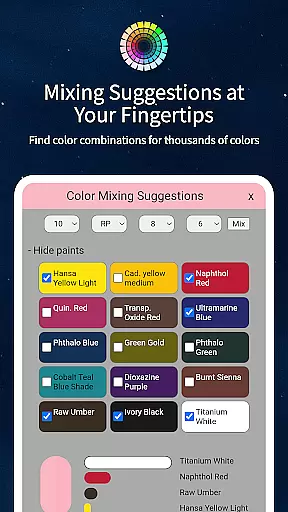
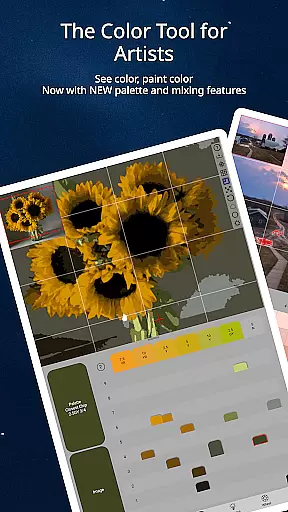
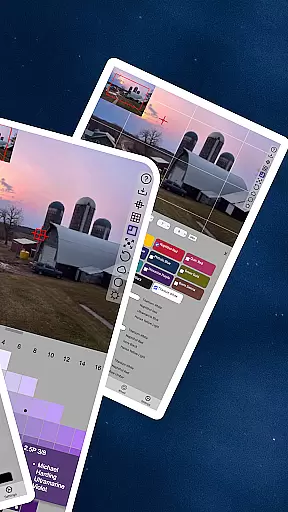
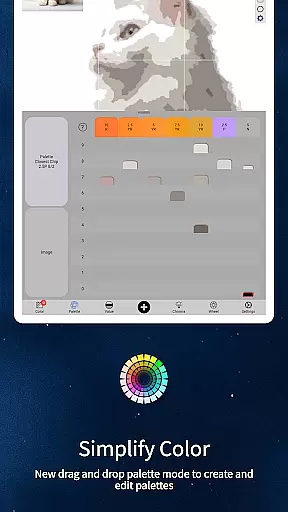
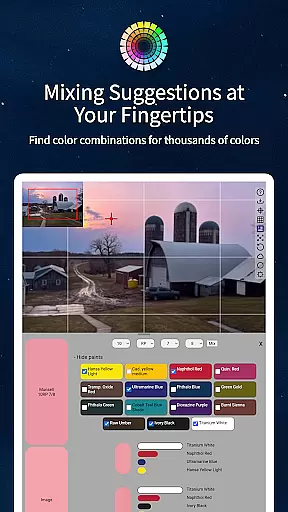
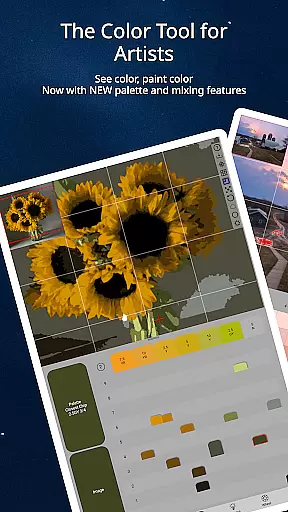
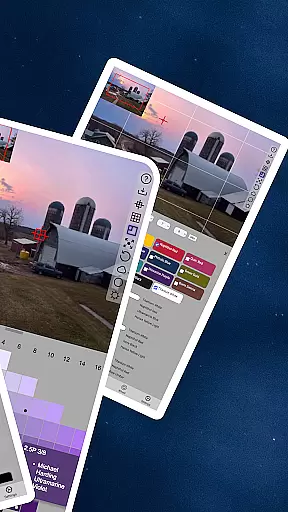
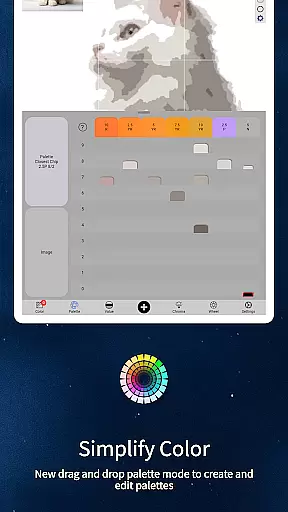
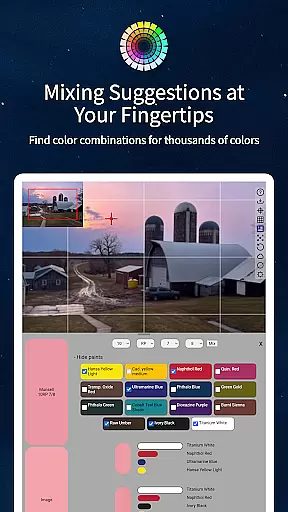
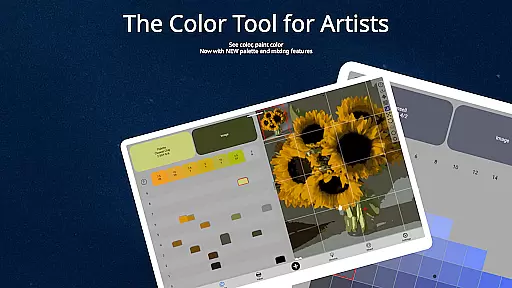
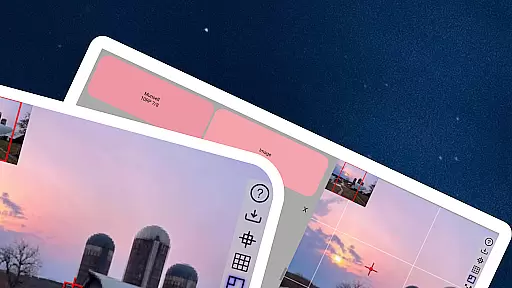
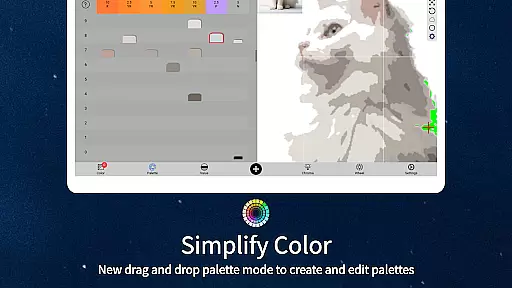
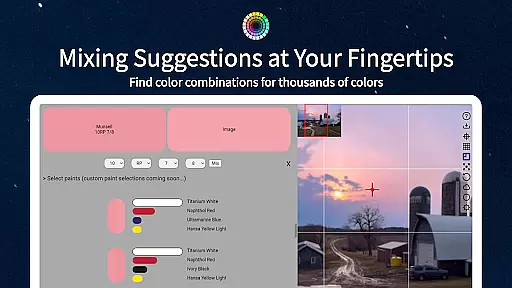
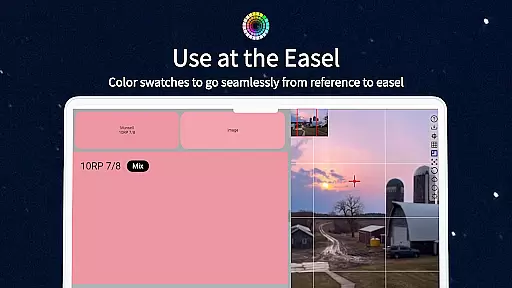
ChromaMagic is an innovative color analysis tool designed specifically for artists. This application allows users to load any photo or reference image and instantly identify the exact color properties using the Munsell color system. The app provides detailed breakdowns of hue, value, and chroma, enabling artists to understand and replicate colors more accurately in their work.
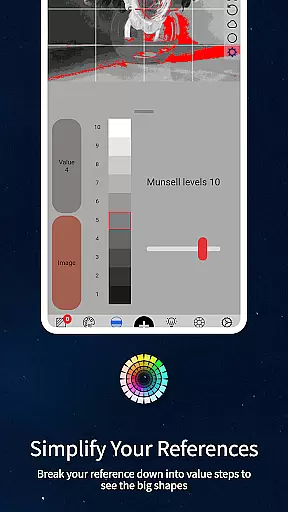
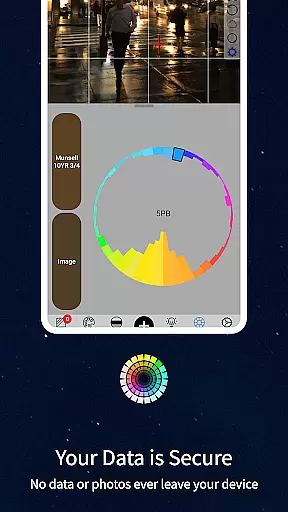
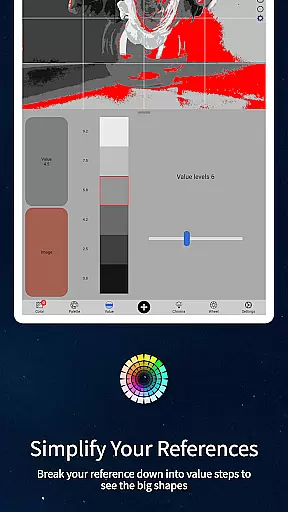
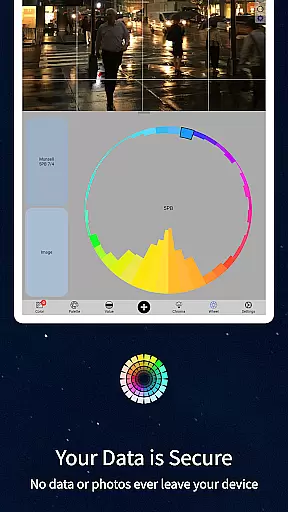
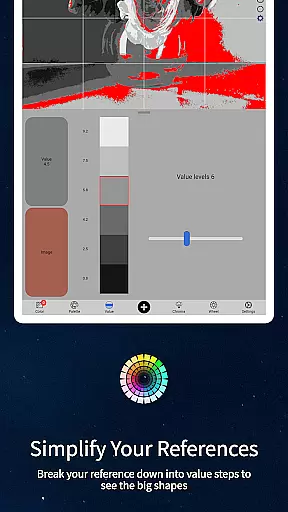
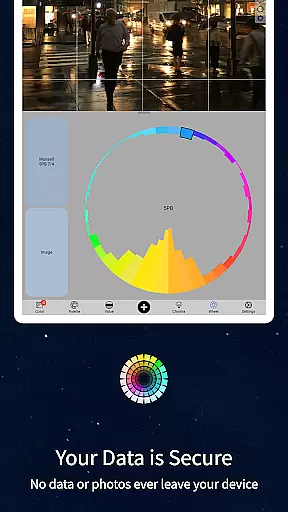
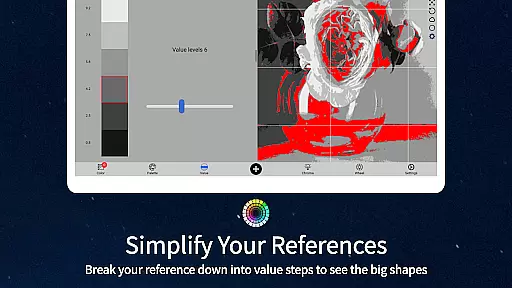
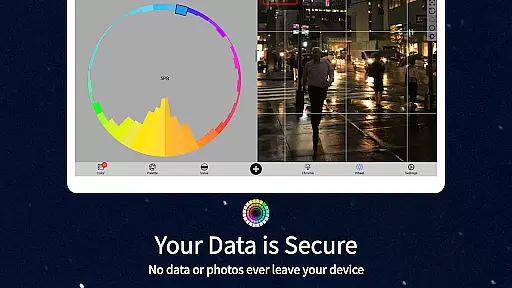
Beyond basic color identification, ChromaMagic offers four additional viewing modes that help artists analyze their references more effectively. These include value mode for identifying major shapes, grayscale mode for precise value judgment, chroma display for saturation levels, and color wheel distribution for comprehensive palette planning. The application works seamlessly on both Android phones and tablets, making it a versatile companion for artists working in various environments.
The app's intuitive interface features buttery-smooth zoomable and pannable images, while its offline functionality allows artists to use it anywhere, even without internet connection. ChromaMagic also includes practical tools like multi-pixel averaging and direct links to hundreds of professional-grade oil paints, making it an indispensable tool for painters seeking to improve their color accuracy and artistic workflow.
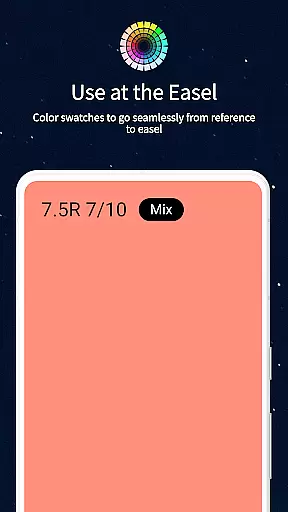
ChromaMagic stands out with its comprehensive set of features tailored for professional artists. The core functionality revolves around the Munsell color system, providing precise measurements of hue, value, and chroma for any selected color point. This scientific approach to color analysis helps artists develop a deeper understanding of color relationships and mixing principles.
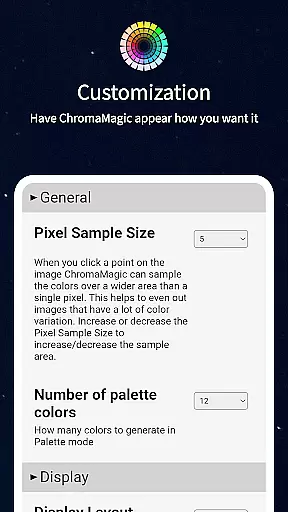
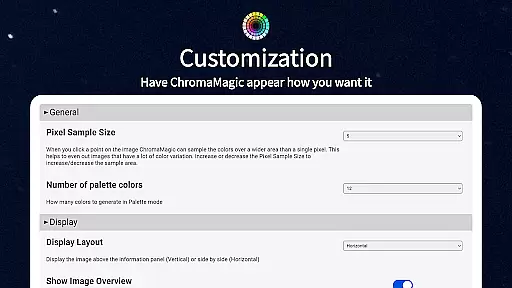
The application includes several specialized viewing modes that enhance artistic decision-making. Value mode simplifies complex images into distinct tonal regions, while grayscale mode enables accurate value comparisons. The chroma display reveals surprising saturation information, and the color wheel visualization helps artists plan harmonious palettes. Additional features include drag-and-drop file loading, customizable pixel averaging up to 2500 pixels, and integrated paint recommendations from top manufacturers.
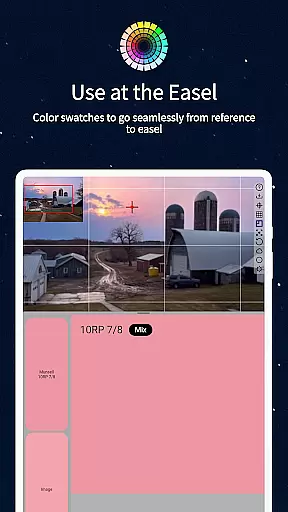
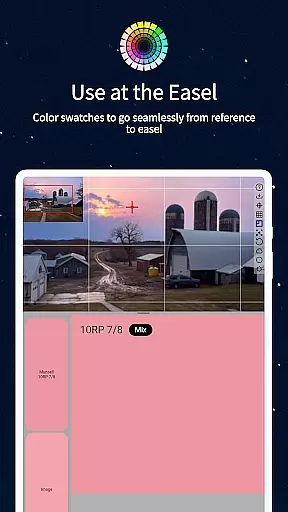
Practical usability is enhanced through thoughtful design elements such as smooth zooming capabilities, offline functionality for field work, and calibration tools for accurate color matching. The inclusion of mixing swatches and precise measurement tools makes ChromaMagic particularly valuable for studio work, where exact color replication is crucial for professional results.
In the realm of digital artistry, having a comprehensive suite of creative tools is paramount. ChromaMagic rises to this occasion by offering artists an all-encompassing color analysis solution. The app transcends traditional color wheels and primary color schemes, introducing users to the sophisticated world of hue, value, and chroma through the Munsell color system.
ChromaMagic's capabilities extend beyond just identifying colors. It provides five distinct modes tailored to refine an artist's perception and application of color. Whether it's discerning major value shapes with Value mode or simplifying references to grayscale for nuanced shading, each feature is engineered to enhance artistic insight.
The true power of ChromaMagic lies in its practicality; artists can now load any photo or reference image to instantly understand its color composition. This empowers them to mix paints accurately and make informed decisions about color distribution across their palette.
Flexibility in canvas and format options is essential for artists who demand adaptability from their tools. ChromaMagic delivers on this front with a user-friendly interface that supports buttery smooth zooming and panning of images. This ensures that no matter the size or detail level of your work, you can navigate your project effortlessly.
Moreover, ChromaMagic breaks free from the constraints of location-specific usage by not requiring Wi-Fi connectivity. Artists are now able to utilize the app anywhereu2014from studio easels to mountain vistasu2014making it an indispensable companion for capturing inspiration whenever it strikes.
To accommodate diverse artistic workflows, ChromaMagic allows for drag-and-drop functionality on desktop platforms while also being fully operational on Android devices. With these versatile formatting options at hand, artists can seamlessly integrate ChromaMagic into their creative process regardless of their preferred medium or working environment.
Accurate color analysis
Multiple viewing modes
Offline functionality
User-friendly interface
Professional paint database
Steep learning curve
High system requirements
Limited free features
No iOS version
Occasional bugs

Image/ Text to Video Generator
 4.40
4.40
Logo Generator powered by AI: Create stunning logos effortlessly!
4.70
Your Essential Color Theory Guide: Red, Yellow, Blue (RYB)
4.0
Draw anime easily with AR guidance, sketch templates & trace tools!
3.10
AI Art Generator transforms your words into AI generated art & paintings.
3.70
Painting, drawing, & sketching
4.50
Draw, make movies & animate cartoons easily with our 2D animation maker app
4.40
Multiplayer Drawing game, Coloring, Painting・Sketch, Handwriting・Paint, draw
4.30
AI-powered photo & video creation—fast, fun, and effortless with Quick Actions
4.60
Photo stitcher for automatically screenshot stitching into a long screenshot
4.70
Digital, Abstract, Classic - all types of color wheels in one app!
4.60
Image resizer to resize, crop, rotate, flip, change dpi photo or picture in bulk
4.60
Discover Cartoon Dream : Unleash Your Creativity with CuttingEdge AI
4.50
Text to Image, Image to Video & AI Chat
4.20
Sketch, trace and master AR drawing with awesome anime art!
3.30
Inky runs Inkscape on Android devices and Chromebooks
2.90
Premium version of Shimeji-ee app with no ads & no limit active shimeji
4.2
Download now for a stylish and functional timepiece
4.2
Art of Combination Wear OS Watch Faces
4.4


User Reviews