
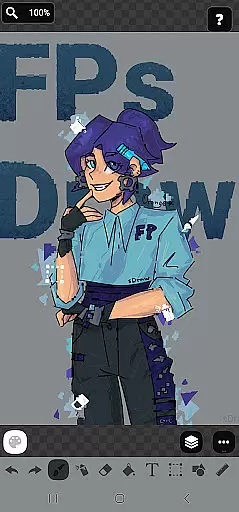
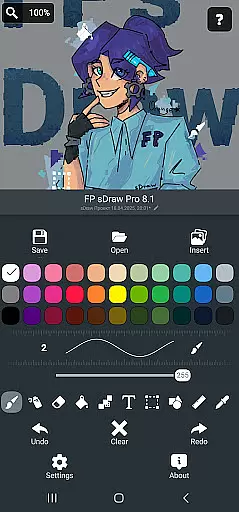
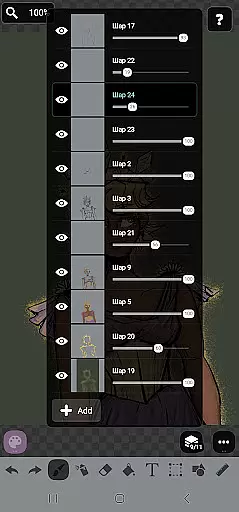
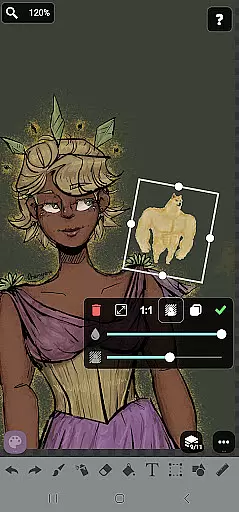
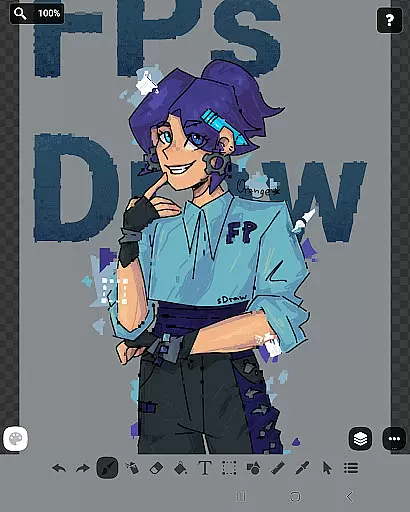
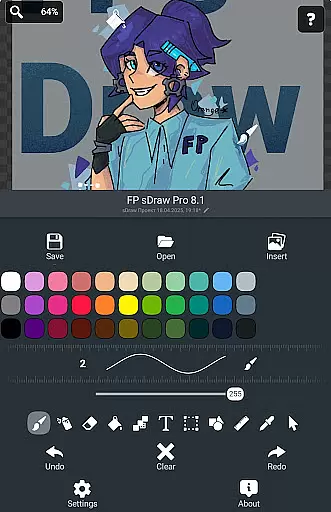
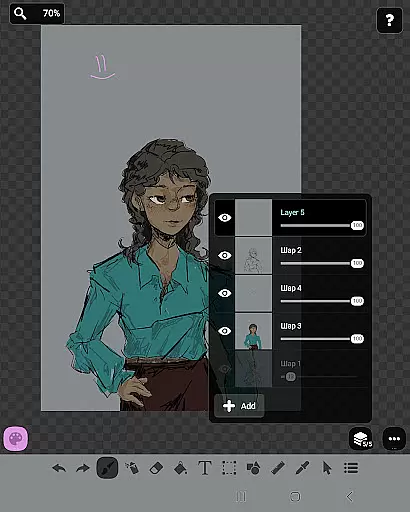
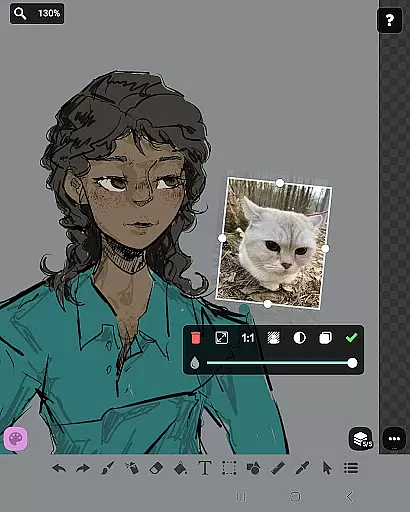
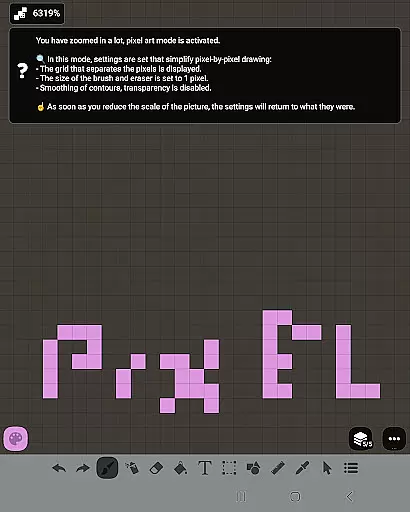
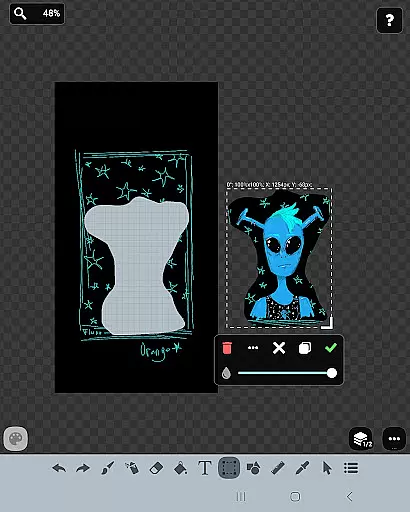
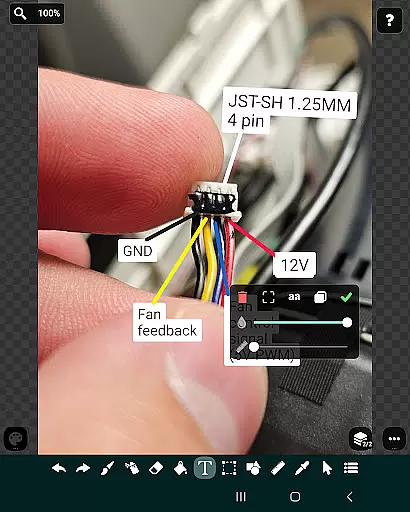
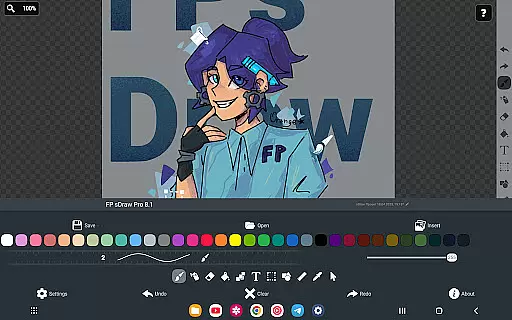
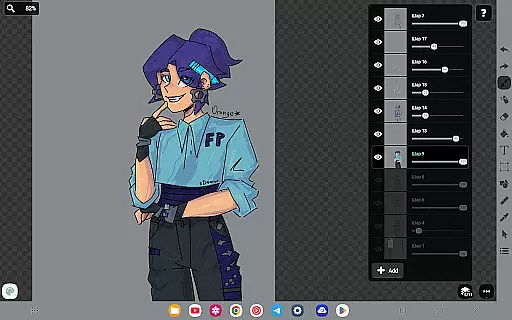
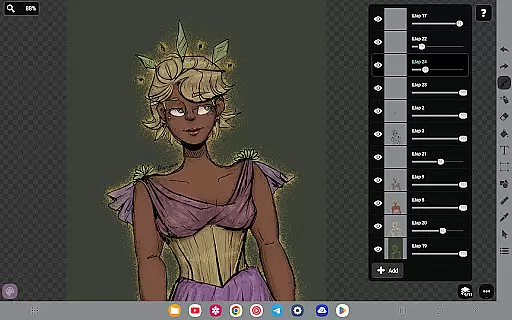
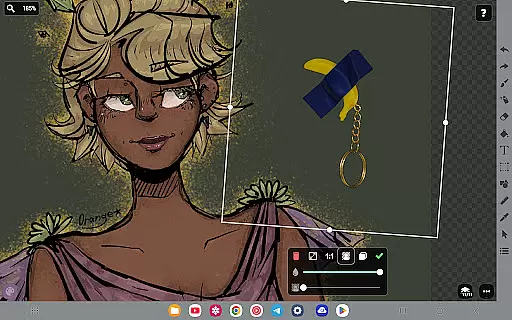
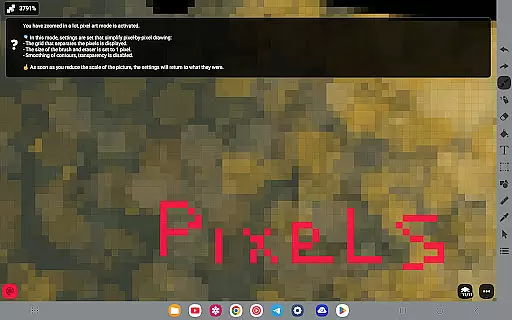
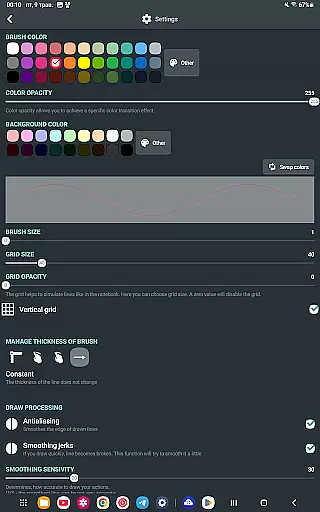
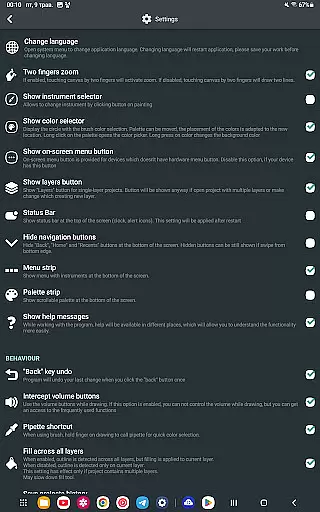
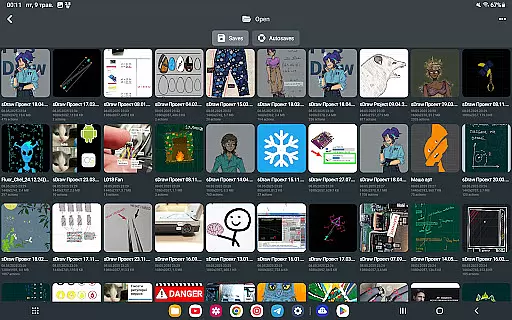
FP sDraw Pro is a streamlined drawing application tailored for users seeking simplicity and efficiency in their creative tasks. This app provides essential drawing tools without the distraction of ads or unnecessary features, making it ideal for quick sketches, annotations, and creative experiments. With support for layers, text, shapes, and more, it caters to both casual doodlers and those needing precise drawing capabilities.
The app's lightweight design ensures it runs smoothly even on older devices, while its customizable interface and stylus support offer flexibility for various workflows. Automatic backups and seamless compatibility between free and pro versions make FP sDraw Pro a reliable choice for anyone needing a no-frills drawing solution that's always ready to use.
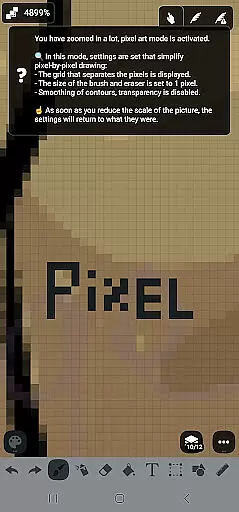
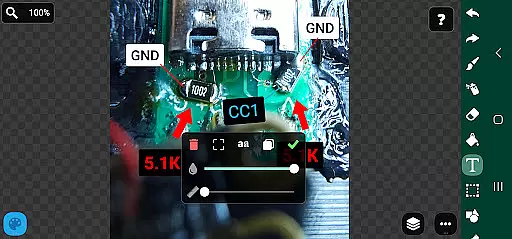
FP sDraw Pro stands out with its comprehensive yet straightforward feature set designed to enhance the drawing experience. The app includes layer management, brush and eraser tools, airbrush effects, text insertion, and shape creation, allowing users to produce detailed artwork or simple sketches with ease. Its precision tools like the ruler, eyedropper, and mosaic effect enable accurate edits and creative enhancements.
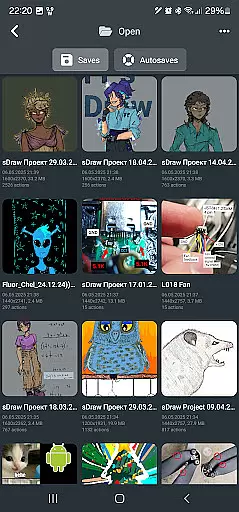
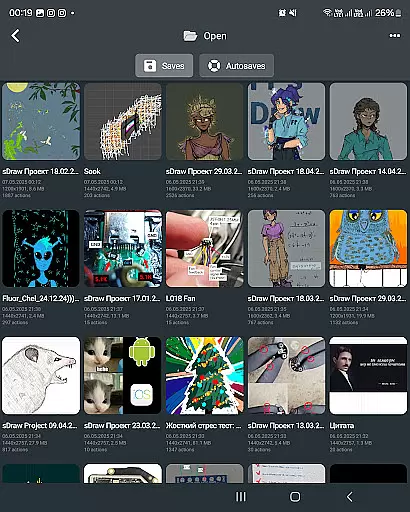
Additional notable features include automatic project backups, gallery imports, and customizable UI elements. The pro version offers bonus perks such as removing the 'sDraw' label from saved images and eliminating upgrade reminders. These features, combined with its less-than-1MB size and instant startup, ensure FP sDraw Pro delivers professional-grade functionality without compromising device performance or user convenience.
In the realm of digital art, having a comprehensive set of creative tools is essential for artists to fully express their visions. FP sDraw Pro stands out by offering an extensive array of drawing instruments that cater to both amateur doodlers and professional designers alike.
From basic brushes and erasers to advanced features like layers, airbrush effects, text insertion, and shape tools, this application ensures that every artistic need is met. The inclusion of a ruler, eyedropper, mosaic effect, and precision brush further expands its utility, allowing users to experiment with different styles and techniques without limitation.
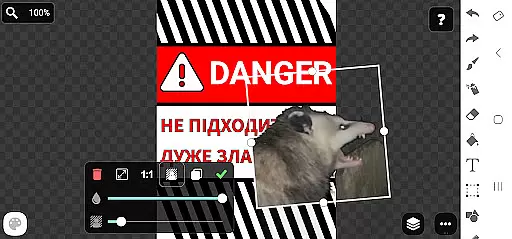
The true value of FP sDraw Pro lies in its ability to transform simple ideas into complex artworks. Users can sketch diagrams or notes, highlight images, create memes, and even customize button shapes thanks to its flexible UI. This versatility supports a wide range of creative tasks, making it an indispensable companion for anyone involved in visual arts.
A canvas's adaptability and format compatibility are crucial for artists who work across various mediums and require their digital tools to keep pace with their creative processes. FP sDraw Pro excels in providing unmatched canvas and format flexibility, ensuring that no artistic vision is constrained by technical limitations.
Artists can import images directly from their gallery, adjust dimensions, and modify formats as needed. Whether working on small sketches or large-scale projects, FP sDraw Pro accommodates all sizes without compromising performance or quality. Its support for styluses such as sPen and Active Pen enhances precision, enabling intricate details and fine lines that mimic traditional drawing experiences.
Moreover, automatic backups safeguard projects, while customizable UI elements ensure personalized workflows. By removing barriers between concept and creation, FP sDraw Pro empowers artists to focus solely on bringing their imaginations to life, unrestricted by conventional boundaries.
Lightweight
No ads
Customizable UI
Automatic backup
Stylus support
Limited advanced tools
Basic UI design
Fewer filters
No social sharing
Small community

Image/ Text to Video Generator
 4.40
4.40
Text to Image, Image to Video & AI Chat
4.20
Logo Generator powered by AI: Create stunning logos effortlessly!
4.70
Create stunning video, photo & magic from text with FlixAI GPT video generator.
3.10
Design unique, funny and adorable cat stickers that reflect your own style!
3.80
Turn your drawings into flipbook-style animations with simple creative tools
4.60
Mobile pixel art editor. Simple. Fast. Portable.
4.80
Kling AI is an image and video generation and editing studio powered by AI.
4.50
Draw, make movies & animate cartoons easily with our 2D animation maker app
4.40
Digital illustration drawing & painting pad app to paint Anime and Manga art
4.50
Draw Trace image sketch by, AR art projector app, Easy to trace any image.
4.50
Video AI: Revolutionize Your Content Creation with Advanced Video Generation
4.50
Digital Drawing: Draw & Paint
4.10
Unleash the artist in you with our AR drawing and tracing tool for photo drawing
4.10
Easy 3D drawing design maker & creator. Model designing, Sculpting. Create&paint
4.00
AI Art Generator transforms your words into AI generated art & paintings.
3.70
Sketch, trace and master AR drawing with awesome anime art!
3.30
Transform photos into amazing monochrome dither art with professional algorithms
4.0
Art of Combination Wear OS Watch faces
4.2


User Reviews