
Advanced 10-Band Audio Graphic Equalizer Sound Booster Pro
 4.30
4.30
Next generation modular control surface
4.10
Super Sound Editor, Song Maker & Mixer, Vocal Remover, Voice Recorder & Changer!
4.60
Unleash your creativity! Turn simple prompts into full fledged songs.
4.70
The official Sonos app
4.10
Versatile MP3 recorder with auto-backup to Dropbox and Google Drive
4.10
The iconic iOS metronome app is now on Android.
3.70
Full featured mp3 and audio player with Chromecast and Android Auto support.
4.40
Customize Your Favorite Songs and Videos with booster.
4.70
Offline Music Player & MP3 Player.Powerful equalizer, Lyrics, Themes, Tag Editor
4.80
Performance-Synthesizer & Multi-Track-Sequencer, polyphonic + multi timbral!
4.70
Equalizer, Bass Booster and Volume Booster (Eq & Bass) improve sound quality
4.30
The Music Journey in Your Hands
4.30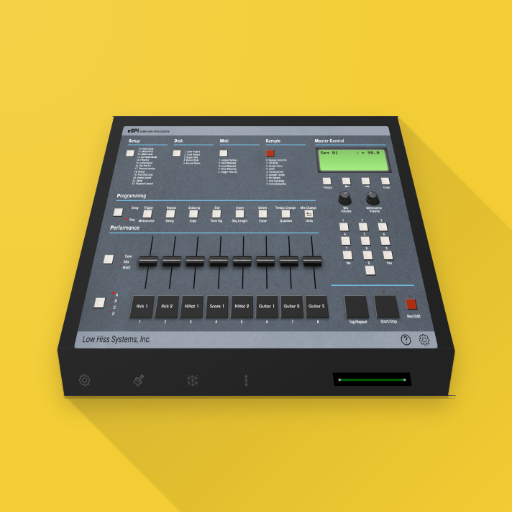
The original SP-1200 experience on your iPad
4.20
Turn your phone into a musical instrument from the future!
3.90
The Cubase remote control app
3.60
Simple mp3 and mp4 player with advanced features.
3.40
The Minimalistic Premium Music Player. Handmade with passion for music
2.20
Music Streaming suite for Ampache, Nextcloud Music and compatible backends.
4.0


