
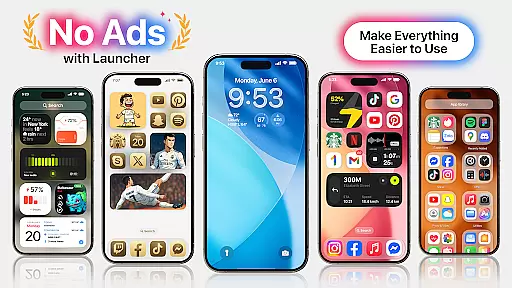
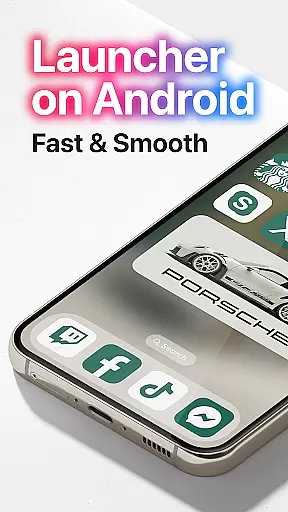
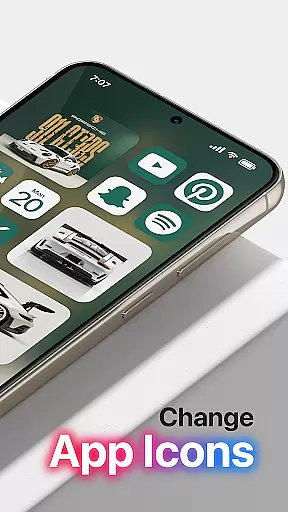
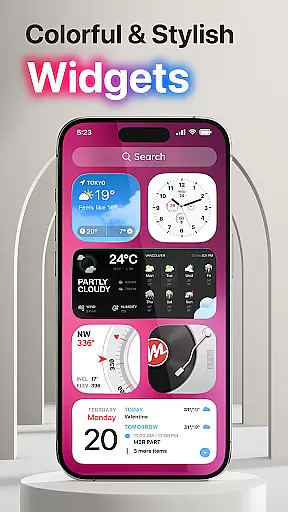
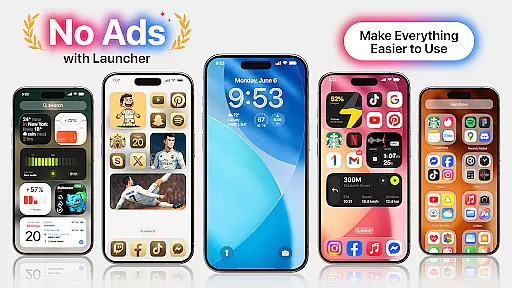
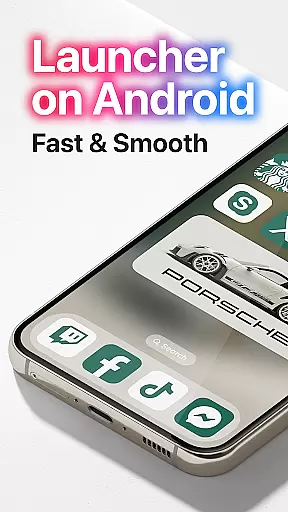
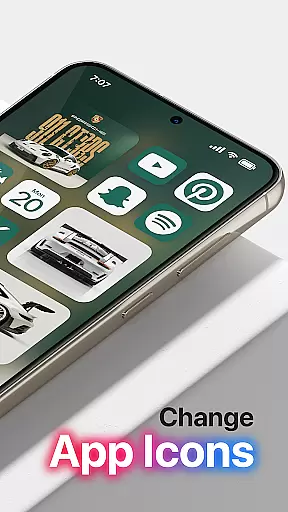

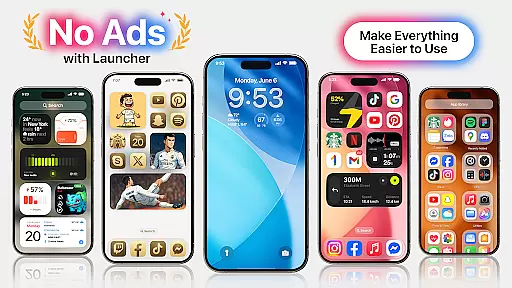
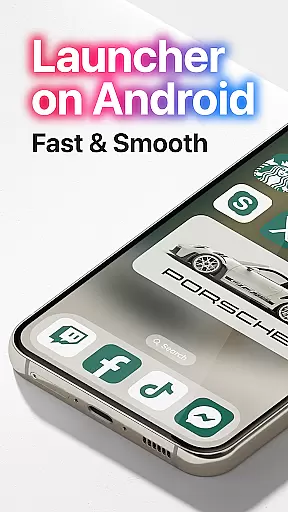
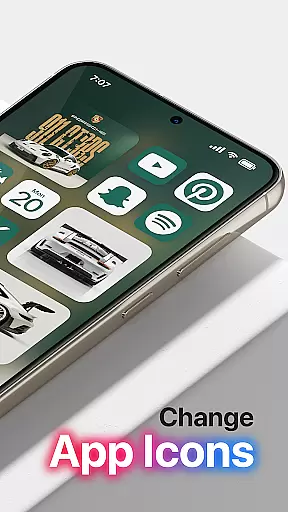
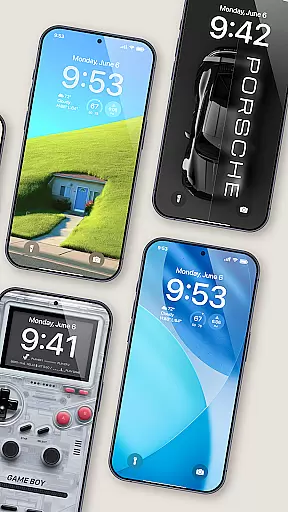
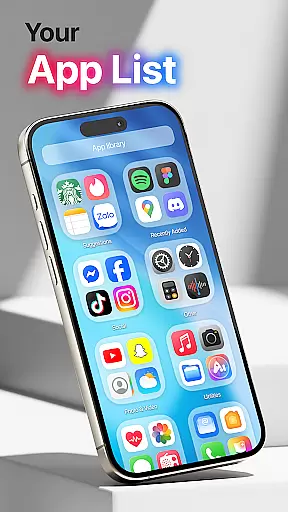
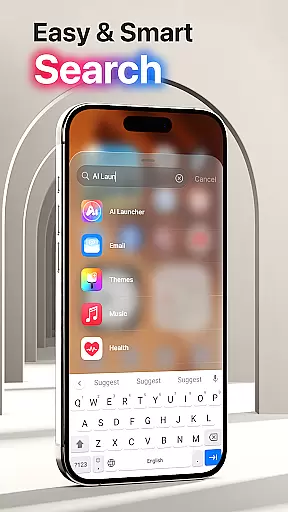
Launcher OS Pro is a premium Android launcher app that redefines the mobile operating system experience. Designed for users seeking a personalized and intelligent interface, it combines an ad-free environment with advanced customization features.
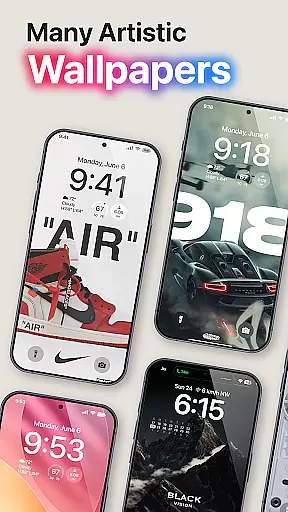
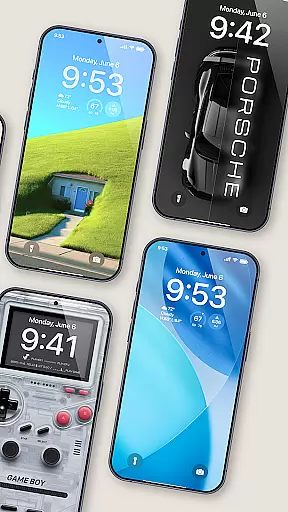
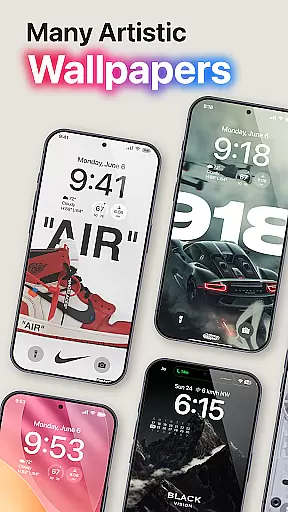
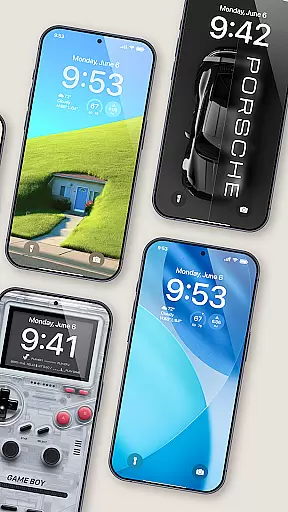
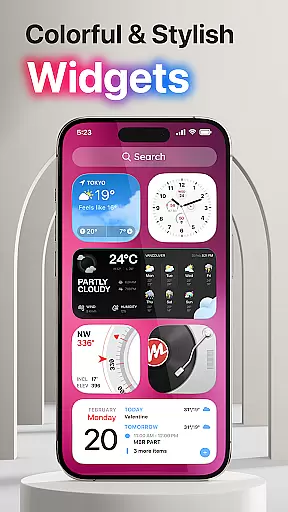
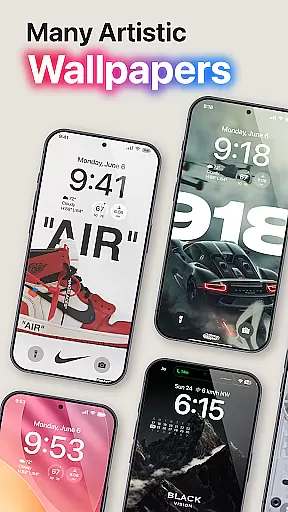
The app offers over 50 unique wallpapers, color widgets, and themes supporting both light and dark modes. With enhanced gestures for quick access to apps, contacts, and settings, Launcher OS Pro ensures seamless navigation. Its innovative design makes your phone more powerful and intuitive than ever before.
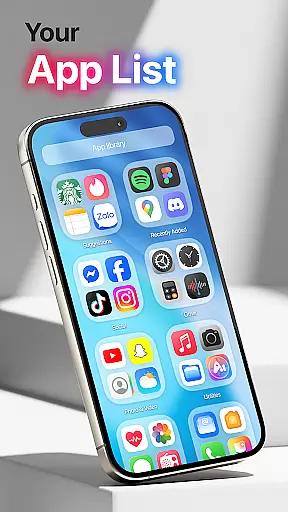
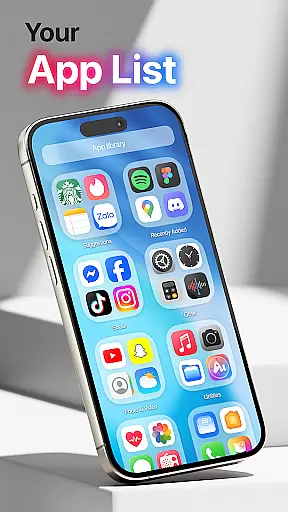
Launcher OS Pro stands out with its user-friendly interface featuring row and column icon elements. The app provides extensive customization options, including lock screen personalization and gesture controls for faster access to essential functions.
With support for both light and dark modes, Launcher OS Pro adapts to your preferences. The inclusion of 50+ unique wallpapers and color widgets allows users to tailor their home screens. Additionally, upcoming premium functions promise even more possibilities for personalization and efficiency.
Launcher OS Pro offers an extensive range of customization options that allow users to tailor their device's interface according to their preferences. With over 50 unique wallpapers and numerous color widgets and themes, the app supports both light and dark modes, ensuring a personalized experience for every user.
The app goes beyond just aesthetic changes by providing advanced features such as lock screen customization and widget adjustments. Users can modify their lock screens and widgets to reflect their style, making their devices truly one-of-a-kind. This level of personalization ensures that each user's device is not only visually appealing but also functionally tailored to their needs.
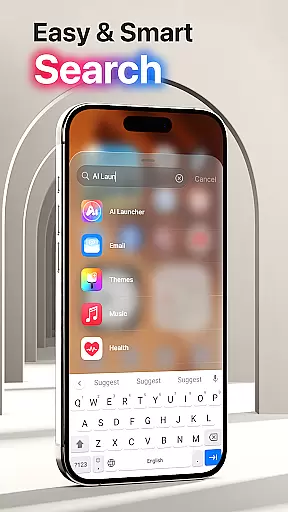
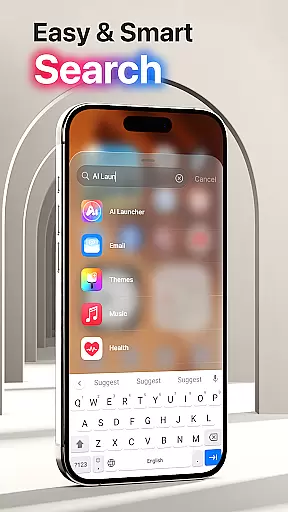
Moreover, Launcher OS Pro includes more gestures for quick access to apps, contacts, settings, and search functions. These gestures enhance the user experience by streamlining navigation and providing faster access to frequently used features. The ability to swipe up and perform other gesture-based actions makes using the device more intuitive and efficient.
Theme compatibility is a crucial aspect of Launcher OS Pro, ensuring that all visual elements work seamlessly together. The app provides a wide array of themes that are compatible with various device models and screen sizes, maintaining visual consistency across different platforms.
Users can choose from a variety of themes that support both light and dark modes, allowing them to switch between these modes effortlessly. This compatibility ensures that regardless of the mode selected, the theme will adapt correctly, preserving the intended design and functionality. Such flexibility enhances user satisfaction and comfort during prolonged use.
In addition to basic theme compatibility, Launcher OS Pro integrates smoothly with other system components. Whether it's adjusting wallpapers or configuring widgets, the app ensures that all elements remain cohesive and visually harmonious. This comprehensive approach to theme management sets Launcher OS Pro apart, offering users a polished and professional appearance on their devices.
Ad-free interface
Customizable lock screen
Light and dark mode support
Unique wallpapers
Enhanced gesture controls
Requires special permissions
Premium features upcoming
Limited widget options
Occasional performance issues
Not all devices supported

Customizable Glass widgets. Over 360+ stunning widgets and more!
 4.70
4.70
Winter's Journey: digital watch face for Galaxy Watch & Wear OS
4.80
Adult video chat, dating, making friends, random matching
4.20
A launcher for Samsung Good Lock and Good Guardians modules without ads
4.70
Dark icon pack based on One 8
4.80
Ultimate Gallery Lock App - Hide Pictures, Videos and Lock Apps Instantly!
4.60
300+ Beautifully crafted widgets inspired by OneUI.
4.60
400+ Beautifully crafted widgets inspired by NOTHING.
4.70
Fast SMS & group chat - use GIFs and emojis from your home screen launcher.
4.50
350+ widgets with a premium glass-style finish, perfect for home & lock screens.
4.70
Make your phone look simple & luxury, like iDevice
4.60
Add cute Shimeji pets to screen, interact with them and relax with cute motions
4.60
Want to make your phone more special than ever?
4.60
Zip lock screen with magic wallpaper to decorate your phone with fun zipper lock
4.60
3D, live, and moving wallpapers & themes in 4K and HD for your device.
4.50
Realistic animated snow on your wrist, with 10 images landscapes to choose from
4.00
Your go to Weather App & Home Screen. Get your weather at a swipe of a finger!
3.80
Custom edge gestures for volume control, brightness, apps, and shortcuts.
4.4
Modern Glass Icon Pack with glossy icons, clean minimal theme & aesthetic style
4.5


User Reviews